
AI Baby Generator
A first look at your future baby.
Upload a photo of each parent and Aymo AI creates a baby face that mixes features from both of you. Ask for a boy or a girl, a newborn or a toddler, and compare results from several image models to find the one that feels most like your family.
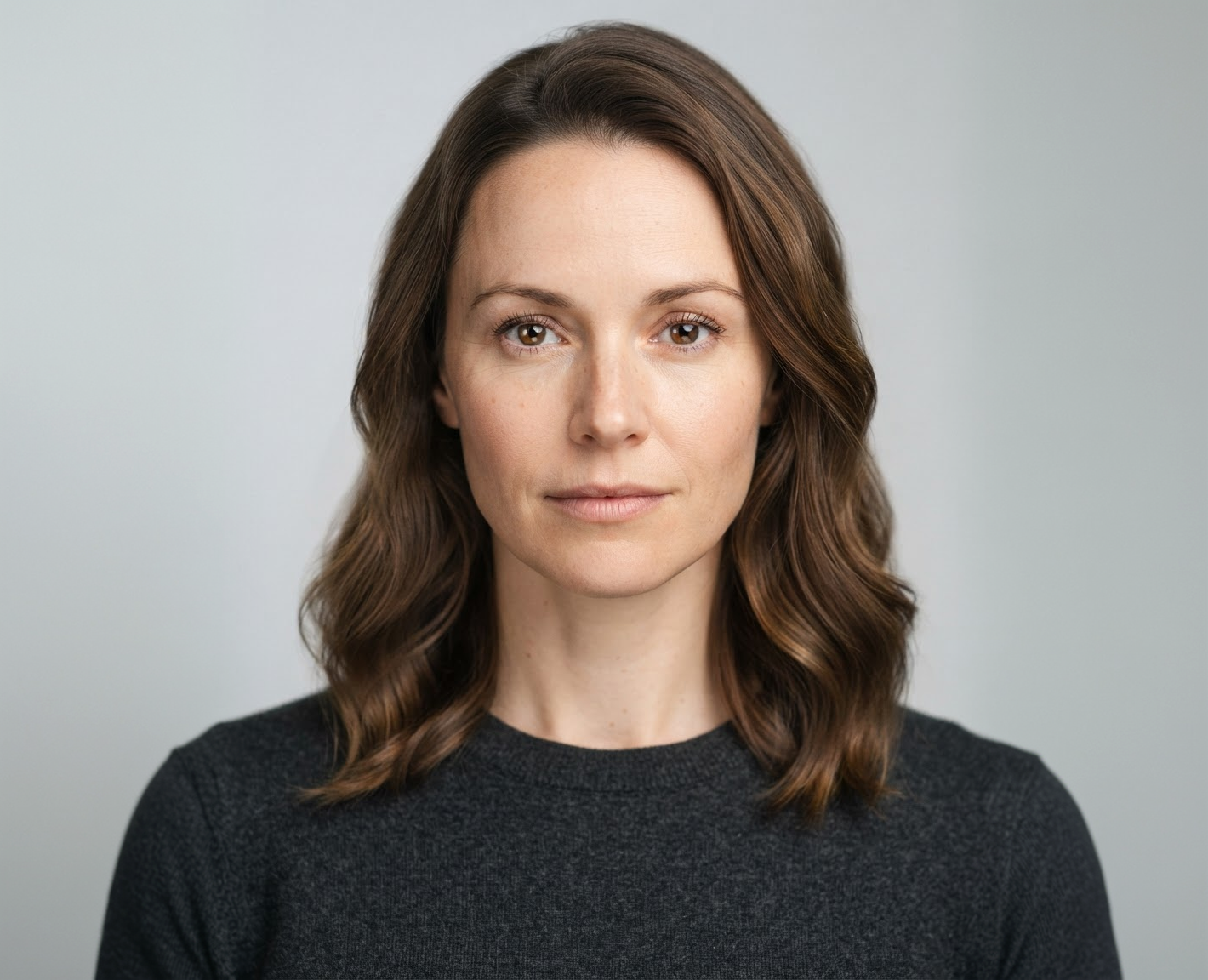
Upload Parents' Photos
Parent 1 Photo
Drop or click to upload
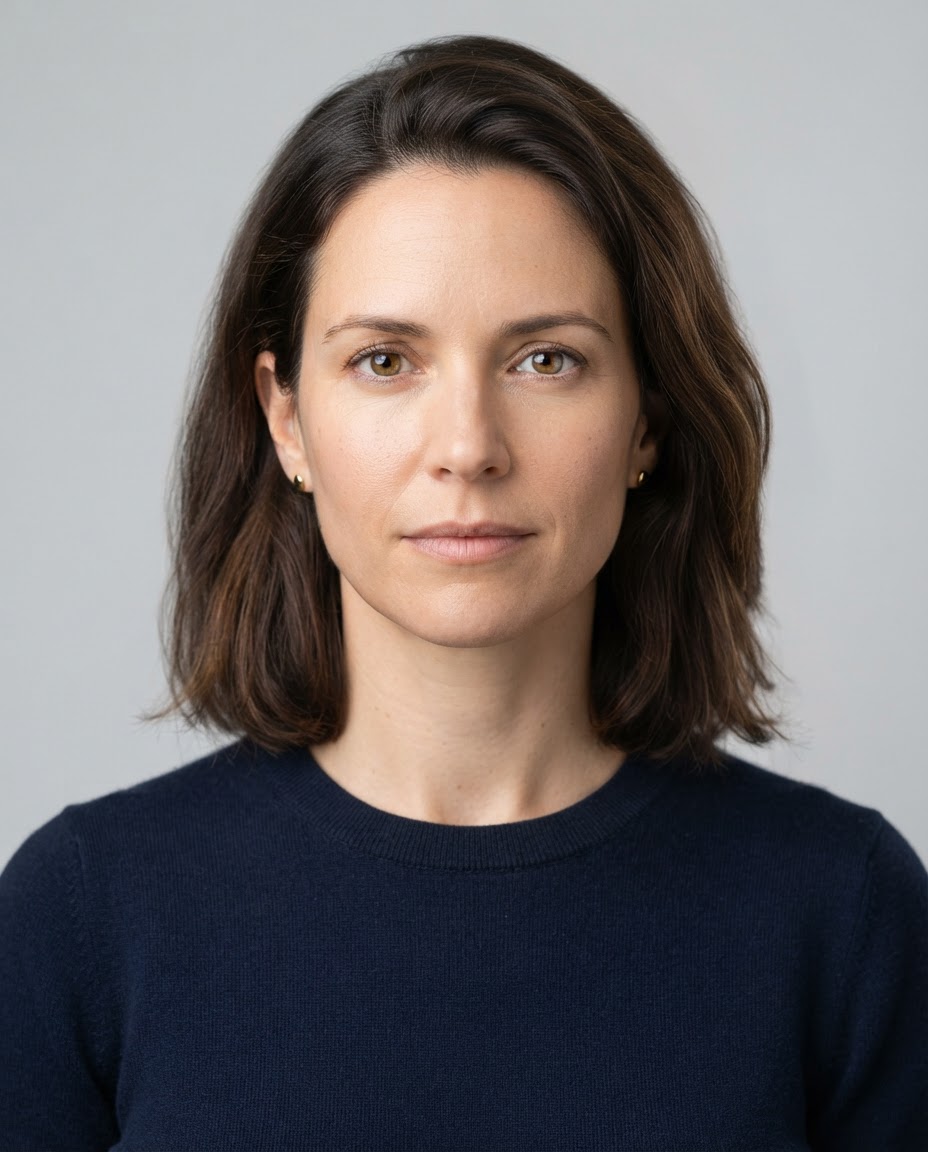
Parent 2 Photo
Drop or click to upload
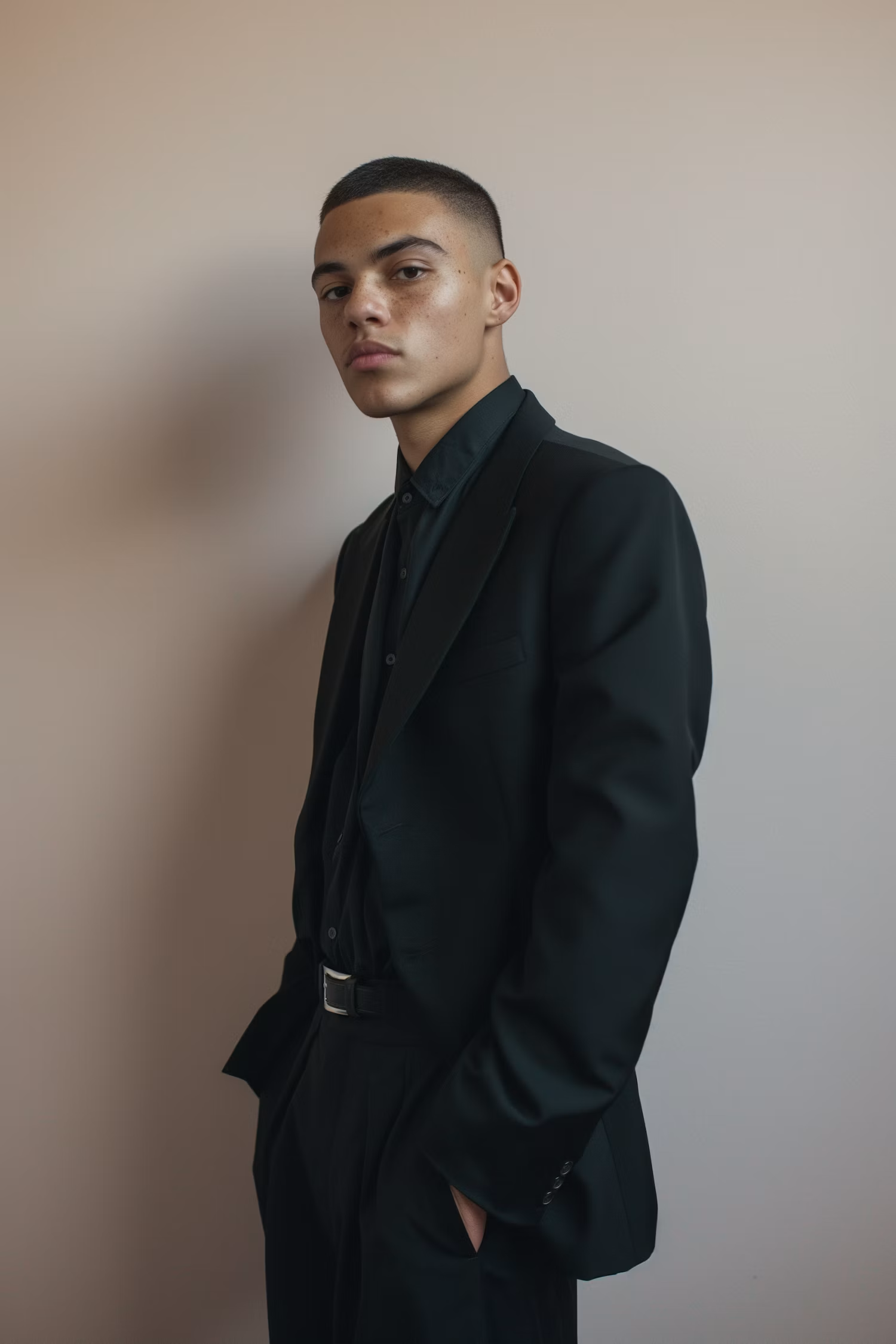


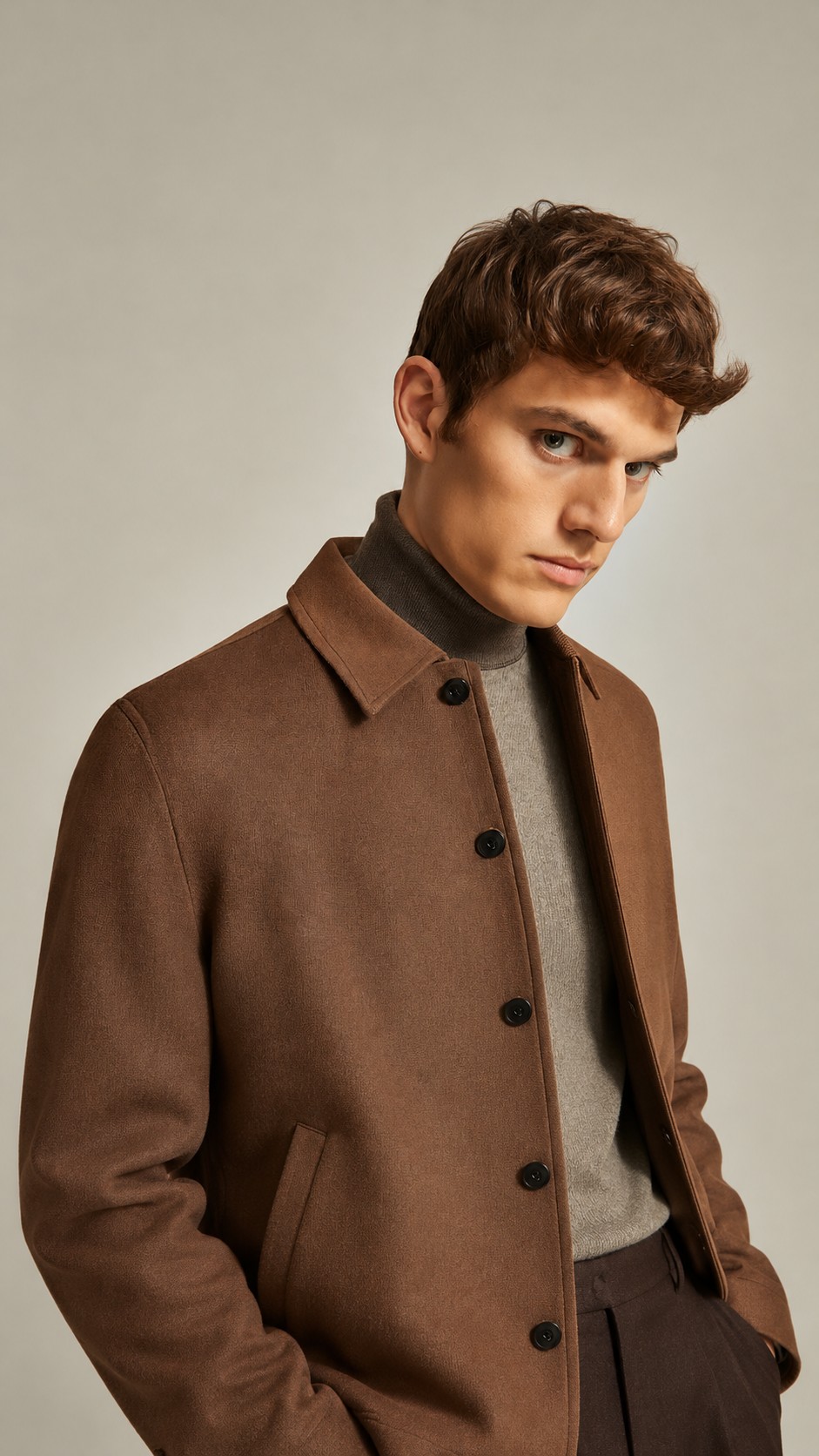
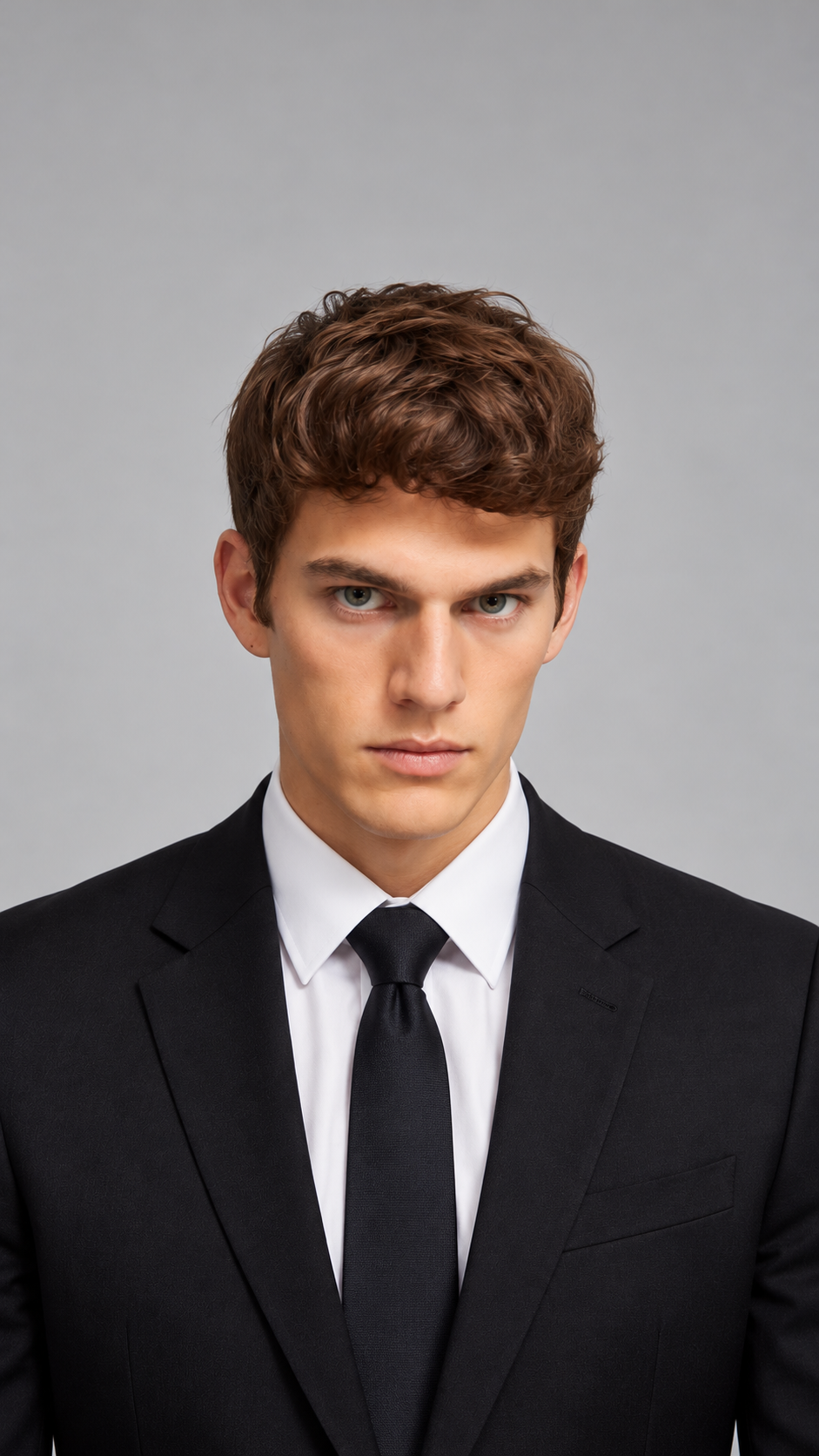
Two Parents, One Face
Upload one photo of each parent and see features from both.
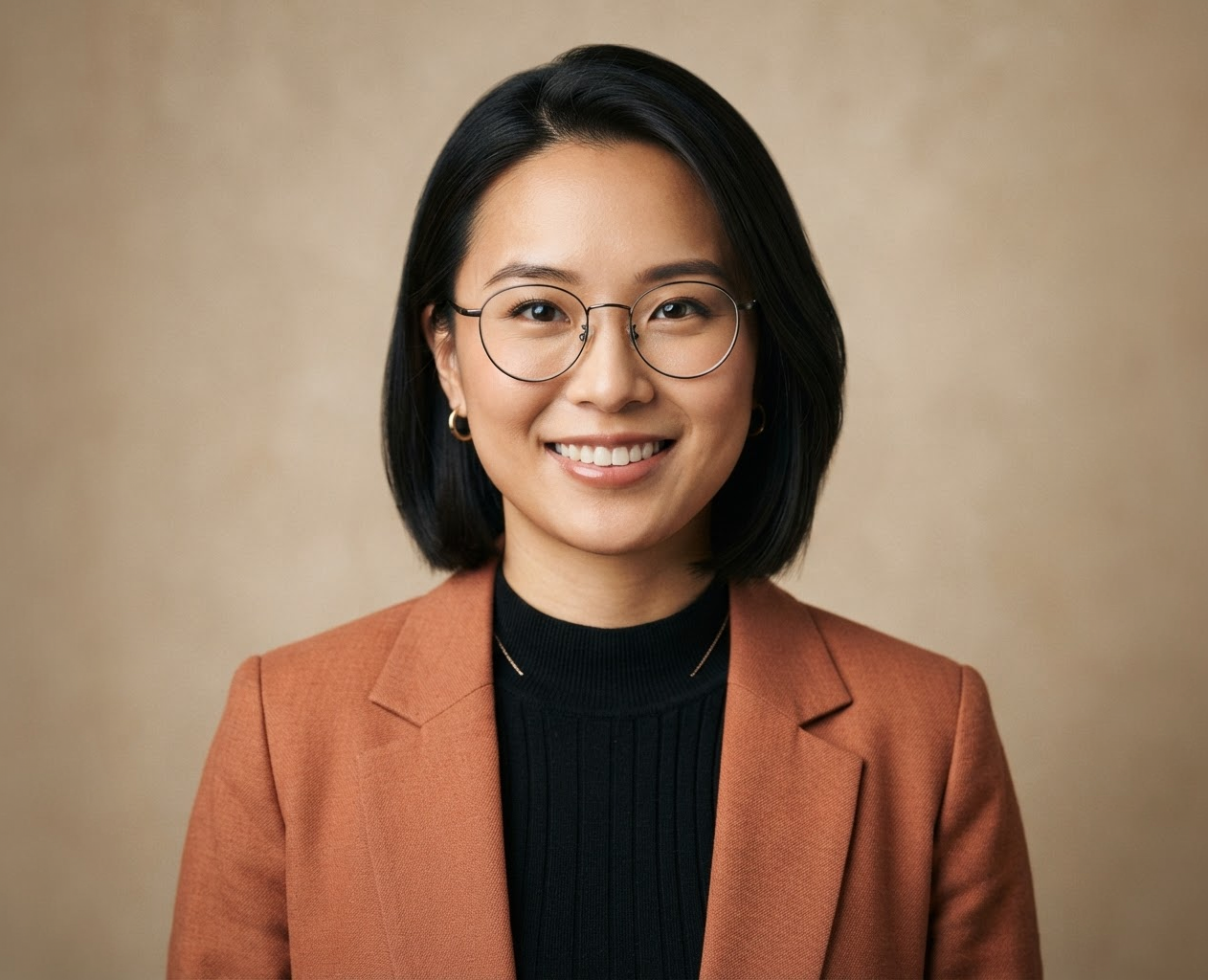

Boy or Girl
Ask for a son, a daughter, or one of each.
Export Sizes
Choose the Age
See your baby as a newborn, a toddler, or a young child.
Lean Toward One Parent
Ask for more of mom's eyes or more of dad's smile.
Compare Models Side by Side
See the same baby on several image models and keep your favorite.
How it works
How to See What Your Baby Will Look Like
Create professional results in just a few simple steps.
Step 1
Upload Two Photos
Add a clear, front-facing photo of each parent.
Choose a file or drag & drop it here.
JPG, PNG, or WEBP, up to 20 MB.
Step 2
Describe the Baby
Choose boy or girl and an age, then click Generate Baby.
Step 3
Compare and Download
Pick the version you like most and save it.
Features
Who Uses the AI Baby Generator
Couples
Imagine your future child together.
Parents-to-Be
Get a playful preview before the due date.
Baby Shower Hosts
Make a fun surprise for the guests of honor.
Newlyweds
Share a lighthearted moment after the wedding.
Content Creators
Make couple and family reveal posts.
Families
Picture a sibling for your child.
FAQ
Frequently Asked Questions
Answers on cost, accuracy, photos, options, and privacy for the AI Baby Generator.
You can try it on the free plan. Free has usage limits, a lower maximum resolution, and a lower limit on how many photos you can upload at once. Paid plans raise all three.
It is a likeness, not a genetic prediction. The model mixes visible features such as eye shape, skin tone, and face shape, but real inheritance is far less predictable.
One clear, front-facing photo of each parent, in good light, with no sunglasses or heavy filters. Similar lighting in both photos gives a more even blend.
Yes. Ask for a boy, a girl, or both, and generate a few versions of each.
Yes. Ask for a newborn, a toddler, or a five-year-old. For later ages, try the AI Age Progression tool.
Only with their permission. Use your own photo and your partner's, and do not pair strangers or public figures.
Yes. Your photos stay in your account and are not used to train models. You control who can see anything you share.
Ready to Explore?
Work Smarter With Multi-Model AI
Try new looks, edit photos, and create images with GPT Image, Nano Banana, FLUX, and Seedream in one secure workspace.