AI Instagram Post Generator
Image and caption from one prompt.
Describe your post, add a reference image if you like, and pick a format. Aymo AI creates the visual with a ready-to-use caption and relevant hashtags, sized for feed, stories, or carousel.
Reference Image (Optional)
Choose a file or drag & drop it here.
JPG, PNG, or WEBP, up to 20 MB.
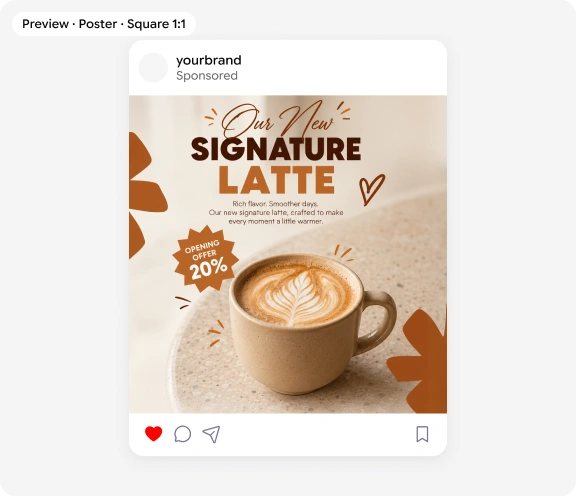
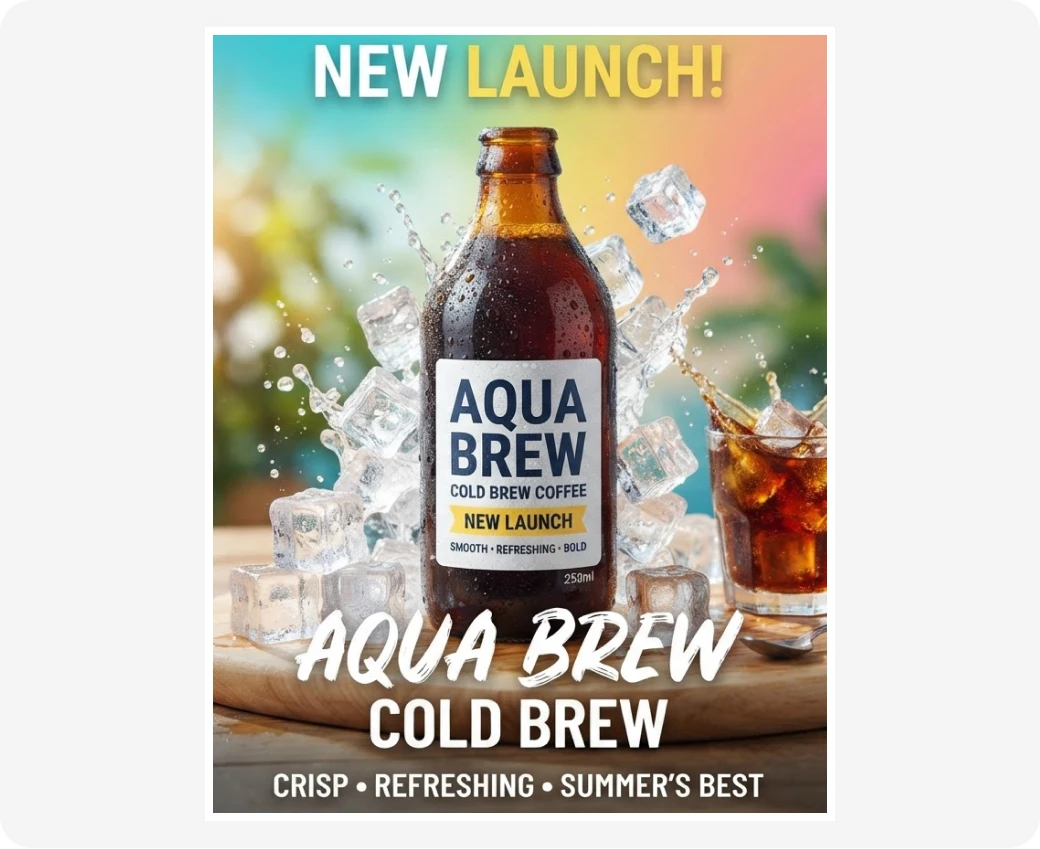
Launch post for our new cold brew. Bright summer colors, fun and friendly vibe.
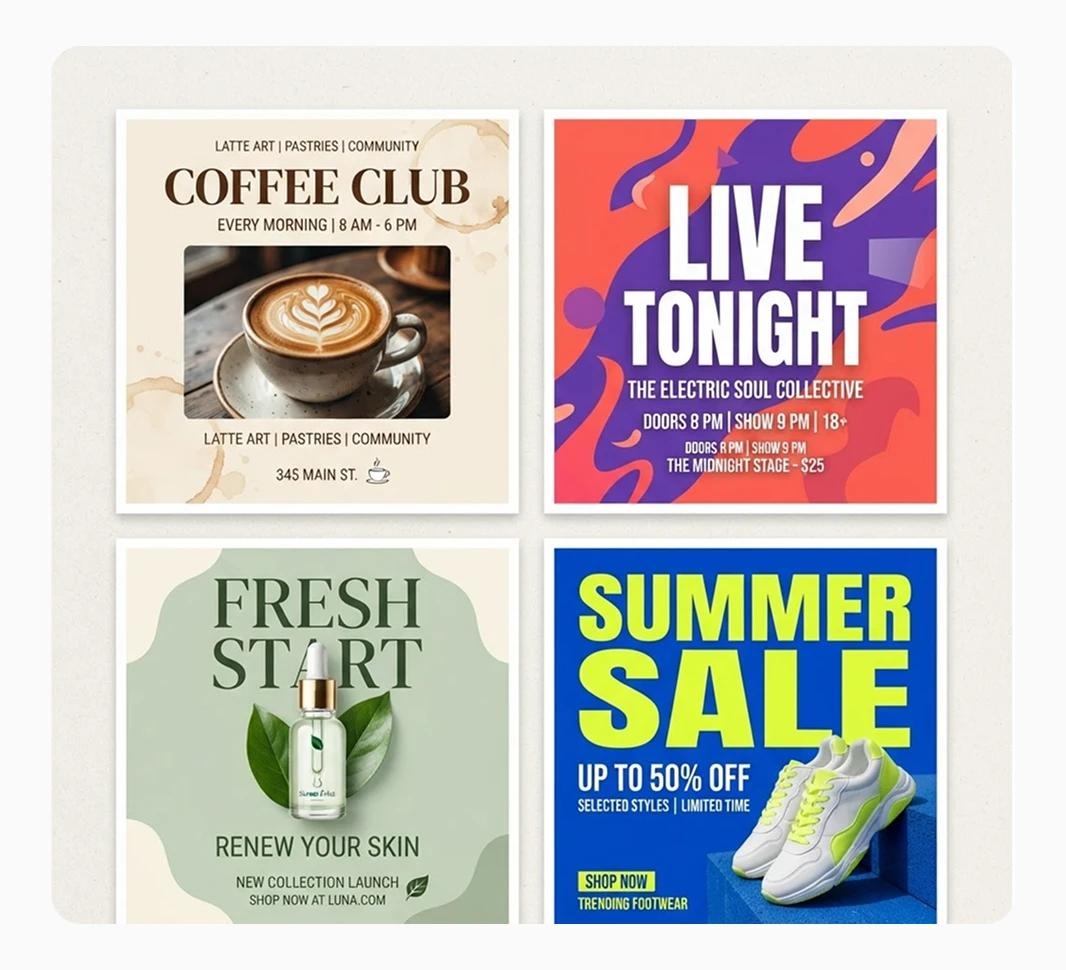
From an Idea to a Post
Describe your idea and get a polished Instagram poster. Add a product photo, logo, or brand image as a reference so colors and products stay consistent from post to post.
A Caption Every Time
Every poster comes with a caption written in your chosen tone and a short selection of relevant hashtags. Copy the caption with one click, and check any text in the visual before you post.
Caption
Summer just got cooler. Our new cold brew is here: smooth, bold, and 20% off this week only.
#coldbrew #summervibes #newlaunch
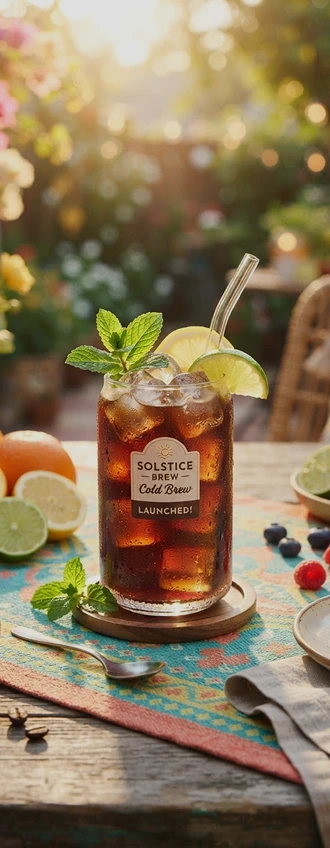
Formats for Feed, Story, and Carousel
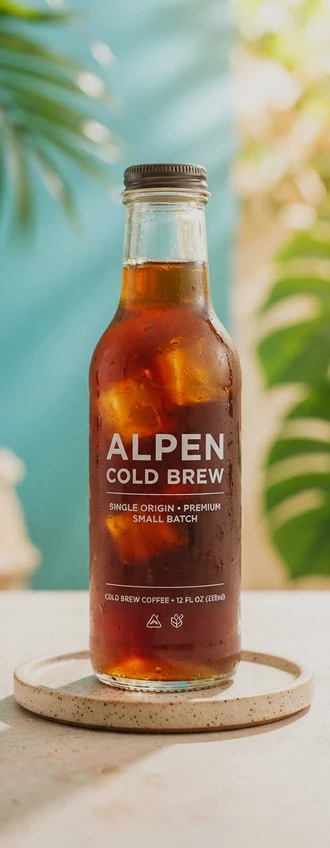
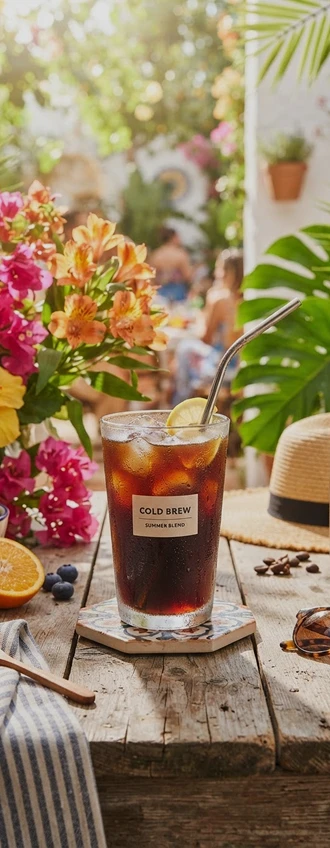
Choose square 1:1, portrait 4:5, story 9:16, or a carousel series in the same visual style. Every poster uses native Instagram dimensions so it fits your feed without awkward crops.
How it works
How to Make an Instagram Post With AI
Create a post in four simple steps.
Step 1
Describe the Post
Write your idea, and add an optional reference image.
Step 2
Choose a Format
Pick square, portrait, story, or carousel.
Step 3
Generate Poster
Click Generate Poster to get your visual and caption.
Step 4
Download
Preview your post, then download the image and copy the caption.
Who it's for
Who Uses the AI Instagram Post Generator
Small Business Owners
Keep your feed active without a content team.
Social Media Managers
Batch a week of posts in one sitting.
E-commerce Stores
Turn product photos into styled feed posts.
Coaches and Consultants
Share tips in clear quote and carousel formats.
Content Creators
Test new visual ideas for your feed.
Nonprofits
Promote campaigns and events on a small budget.
FAQ
Frequently Asked Questions
It creates a post visual and caption from one prompt, so you do not have to write or design separately. You describe the post and pick a format.
Yes. You can create posts on the free plan. Free has usage limits and a lower maximum resolution, and paid plans raise both.
Square 1:1, portrait 4:5, story 9:16, and carousel. Check current Instagram size guidelines before you post.
Yes. Every post includes a caption in your chosen tone and a short list of relevant hashtags you can copy and tweak.
Usually, but double-check spelling, names, and prices before you post. Image models sometimes misspell words.
Instagram may add an AI label, or require you to disclose realistic AI images. Follow Instagram's current policy and be transparent with your audience.
Yes. Your images and posts stay in your account and are not used to train models. You control who can see anything you share.
Ready to Explore?
Work Smarter With Multi-Model AI
Create posts, edit photos, and write captions with GPT Image, Nano Banana, FLUX, and Seedream in one secure workspace.