AI Photo Editor
Upload a photo and say what to change.
Upload an image and write the edit in plain words, such as "remove the people in the background" or "make it golden hour". Aymo AI applies the change while keeping the rest of the photo unchanged. Review the result and download the version you like.
Upload Your Image
Choose a file or drag & drop it here.
JPG, PNG, or WEBP, up to 20 MB.
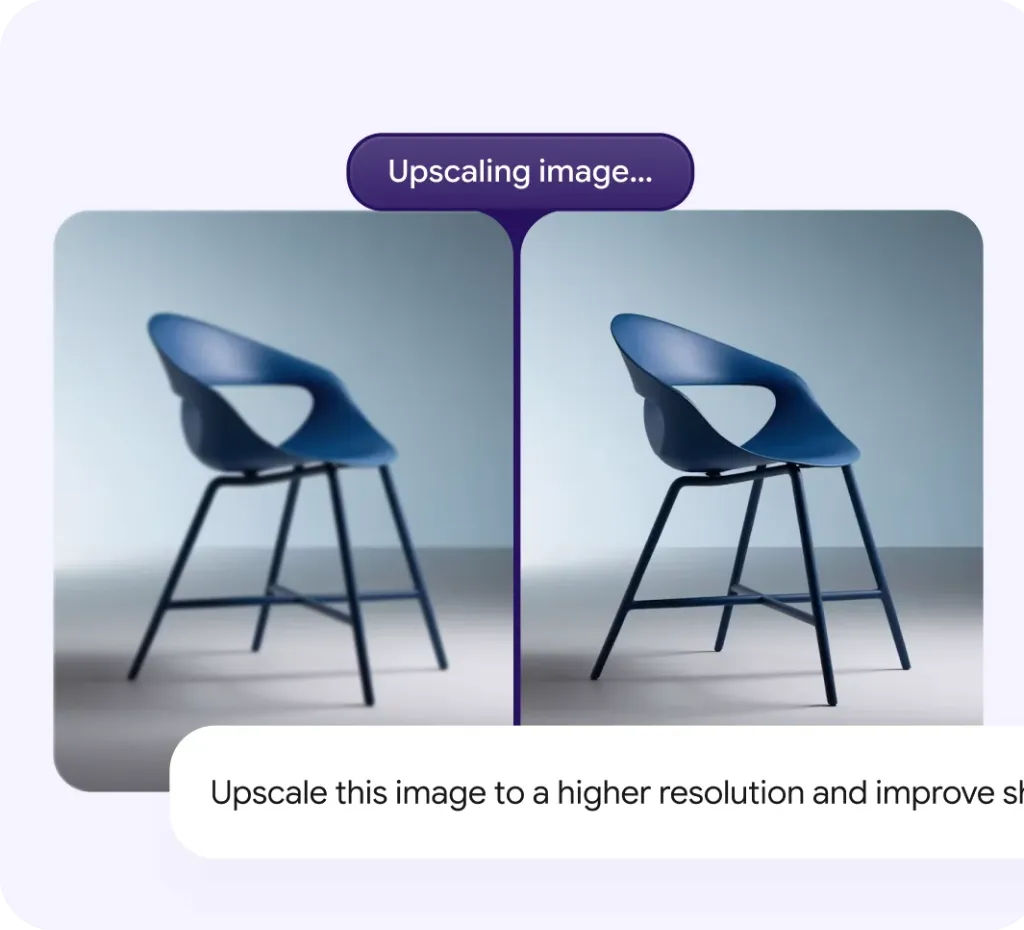
Upscale and Sharpen in One Click
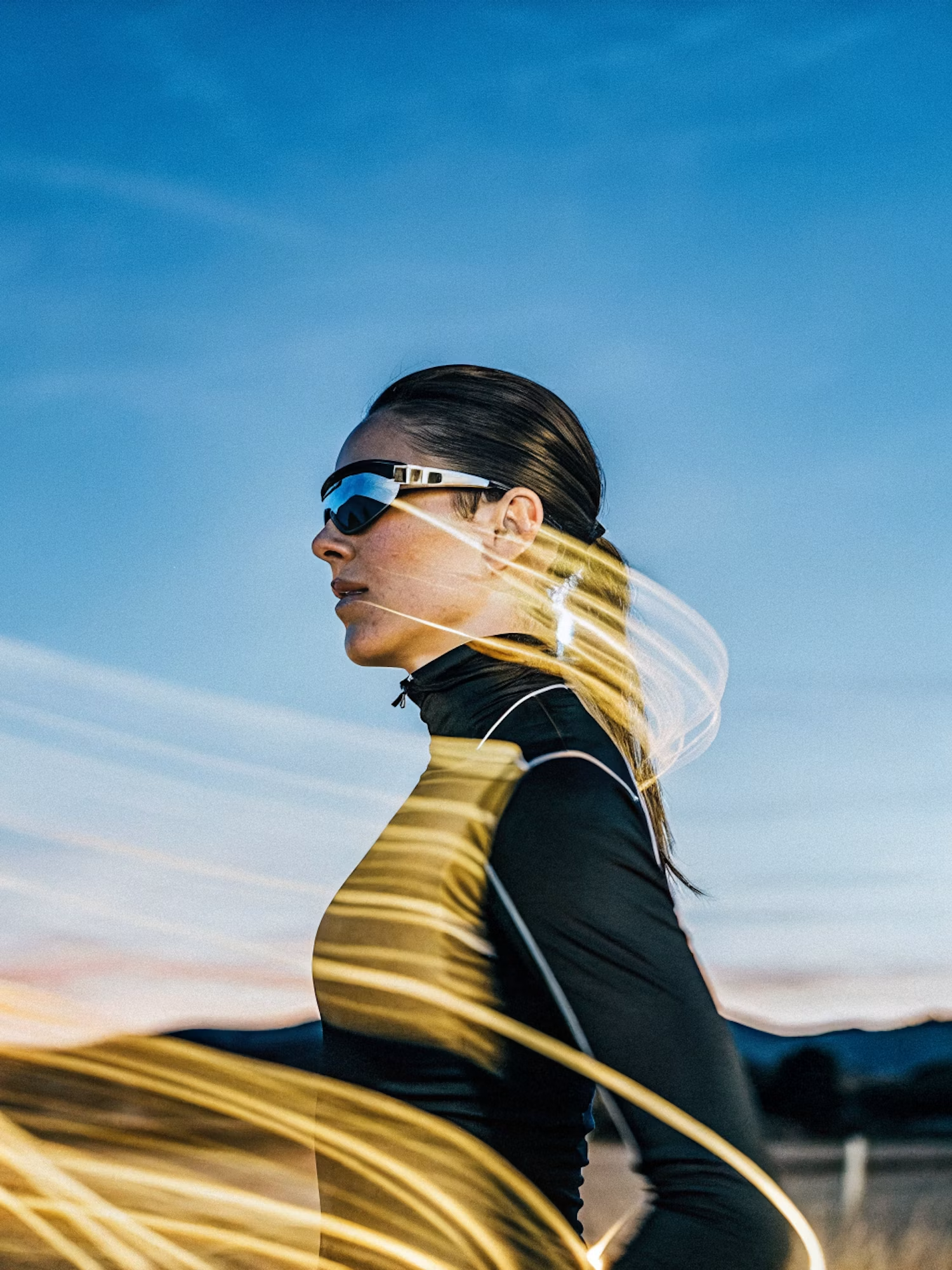
Make low-resolution photos sharper and clearer in one click. The AI upscaler adds detail while keeping textures and edges clean, and paid plans export at up to 4K.
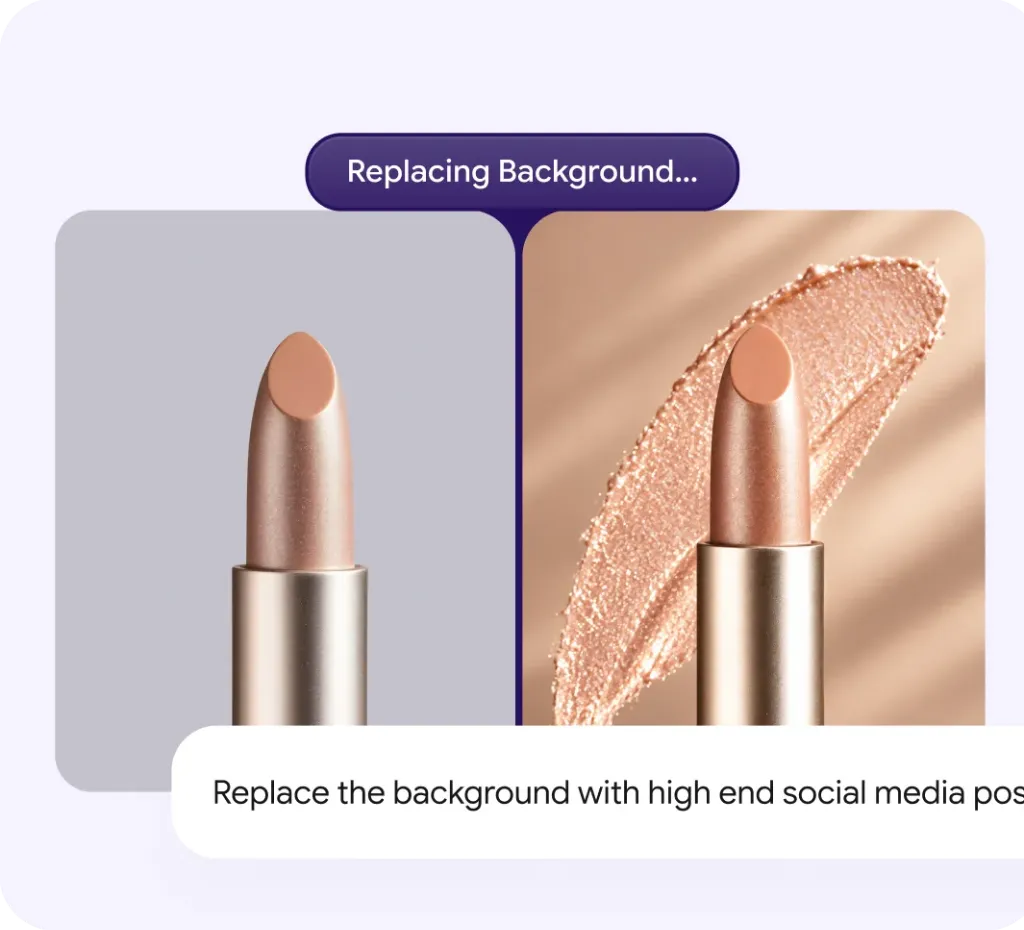
Replace the Background From a Prompt
Swap a busy or dull background for a new scene by describing it. The AI keeps your subject's edges, lighting, and colors, so the final photo looks natural.
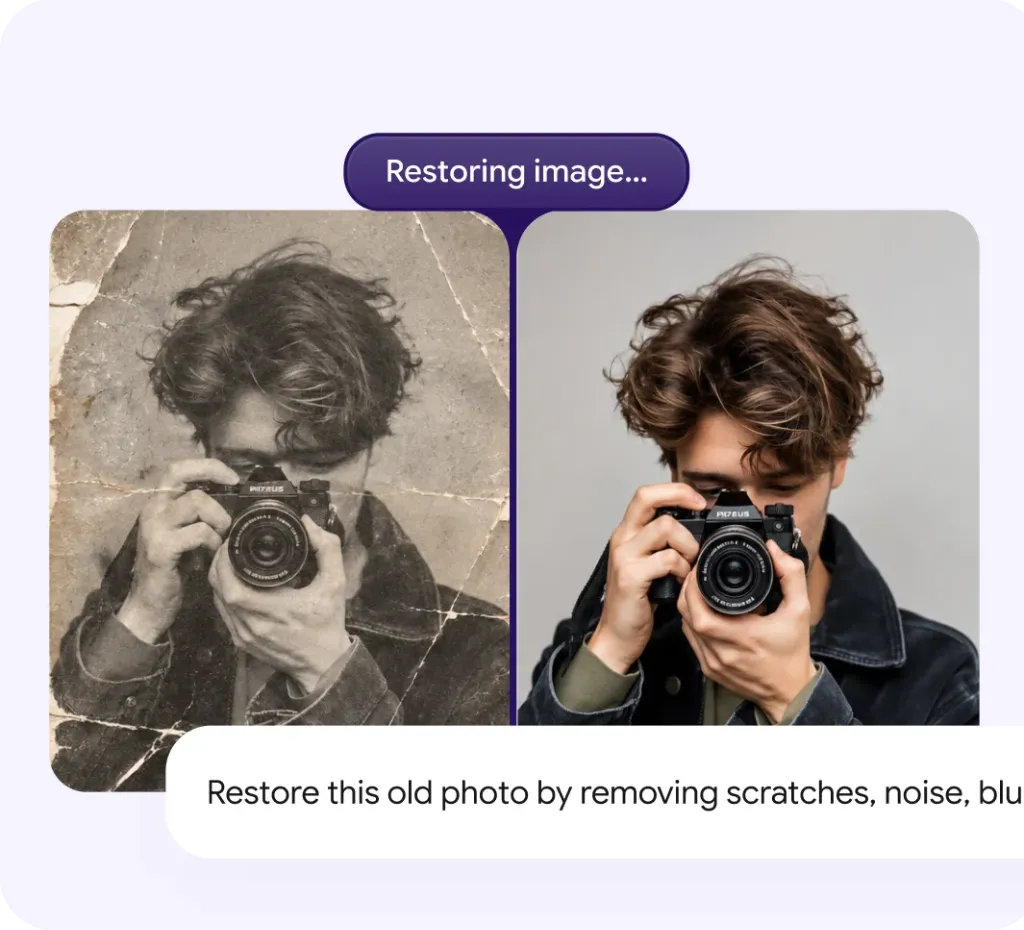
Repair Old and Faded Photos
Ask the AI to clear scratches, dust, noise, or blur from old and faded photos. Faces and the original look stay the same, so the photo feels repaired, not replaced.
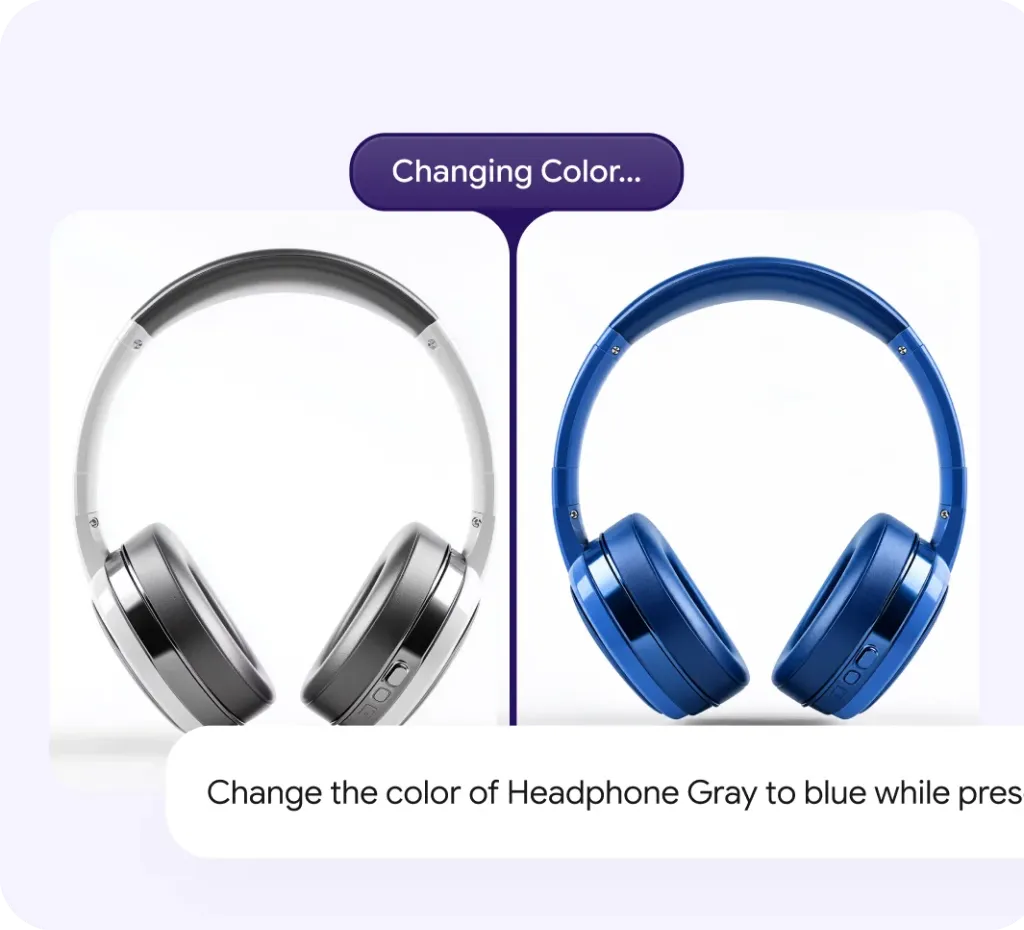
Change Colors in Any Photo
Recolor products, clothing, objects, or backgrounds with a simple text prompt. The AI keeps the original details, textures, and shapes, so the new color looks real and natural.
How it works
How to Edit a Photo with AI
Edit any photo in four simple steps.
Step 1
Upload
Add the image you want to edit.
Choose a file or drag & drop it here.
JPG, PNG, or WEBP, up to 20 MB.
Step 2
Describe
Write the change in plain words, or tap a quick action.
Step 3
Edit Image
Click Edit Image, and Aymo AI applies the change while keeping the rest of the image the same.
Step 4
Download
Review the result, try a follow-up edit if needed, then save the final image.
Features
Built for Quick, Clean Photo Edits
Online Sellers
Clean up product photos and place them in new scenes.
Social Media Creators
Fix lighting, remove clutter, and restyle shots before posting.
Marketers and Designers
Produce campaign variations from one base image.
Real Estate Agents
Brighten rooms, clear clutter, and replace overcast skies.
Small Business Owners
Edit menu, team, and storefront photos without hiring a retoucher.
Everyday Photographers
Remove photobombers and fix holiday shots in a minute.
FAQ
Frequently Asked Questions
Answers on cost, edit types, quality, languages, and privacy for the AI Photo Editor.
An AI photo editor changes an image from a written instruction. You describe the edit, such as removing a stranger or replacing the sky, and the image model makes it.
Yes. You can edit photos on the free plan. The free plan has usage limits and a lower maximum resolution, and paid plans raise both.
Object and people removal, background replacement, relighting, color changes, adding elements, and style changes. You can also remove the background, upscale, or expand the frame in one click.
The models aim to keep everything else the same. If something shifts, say what to keep in the instruction, such as "keep the face unchanged", and run the edit again.
Yes. Describe the change in your own language and the AI applies it.
ChatGPT is a general chat tool. This editor is built for photos, with one-click actions for background removal, upscaling, expanding, and lighting next to your text edits.
Yes. Your photos and edits stay in your account and are not used to train models. You control who can see anything you share.
Ready to Explore?
Work Smarter With Multi-Model AI
Cut out images, edit photos, and generate visuals using GPT Image, Nano Banana, FLUX, and Seedream in one secure workspace.