AI Watermark Remover
Clear stamps, logos, and text overlays from your photos.
Upload an image you own or have permission to edit, and mark what to remove, such as a date stamp in the corner. Aymo AI removes it and fills the area with matching background. Check the result and download the clean image.
Upload Watermarked Image
Choose a file or drag & drop it here.
JPG, PNG, or WEBP, up to 20 MB.
Don't have a photo?
Try a sample image
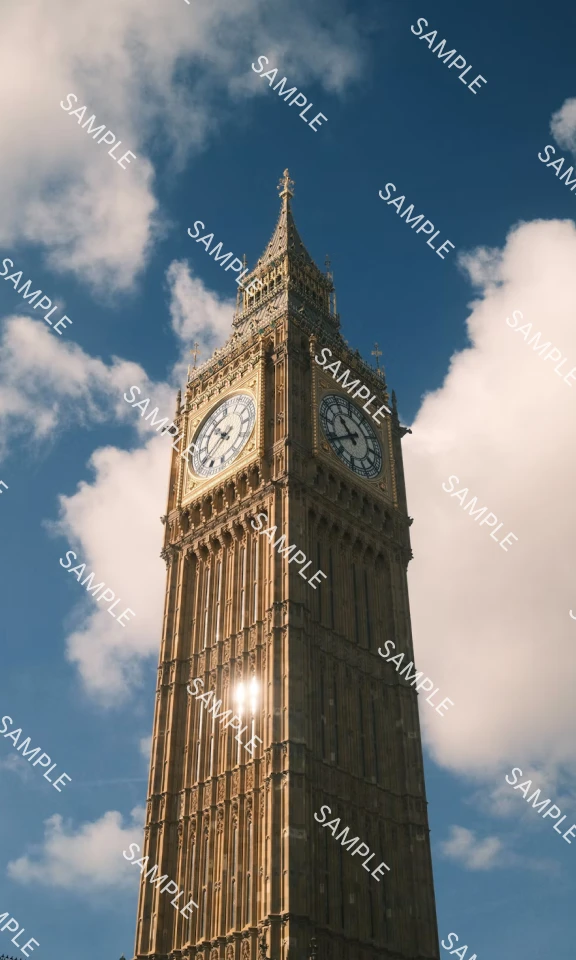
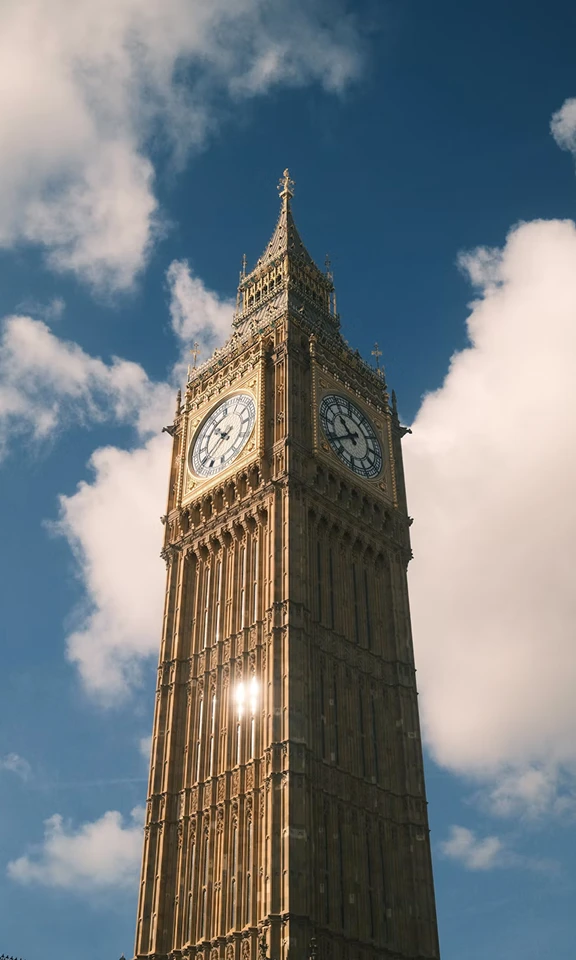


Rebuilds the Background Behind the Mark
The model removes the mark and fills the area to match the surrounding texture, color, and lines. It rebuilds the background instead of blurring it, so edits stay hidden.
Clear Stamps, Logos, and Text
Remove camera date stamps, old corner logos, captions, app usernames, and semi-transparent overlays from your own photos. Large marks across the whole image may need a second pass.
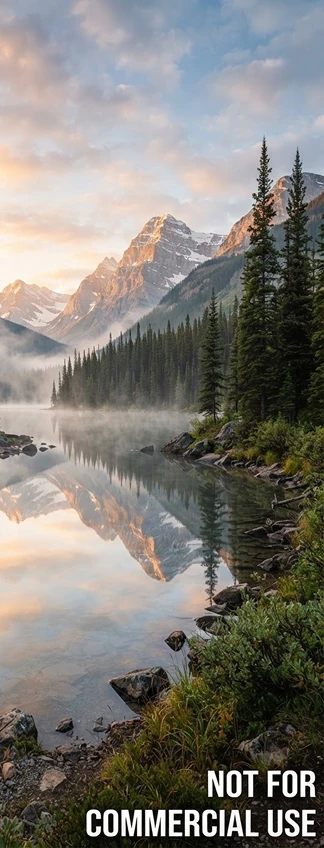


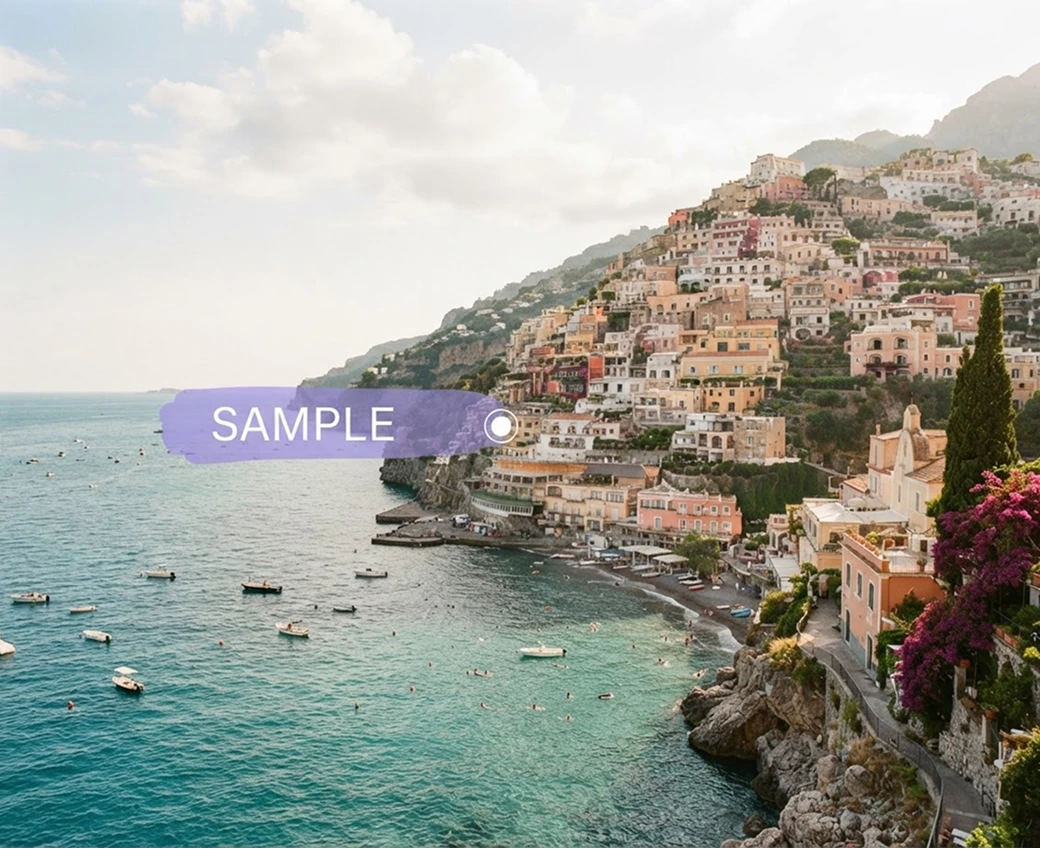
Auto-Detect or Brush Over Any Mark
Let the AI detect the mark, or brush over it to pick the exact area. The brush also clears other unwanted objects, and the rest of the image stays as it was.
How it works
How to Remove a Watermark with AI
Create professional results in just a few simple steps.
Step 1
Upload Your Image
Add an image you own or are allowed to edit.
Step 2
Describe the Mark
Say what to remove, then click Remove Watermark.

Step 3
Compare and Download
Check the filled area and save the best version.

Who it's for
Built for Cleaning Up Your Own Images
Photographers
Remove old watermarks from your own portfolio files.
Families
Clear date stamps from scanned and digital family photos.
Brands Updating Assets
Take an old logo off product photos after a rebrand.
Content Creators
Remove app usernames from your own exported images.
Online Sellers
Clean text overlays from photos you shot yourself.
Designers
Strip placeholder text from licensed templates you are editing.
FAQ
Frequently Asked Questions
Answers on cost, legal use, mark types, quality, and privacy for the AI Watermark Remover.
Yes. You can remove watermarks on the free plan. Free has usage limits, and paid plans raise them.
It is legal on images you own or have permission to edit. Removing a watermark from someone else's photo to use it without a license can violate copyright law.
Date stamps, logos, text captions, usernames, and semi-transparent overlays. Large marks across the whole image may need a second pass.
The model rebuilds the background instead of blurring it. On detailed patterns, compare two models and keep the cleaner fill.
Yes. Describe any object or person to remove. For broader edits, the AI Photo Editor gives you more options.
The rest of the image is meant to stay as it was. Download at up to 4K on paid plans, and compare with the original.
Yes. Your images stay in your account and are not used to train models. You control who can see anything you share.
Ready to Explore?
Work Smarter With Multi-Model AI
Clean up, edit, and generate images using GPT Image, Nano Banana, FLUX, and Seedream in one secure workspace.