Eyebrow Filter
Find your brow shape before you pluck, tint, or microblade.
Upload a clear photo and describe the brows you want, such as soft arched, straight, thicker, or a fluffy laminated look. Aymo AI reshapes your eyebrows and keeps the rest of your face. Compare results from several image models and show your favorite to your brow artist.
Upload Selfie Photo
Choose a file or drag & drop it here.
JPG, PNG, or WEBP, up to 20 MB.
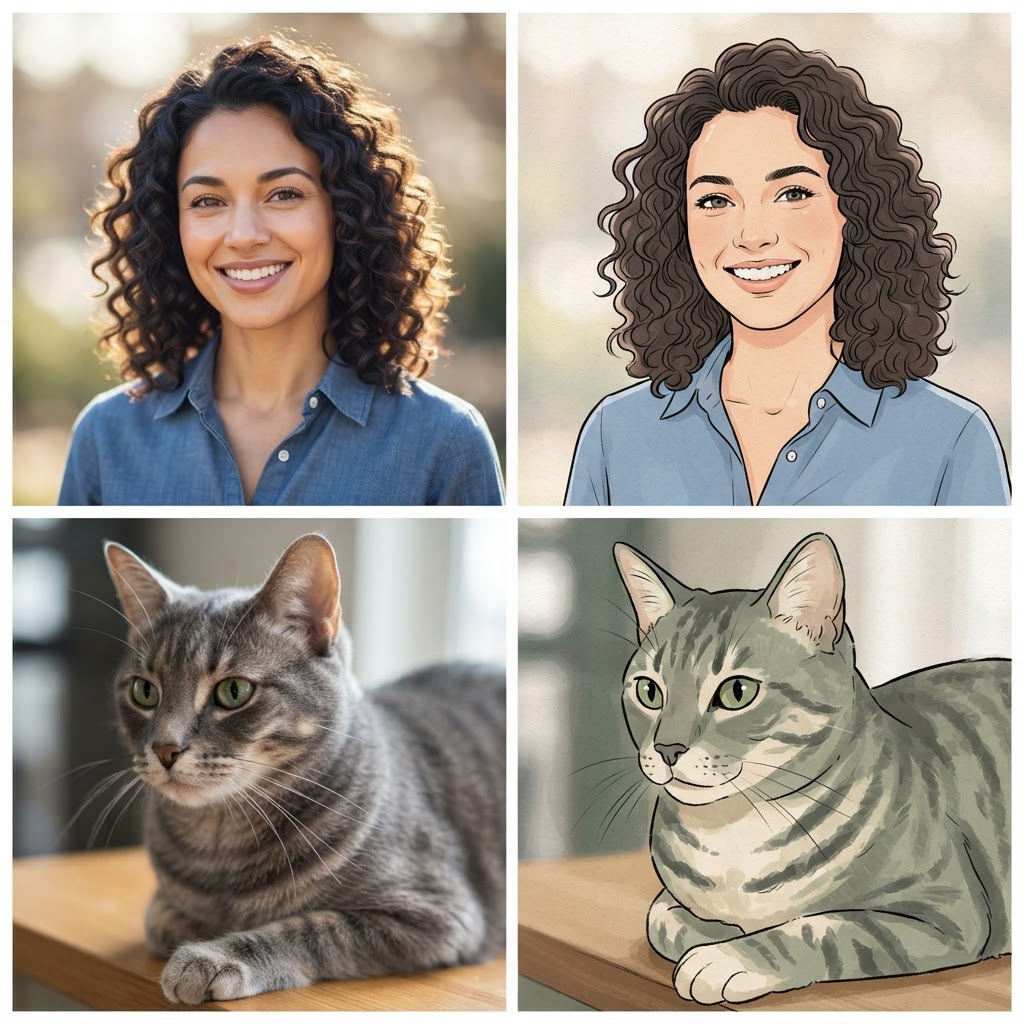
Try Any Brow Shape
Soft arched, high arched, straight, rounded, or S-shaped.
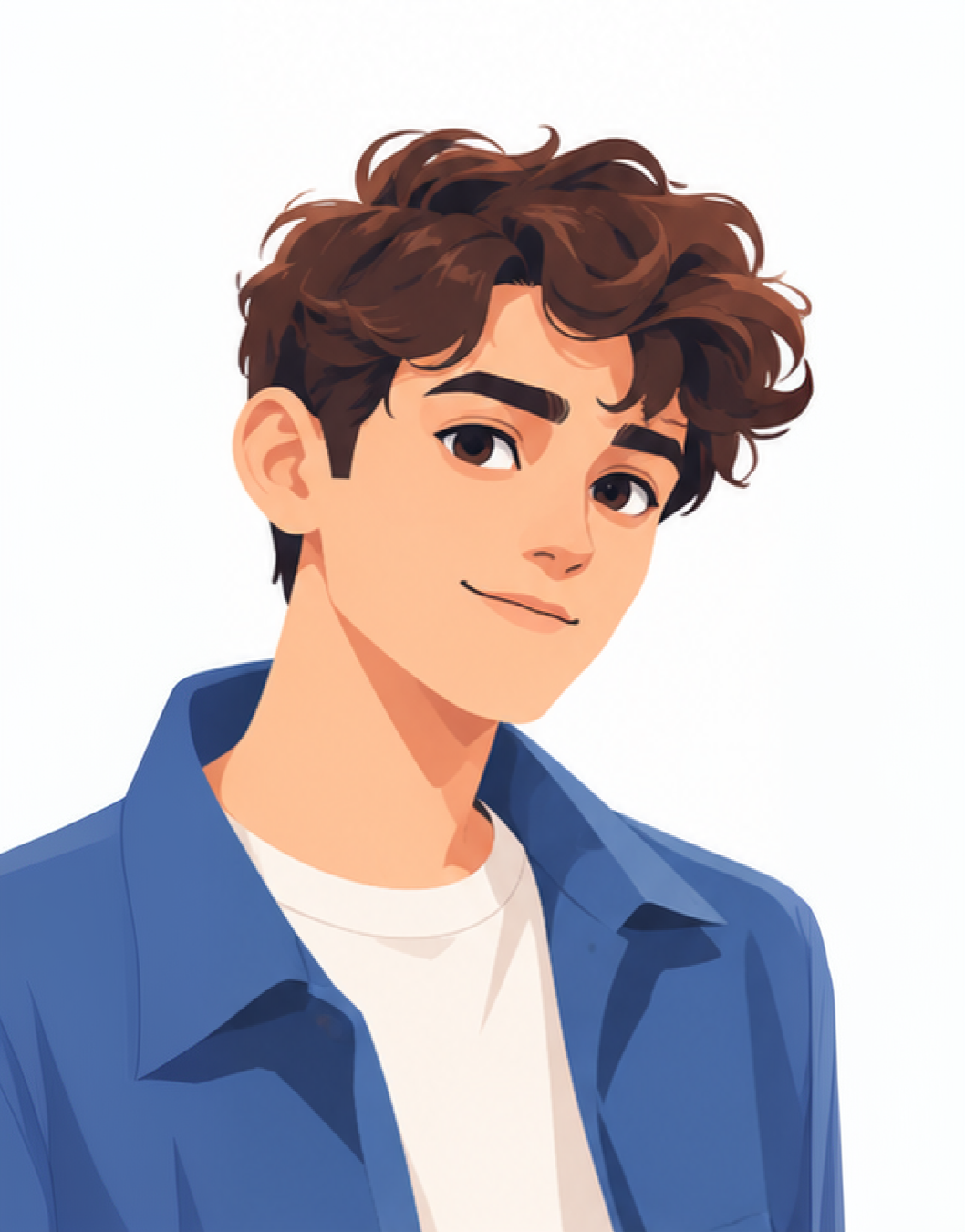
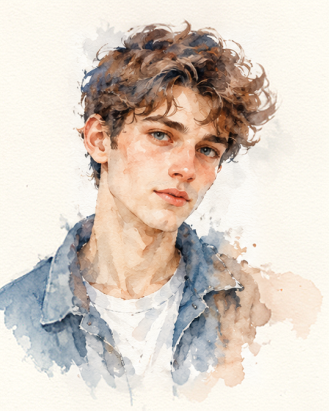
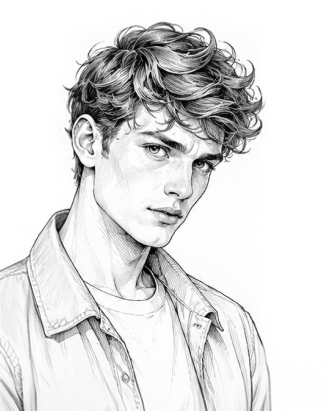
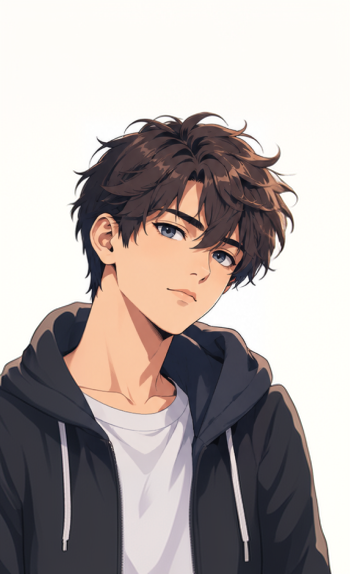
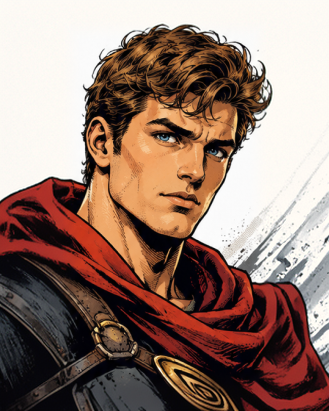
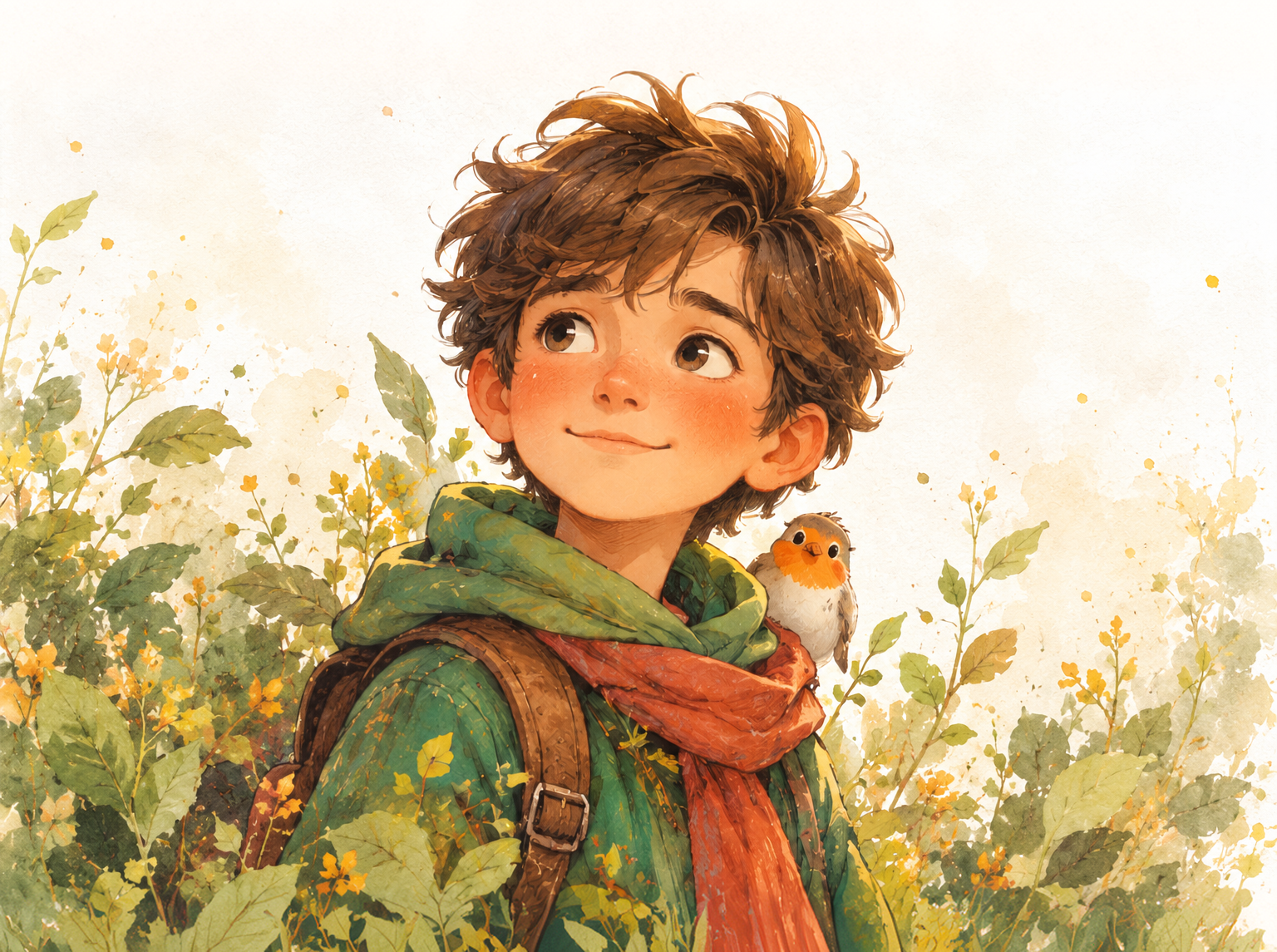
Thin, Natural, or Bold
Change thickness and fullness in plain words.
Match Your Brow Color
Go lighter, darker, or match your hair color.
Compare Models Side by Side
See the same brow shape on several image models.
Show Your Brow Artist
Download a clear image, up to 4K on paid plans, for your appointment.
How it works
How to Try New Eyebrows
Create professional results in just a few simple steps.
Step 1
Upload a Photo
Use a front-facing photo with your brows clearly visible.
Choose a file or drag & drop it here.
JPG, PNG, or WEBP, up to 20 MB.
Step 2
Describe the Brows
Name the shape, thickness, and color, then click Try Brows.
Step 3
Compare and Download
Pick your favorite brows and save them.
Features
Who Uses the Eyebrow Filter
Planning a New Shape
See a new brow shape before you pluck or wax.
Before Microblading
Preview the finished brows before a semi-permanent treatment.
Brow Artists
Show clients shape options during the consultation.
Men
Preview a neater or fuller brow without a dramatic change.
Makeup Lovers
Match your brows to a new makeup look.
Growing Out Brows
See what fuller natural brows could look like.
FAQ
Frequently Asked Questions
Answers on cost, brow shapes, microblading, men's brows, and privacy for the Eyebrow Filter.
Yes. You can use the eyebrow filter on the free plan. Free has usage limits and a lower maximum resolution, and paid plans raise both.
As a rough guide, soft arches suit round faces, straighter brows balance long faces, and rounded brows soften square jaws. Try a few shapes on your own photo to see what looks right.
You can preview the finished look, such as fuller hair-stroke brows or brushed-up laminated brows. Your artist will measure and map your brows in person.
Yes. Ask for a natural, neater shape or slightly fuller brows.
Yes. Ask for lighter, darker, or a shade that matches your hair.
No. Only your eyebrows are meant to change. If anything else shifts, ask to "keep everything else the same" or try another model.
Yes. Your photos stay in your account and are not used to train models. You control who can see anything you share.
Ready to Explore?
Work Smarter With Multi-Model AI
Try new looks, edit photos, and create images with GPT Image, Nano Banana, FLUX, and Seedream in one secure workspace.