Goth Filter
See yourself goth, from dark lips to the full look.
Upload a photo and pick the goth look you want, such as Dark Gothic, Gothic Romance, or Victorian Gothic. Aymo AI adds the makeup, hair, outfit, and dark, moody lighting. Try a few looks and keep your favorite.
Upload Your Image
Choose a file or drag & drop it here.
JPG, PNG, or WEBP, up to 20 MB.
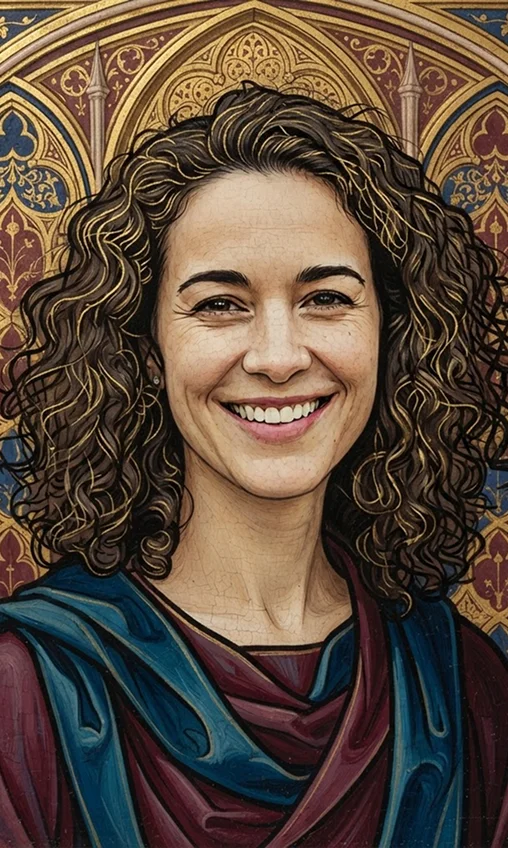
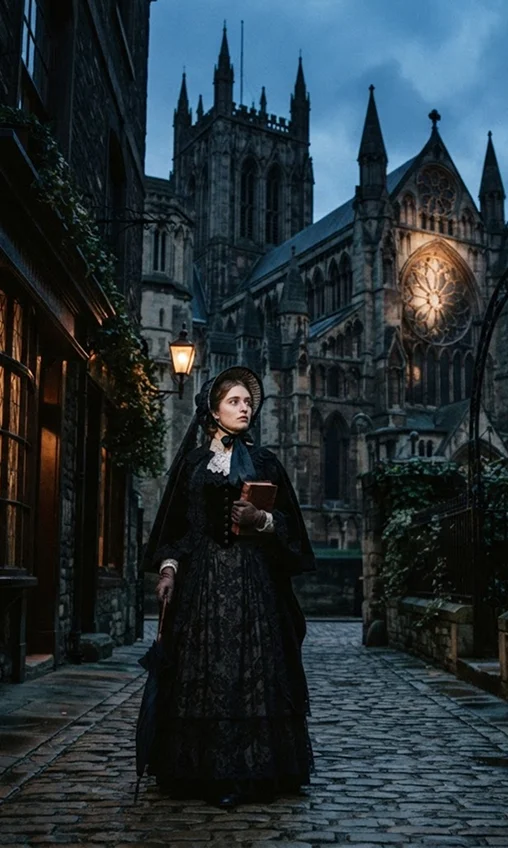
Transform Photos into Gothic Art
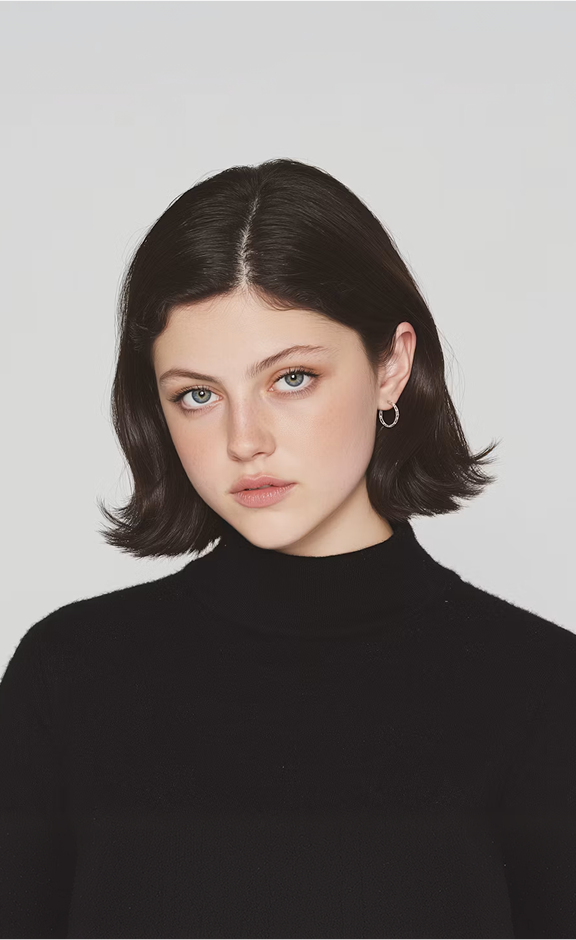
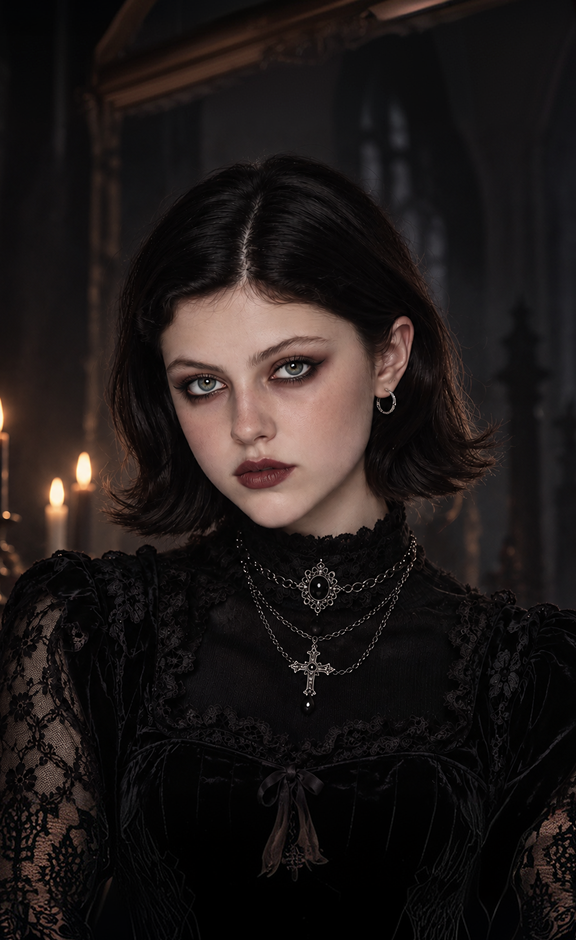
Turn any image into a dark, mysterious gothic artwork. Goth AI Filter adds dramatic atmosphere, moody lighting, dark styling, and cinematic details while preserving your subject and original composition. Upload photos of people, scenes, or objects and create ready-to-use gothic edits without complicated editing. Whether you’re preparing social media posts, designing moodboards, building campaign visuals, or creating personal art, Goth AI Filter helps you create gothic results quickly and easily.
Six Curated Gothic Looks
Choose from Dark Gothic, Gothic Romance, Dark Academia, Gothic Horror, Cyber Gothic, and Victorian Gothic to match your mood.
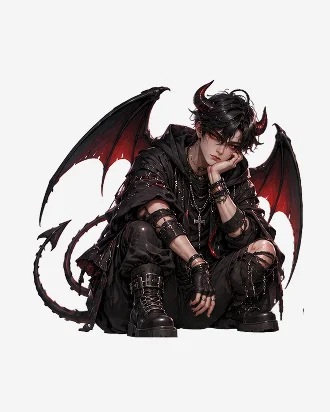
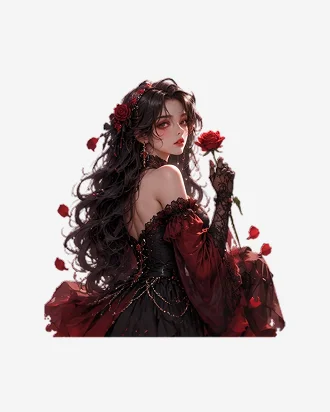
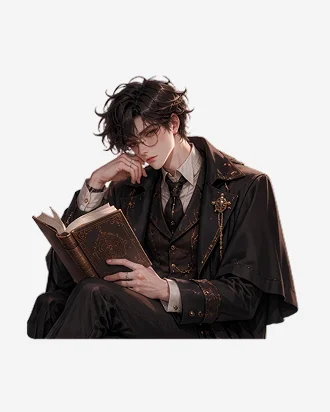
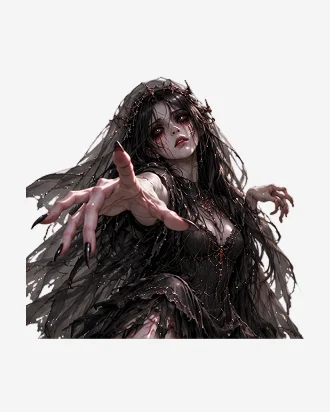
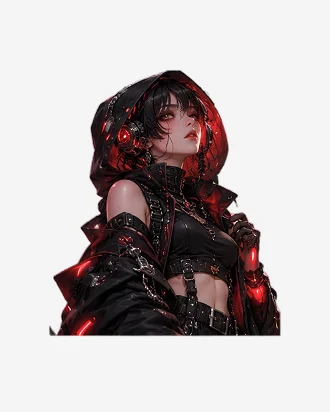
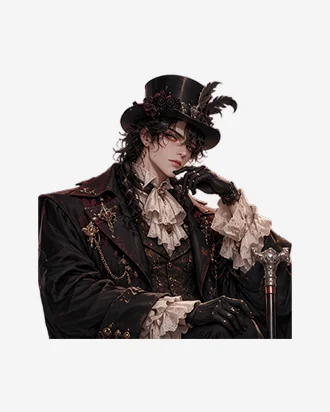
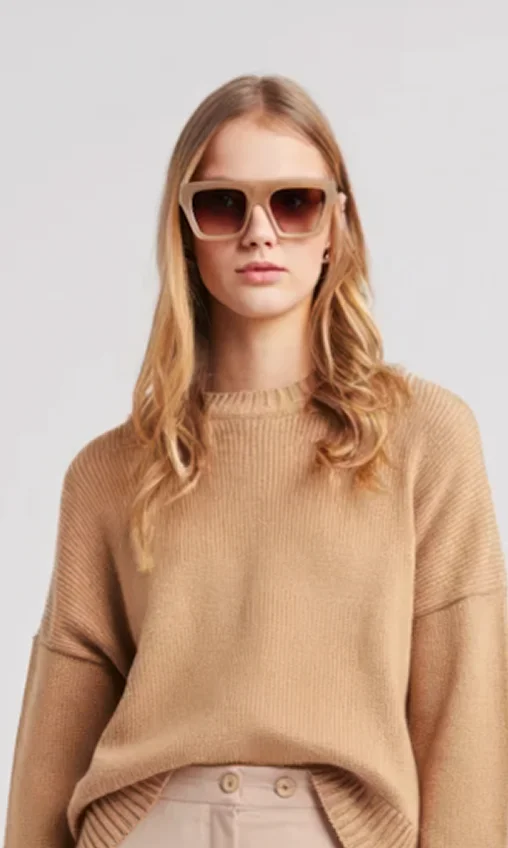
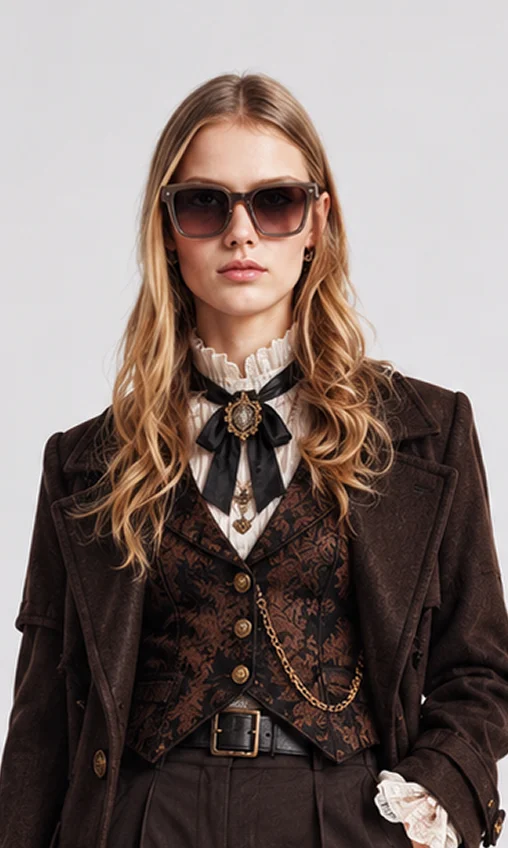
Your Subject Stays the Same
Goth AI Filter changes the mood, lighting, and styling while keeping your face, pose, and composition intact.
How it works
How to Use the Goth Filter
Get your goth look in four simple steps.
Step 1
Upload
Add a selfie, portrait, or any photo you want to darken.
Step 2
Choose a Look
Pick one of the six gothic looks from the menu.

Step 3
Apply Goth Filter
Click Apply Goth Filter, and Aymo AI applies the makeup, styling, and mood.
Step 4
Download
Compare versions, then save your favorite in high resolution, up to 4K on paid plans.

Who it's for
Who Uses the Goth Filter
Who it's for
Goth Curious
See the look on your own face before you buy the makeup.
Alt and Goth Creators
Make striking profile pictures and posts.
Halloween Fans
Plan a costume and makeup look.
Cosplayers
Test dark characters and vampire looks.
Musicians
Create moody band photos and cover ideas.
Photographers
Give portraits a dark, editorial mood.
FAQ
Frequently Asked Questions
Answers on cost, goth styles, makeup, dark edits, and privacy for the Goth Filter.
A goth filter turns an ordinary photo into a dark, dramatic one. It can mean a goth makeover on your face, or a moody edit of the whole picture.
Yes. You can use the goth filter on the free plan. Free has usage limits and a lower maximum resolution, and paid plans raise both.
Pick one of six looks: Dark Gothic, Gothic Romance, Dark Academia, Gothic Horror, Cyber Gothic, or Victorian Gothic. Try a few and compare them.
Yes. The filter changes makeup, lighting, and styling while keeping your face, pose, and composition intact.
A clear, well-lit selfie or portrait with your face fully visible. Any photo works, but a sharp one gives the best goth look.
Yes. Try Gothic Horror or Victorian Gothic to plan a vampire, ghost, or witch costume.
Yes. Your photos stay in your account and are not used to train models. You control who can see anything you share.
Ready to Explore?
Work Smarter With Multi-Model AI
Try new looks, edit photos, and create images with GPT Image, Nano Banana, FLUX, and Seedream in one secure workspace.