Unblur Photo Tool
Unblur Photo Tool: Fix Blurry Photos and Recover Clear Details
Upload a blurry photo, process it, compare the result, and download a clearer version for social media, listings, albums, or everyday sharing.
Upload Your Blurry Photo
Choose a file or drag & drop it here.
JPG, PNG, or WEBP, up to 20 MB.
Don't have a photo?
Try a sample image
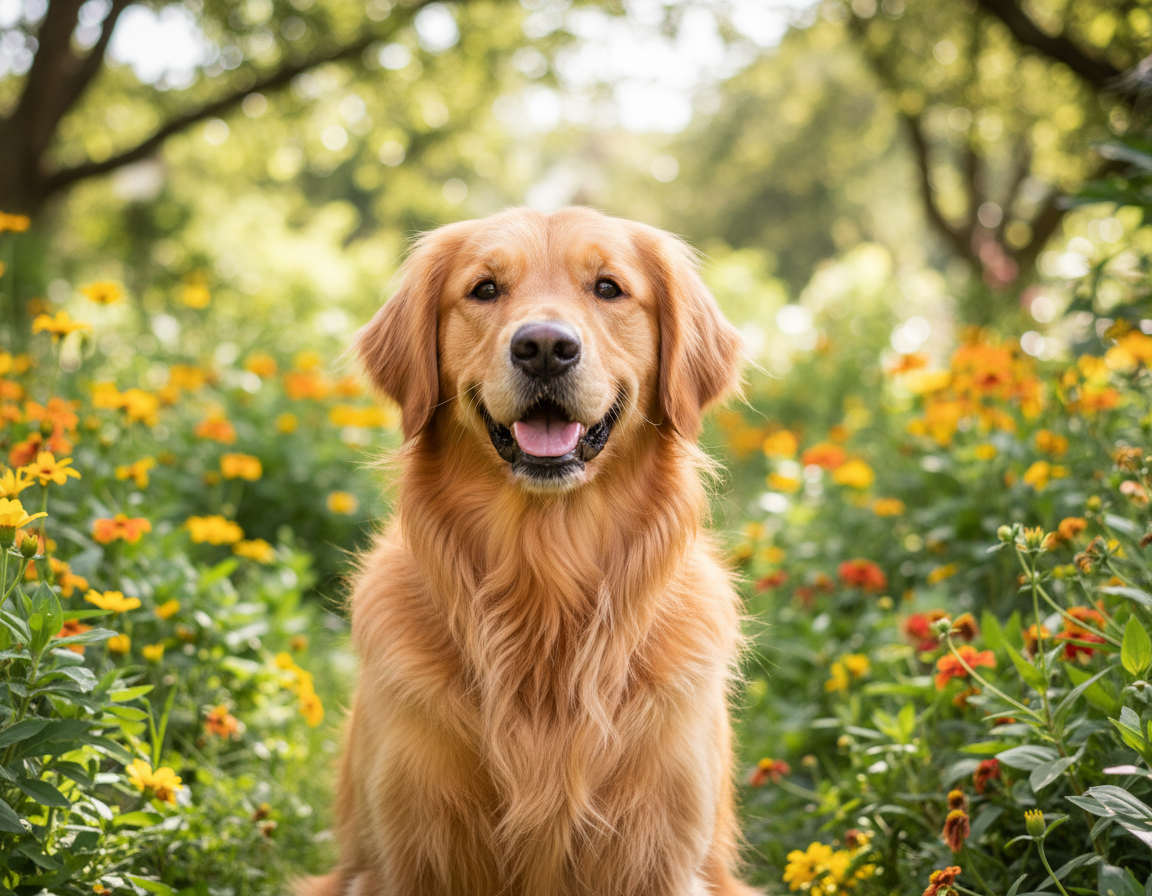
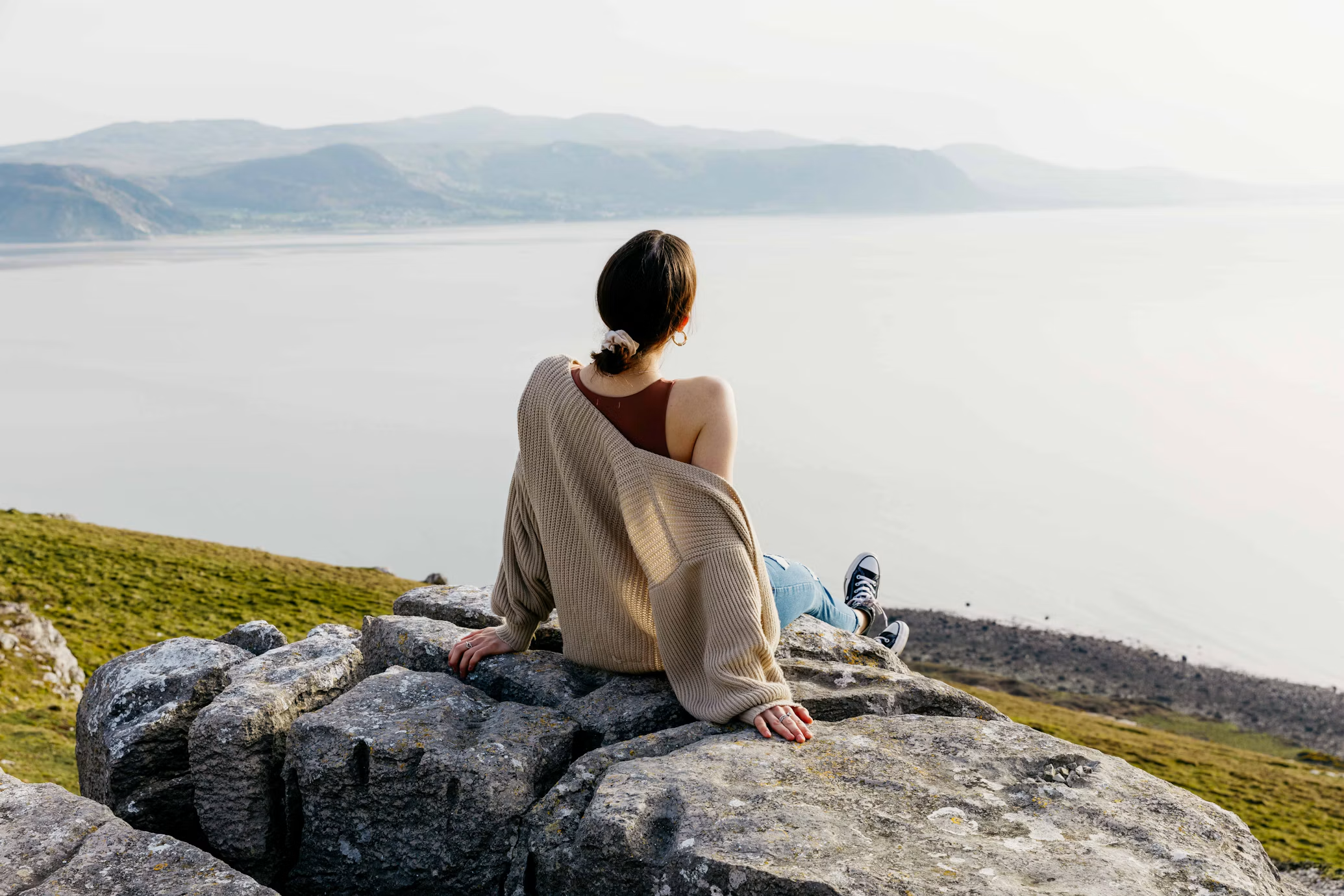
Unblur Images and Restore Clear Details
Remove blur from your photos with AI and bring back sharpness, clarity, and fine details. Improve blurry images while keeping textures, edges, and important visual details looking natural.
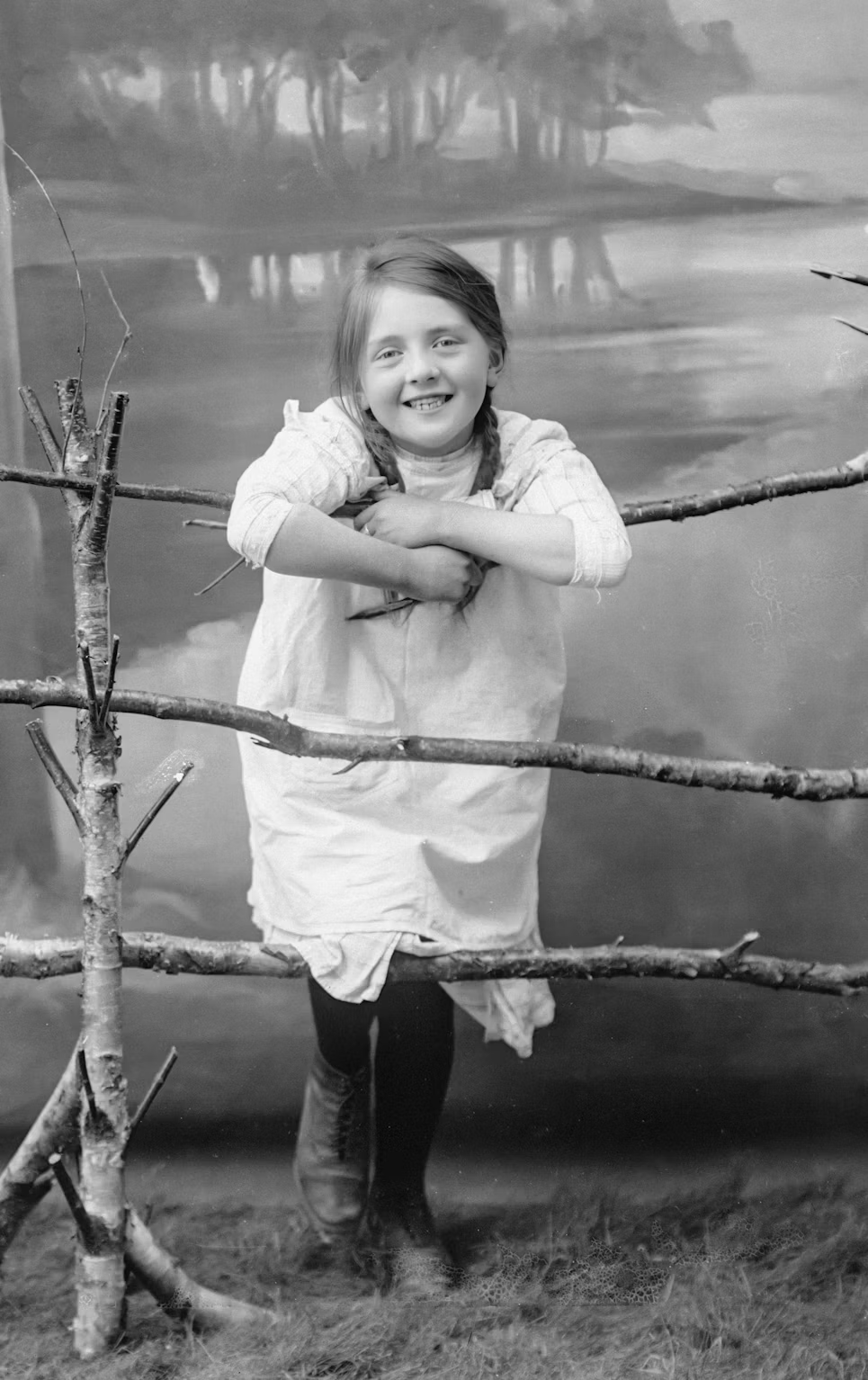
Make Old and Blurry Photos Clear Again
Bring new life to old, soft, and low-quality photos with AI. Reduce blur, improve sharpness, and recover lost details to create cleaner and clearer images while preserving their original appearance.
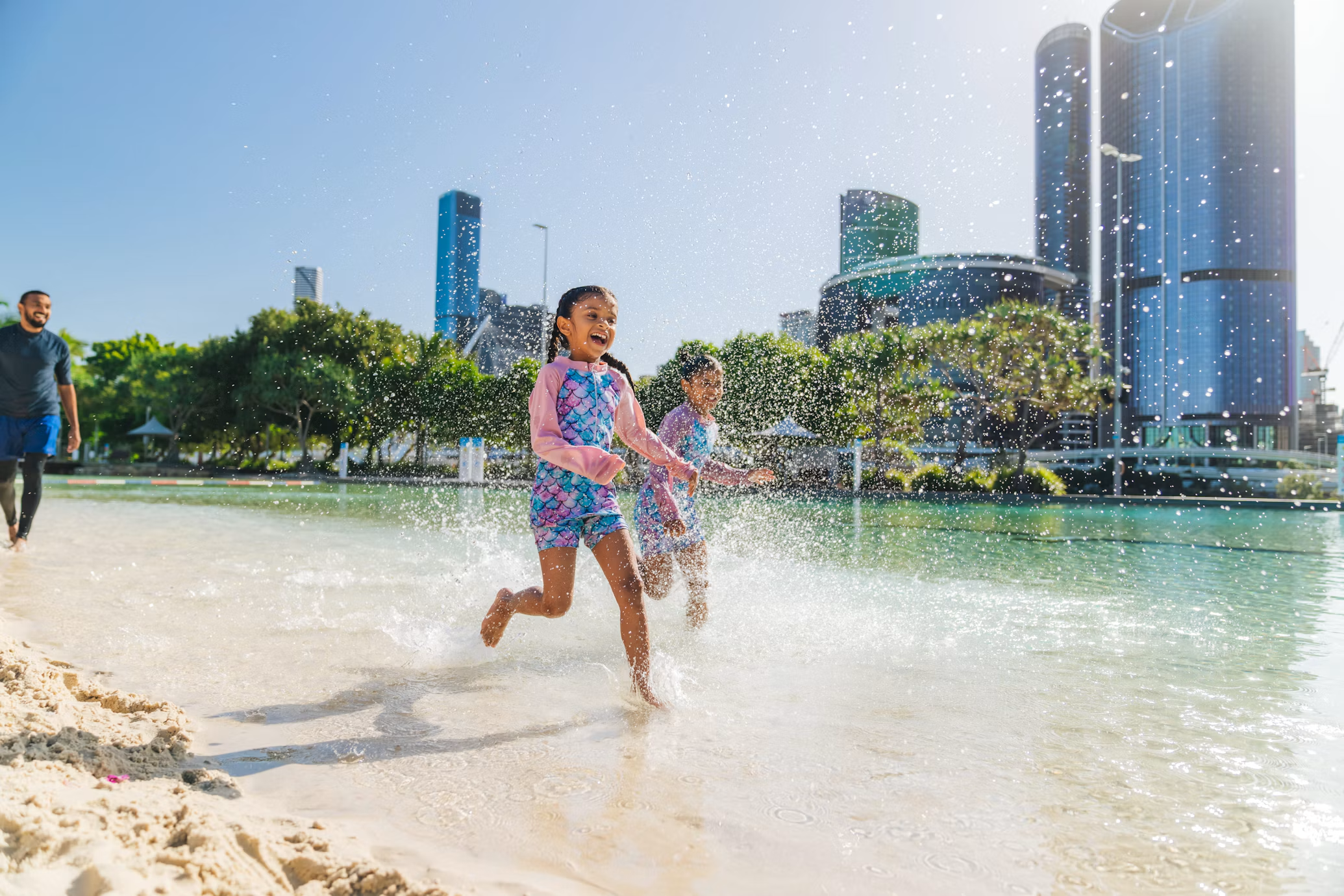
Improve Image Quality Without Losing Natural Details
Turn blurry and low-quality images into sharper, clearer photos with AI. Enhance fine details, edges, and textures while maintaining natural colors and the original appearance of your image.
How it works
How to UseUnblur Photo Tool
Fix blurry photos in a few simple steps.
Step 1
Upload
Upload a blurry photo to get started.
Choose a file or drag & drop it here.
JPG, PNG, or WEBP, up to 20 MB.
Step 2
Process
Let AI process the blurry photo.
Step 3
Compare
Compare the blurry original with the clearer result.
Step 4
Download
Download the clearer photo once you like the result.
Features
Who Uses Unblur Photo Tool
Photographers
Fix blurry photos for portfolios, albums, and online sharing.
Online Sellers
Sharpen product photos for listings and storefronts.
Content Creators
Fix blurry captures for social media, stories, and reels.
Families
Save blurry family moments and everyday memories.
Designers
Prepare clearer photos for mockups, presentations, and layouts.
FAQ
Frequently Asked Questions
Everything you need to know about Unblur Photo Tool, from uploads and processing to comparisons and downloads.
Unblur Photo Tool helps fix blurry photos. Upload a blurry photo, process it, compare the result, and download the clearer version.
Click Upload Your Image or drag and drop your blurry photo into the upload box. Aymo AI sharpens and restores details automatically.
You can upload JPG, PNG, or WEBP images up to 20 MB.
Use the interactive comparison slider in the preview panel to drag between your original blurry photo and the sharpened result.
Yes. Once processing completes, click Download to save your sharpened image in high resolution.
Unblur Photo Tool — From Blurry to Clear
Fix Your Blurry Photos with AI
Upload a blurry photo, process it, compare the result, and download a clearer version for sharing.