Browser extension for Chrome, Edge, Brave and more
Free AI Sidebar and Tools for Your Browser
Access GPT, Claude, Gemini, Grok, and 50+ other top AI models right from your browser, without switching between tabs or apps. Free, ready-to-use AI tools for content creation, writing, knowledge work, social media, research and more.
50+ AI Models · Free to Use · AI Tools · Private by Default
Features
Core features of the Aymo Browser Extension
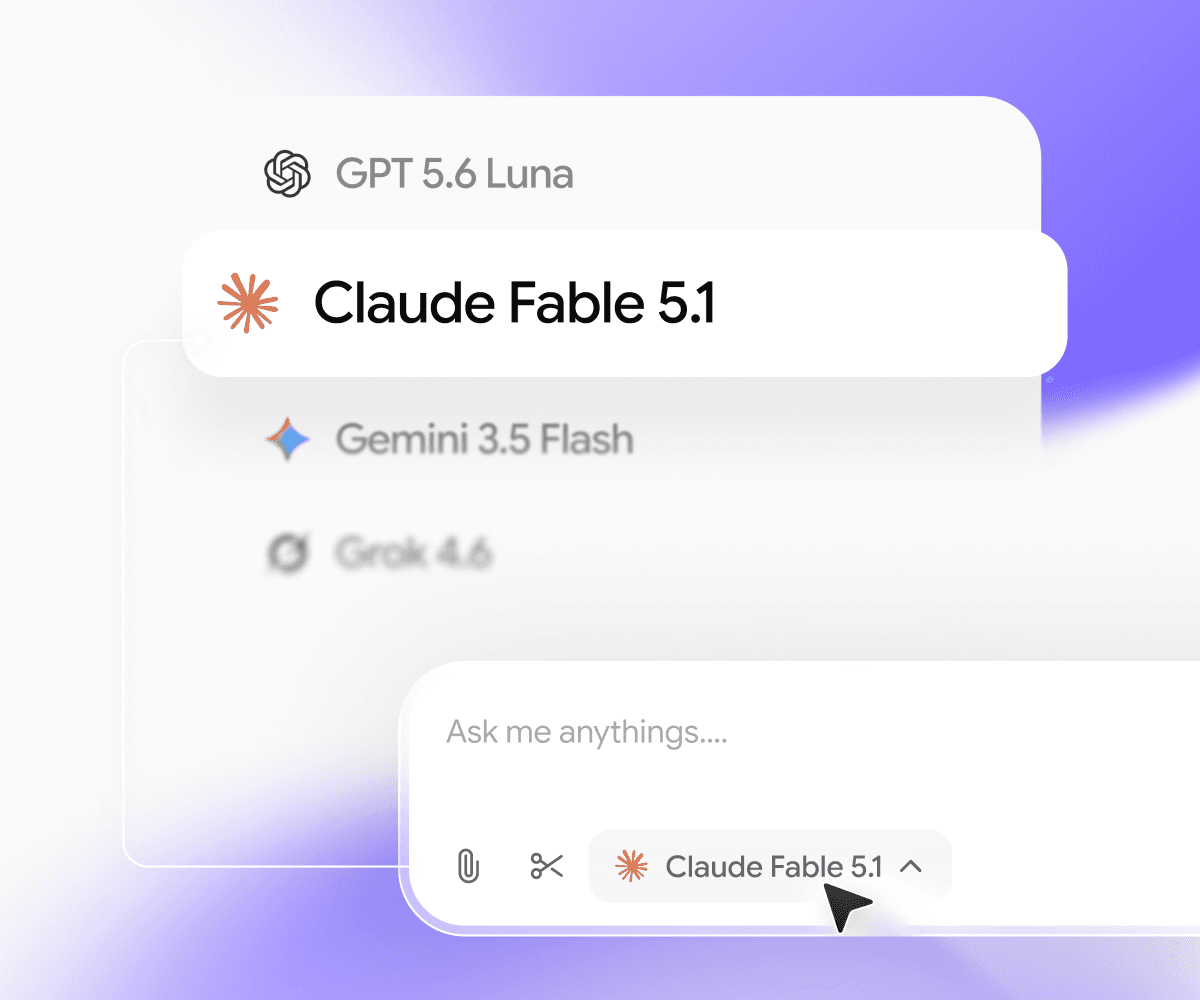
Switch to any AI model
GPT, Claude, Gemini, Grok, DeepSeek, Kimi, GLM and more, all in one sidebar. Use a fast model for quick questions and a stronger one when the answer matters.
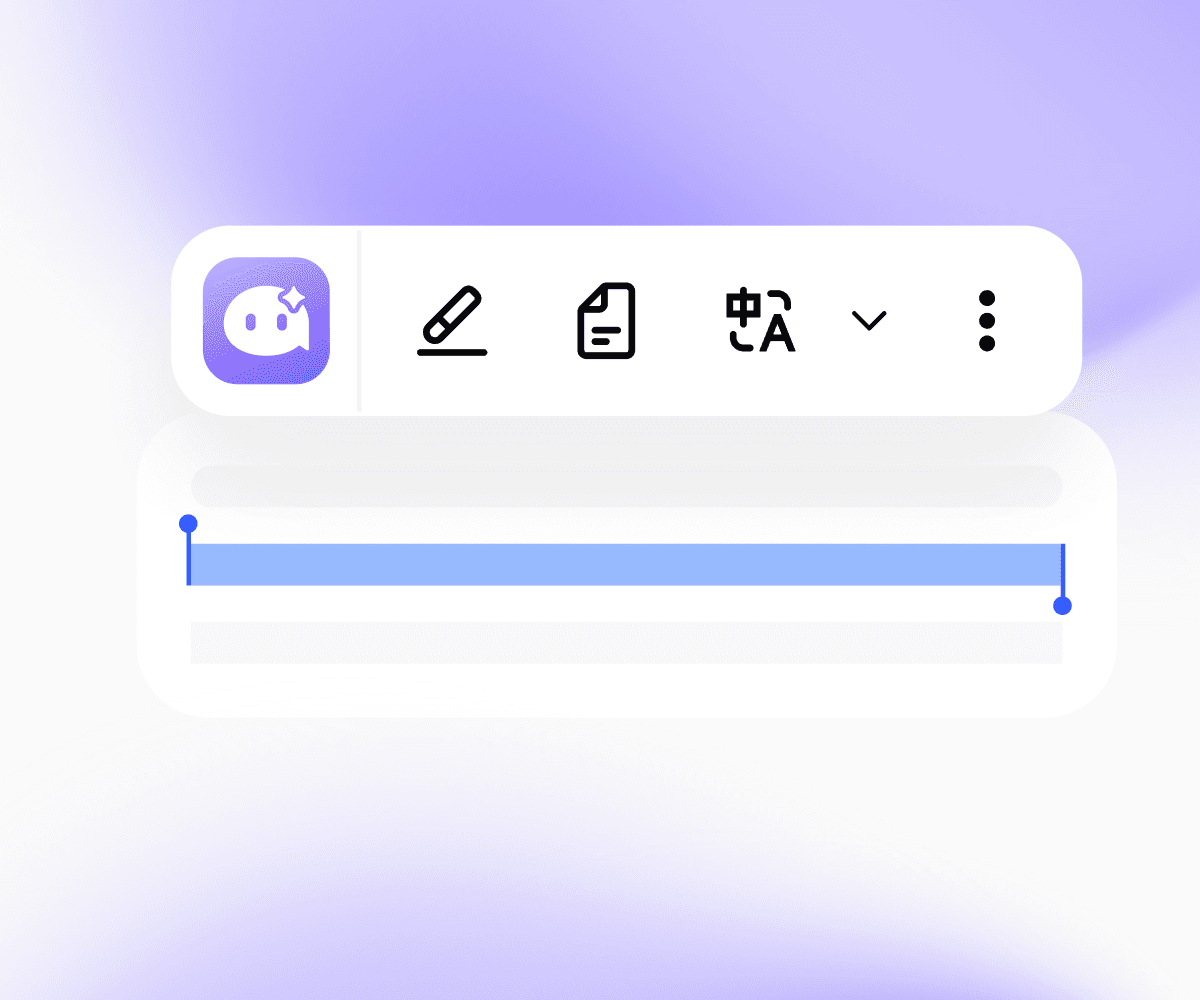
AI quick actions
Select any text and Aymo shows up right there. Summarize, translate, explain, simplify, fix grammar, or rewrite it as Professional, Friendly, Casual, Shorter, or Punchy. Pin the actions you use most.

Screen Capture and Analyze
Grab any part of the screen, like a chart, a dashboard, or an error message, and ask about it.
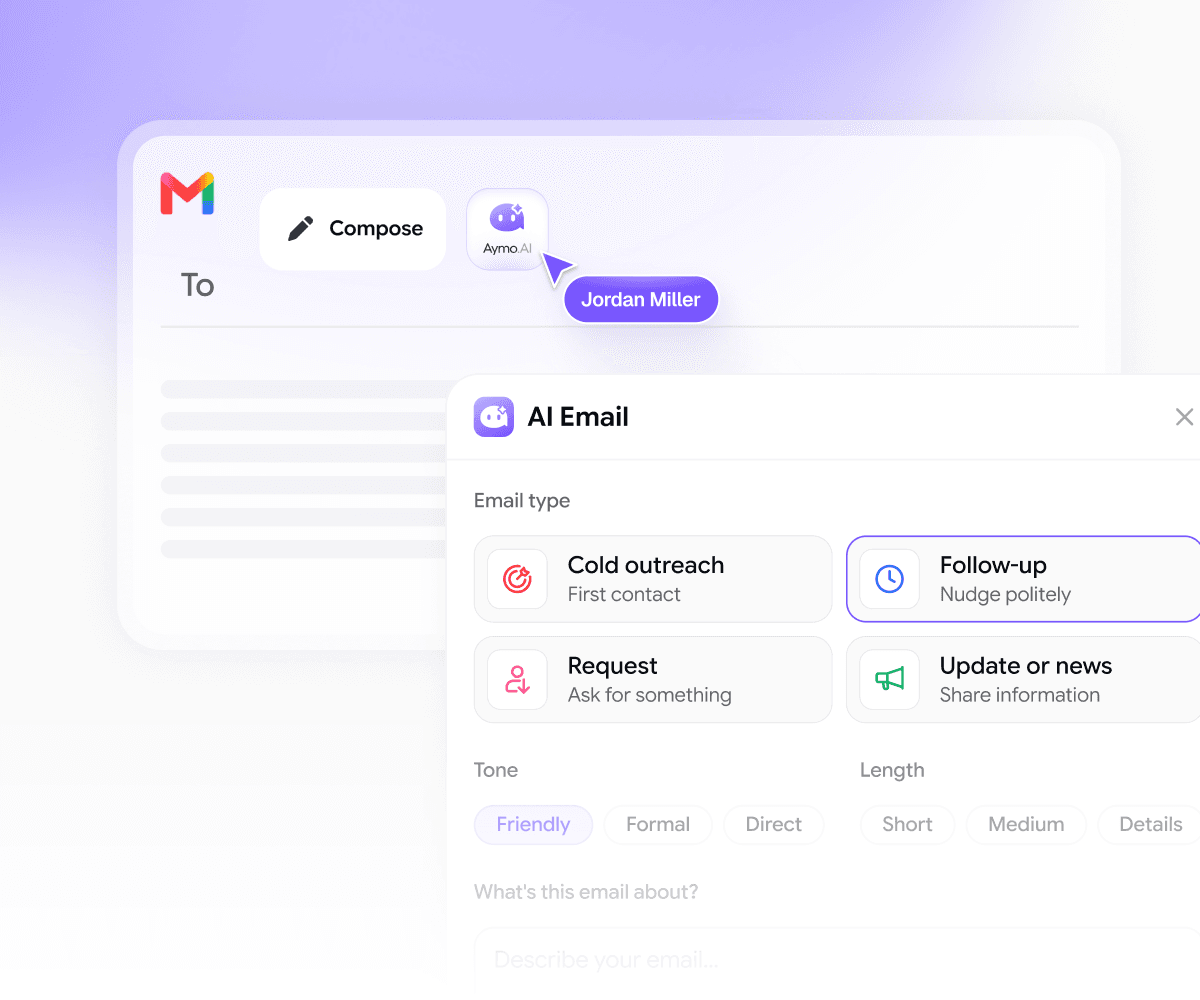
AI Email Assistant
Reply to boring emails without leaving your inbox. Pick a type (cold outreach, follow-up, request, or update), set the tone, and Aymo drafts it in seconds.
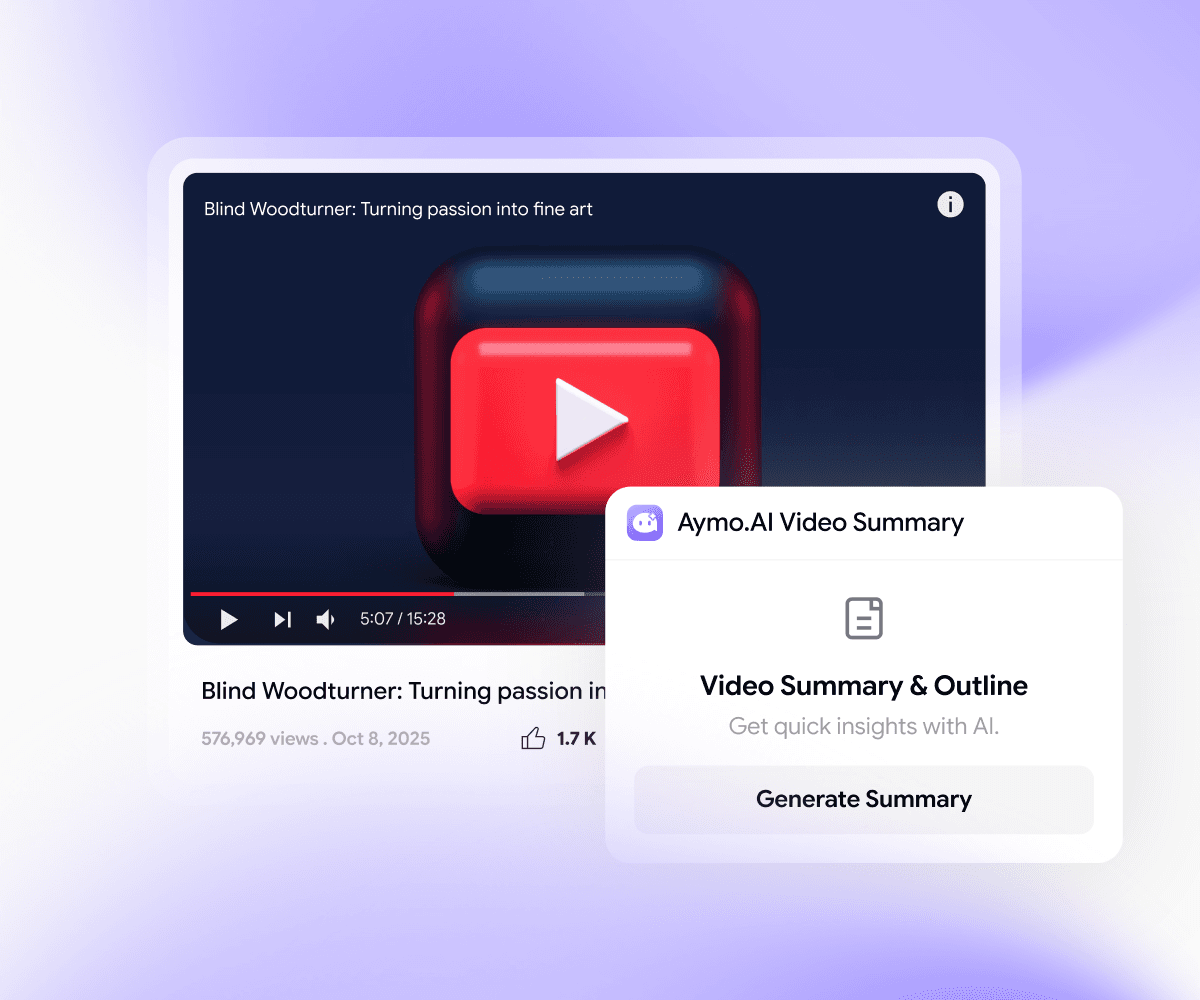
YouTube Summaries
Get the key points of any video in the sidebar, without watching the whole thing in full. YouTube summarizer is always available on the sidebar.

Social Media AI assistant
Post and reply with AI on LinkedIn and X without switching tabs. Choose what you're writing and Aymo drafts it in your tone in seconds, right on the page you're already on.
Your whole workspace, in the browser
Everything One Click Away
The extension connects to your Aymo account, so your models, prompts, and chats follow you to every tab.
50+ models, one subscription
GPT, Claude, Gemini, Grok, DeepSeek, Kimi, GLM and more. Pick the right model for each task in the sidebar, without paying for five tools.
Chats that sync
Start a chat on a webpage and pick it up later on aymo.ai. Everything you do in the extension is saved to your workspace.
Your prompt library
Save the prompts you use most and run them on any page in one click. No retyping, no digging through notes.
Projects and workspaces
Keep research, drafts, and chats organized by project. Share workspaces with your team so everyone works from the same context.
Web search and deep research
Ask about something that isn't on the page and get answers from the live web. Use deep research when you need a full breakdown.
Personalization
Tell Aymo about your role, tone, and preferences once. Every answer in the extension uses that context.
Bring your own keys
Connect your own API keys if you'd rather use your own providers.
Private by default
Aymo never trains on your chats or page content. Your data is encrypted and hosted in the US and EU.
Getting Started
Up and running in under 60 seconds.
Install it, pin it, and start using AI on any page you visit.
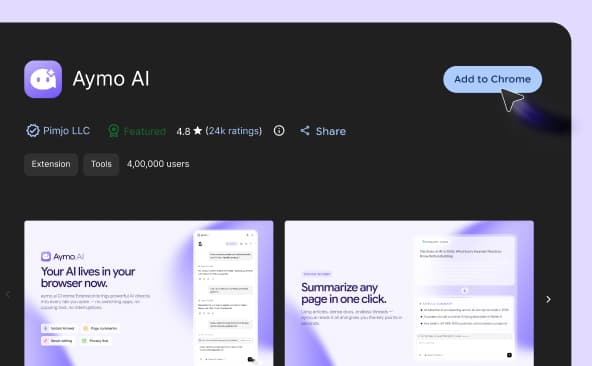
Open the Chrome Web Store and click "Add to Chrome."
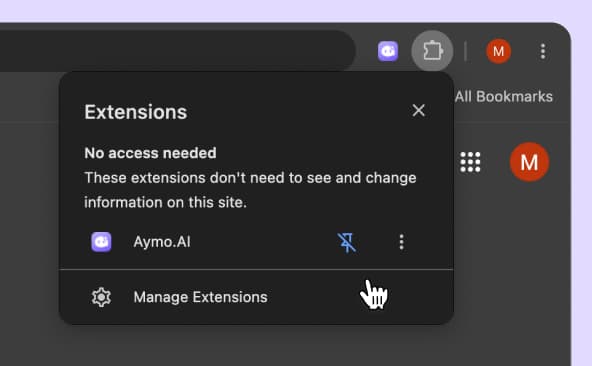
Click the 🧩 puzzle icon in your toolbar, find Aymo AI, and click the pin.
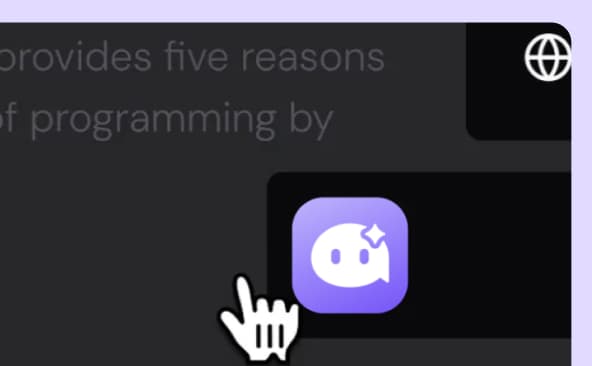
Click the Aymo icon or press Cmd/Ctrl + Shift + Y on any page to summarize, ask, or write.
FAQ
Preguntas frecuentes
Todo lo que necesitas saber sobre la extensión de Aymo, desde modelos y precios hasta privacidad.
Sí. La extensión es gratuita para instalar y usar. El plan gratuito te ofrece uso diario con modelos seleccionados. Los planes de pago desbloquean los más de 50 modelos y límites más altos.
No. Instálala y empieza a usarla. Puedes conectar una cuenta más adelante para sincronizar chats con tu espacio de trabajo de Aymo y desbloquear más modelos.
Los mismos modelos que la plataforma Aymo: GPT, Claude, Gemini, Grok, DeepSeek, Kimi, GLM y más. Más de 50 en total, y añadimos nuevos en cuanto se lanzan.
Sí. Envía un prompt a dos o tres modelos y mira las respuestas lado a lado.
Sí. En Gmail puedes resumir hilos de correo y redactar respuestas. En YouTube puedes resumir cualquier video desde la barra lateral.
La extensión solo lee una página cuando tú se lo pides. No vigila tu navegación en segundo plano. Nunca usamos tus chats ni el contenido de las páginas para entrenar modelos; tus datos van cifrados y nuestra infraestructura opera en EE. UU. y la UE. Los detalles están en nuestra política de privacidad.
No. La extensión permanece inactiva hasta que la abres, por lo que no afecta la carga de páginas ni la memoria.
Sí. Funciona en navegadores Chromium como Edge, Brave, Arc y Opera. Las versiones para Firefox y Safari están en nuestra hoja de ruta.
Las estamos desarrollando ahora mismo. Sigue nuestra hoja de ruta para ver las novedades. Mientras tanto, aymo.ai funciona en cualquier navegador móvil.
Una extensión de ChatGPT te da un solo proveedor. Aymo te ofrece más de 50 modelos en un solo lugar, para que elijas el adecuado para cada tarea, compares respuestas y cambies cuando quieras sin pagar otra suscripción.
¿Listo para probarla?
Pruébala en la próxima página que leas.
La instalación toma un clic. Para ese próximo artículo largo, documento confuso o correo que no quieres redactar, Aymo ya está ahí.