Free AI Image Generator
Turn your ideas into images with the best AI models, all in one workspace. Generate, edit, and remix without switching tools.
Pick a style, get the look you want
Choose from ready-made styles or describe your own. Aymo tunes the prompt behind the scenes so you get consistent results.
Multiple Models
One image generator, multiple AI models
Most image tools lock you into a single model. Aymo gives you access to top image models in one place, so you can pick the right one for the job or try the same prompt across models.
Switch models seamlessly
Access top AI image models in one place without switching between different apps.
Compare prompt outputs
Try the same prompt across multiple models to discover and keep the best result.
One simple subscription
A single subscription covers all image generation models, chat, and editing tools.
Inspirations
Get inspired by our AI image generator showcase and what our users are creating with AI. Explore the possibilities and see how you can bring your ideas to life.
How it works
From idea to finished image in four steps
Describe
Write a prompt that describes what you want. The more detail you give, the closer the result.
Configure
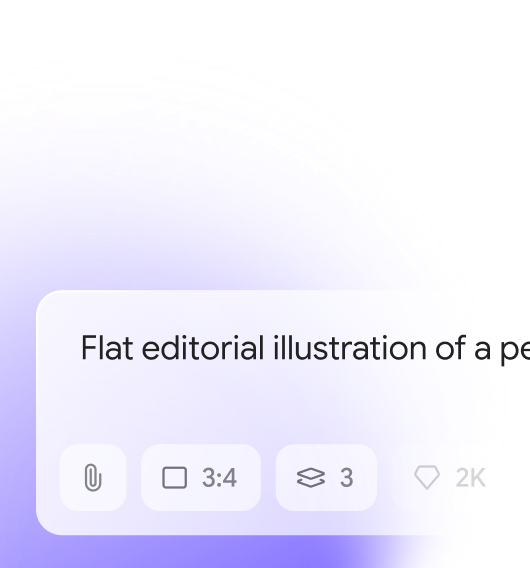
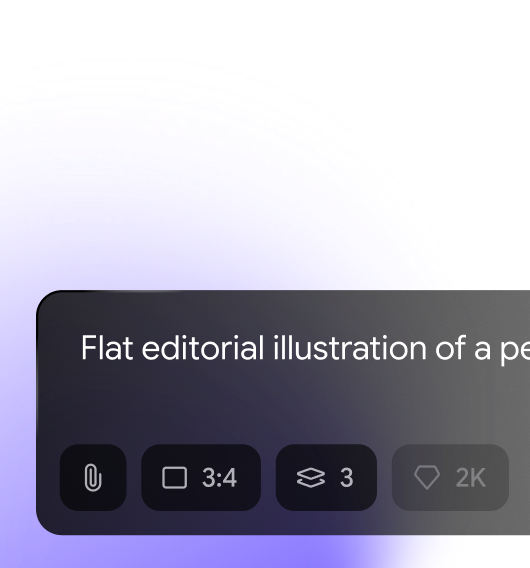
Pick your preferred model, quality, size, aspect ratio, and style.
Generate
Click generate and get your image in seconds.
Download
Save your image, or keep editing and remixing right in Aymo.
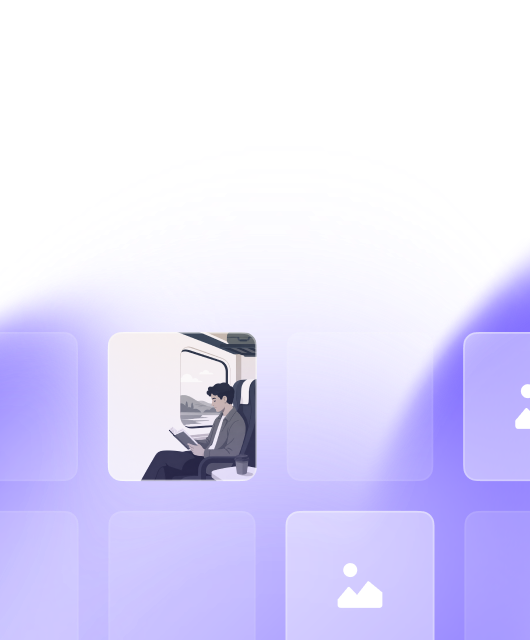
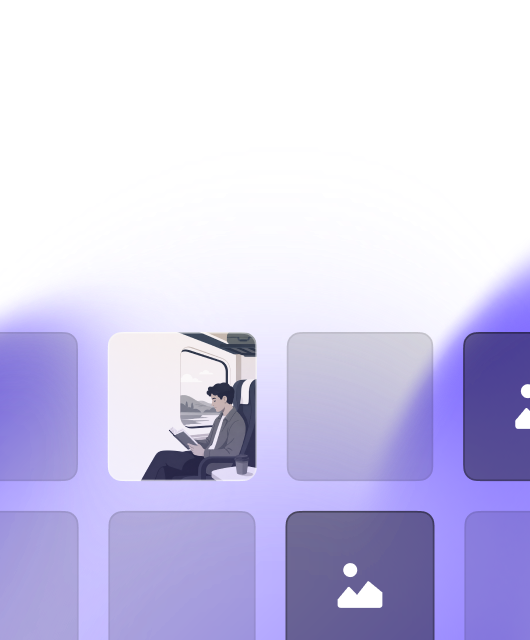
Editing
Fix the one thing that's wrong
You liked the image. One part needs work. Edit it in place instead of starting over.
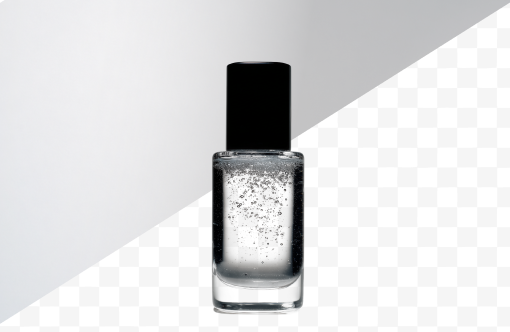
Remove background
Cut out subjects with clean, natural edges. No manual masking.
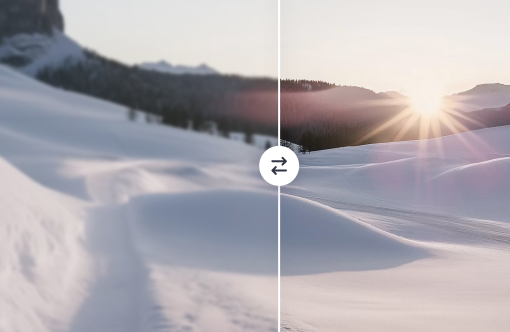
Upscale image
Increase resolution while keeping details sharp. Ready for print or large displays.
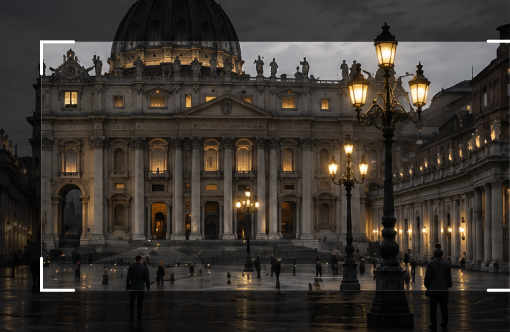
Expand image
Extend your image beyond its original frame. The AI fills in the scene seamlessly.
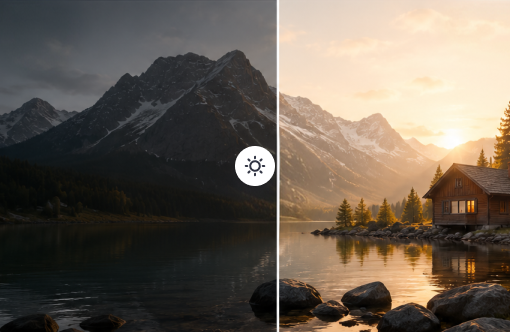
Adjust lighting
Brighten, dim, or change the mood without regenerating from scratch.
Use cases
What people make with Aymo
Product photos
Studio-quality shots for your store without a studio.
Social media graphics
Fresh visuals for every post, sized for each platform.
Marketing visuals
Ad creatives, banners, and landing page images on demand.
Illustrations
Custom art for blogs, newsletters, and presentations.
Concept art
Explore ideas fast before committing to a direction.
Youtube Thumbnails
Eye-catching YouTube and blog thumbnails in seconds.
Character design
Consistent characters for games, stories, and brand mascots.
Wallpapers & art prints
Unique backgrounds and printable art for your spaces.
Logos & Branding
Unique brand logos, icons, and marketing assets.
FAQ
Frequently asked questions
Everything you need to know about generating images with Aymo AI.
Yes, you can start generating images on the free plan. Paid plans give you more credits, higher quality settings, and access to premium models.
Aymo gives you access to multiple top image models in one workspace. You can switch models any time and use the one that fits your task.
Yes, all images generated with Aymo are yours to use for personal or commercial projects.
You can generate in multiple aspect ratios including 1:1, 16:9, 9:16, 4:3, and 3:4, and upscale any result for higher resolution.
Those are single-model tools. Aymo is a workspace that gives you multiple AI models for images, chat, and documents under one subscription, with built-in editing tools like background removal, upscaling, and image expansion.
No. Describe what you want in plain words, pick a style, and generate. The editing tools work with a click, not with layers and masks.
Get Started
Generate your first image free
No credit card required. Describe your idea and see what Aymo creates.