
2D to 3D Converter
2D to 3D Converter: Turn Flat Images into 3D Renders
Transform flat drawings, logos, sketches, and photos into realistic 3D renders using AI. Upload an image and add depth, volume, soft lighting, and lifelike textures while preserving your subject and original design.
Choose a file or drag & drop it here.
JPG, PNG, or WEBP, up to 20 MB.


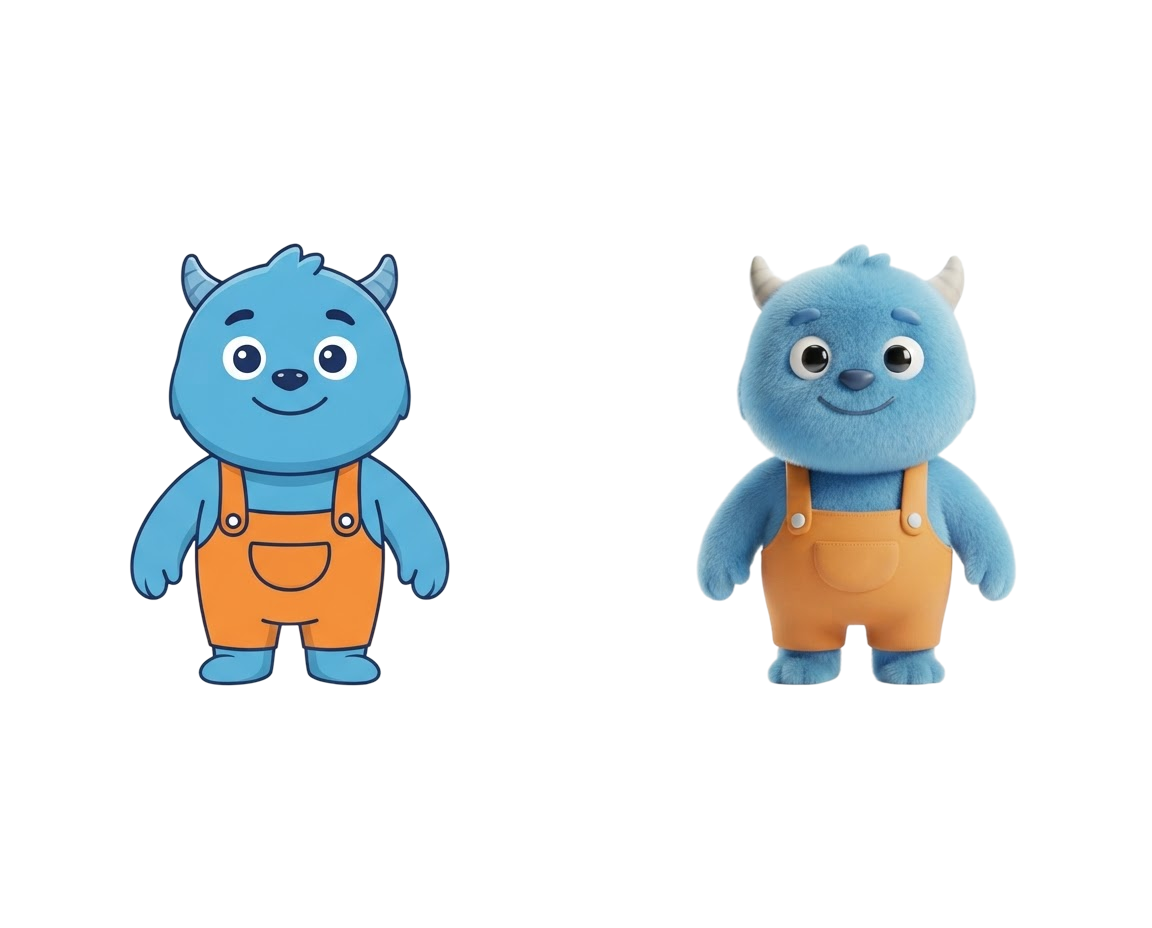
Turn Flat Artwork into Dimensional 3D Scenes
Convert 2D artwork into 3D scenes with depth, shading, and volume. Use the 2D to 3D Converter to transform flat illustrations into dimensional compositions that feel more immersive and polished.
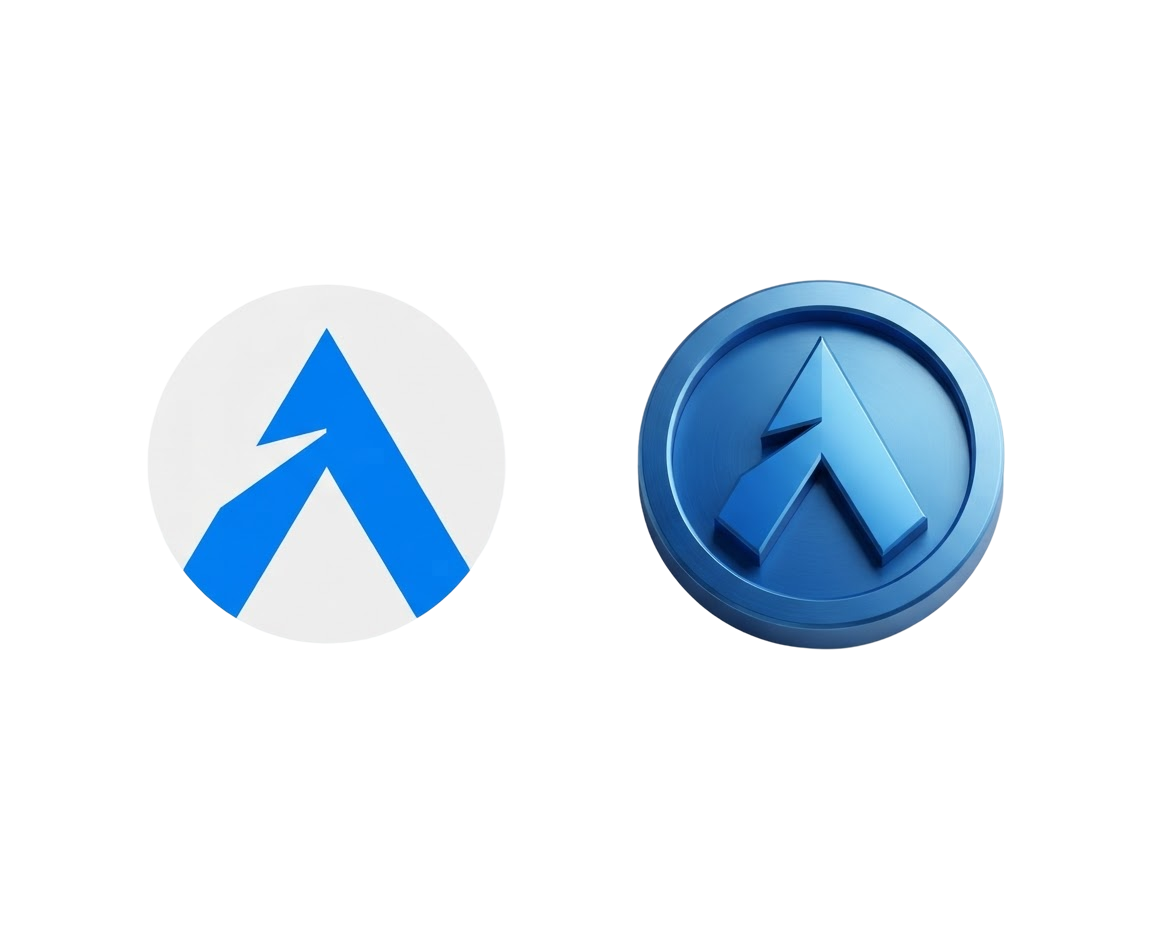
Add Depth and Dimension to Flat Designs
Give flat artwork a more dimensional look by converting it into layered 3D compositions. The 2D to 3D Converter helps designers turn flat designs into richer, more engaging visuals with depth cues and volume.

Create Dimensional Results from Flat Assets
Use the 2D to 3D Converter to transform flat assets into dimensional visuals that feel more premium and polished. The tool helps designers create richer, more engaging results from 2D artwork.
How it works
How to Use2D to 3D Converter
Create 3D results in just a few simple steps.
Step 1
Upload
Choose or drag and drop your image to get started.
Choose a file or drag & drop it here.
JPG, PNG, or WEBP, up to 20 MB.
Step 2
Choose a Style
Select a 3D style from the Choose 3D Style menu.
Step 3
Convert to 3D
Click Convert to 3D to transform your image.
Step 4
Download
Preview your result, then download it in high quality.
Who is it for?
Who Uses 2D to 3D Converter
Content Creator
Create 3D avatars, thumbnails, posts, and visual content that stand out in busy feeds.
Online Sellers
Create eye-catching 3D product visuals for listings, ads, and storefronts.
Designer
Convert flat icons, logos, and illustrations into 3D assets for websites, apps, and campaigns.
Game Developers
Turn character sketches and concept art into 3D-style previews for pitches and prototypes.
Students and Educators
Bring diagrams, drawings, and class projects to life with clear 3D visuals for lessons and slides.
FAQ
Frequently Asked Questions
Everything you need to know about 2D to 3D Converter, from styles and results to formats and downloads.
2D to 3D Converter turns flat images into 3D renders using six curated styles. Choose a style to add depth, volume, soft lighting, and texture while preserving your subject and original design.
Upload your 2D illustration, logo, or photo, select a 3D style from the dropdown menu, and click Convert to 3D.
Flat illustrations, character drawings, icons, logos, stickers, product sketches, and portraits all convert cleanly into 3D renders.
Pick from Auto, 3D Cartoon, Clay Render, Realistic 3D, Low Poly, Vinyl Toy, or Isometric 3D depending on the look your project needs.
Yes. Preview your 3D render right on the page and download the high-resolution image with one click.
2D to 3D Converter — From Flat Image to 3D Render
Your Next 3D Design Starts with AI
Give your images a new dimension. Choose a style, convert your image, and download your 3D result for your next product, post, or presentation.



