
AI Age Progression
See yourself 20, 40, or 60 years from now.
Upload a clear photo and tell Aymo AI the age you want to see, such as 50, 70, or 90, or go back to your teens. Ask for one age or a timeline of several ages in a single image. Compare results from several image models and keep the one that feels most like you.
Choose a file or drag & drop it here.
JPG, PNG, or WEBP, up to 20 MB.
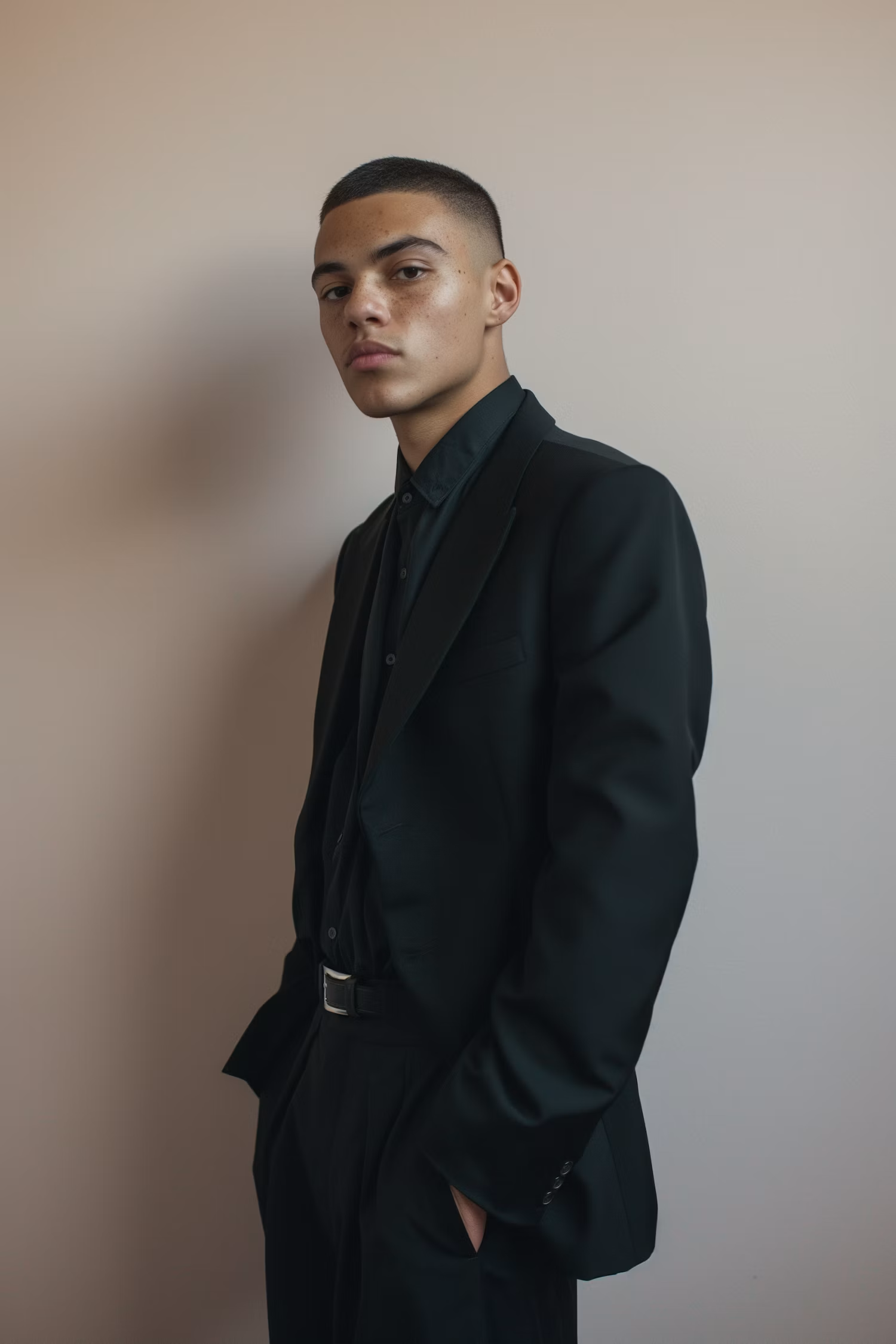


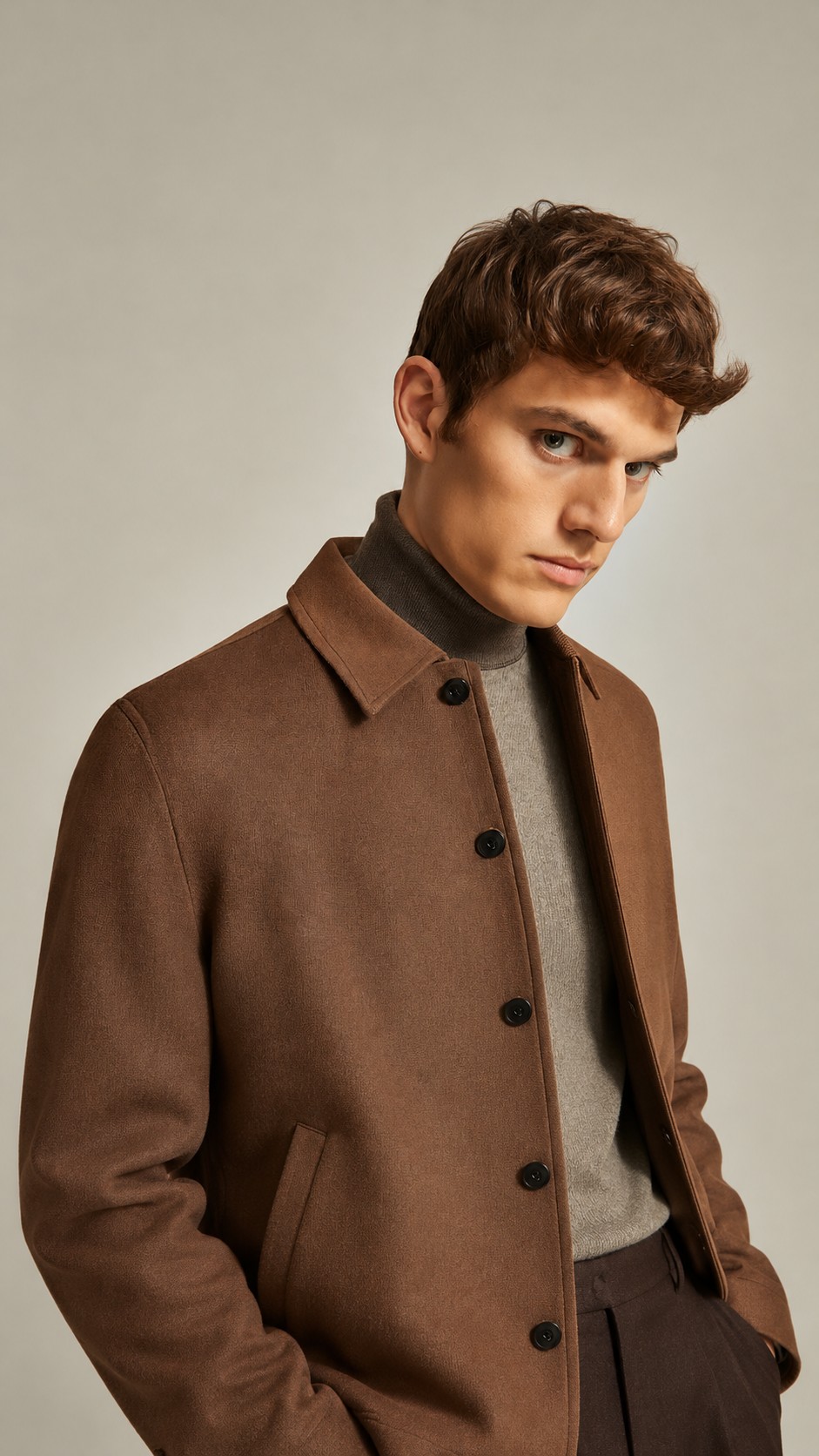
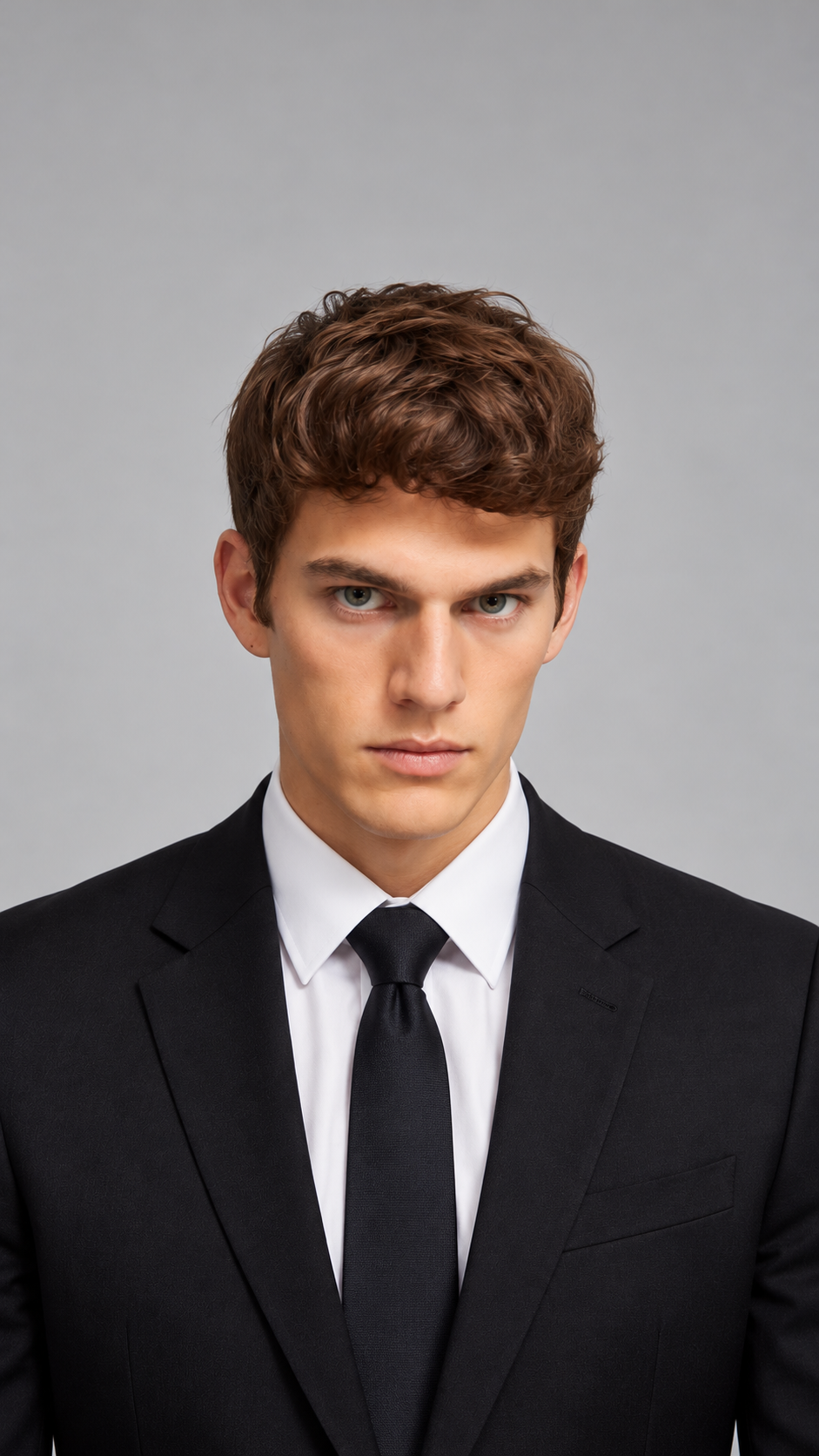
Older or Younger
Go forward to any age, or back to your childhood and teen years.
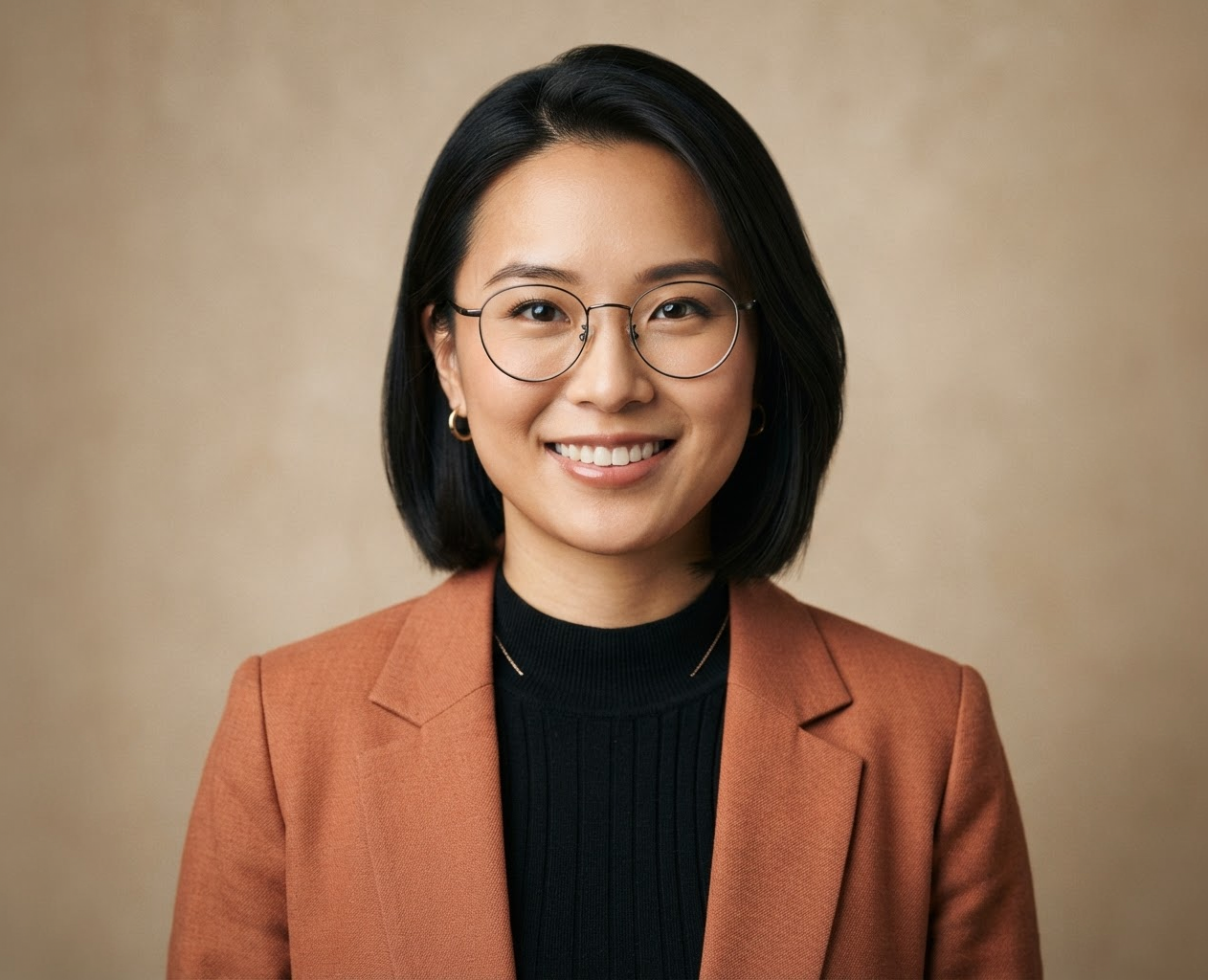
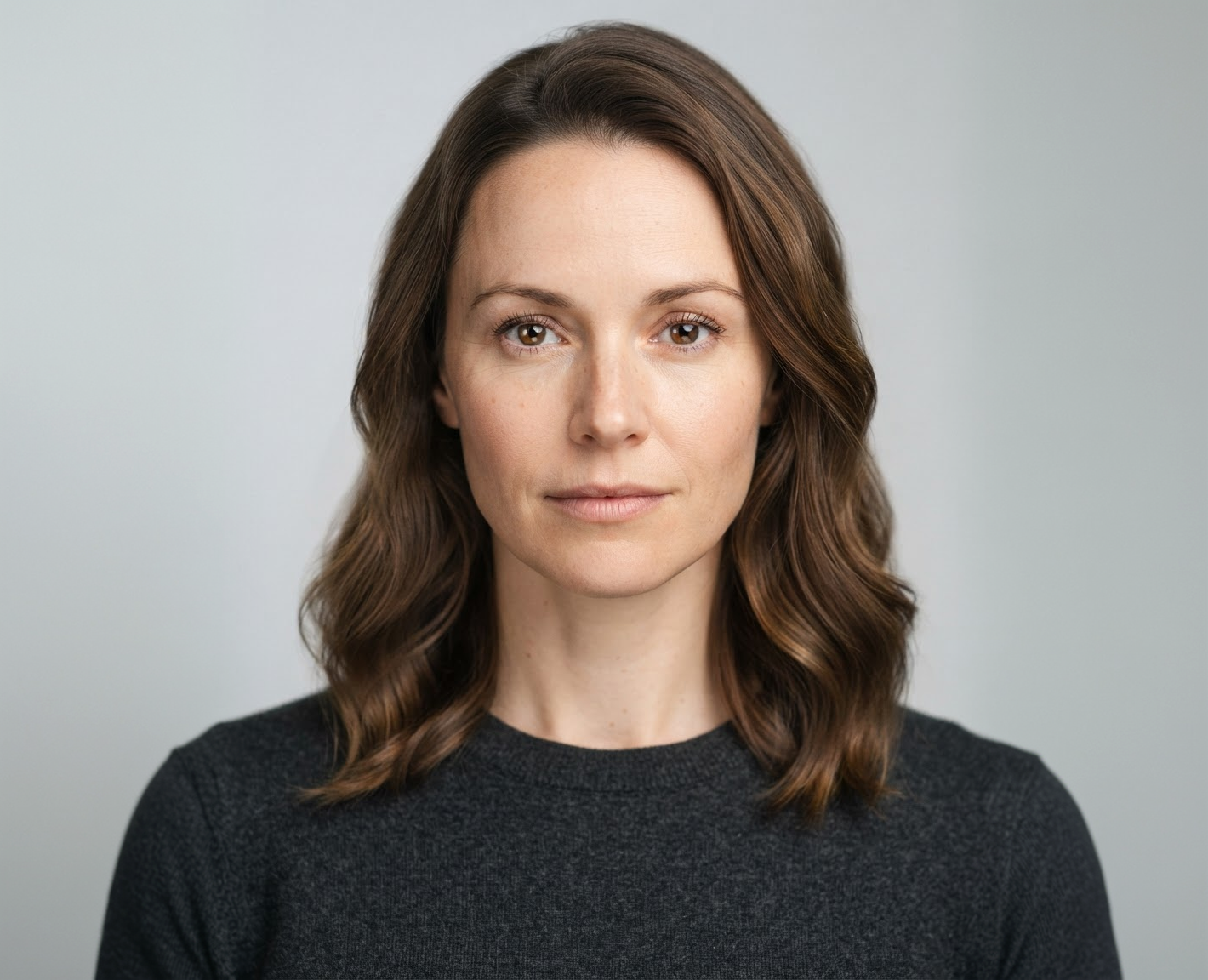

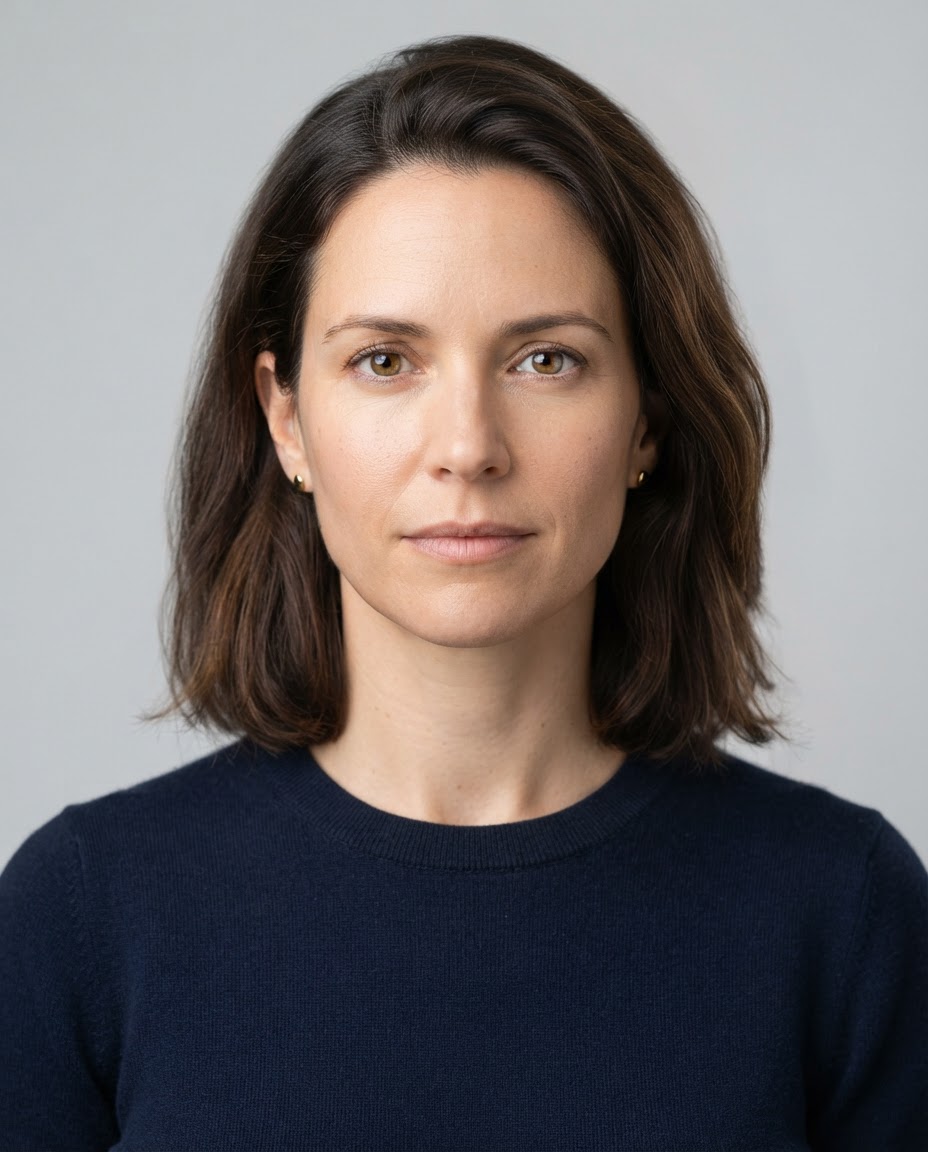
Your Life Timeline
Ask for several ages of you in one image, from young to old.
Export Sizes
Compare Models Side by Side
See how each image model ages the same face.
How it works
How to See Yourself Older
Create professional results in just a few simple steps.
Step 1
Upload a Photo
Add a clear, front-facing photo of one person.
Choose a file or drag & drop it here.
JPG, PNG, or WEBP, up to 20 MB.
Step 2
Choose the Age
Name the age or a timeline of ages, then click Change Age.
Step 3
Compare and Download
Pick your favorite version and save it.
Who is it for?
Who Uses AI Age Progression
The Curious
See what you might look like in 30 or 50 years.
Couples
Picture growing old together in one photo.
Families
See your child grown up or your parents young again.
Writers and Filmmakers
Show a character at different ages in a story.
Game and Character Designers
Create younger and older versions of the same character.
Social Media Users
Join the aging filter trend with a realistic result.
FAQ
Frequently Asked Questions
Answers on cost, accuracy, younger looks, children's photos, and privacy for AI Age Progression.
Yes. You can use AI Age Progression on the free plan. Free has usage limits and a lower maximum resolution, and paid plans raise both.
It is a realistic guess, not a prediction. How you age depends on genetics, sun exposure, smoking, and health. Compare several models to see a range of possible results.
Yes. Ask for a younger age, such as "me at 16" or "me as a child".
Yes. Ask for a timeline, for example "four versions of me at 20, 40, 60, and 80, side by side".
Parents and guardians can. Only upload photos of children you are responsible for, and never photos of other people's children.
This tool changes your face. The Old Photo Filter changes how the photo looks, such as a 1970s print, without aging you.
Yes. Your photos stay in your account and are not used to train models. You control who can see anything you share.
Ready to Explore?
Work Smarter With Multi-Model AI
Try new looks, edit photos, and create images with GPT Image, Nano Banana, FLUX, and Seedream in one secure workspace.



