
AI Album Cover Generator
Cover art that sounds like your music.
Describe your song or album, pick a genre and mood, and Aymo AI creates square cover art with several image models. Start from your own photo if you like, compare the options, and download the one that fits your sound.
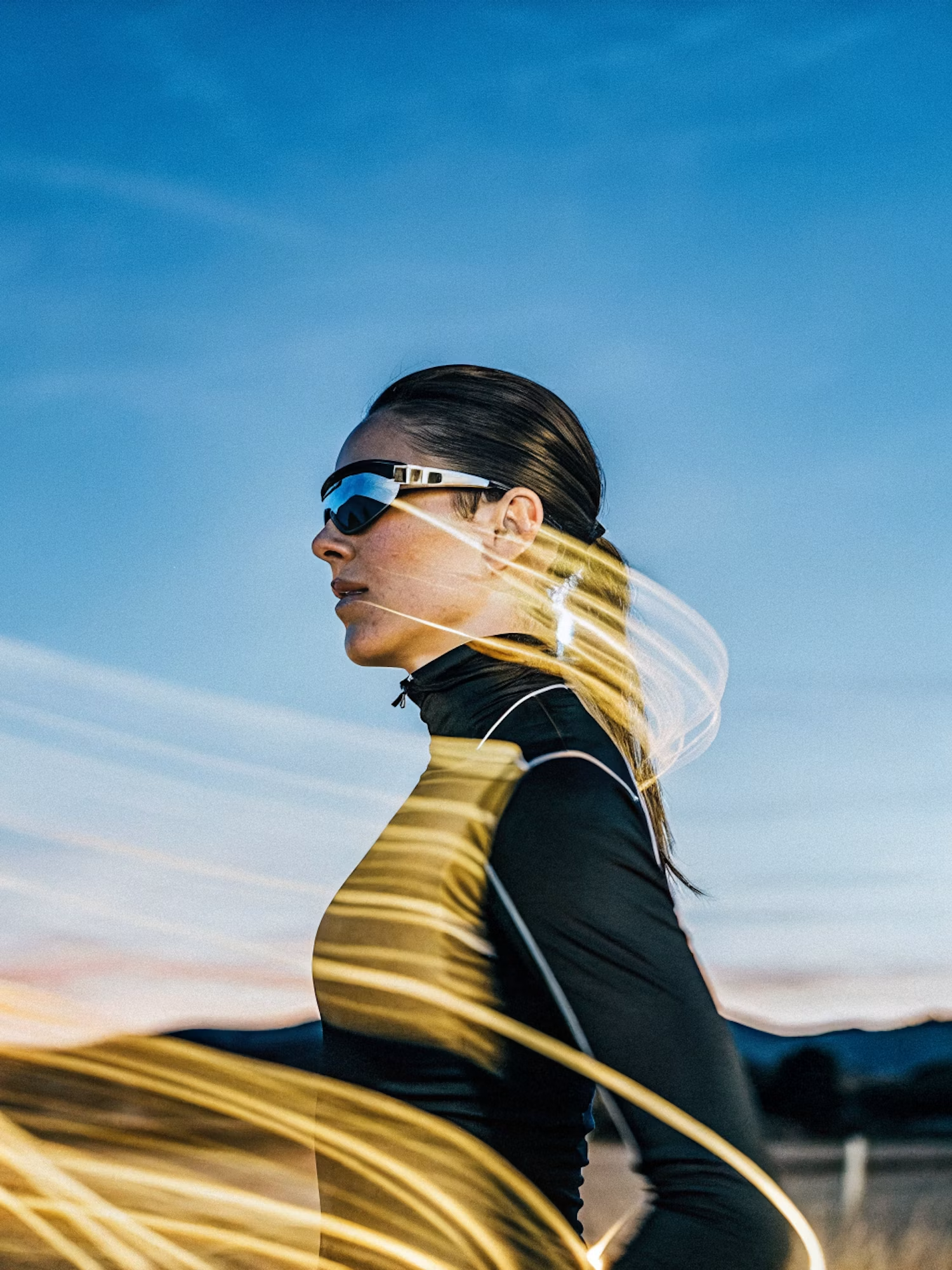
Make the lighting brighter and more balanced while keeping the subject, face, skin tone, clothing, pose, composition, camera angle, background, colors, and image details unchanged. Increase
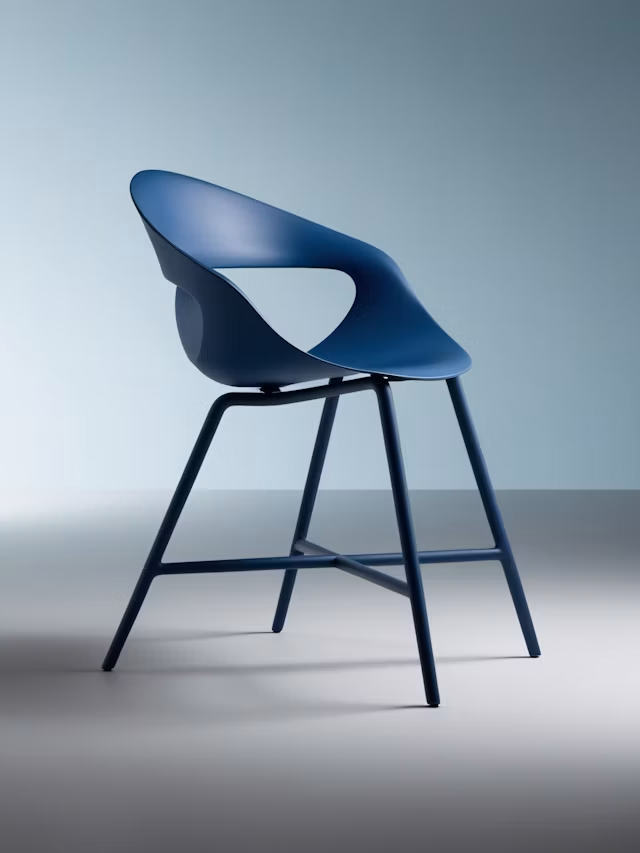
Upscale this image to a higher resolution and improve sharpness while preserving all original details and textures.
Square Cover Art
Ask for a square image that fits streaming platforms.
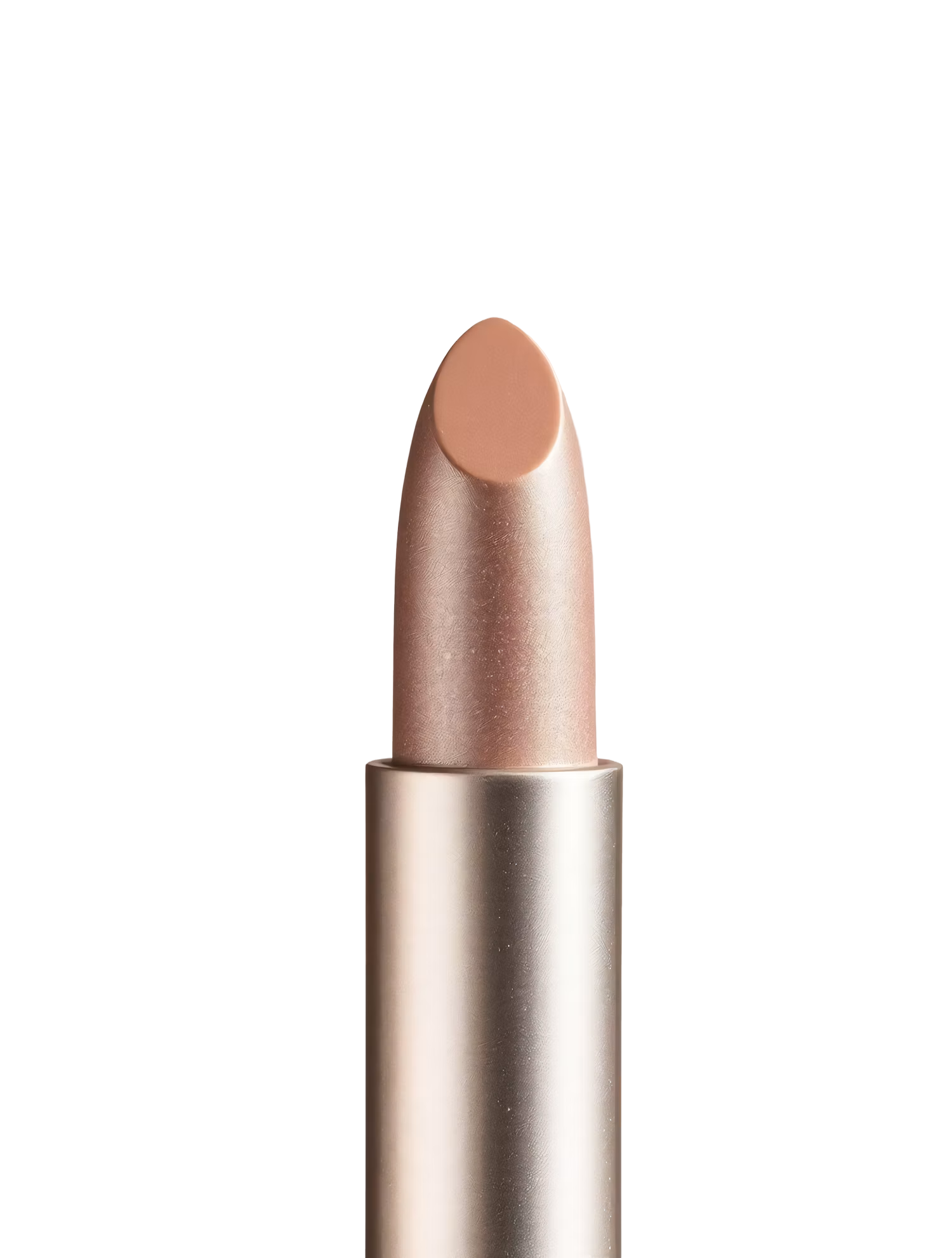
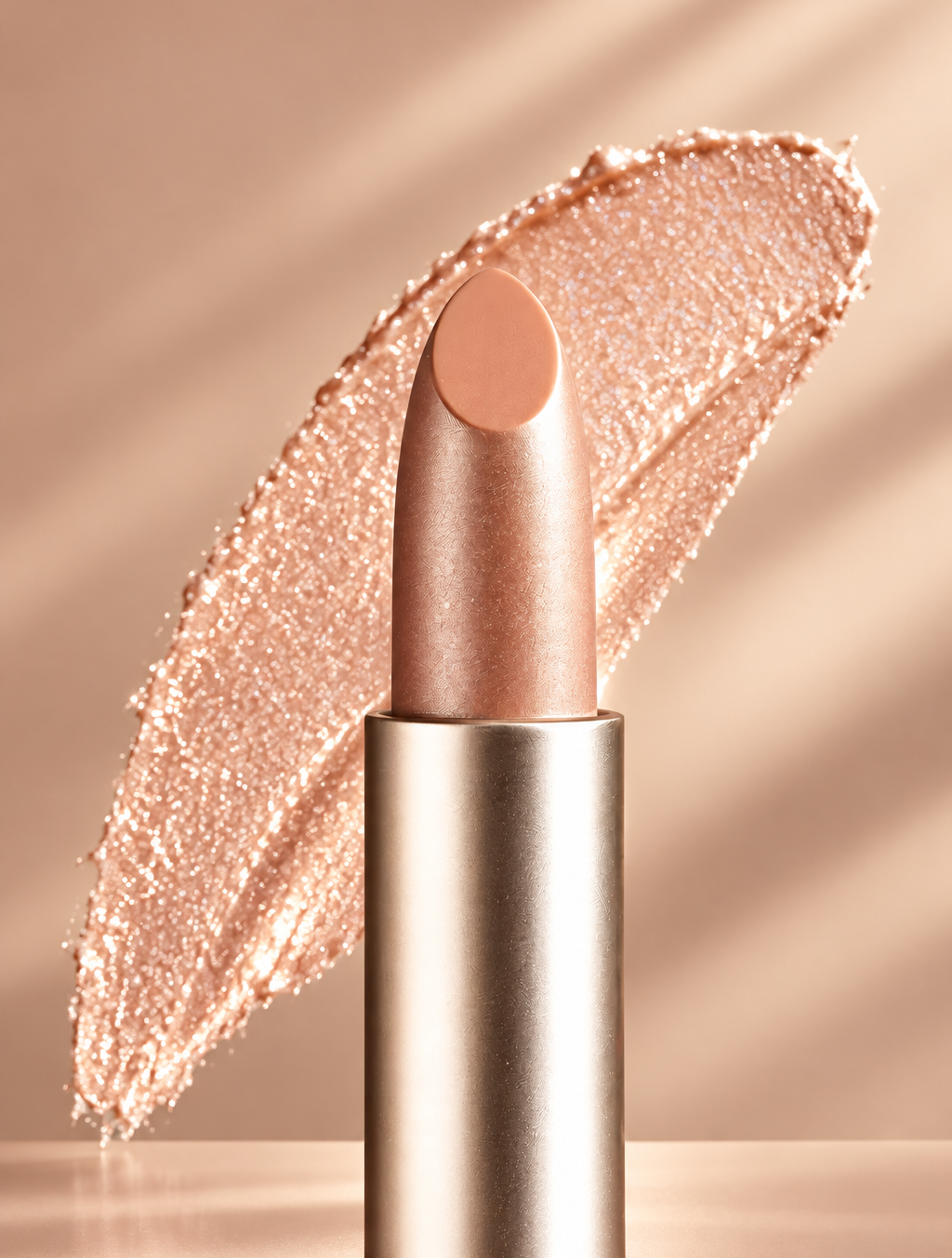
Replace the background with high end social media post while keeping the main subject, pose, lighting, and details unchanged.
Styles for Every Genre
Hip-hop, indie, metal, lo-fi, synthwave, jazz, and more.
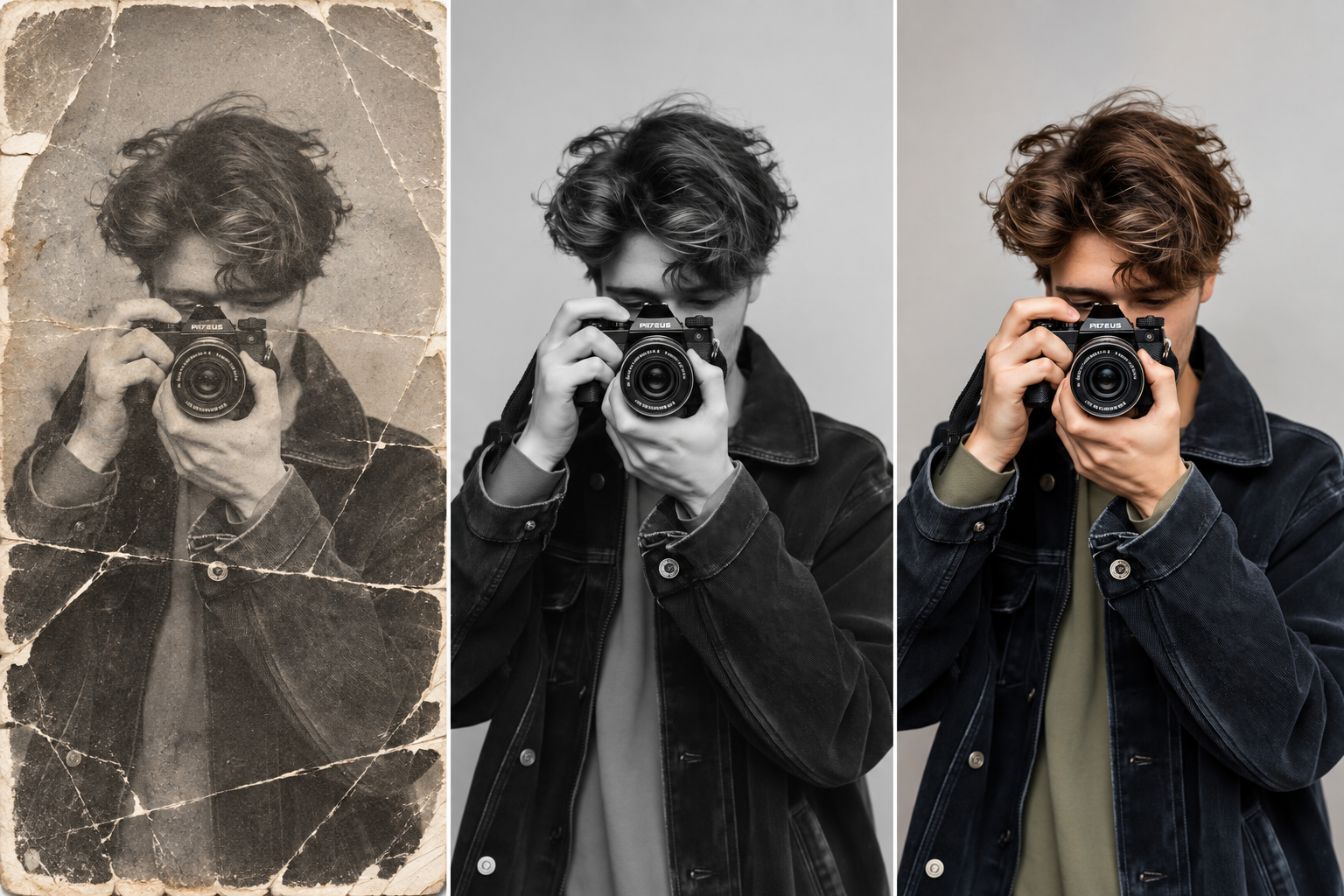
Restore this old photo by removing scratches, noise, blur, and fading while preserving the original details and natural appearance.
Start From Your Photo
Turn a band or artist photo into cover art.
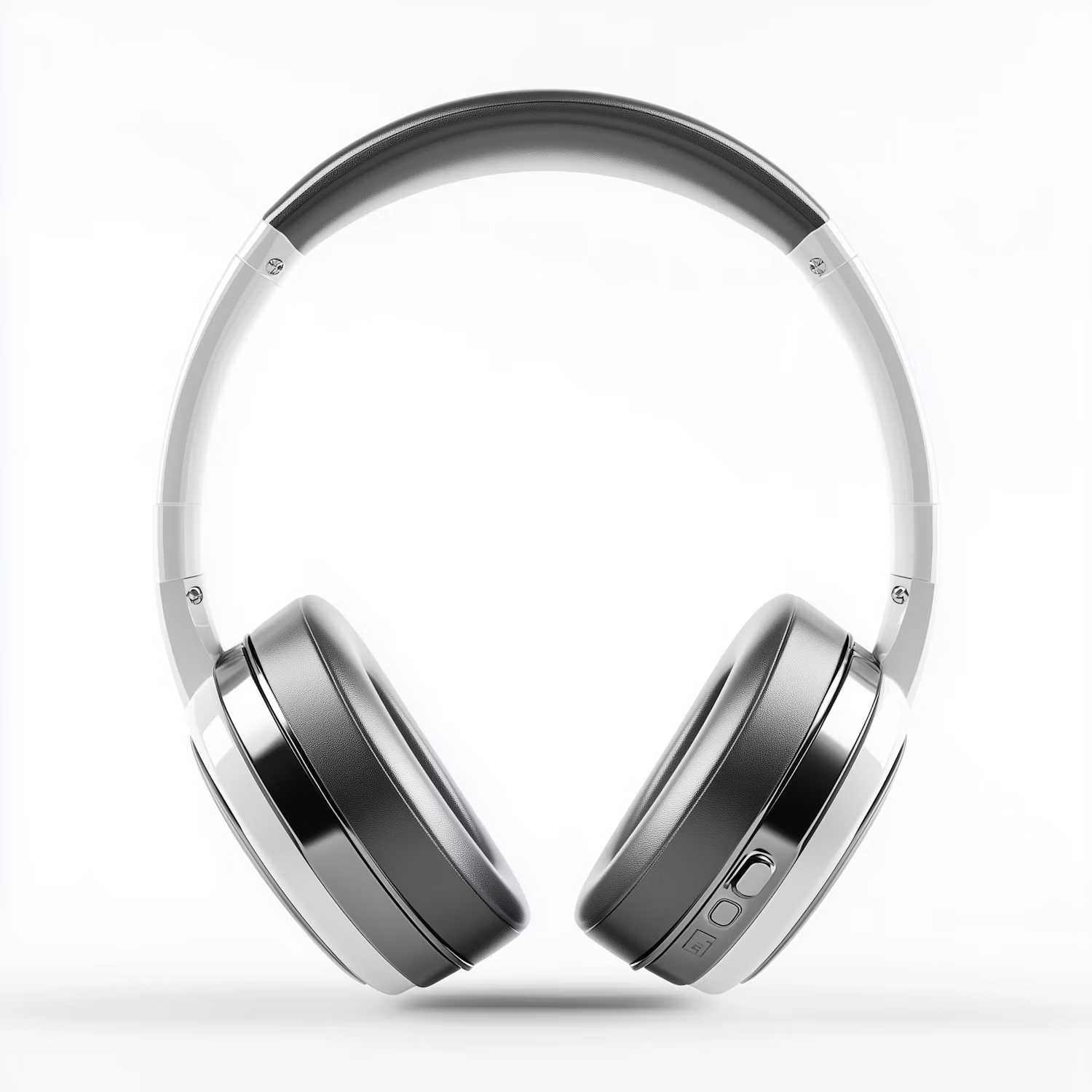
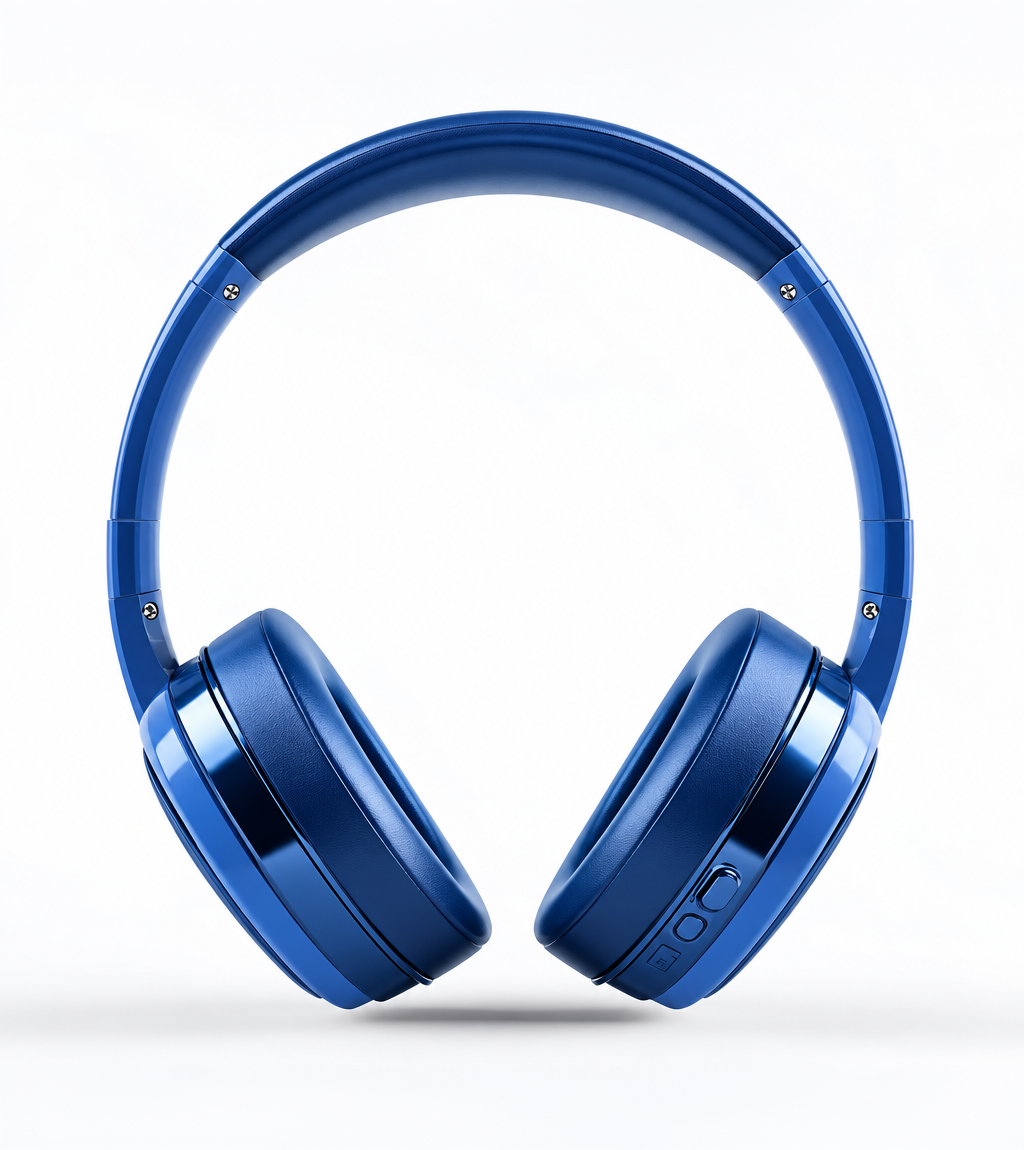
Change the color of Headphone Gray to blue while preserving its original texture, shape, lighting, and details.
Compare Models Side by Side
See the same idea on several image models.
How it works
How to Make an Album Cover With AI
Create professional results in just a few simple steps.
Step 1
Describe Your Music
Write the genre, mood, and imagery, or upload a photo.
Choose a file or drag & drop it here.
JPG, PNG, or WEBP, up to 20 MB.
Step 2
Generate Covers
Click Create Cover and compare the options.
Step 3
Refine and Download
Ask for changes, check any text, and save your cover.
Who is it for?
Who Uses the AI Album Cover Generator
Independent Artists
Get cover art for every single without a big budget.
Bands
Explore cover ideas together before a release.
Producers and Beatmakers
Make artwork for beat tapes and instrumentals.
Podcasters
Create square show art in the same way.
Small Labels
Draft covers for several artists quickly.
DJs
Make artwork for mixes and live sets.
FAQ
Frequently Asked Questions
Answers on cost, size, text, rights, and privacy for the AI Album Cover Generator.
Yes. You can create covers on the free plan. Free has usage limits and a lower maximum resolution, and paid plans raise both.
Covers are square. Check your distributor's current size and file rules before you upload, and use the highest resolution your plan allows.
You can ask for it, but image models sometimes misspell text. Check every letter, or add the text yourself in a design tool.
Yes. Upload a photo of yourself or your band and describe the style you want around it.
Yes. You can use what you create commercially. Avoid copying another artist's cover or using a real person's likeness without permission.
You can create the artwork in that style. The official Parental Advisory label is a trademark, so follow your distributor's rules for explicit content.
Yes. Your images stay in your account and are not used to train models. You control who can see anything you share.
Ready to Explore?
Work Smarter With Multi-Model AI
Try new looks, edit photos, and create images with GPT Image, Nano Banana, FLUX, and Seedream in one secure workspace.



