
AI Attractiveness Test
Honest feedback on your photo, not a verdict on you.
Upload a photo and Aymo AI tells you what works in it and what holds it back: light, angle, expression, framing, hair, and background. Then try the suggestions on your photo with image models and compare the versions side by side.
Choose a file or drag & drop it here.
JPG, PNG, or WEBP, up to 20 MB.
Don't have a photo?
Try a sample image
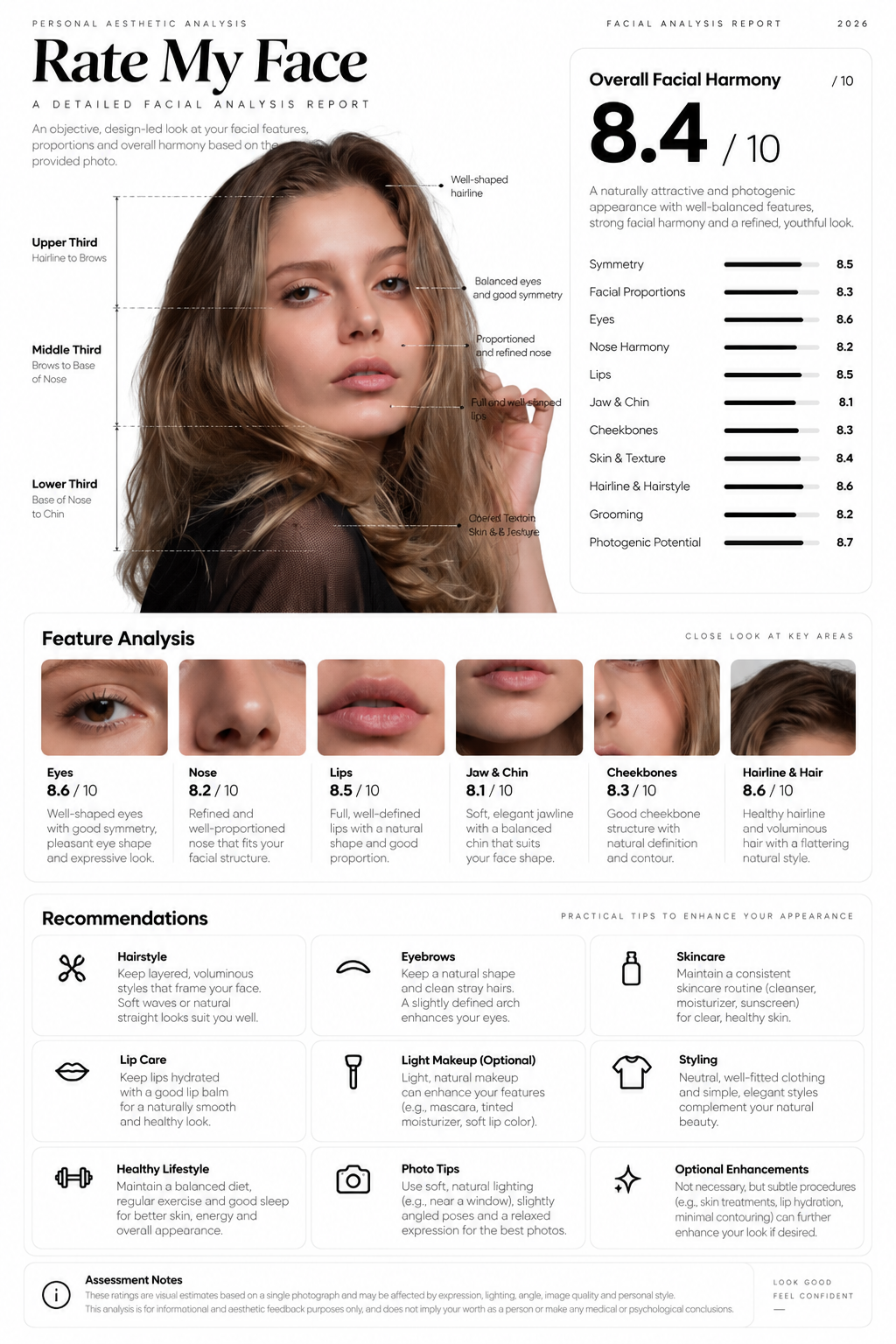

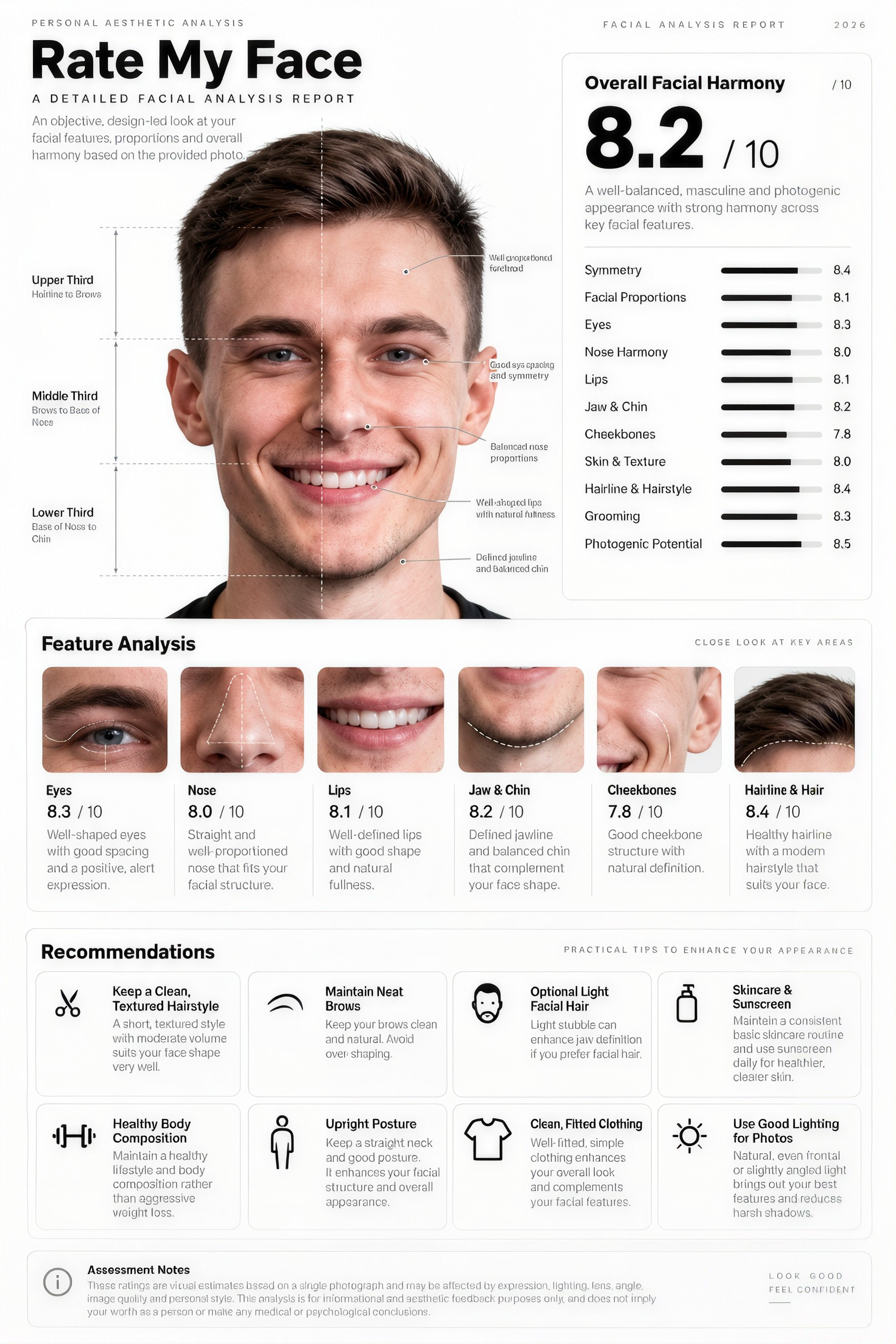
Feedback You Can Use
Light, angle, expression, framing, hair, and background, each explained.
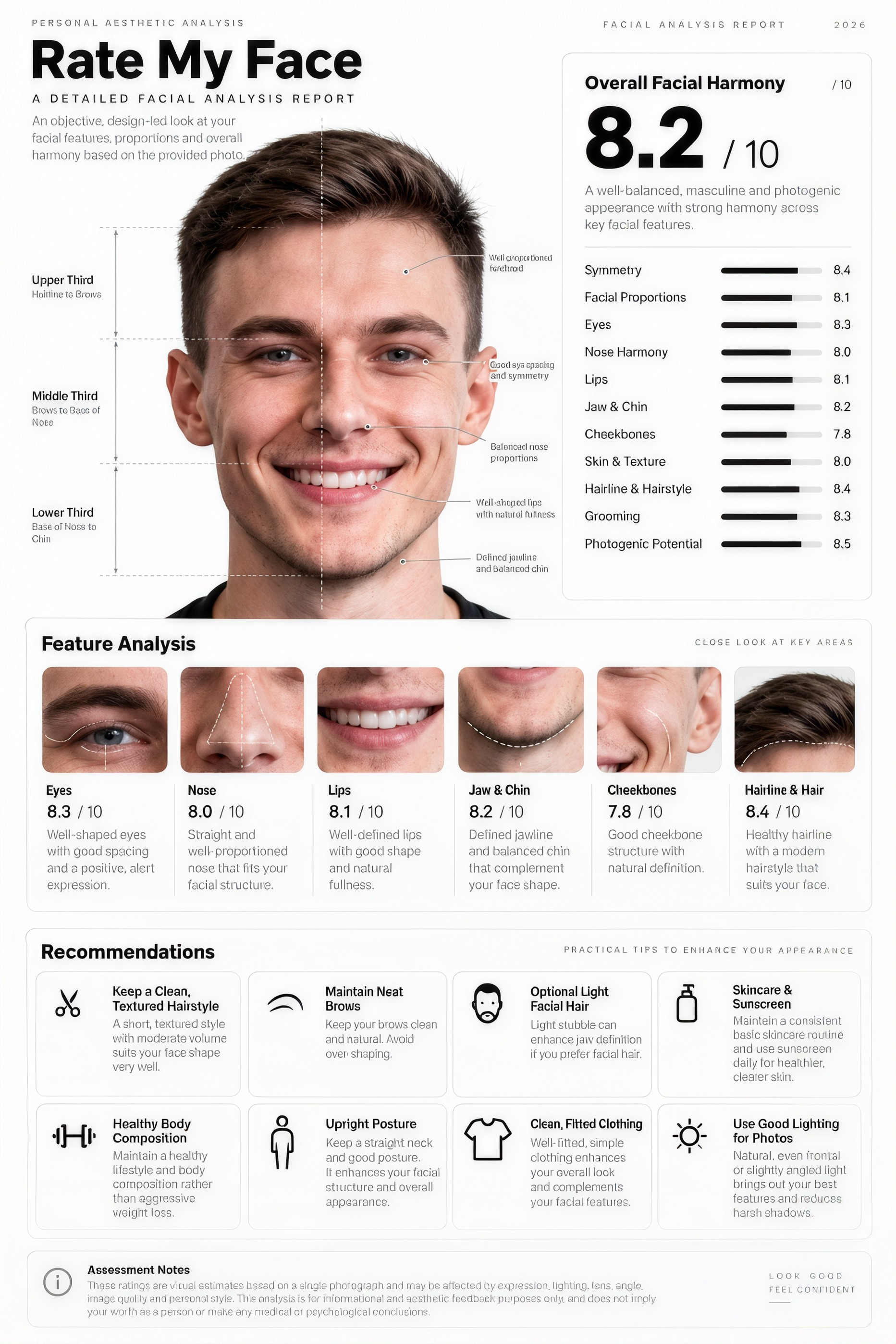
See the Better Version
Try the suggestions on your photo and compare.
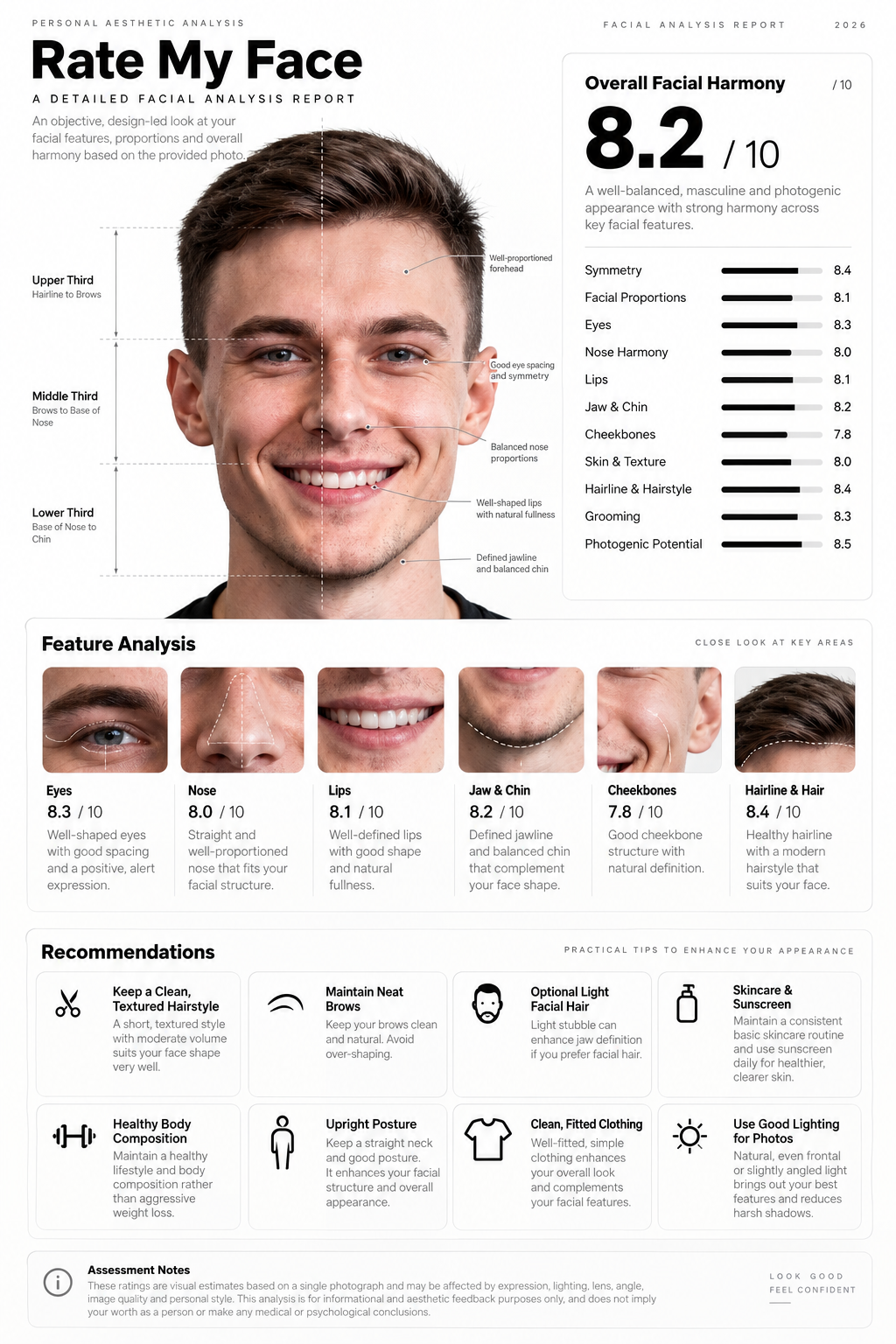
Pick Your Best Photo
Upload several photos and see which one works best.
How it works
How to Get Your Photo Rated
Create professional results in just a few simple steps.
Step 1
Upload a Photo
Add a selfie, a profile picture, or a few photos to compare.
Choose a file or drag & drop it here.
JPG, PNG, or WEBP, up to 20 MB.
Step 2
Get Feedback
Click Rate My Photo to see what works and what to change.
Step 3
Try the Changes
Ask to apply a suggestion and compare the new version.
Who is it for?
Who Uses the AI Attractiveness Test
Dating App Users
Choose and improve your profile photos.
Professionals
Check a LinkedIn or headshot photo before posting.
Selfie Takers
Learn which angle and light suit you.
Content Creators
Pick the strongest photo for thumbnails and posts.
Job Seekers
Get a friendly, clear photo for applications.
Photographers
Get a second opinion on client portraits.
FAQ
Frequently Asked Questions
Answers on cost, scores, accuracy, improvements, and privacy for the AI Attractiveness Test.
Yes. You can use it on the free plan. Free has usage limits and a lower maximum image resolution, and paid plans raise both.
Yes. Rate My Face scores your face out of 10, with a breakdown for symmetry, skin, eyes, and jawline. This test focuses on how well your photo shows you.
No photo test can answer that fairly. Attraction depends on personality, voice, and the person looking. What Aymo can tell you is how well a photo shows you.
Yes. Ask for a score and the model will give one with its reasons. Treat it as a rating of that photo, not of you.
Face soft daylight, hold the camera at eye level or a little above, step back and zoom instead of shooting close, and relax your face. Aymo shows these changes on your own photo.
You can compare answers from several models on the same photo, and image models show the suggested changes instead of only describing them.
Yes. Your photos stay in your account and are not used to train models. You control who can see anything you share.
Ready to Explore?
Work Smarter With Multi-Model AI
Try new looks, edit photos, and create images with GPT Image, Nano Banana, FLUX, and Seedream in one secure workspace.



