
AI Background Remover
Remove the background, then keep it clear or replace it.
Upload a photo and Aymo AI separates the subject from everything behind it. Download it with a transparent background, set a plain white or colored background, or describe a new scene, such as "on a marble kitchen counter". Compare results from different image models.
Choose a file or drag & drop it here.
JPG, PNG, or WEBP, up to 20 MB.
Don't have a photo?
Try a sample image

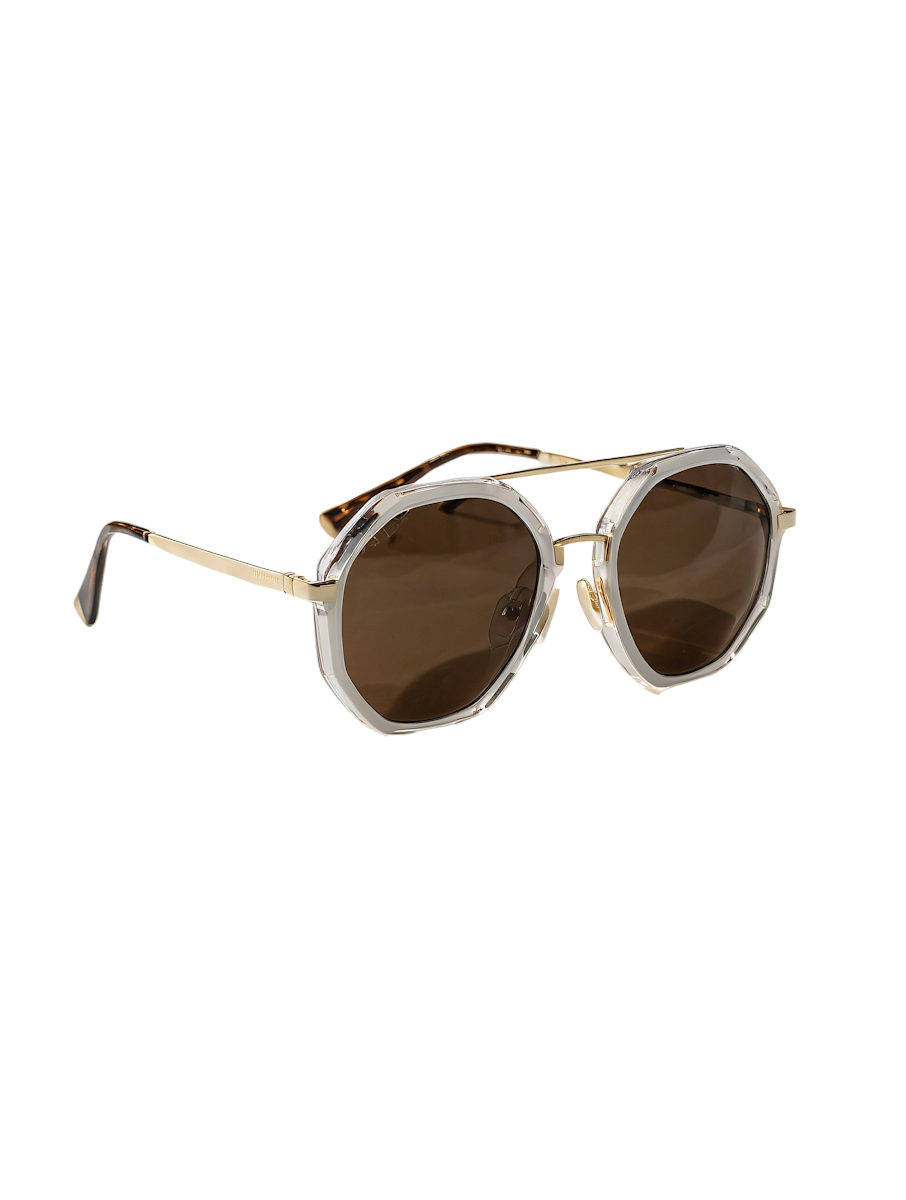
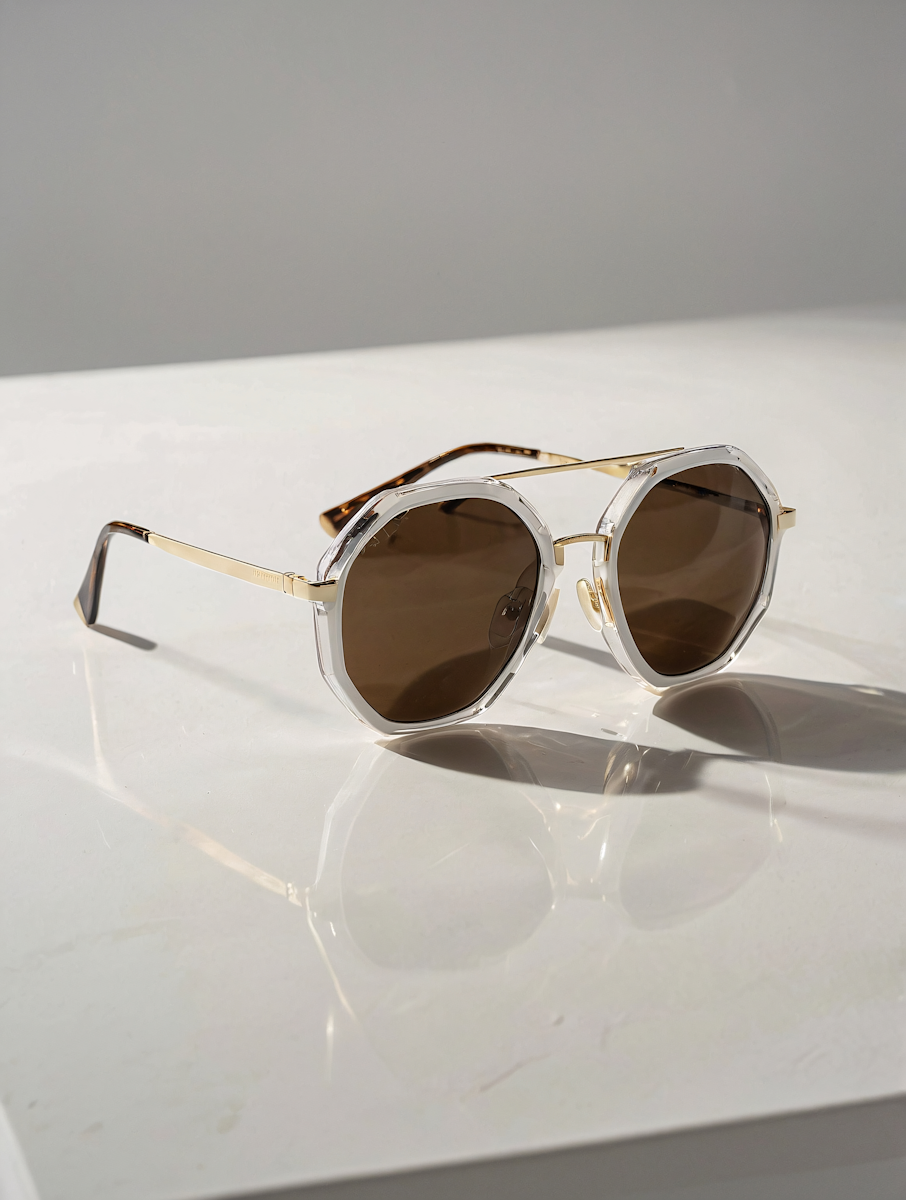
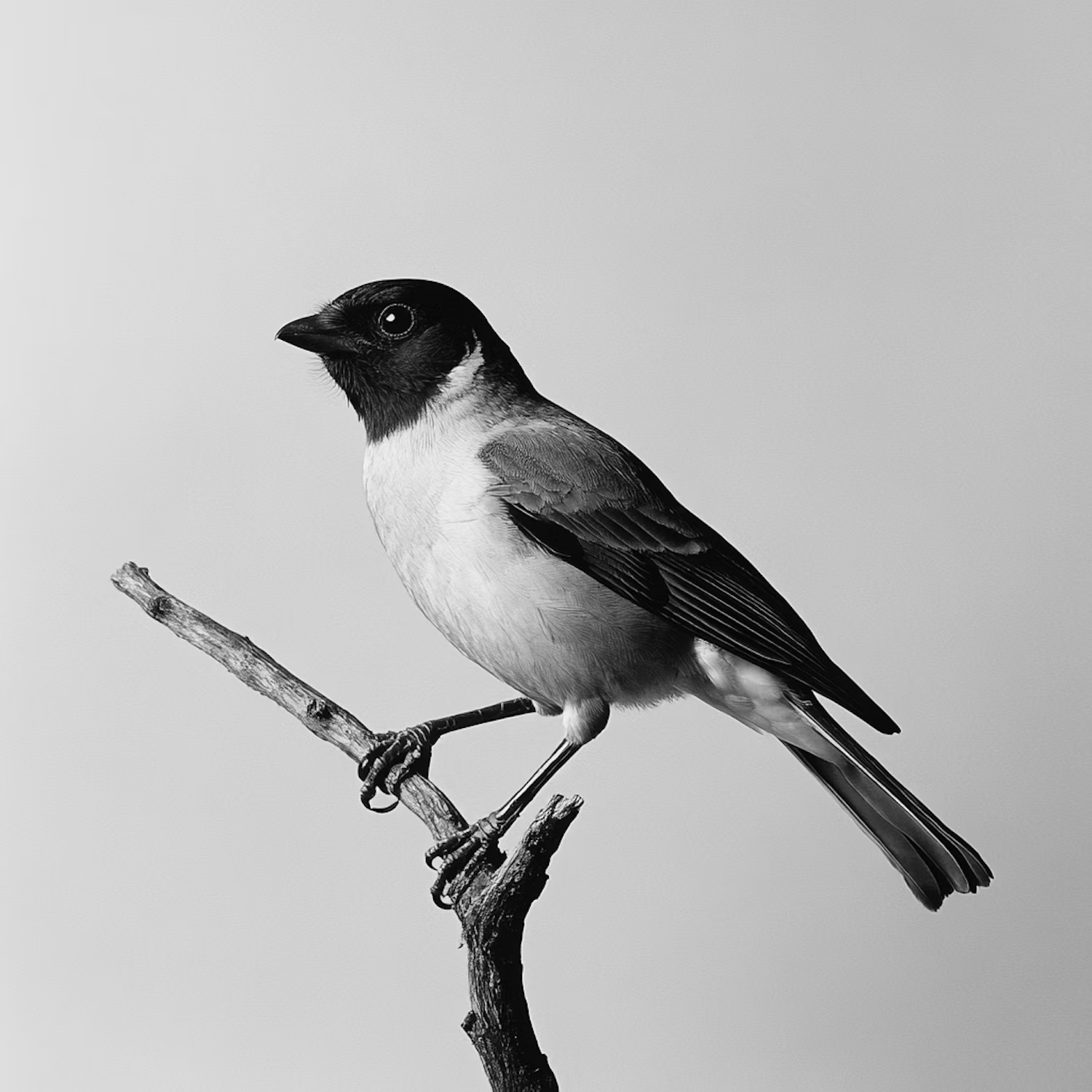
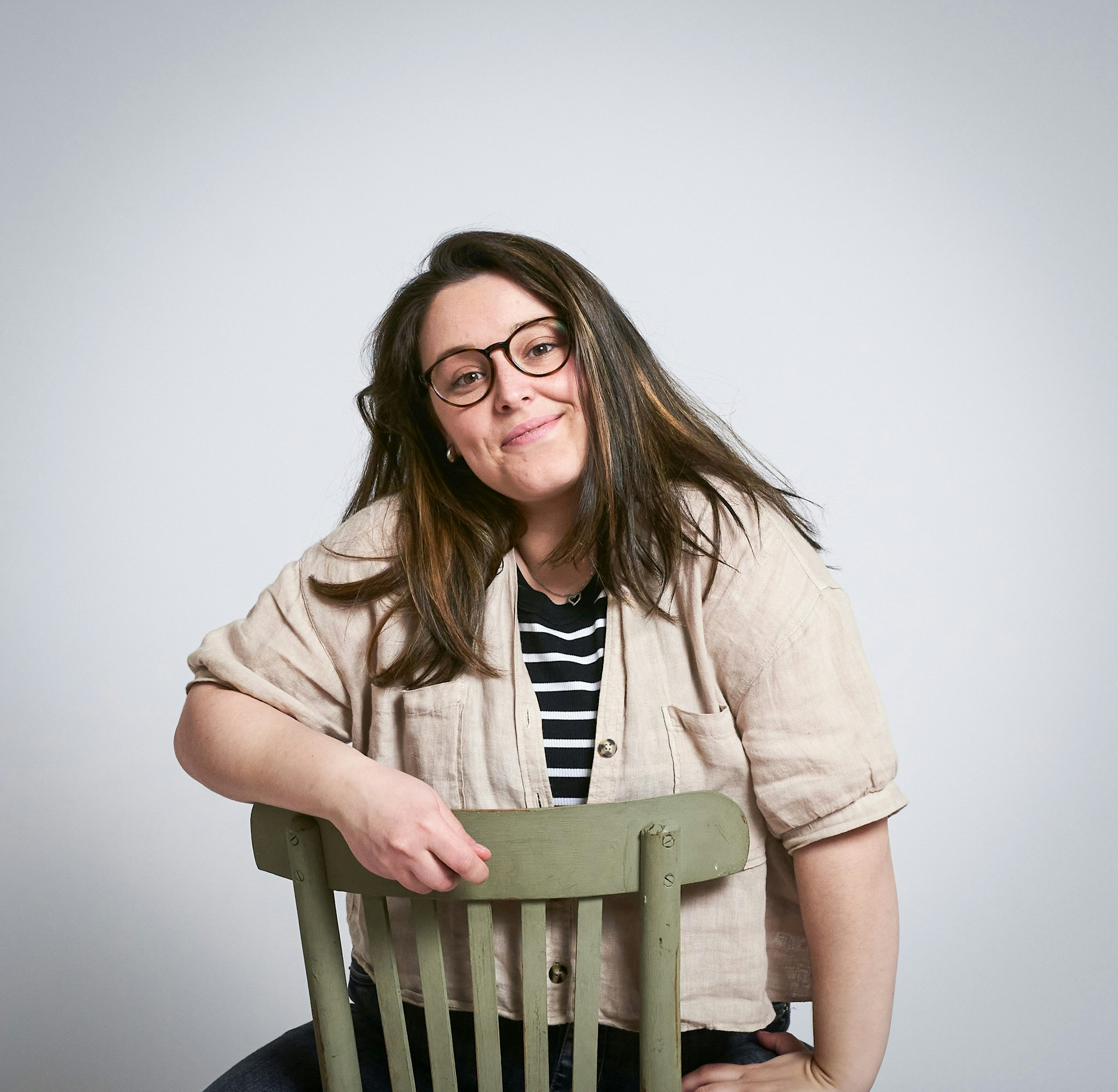

Multiple Image Models
Remove the background with several models and keep the cleanest cutout.
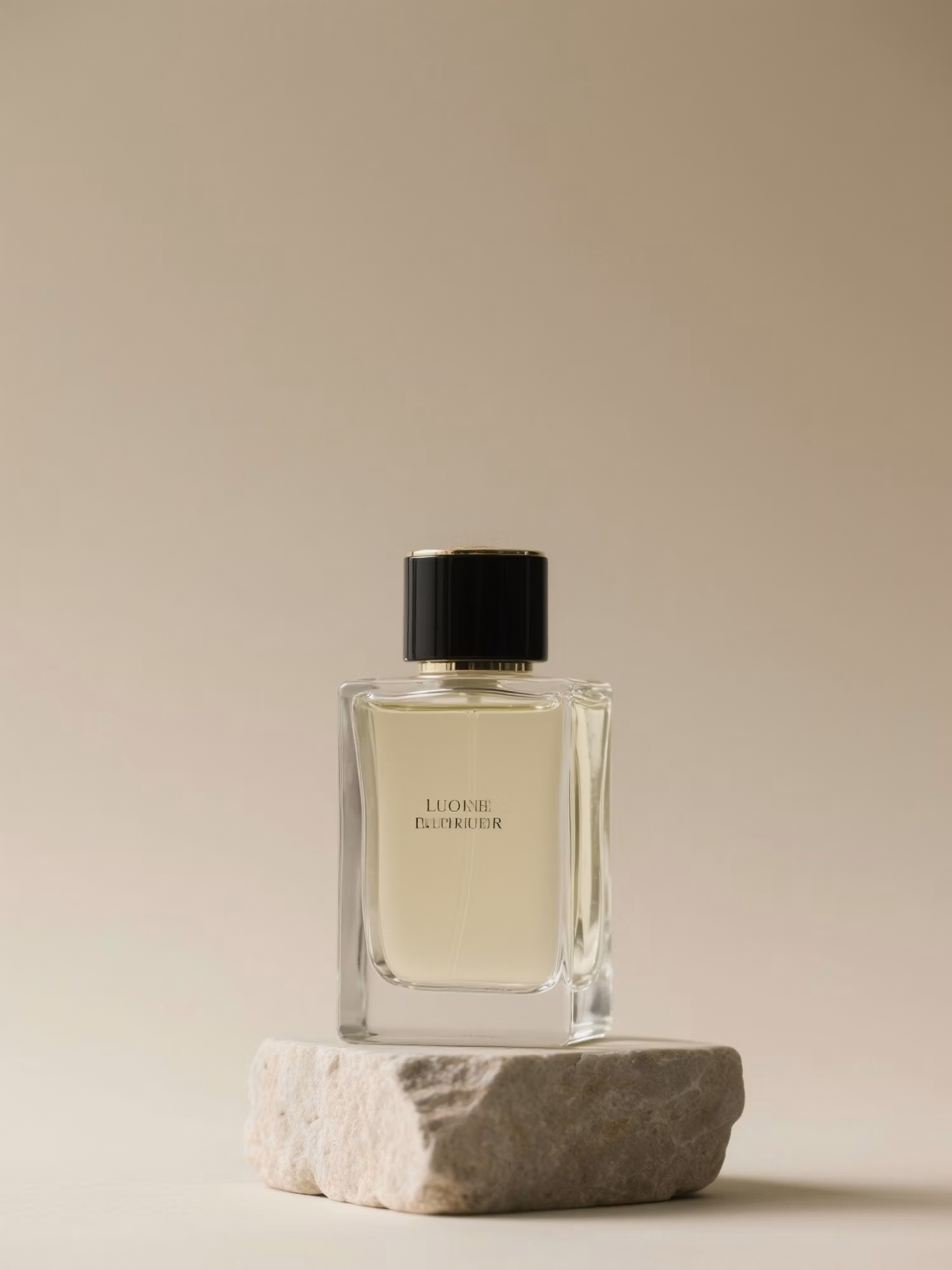
Edge Detail
Transparent, Color, or New Scene
Choose a transparent background, a solid color, or a scene you describe in words.

Product-Ready White Backgrounds
Set a pure white background for marketplace listings in one step.
How it works
How to Remove a Background with AI
Create professional results in just a few simple steps.
Step 1
Upload Your Image
Add the photo you want to cut out.
Choose a file or drag & drop it here.
JPG, PNG, or WEBP, up to 20 MB.
Step 2
Choose the New Background
Keep it transparent, pick a color, or describe a scene, then click Remove Background.
Step 3
Download
Compare models and save the version you like.
Who is it for?
Built for Clean Cutouts and New Scenes
Ecommerce Sellers
Make white-background and lifestyle shots from one product photo.
Marketers
Place products and people into ad and banner scenes.
Job Seekers
Swap a messy room for a clean backdrop on profile photos.
Designers
Get cutouts for compositions without masking by hand.
Content Creators
Cut yourself out for thumbnails and covers.
Car and Real Estate Sellers
Replace cluttered surroundings with a clean setting.
FAQ
Frequently Asked Questions
Answers on cost, backgrounds, product photos, models, and privacy for the AI Background Remover.
Yes. You can remove backgrounds on the free plan. Free has usage limits and a lower maximum resolution, and paid plans raise both.
Yes. Pick a solid color or describe a new scene, and the model places the subject in it.
Yes. Choose a white background. Check the marketplace's own image rules for size and framing.
Results depend on the photo and the model. Compare two models when hair or fur sits against a busy background.
The PNG Maker gives you a transparent PNG file. The AI Background Remover also replaces the background with a color or a new scene.
Yes, if you own the rights to the original photo. Edited images are yours for personal and commercial use.
Yes. Your images stay in your account and are not used to train models. You control who can see anything you share.
Ready to Explore?
Work Smarter With Multi-Model AI
Remove backgrounds, edit photos, and create product images using GPT Image, Nano Banana, FLUX, and Seedream in one secure workspace.



