
AI Caricature Generator
Create a caricature of yourself from one photo.
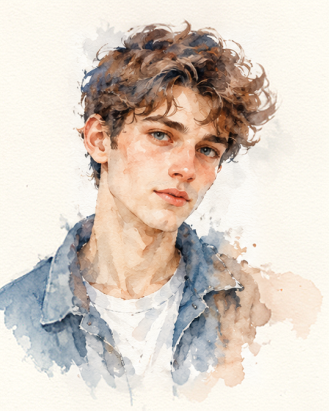
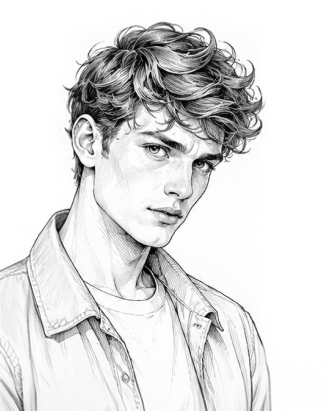
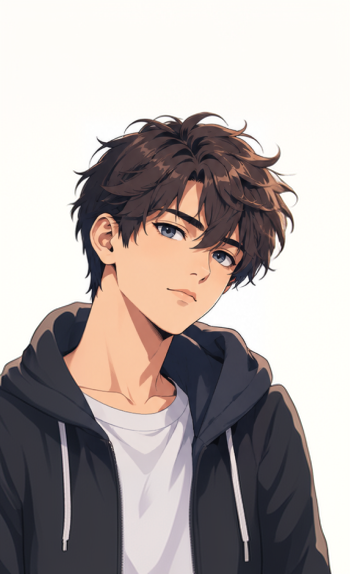
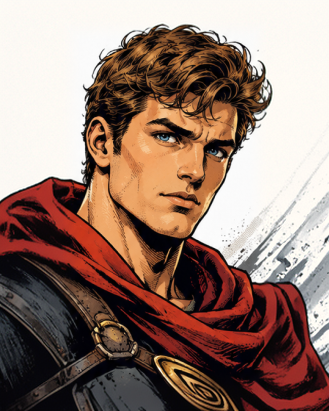
Upload a clear photo of your face and tell Aymo AI what to add, such as your job, a hobby, or a setting. Say how far to push the features, from subtle to bold, and pick a look like pencil sketch, watercolor, or 3D cartoon. Compare results from several image models and keep the one that looks most like you.
Choose a file or drag & drop it here.
JPG, PNG, or WEBP, up to 20 MB.
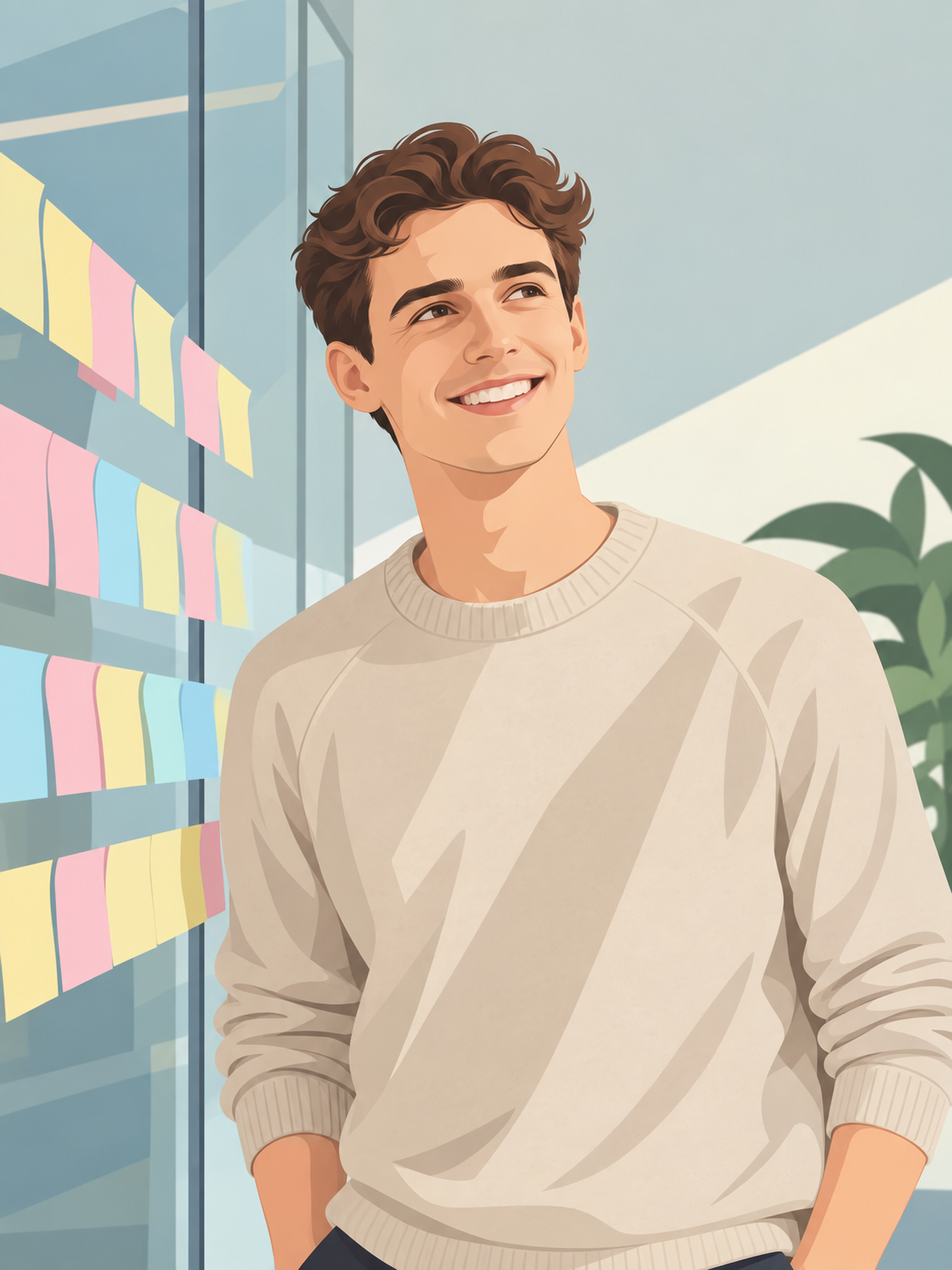
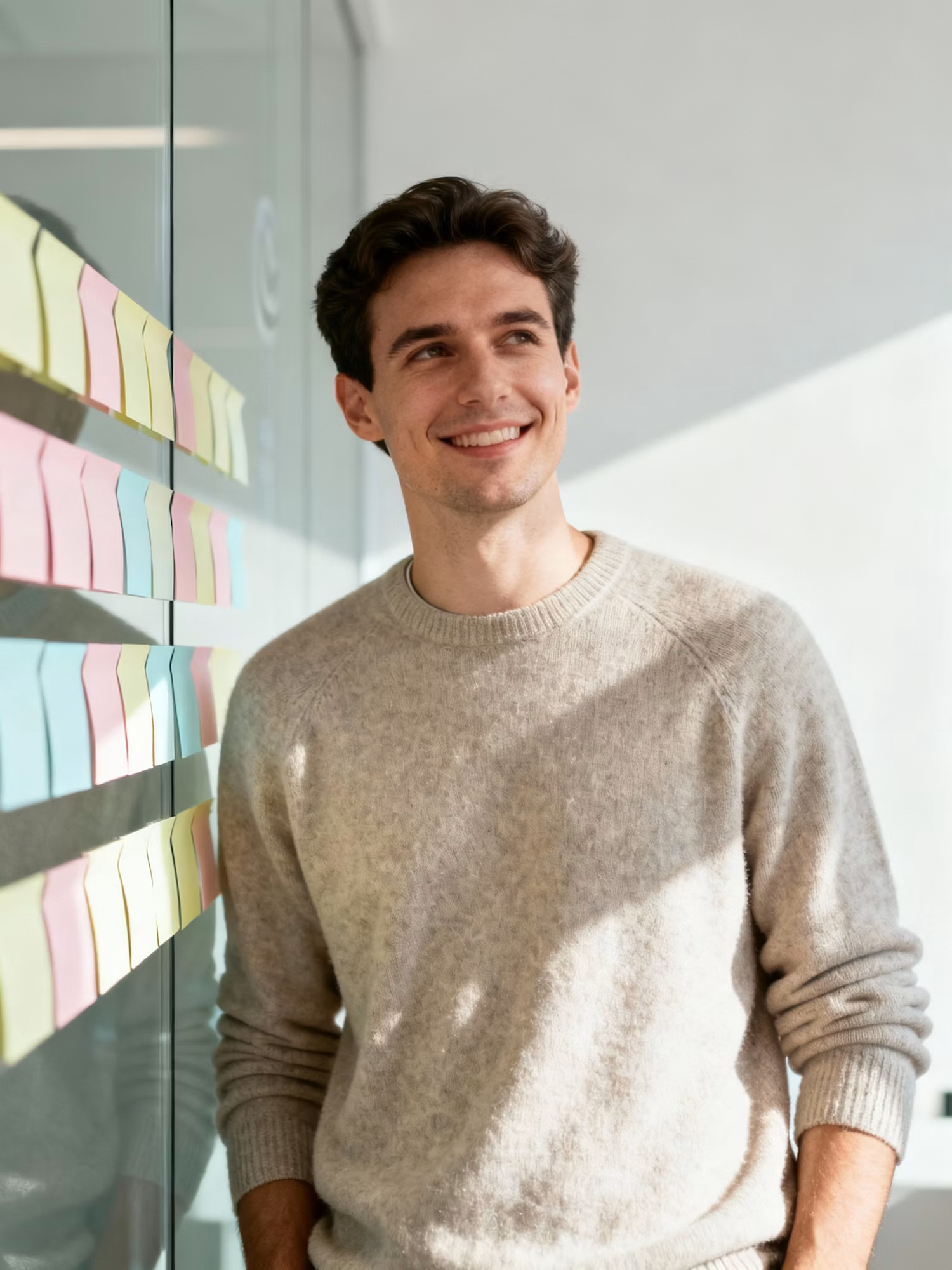
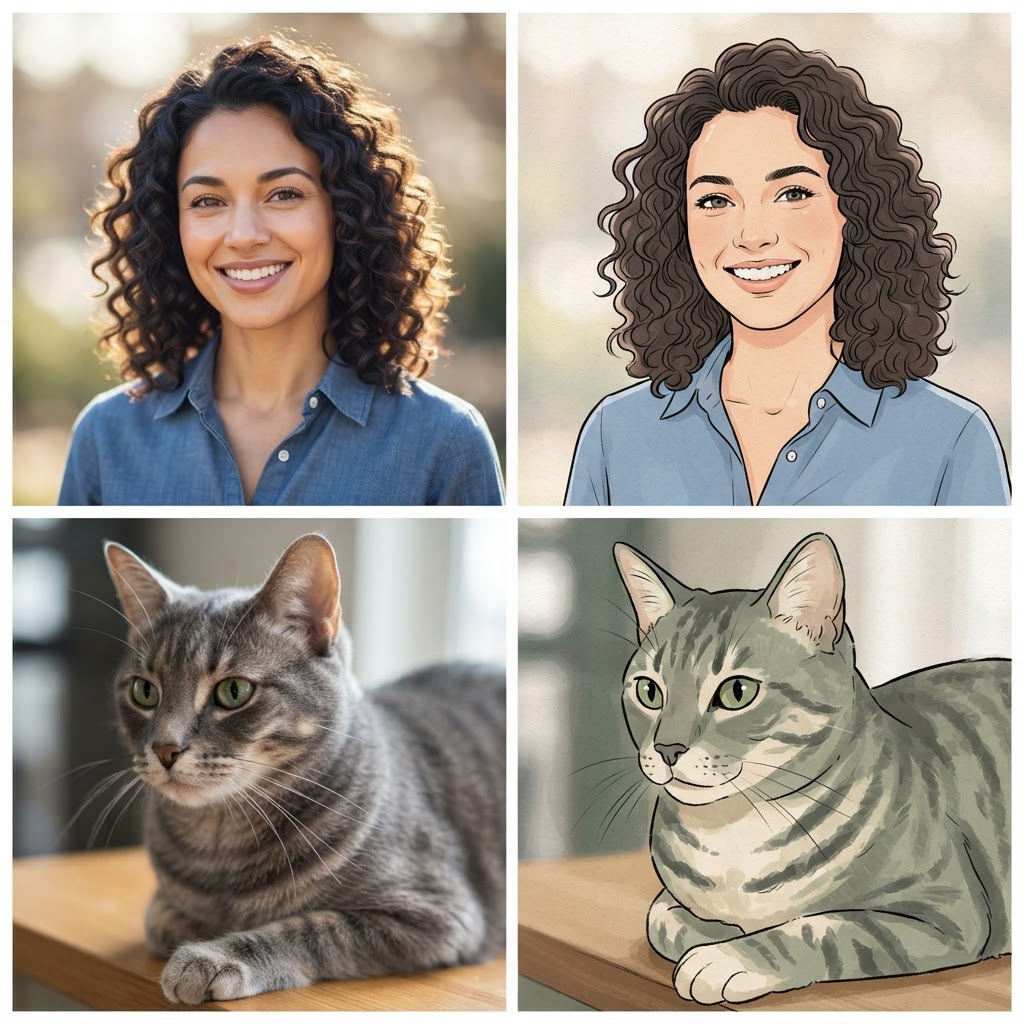
Compare Models Side by Side
Run one photo on several image models and pick the best likeness.
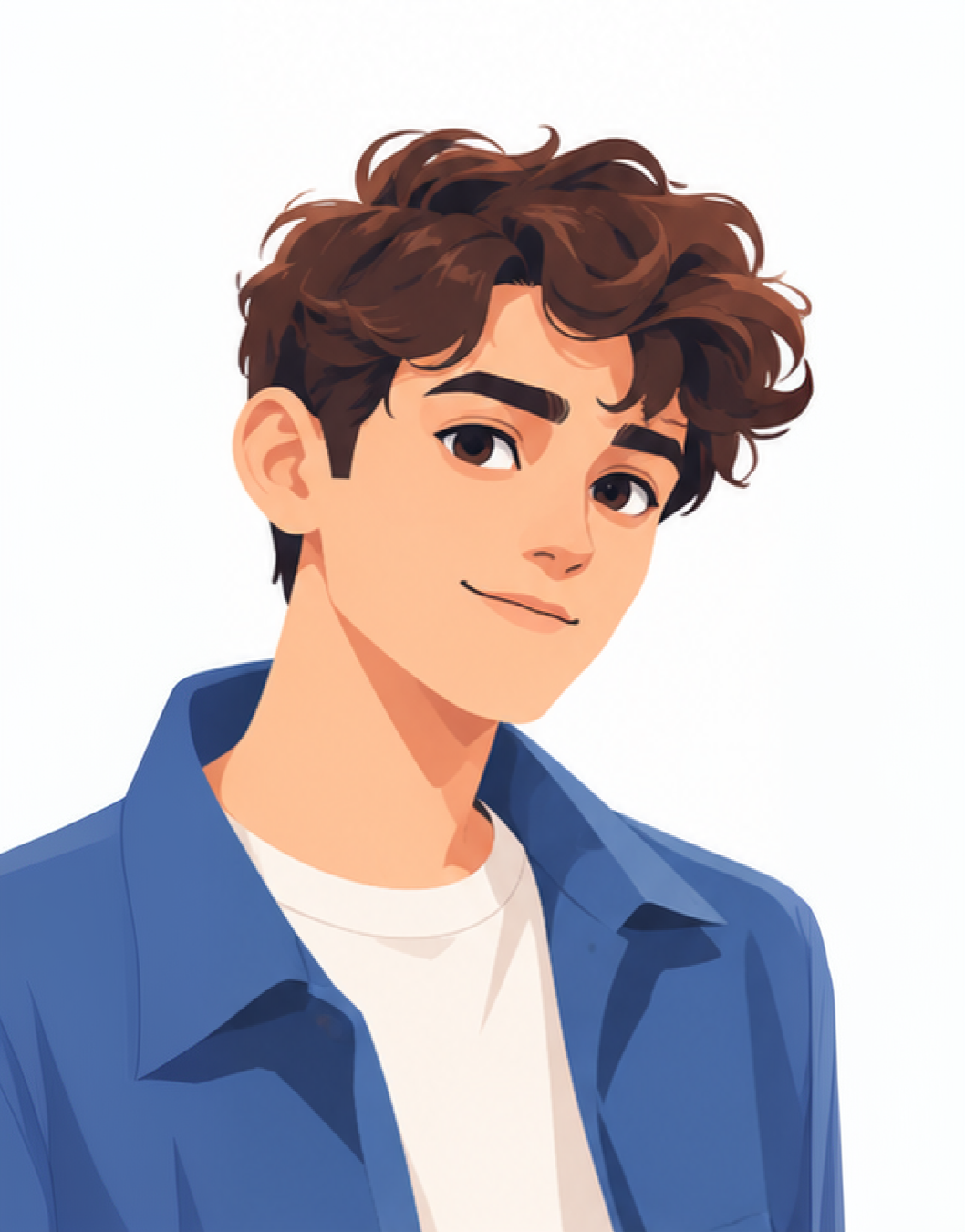
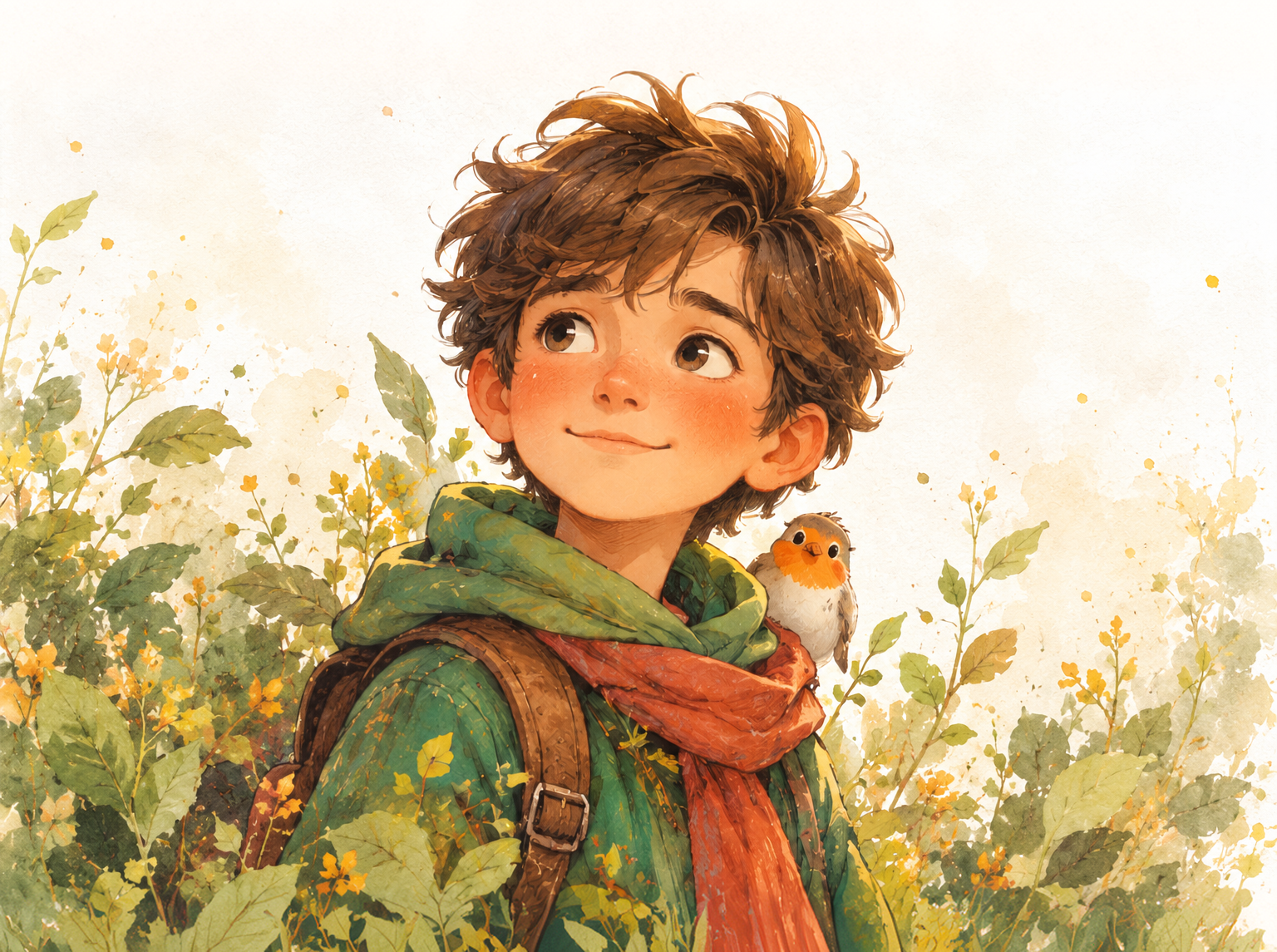
Add Your Job or Hobby
Describe a nurse at work, a developer at a desk, or a golfer on the green.
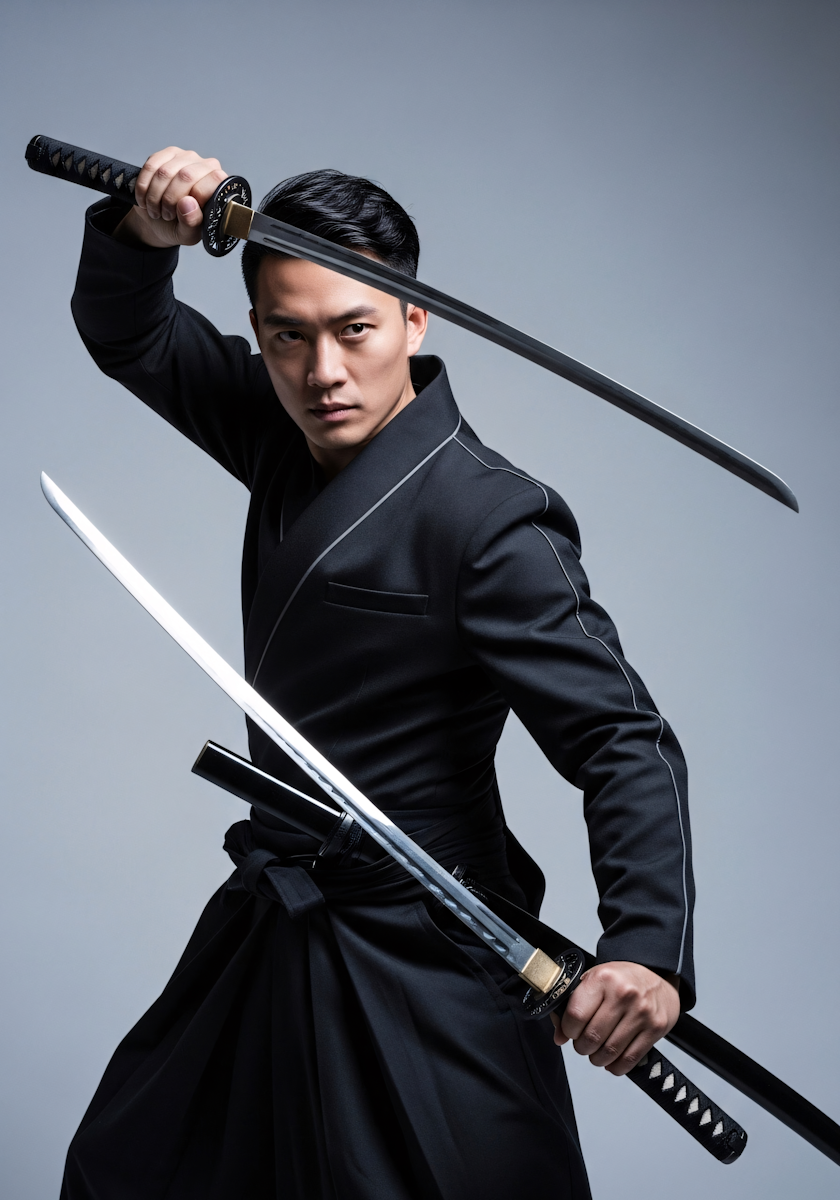
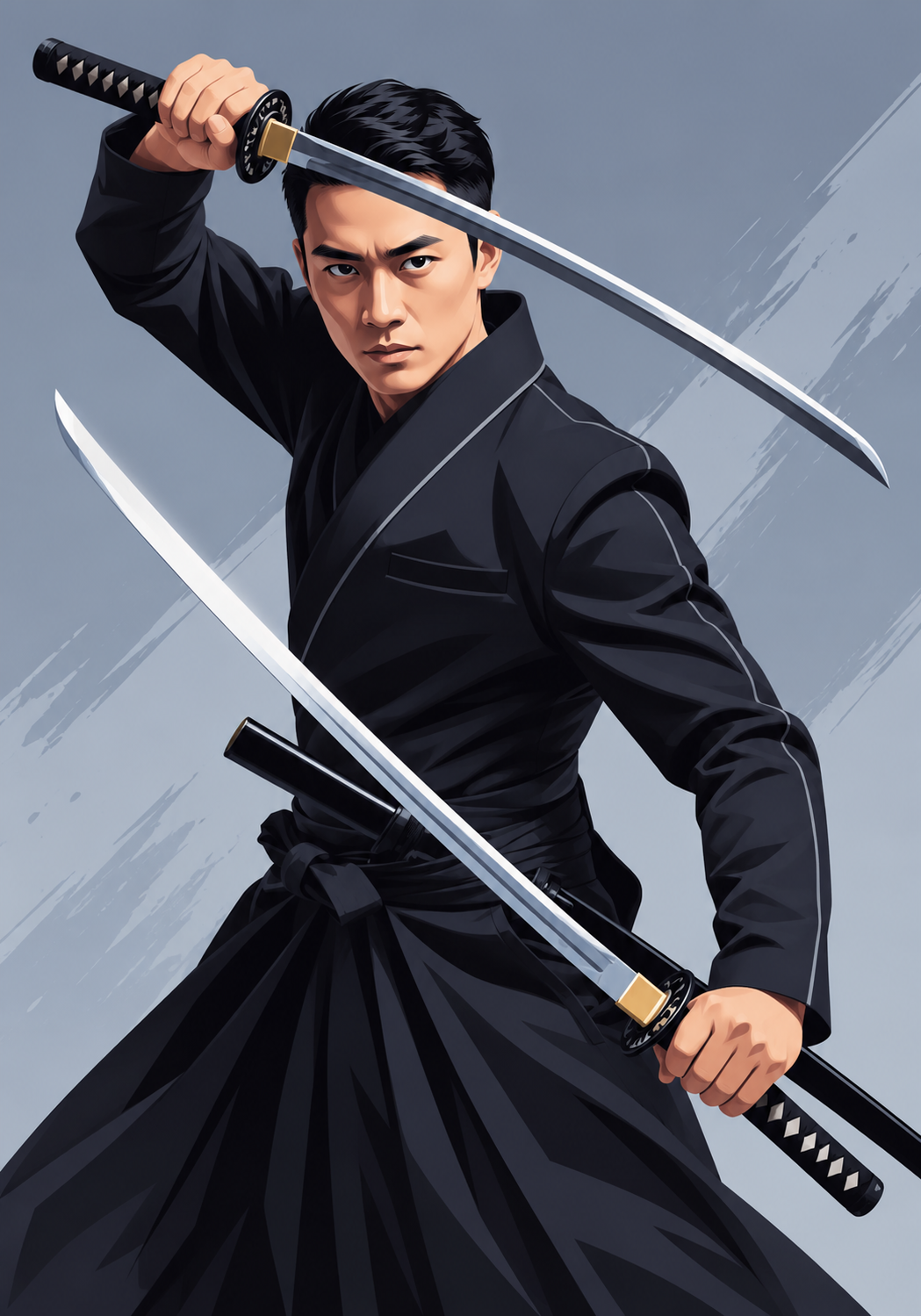
Choose How Much to Exaggerate
Ask for a subtle, medium, or bold caricature in your instruction.
How it works
How to Make a Caricature From a Photo
Create professional results in just a few simple steps.
Step 1
Upload a Photo
Add a well-lit, front-facing photo with one clear face.
Choose a file or drag & drop it here.
JPG, PNG, or WEBP, up to 20 MB.
Step 2
Describe the Scene
Add your job, a hobby, a style, and how bold it should be, then click Create Caricature.
Step 3
Compare and Download
Pick the version that looks most like you and save it.
Who is it for?
Made for Gifts, Teams, and Social Posts
Social Media Users
Join the caricature trend with a picture of you at work.
Gift Givers
Make birthday, retirement, and farewell gifts from a favorite photo.
Teams and HR
Create matching caricatures for team pages and welcome cards.
Couples and Wedding Guests
Turn a couple photo into a fun keepsake or guest book cover.
Small Businesses
Give your profile pictures and about page a friendly, personal look.
Event Planners
Prepare caricature favors and signs for parties and office events.
FAQ
Frequently Asked Questions
Answers on cost, likeness, the job trend, styles, and privacy for the AI Caricature Generator.
Yes. You can create caricatures on the free plan. Free has usage limits and a lower maximum resolution, and paid plans raise both.
It usually does with a sharp, front-facing photo in good light. Avoid sunglasses, hats, and heavy filters. If one result misses, try another model on the same photo.
Upload your photo and describe your work in the instruction, for example "caricature of me as a chef in a busy kitchen, big head, small body, holding a pan". Add the tools and setting that people know you for.
A cartoon simplifies a face. A caricature exaggerates the features that make a face unique, so it is funny but still clearly that person.
Yes. Upload a photo where every face is clear and similar in size. Results are most reliable with two to four people.
Yes. Images you create on Aymo can be used commercially. Only upload photos of yourself or people who have agreed, and do not use it to mock real public figures.
Yes. Your photos stay in your account and are not used to train models. You control who can see anything you share.
Ready to Explore?
Work Smarter With Multi-Model AI
Create caricatures, portraits, and edits with GPT Image, Nano Banana, FLUX, and Seedream in one secure workspace.



