
AI Character Generator
Bring your character to life, look and story.
Describe a character and Aymo AI draws them in the style you choose, from anime to realistic to 3D. Create a character sheet with front, side, and back views, and write the name and backstory in Aymo's AI Chat.
Choose a file or drag & drop it here.
JPG, PNG, or WEBP, up to 20 MB.
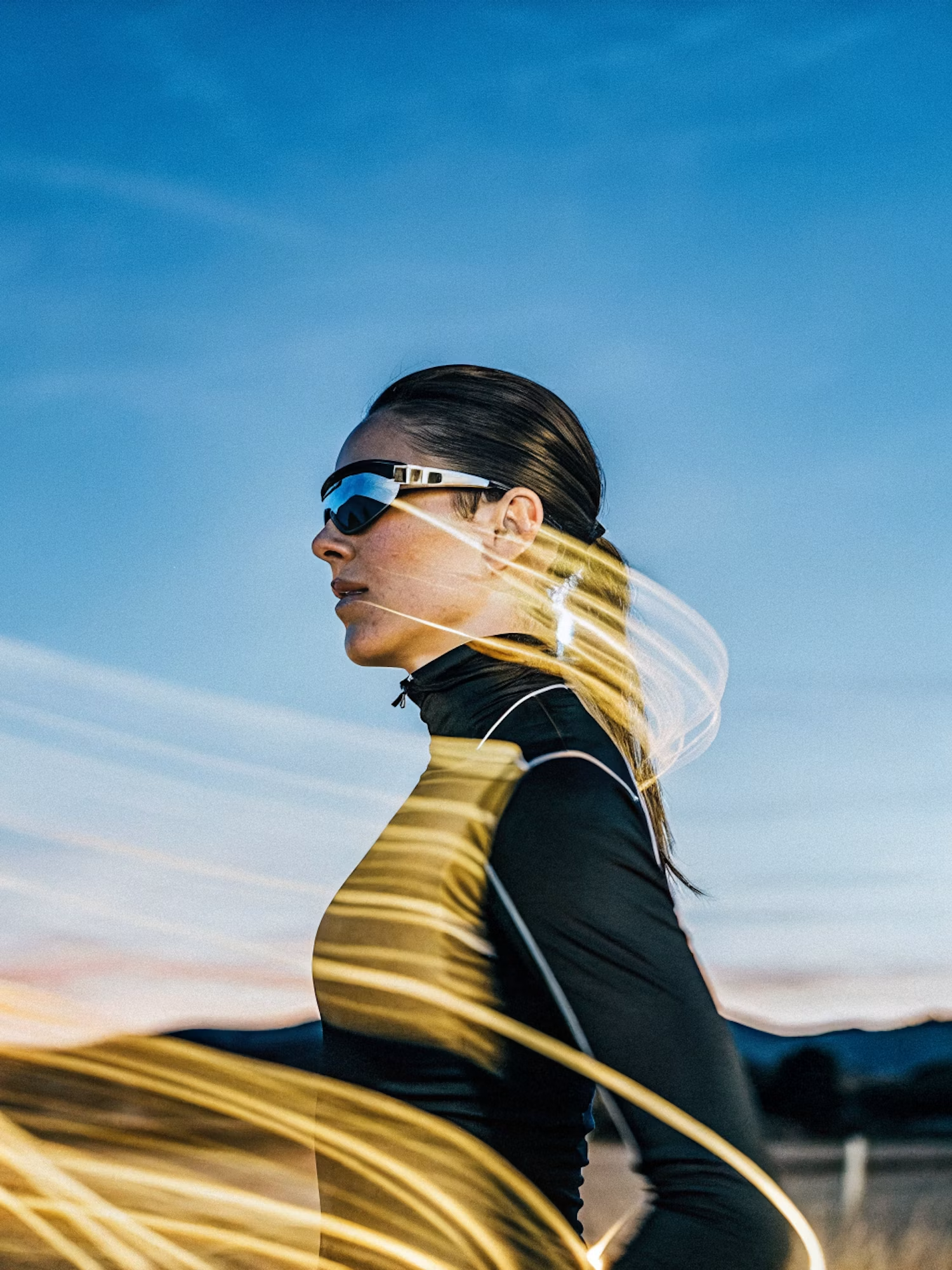
Make the lighting brighter and more balanced while keeping the subject, face, skin tone, clothing, pose, composition, camera angle, background, colors, and image details unchanged. Increase
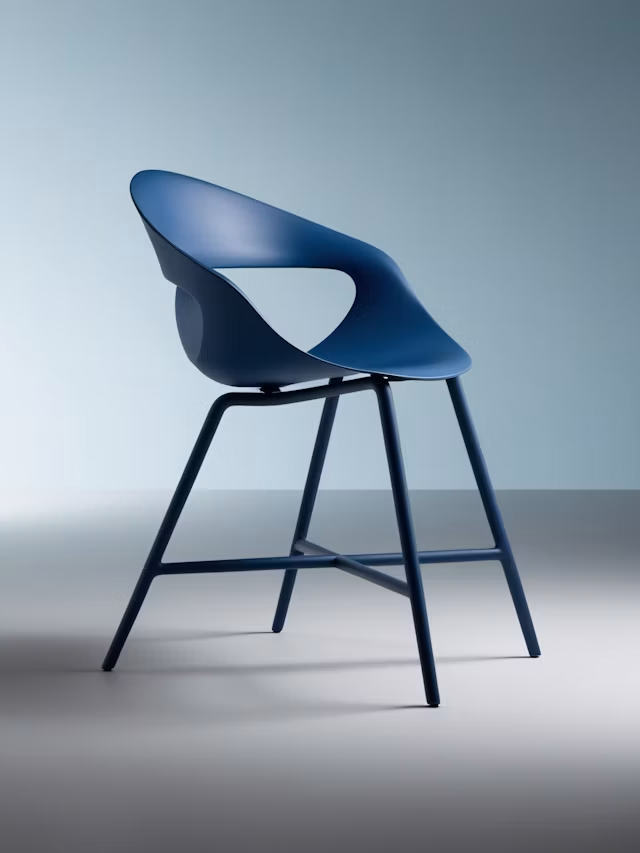
Upscale this image to a higher resolution and improve sharpness while preserving all original details and textures.
Any Style
Anime, cartoon, realistic, fantasy, 3D, or pixel art.
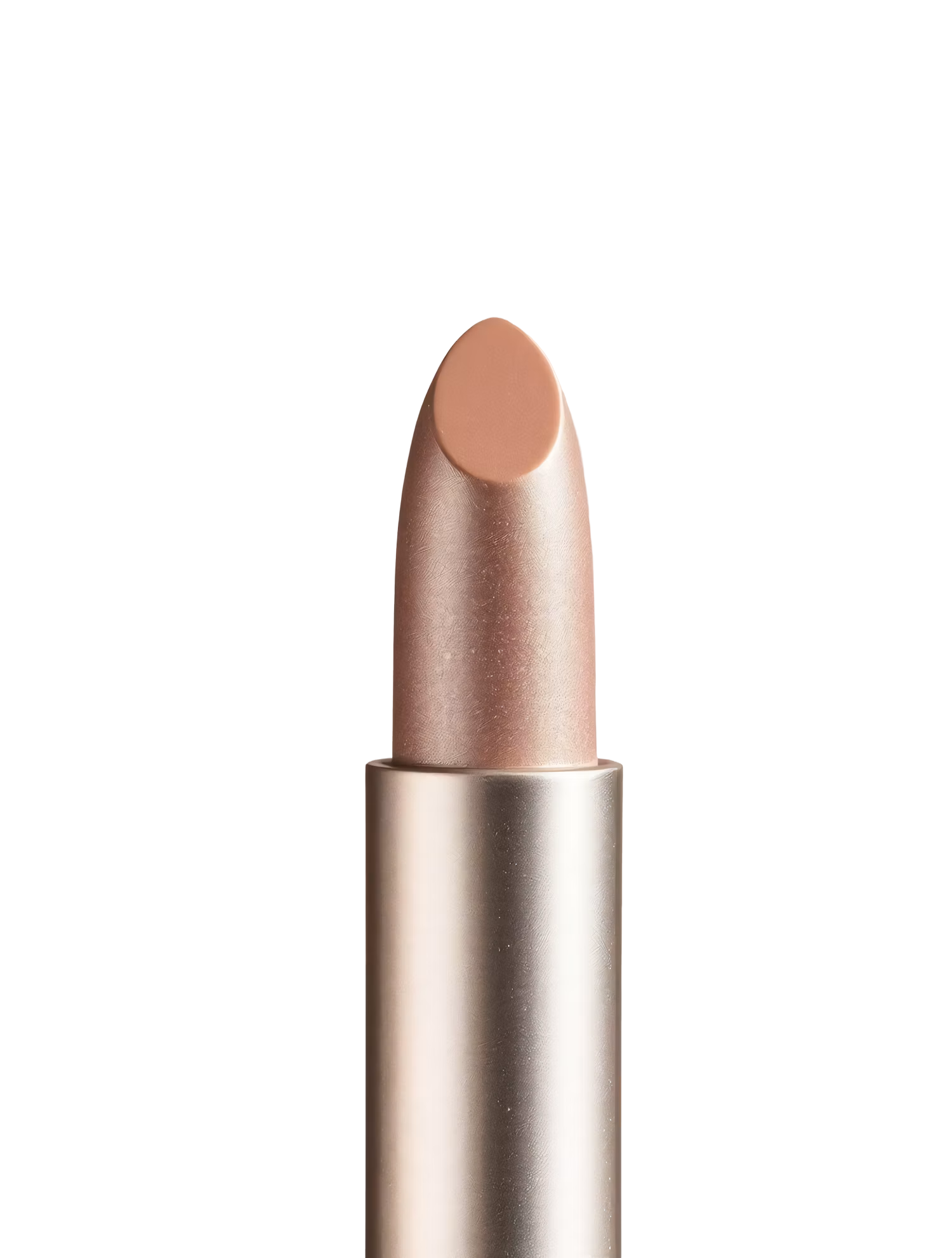
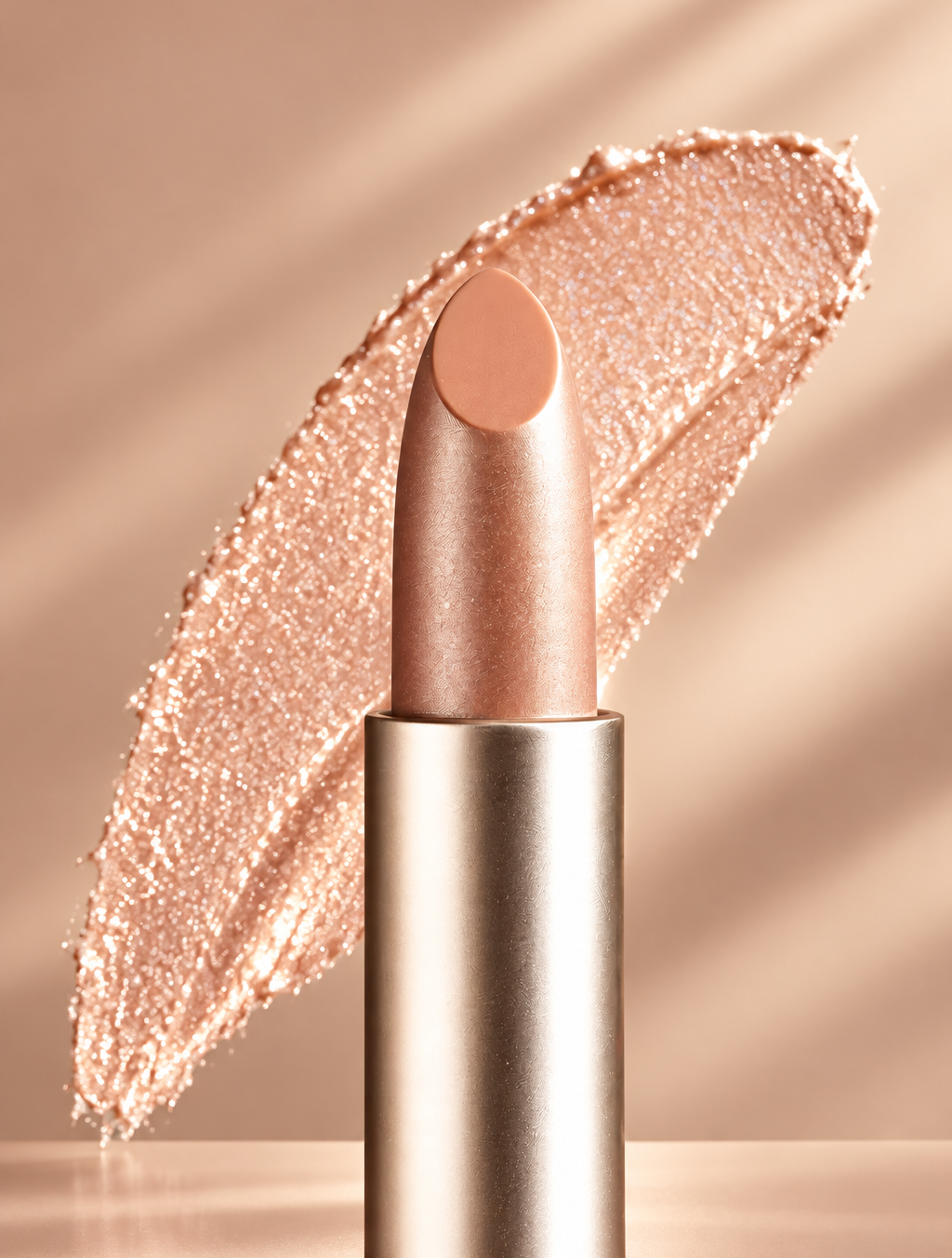
Replace the background with high end social media post while keeping the main subject, pose, lighting, and details unchanged.
Look and Story Together
Write a name, backstory, and personality in Aymo's AI Chat.
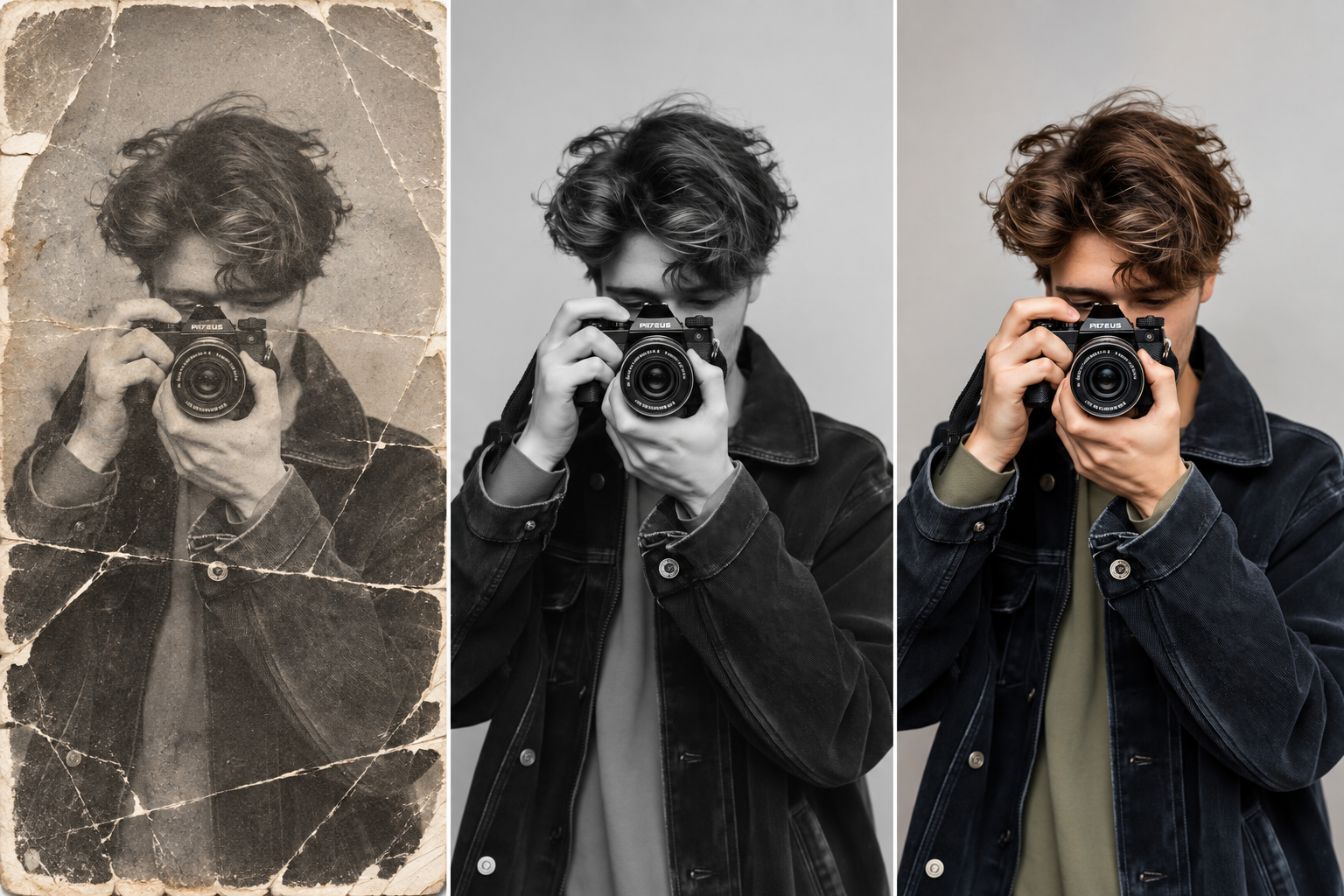
Restore this old photo by removing scratches, noise, blur, and fading while preserving the original details and natural appearance.
Character Sheets
Ask for front, side, and back views for reference.
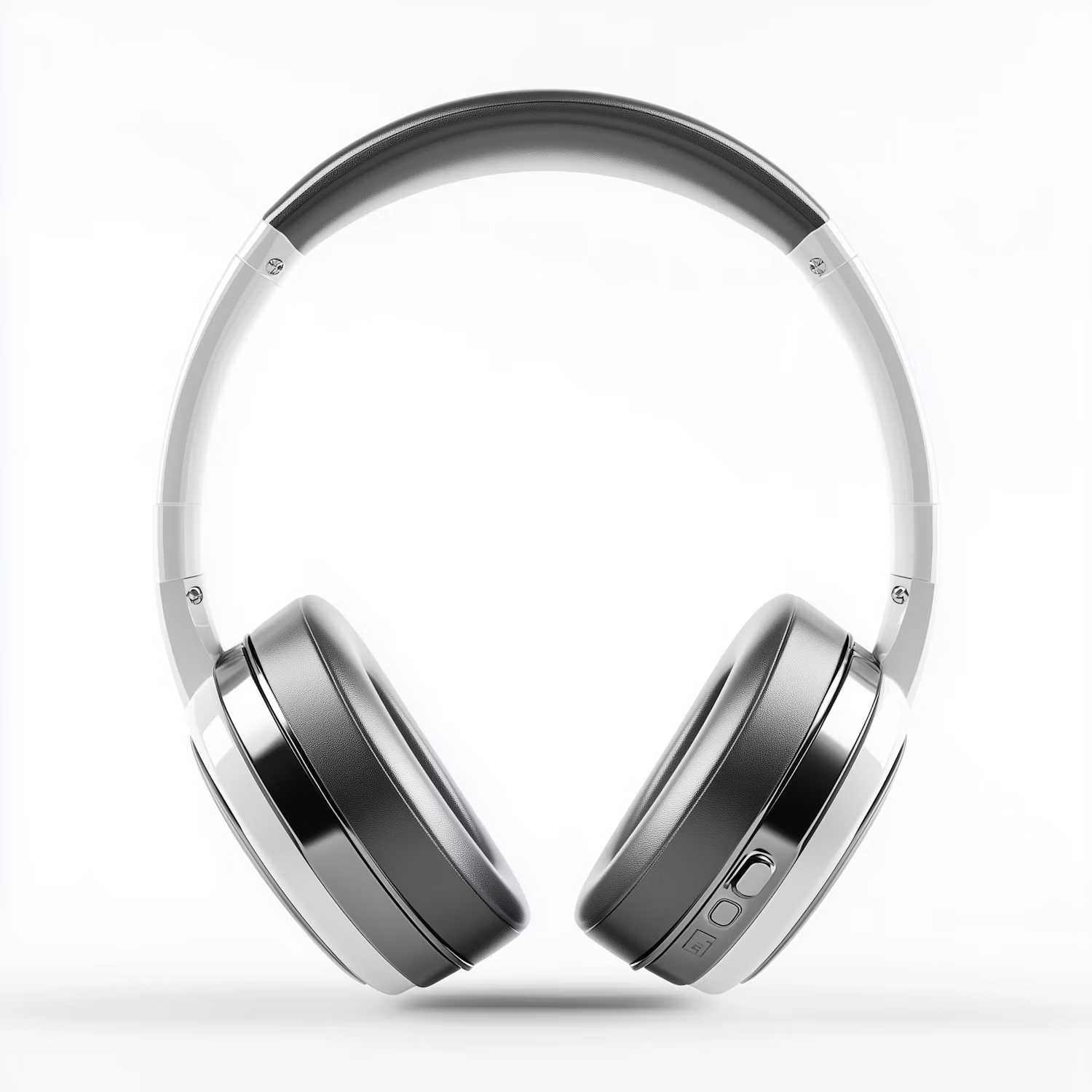

Change the color of Headphone Gray to blue while preserving its original texture, shape, lighting, and details.
Same Character, New Scenes
Reuse a reference image to keep your character consistent.
How it works
How to Create a Character With AI
Create professional results in just a few simple steps.
Step 1
Describe Your Character
Write their look, outfit, and personality, or upload a sketch.
Choose a file or drag & drop it here.
JPG, PNG, or WEBP, up to 20 MB.
Step 2
Generate and Compare
Click Create Character and pick your favorite design.
Step 3
Build Them Out
Ask for a character sheet, new poses, or a backstory.
Who is it for?
Who Uses the AI Character Generator
Writers
See your characters before you write their scenes.
Game Masters
Create NPCs and player characters for D&D and RPGs.
Game Developers
Explore character concepts early in a project.
Comic Artists
Draft a cast and reference sheets fast.
Anime Fans
Bring your original characters to life.
Teachers
Make characters for lessons and stories.
FAQ
Frequently Asked Questions
Answers on cost, styles, consistency, names, and rights for the AI Character Generator.
Yes. You can create characters on the free plan. Free has usage limits and a lower maximum resolution, and paid plans raise both.
Anime, manga, cartoon, realistic, fantasy art, 3D, and pixel art. Name the style in your description.
Yes. Use a saved image of your character as the reference and describe the new pose or scene. Results stay closest when you change one thing at a time.
Yes. Ask for front, side, and back views on a plain background, or a sheet with several expressions.
Use Aymo's AI Chat for a name and backstory. For more name ideas, try the D&D Character Name Generator.
Create original characters. Fan art of existing characters can raise copyright issues, especially if you share or sell it.
You can use your characters in your own projects, including commercial ones.
Ready to Explore?
Work Smarter With Multi-Model AI
Try new looks, edit photos, and create images with GPT Image, Nano Banana, FLUX, and Seedream in one secure workspace.



