
AI Color Analysis
Find your color season from one selfie.
Upload a selfie taken in daylight and Aymo AI reads your skin undertone, hair, and eye color to suggest your color season and a palette to match. Then see the same photo with different colors under your face, so you can judge the difference yourself instead of taking a label on trust.
Choose a file or drag & drop it here.
JPG, PNG, or WEBP, up to 20 MB.
Don't have a photo?
Try a sample image
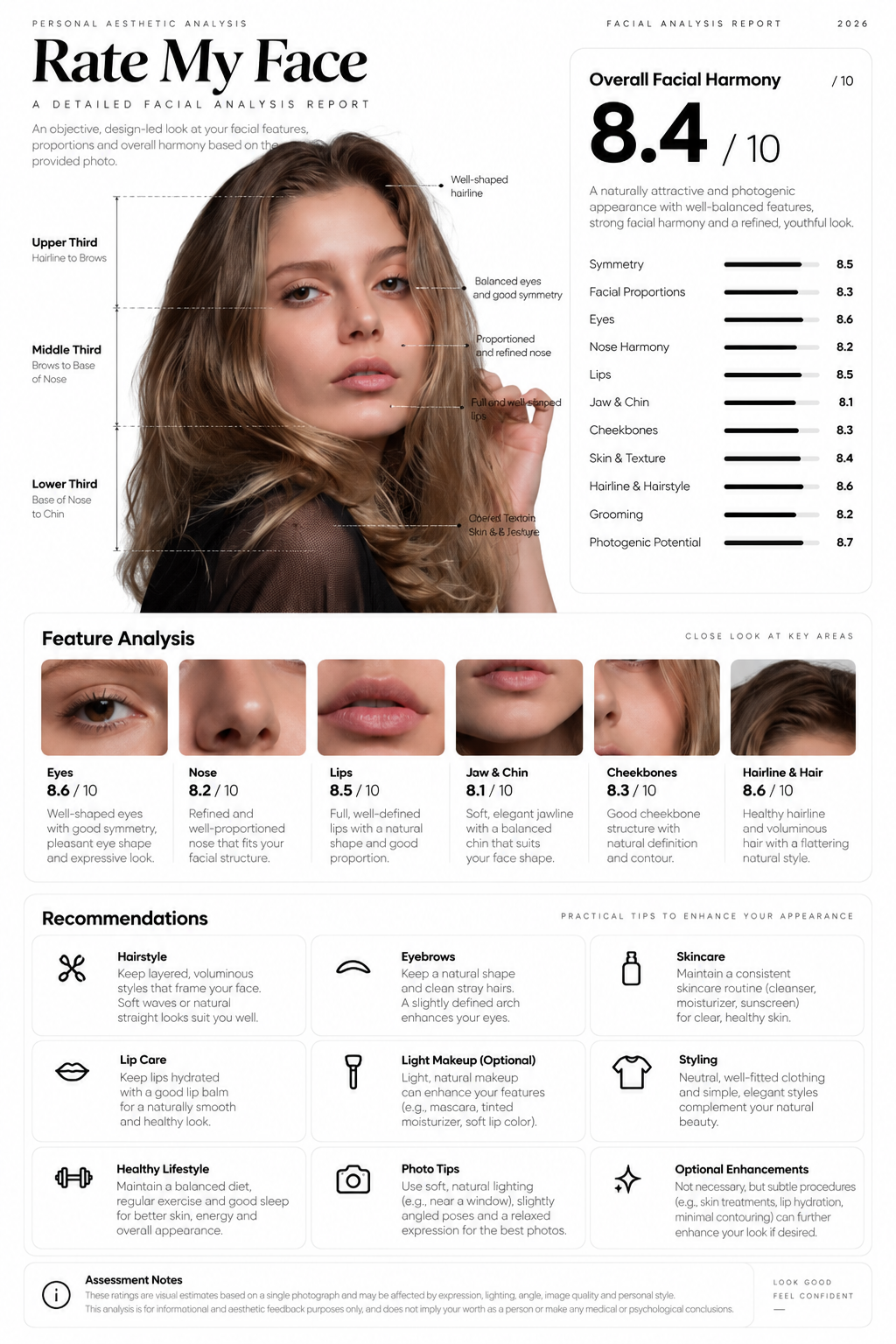
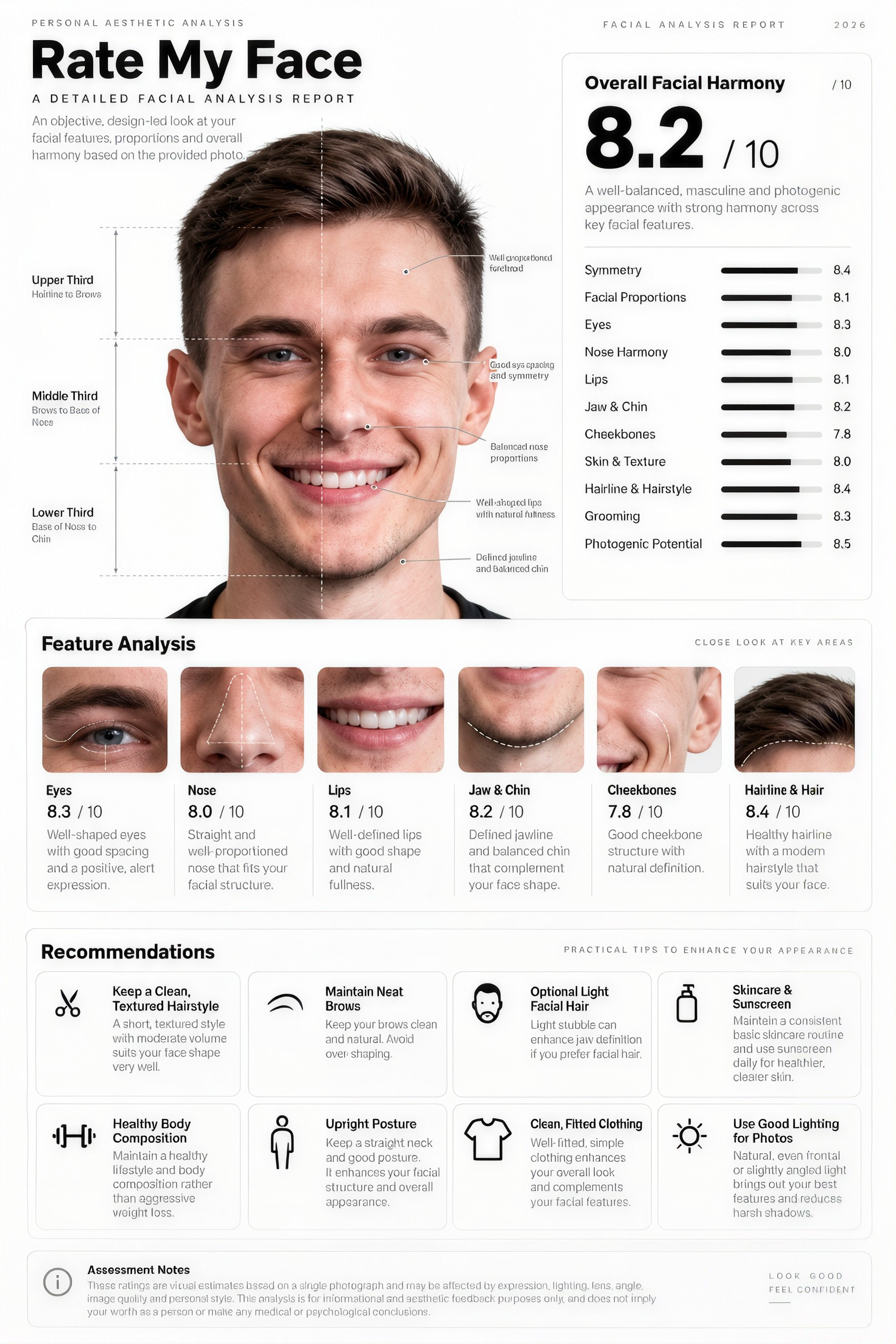
Season and Undertone Reading
Get a suggested season, undertone, and contrast level with the reasons behind it.
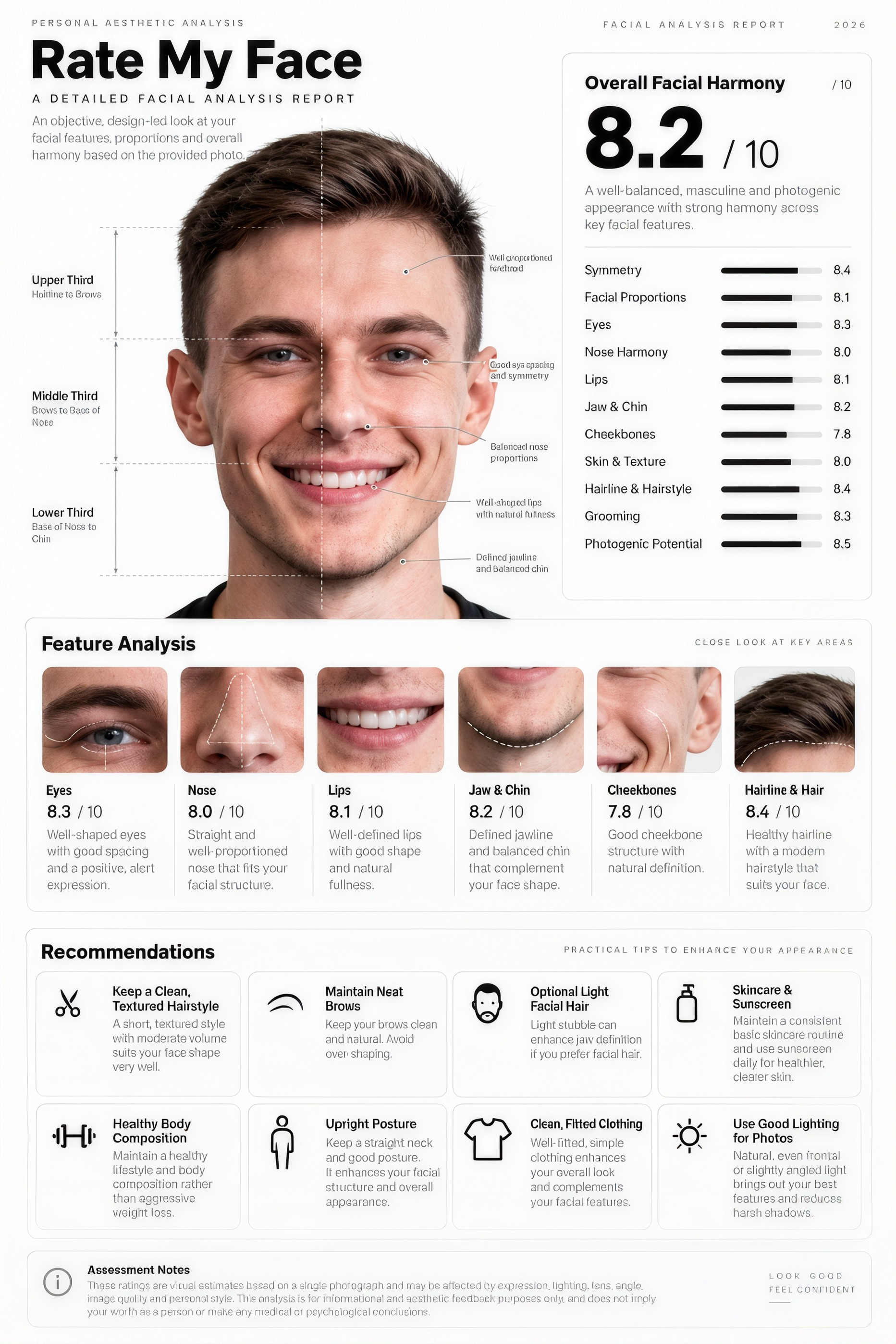
Virtual Draping
See your photo with different colored tops to compare shades.
A Palette You Can Use
Ask for best colors, neutrals, and colors to avoid as a list.
How it works
How to Do a Color Analysis From a Photo
Create professional results in just a few simple steps.
Step 1
Upload a Selfie
Use daylight, a plain background, and little or no makeup.
Choose a file or drag & drop it here.
JPG, PNG, or WEBP, up to 20 MB.
Step 2
Get Your Reading
Click Find My Colors to see your season, undertone, and palette.
Step 3
Compare the Colors
Ask for draping images and check which shades lift your face.
Who is it for?
Who Uses AI Color Analysis
Shoppers
Buy clothes in colors you will actually wear.
Wardrobe Planners
Build a capsule wardrobe around one palette.
Makeup Lovers
Pick foundation tones and lipstick shades that fit.
Hair Color Explorers
Check a hair color against your season before dyeing.
Stylists
Get a quick first read before a client session.
Brides and Grooms
Choose wedding colors that suit you in photos.
FAQ
Frequently Asked Questions
Answers on cost, accuracy, seasons, photos, and privacy for AI Color Analysis.
Yes. You can use it on the free plan. Free has usage limits and a lower maximum image resolution, and paid plans raise both.
Upload a daylight selfie and Aymo AI will suggest one of the four seasons and a sub-season, such as Soft Summer or Deep Autumn, with the reasons for its pick.
It is a good first reading, not a replacement for an in-person draping. Lighting, camera filters, and makeup can all shift the result, so compare it with the draping images and your own mirror.
A front-facing selfie near a window in daylight, with no filter, no heavy makeup, and your hair visible. Avoid yellow indoor light.
A vision model can read a photo and suggest a season. Aymo lets you run the same photo through several models and also see draping images, which a text answer alone cannot show you.
Yes. Ask for hair colors that fit your season, then try them on your photo with the AI Hair Color Changer.
Yes. Your photos stay in your account and are not used to train models. You control who can see anything you share.
Ready to Explore?
Work Smarter With Multi-Model AI
Try new looks, edit photos, and create images with GPT Image, Nano Banana, FLUX, and Seedream in one secure workspace.



