
AI Hair Color Changer
See a new hair color on you before you dye.
Upload a photo and describe the color you want, such as ash blonde, copper, or rose gold, or a look like balayage or face-framing highlights. Aymo AI recolors your hair and keeps your face, cut, and texture. Not quite right? Ask for "a bit cooler" or "softer roots" and try again.
Choose a file or drag & drop it here.
JPG, PNG, or WEBP, up to 20 MB.
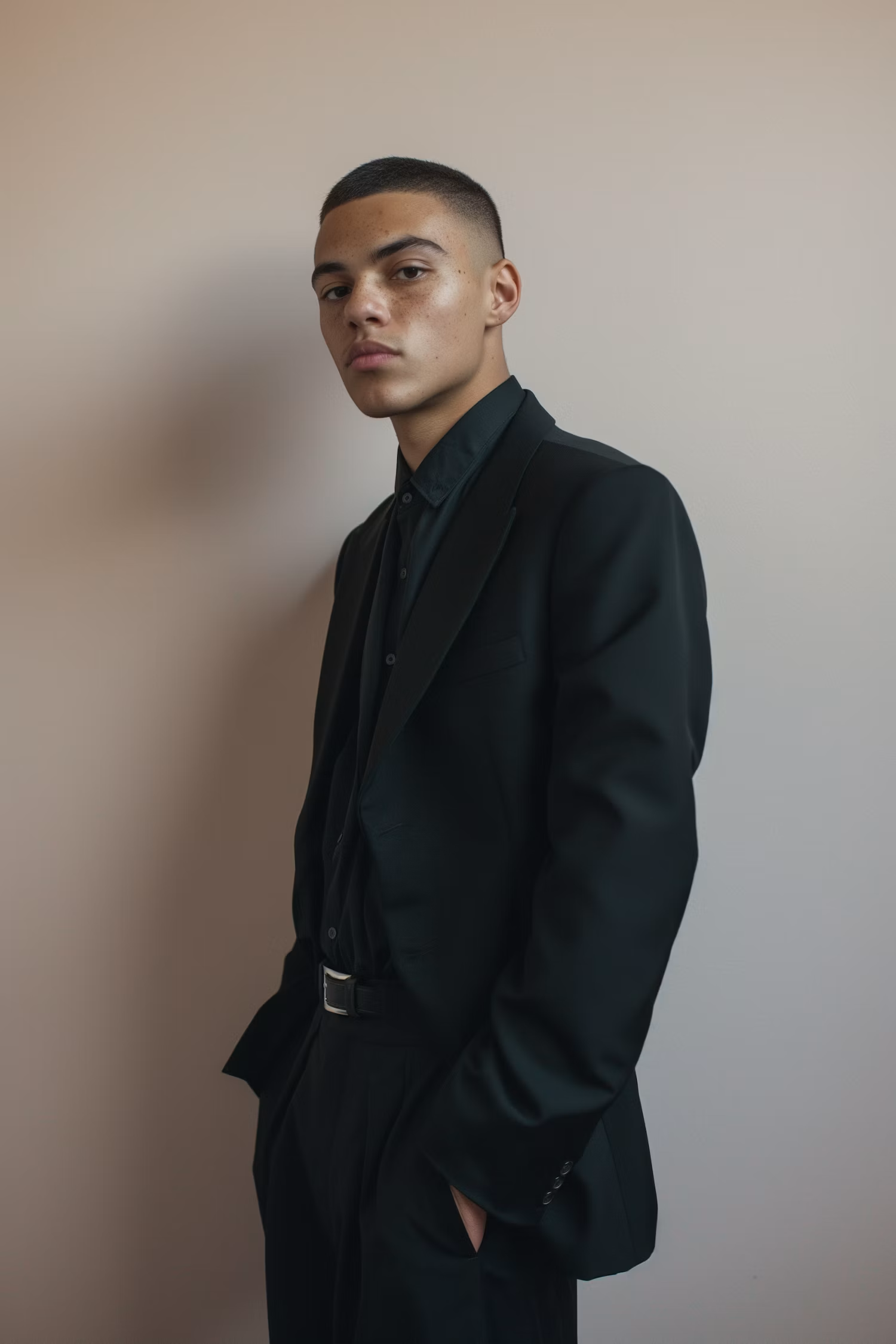


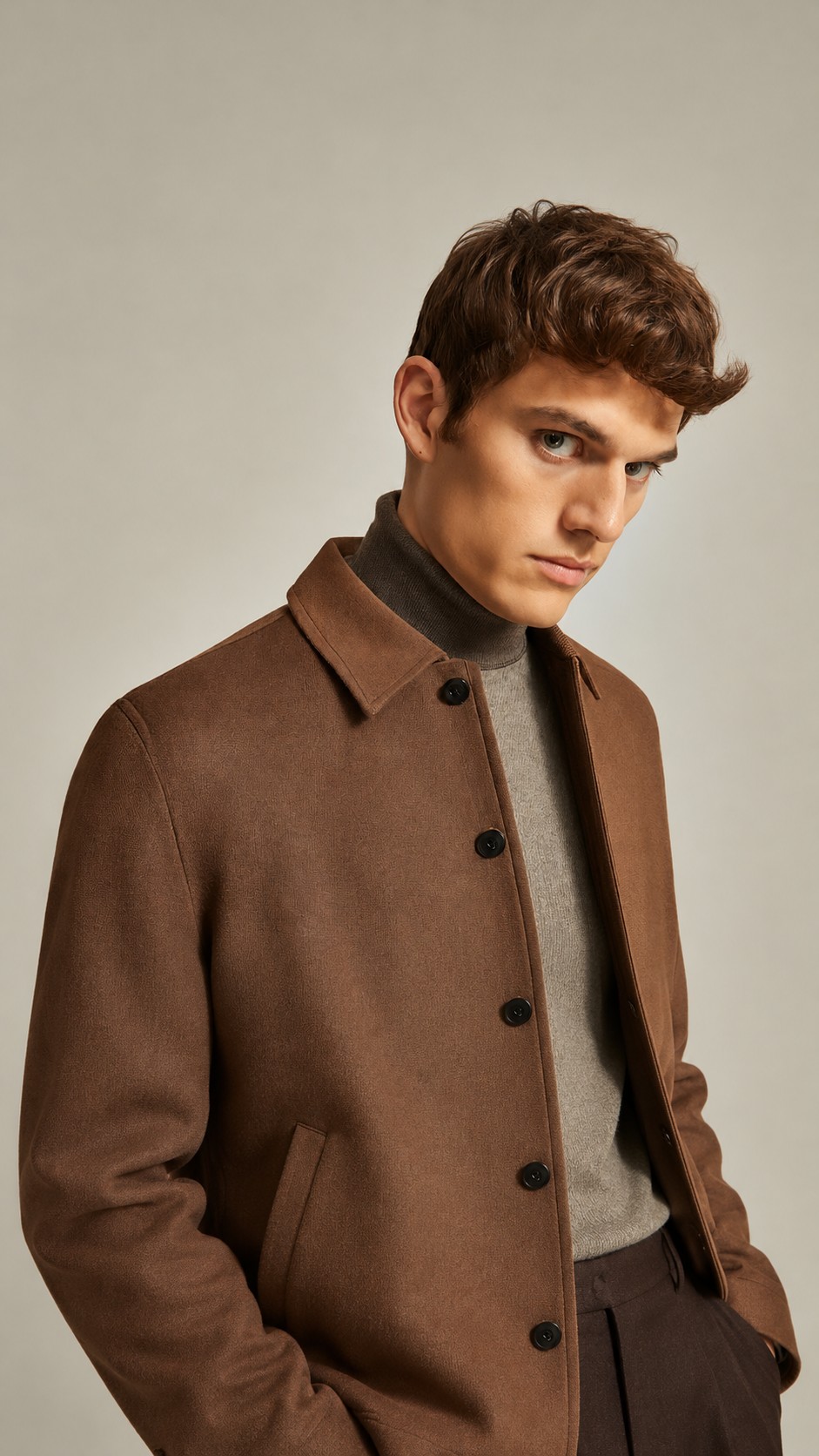
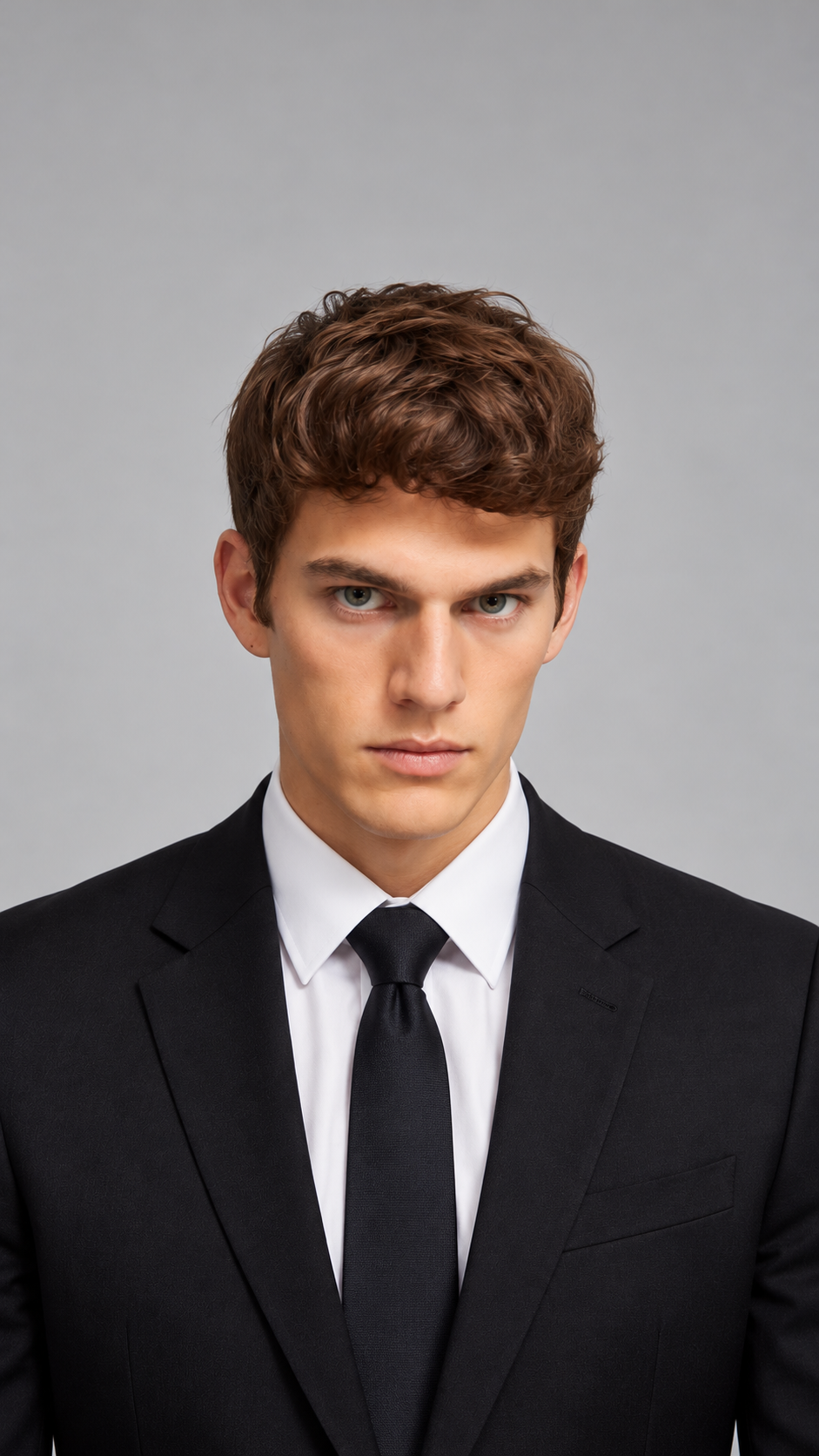
Any Shade You Can Describe
Try natural tones, fashion colors, or your own mix, with no fixed palette.
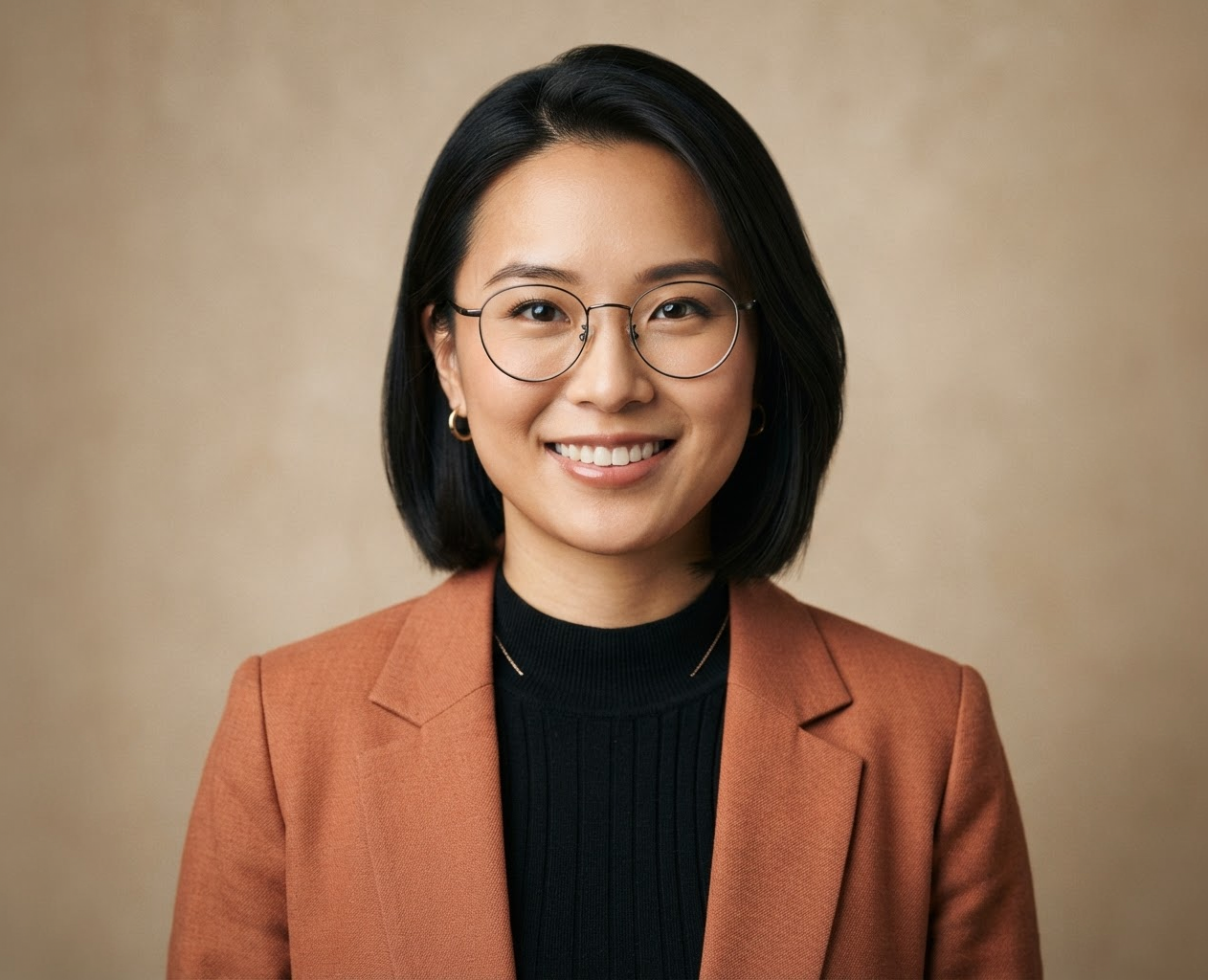
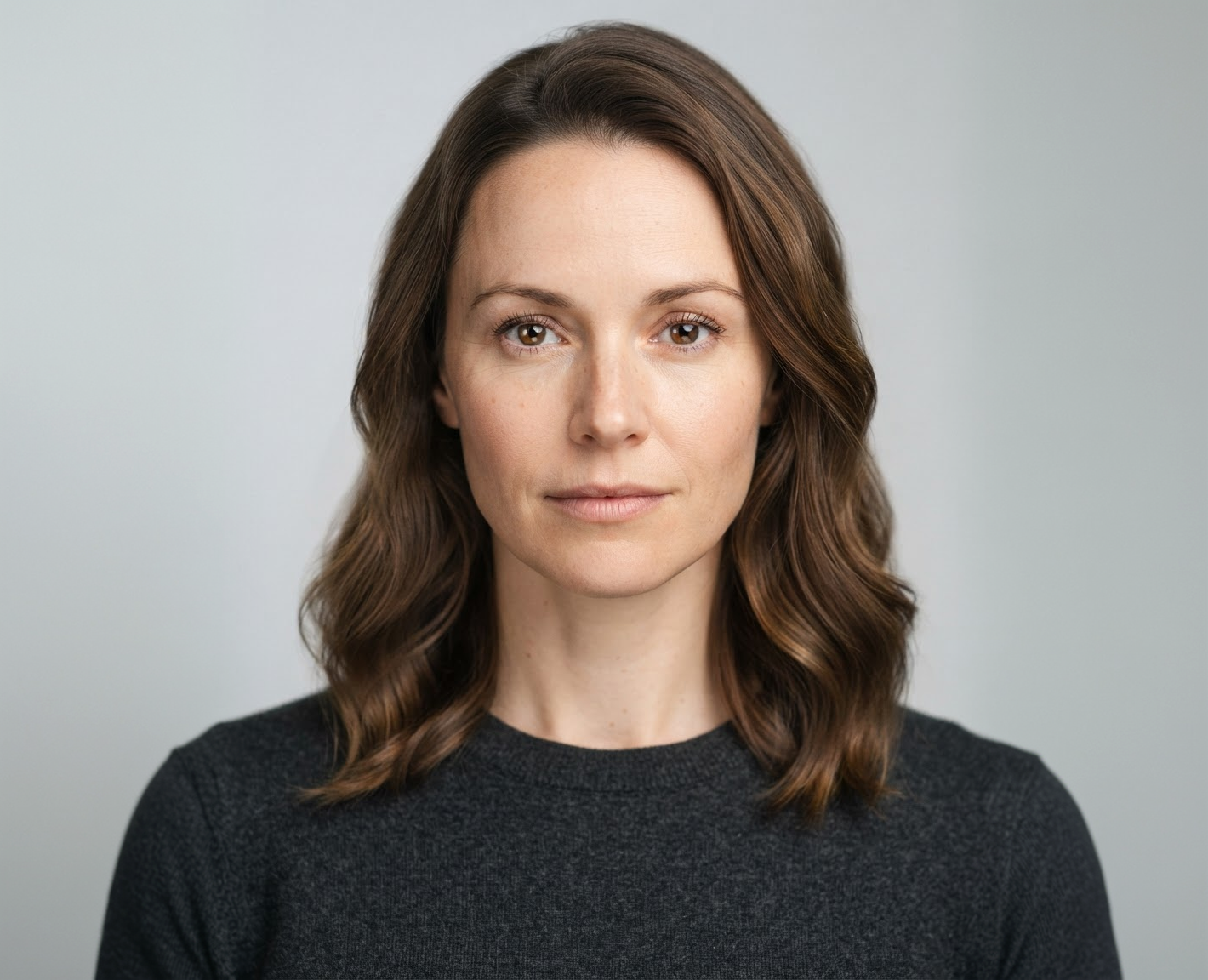

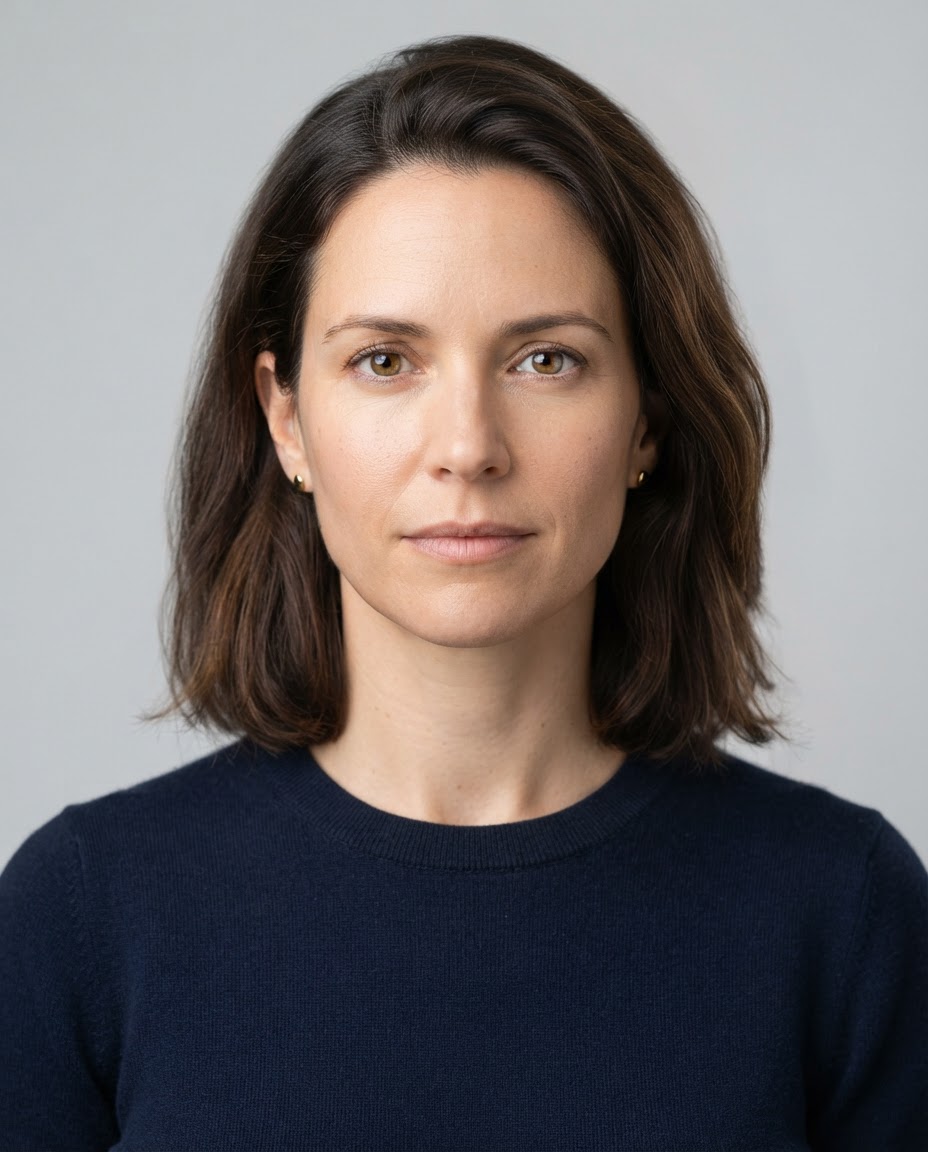
Balayage, Ombré, and Highlights
Preview two-tone and dimensional color, not just one flat shade.
Export Sizes
Refine in Plain Words
Ask for warmer, cooler, lighter roots, or more contrast until it looks right.
How it works
How to Change Your Hair Color in a Photo
Create professional results in just a few simple steps.
Step 1
Upload a Photo
Add a clear, well-lit photo where your hair is visible.
Choose a file or drag & drop it here.
JPG, PNG, or WEBP, up to 20 MB.
Step 2
Describe the Color
Name the shade or style you want, then click Change Hair Color.
Step 3
Refine and Download
Adjust with a follow-up instruction, then save your favorite.
Who is it for?
For Anyone Thinking About New Color
Thinking About Dyeing
See a new shade on your face before you buy or book.
Going Gray Gracefully
Preview silver or a gray blend before you stop coloring.
Salons and Colorists
Show clients a realistic target before a color service.
Bold Color Fans
Test pink, blue, or purple without the bleach.
Content Creators
Make before-and-after color posts and reels.
Cosplayers
Check a character's hair color on your own face.
FAQ
Frequently Asked Questions
Answers on cost, colors, realism, choosing a shade, and privacy for the AI Hair Color Changer.
Yes. You can change your hair color on the free plan. Free has usage limits and a lower maximum resolution, and paid plans raise both.
A simple guide: cool skin undertones often suit ash, platinum, and blue-based reds, while warm undertones suit golden, caramel, and copper. The fastest way to know is to try a few side by side.
Yes. Describe the look, for example "caramel balayage starting at the cheekbones" or "fine face-framing highlights".
No. Only the hair color is meant to change. If anything else shifts, ask to "keep everything else the same" or try another model.
Yes. Dark, curly, coily, and braided hair all work. Mention your texture in the instruction for the most natural result.
Not always. Your starting color, hair condition, and the products used all affect the result. Use the preview to show your colorist the goal, and do a patch test before any home dye.
Yes. Your photos stay in your account and are not used to train models. You control who can see anything you share.
Ready to Explore?
Work Smarter With Multi-Model AI
Try new looks, edit photos, and create images with GPT Image, Nano Banana, FLUX, and Seedream in one secure workspace.



