
AI Hairstyle Changer
Try any haircut on your face before you book.
Upload a clear photo and describe the haircut you want, such as curtain bangs, a shoulder-length bob, a textured crop, or a low fade. Aymo AI changes your hair and keeps your face. Compare the same cut on several image models, then show your stylist the one you like.
Choose a file or drag & drop it here.
JPG, PNG, or WEBP, up to 20 MB.
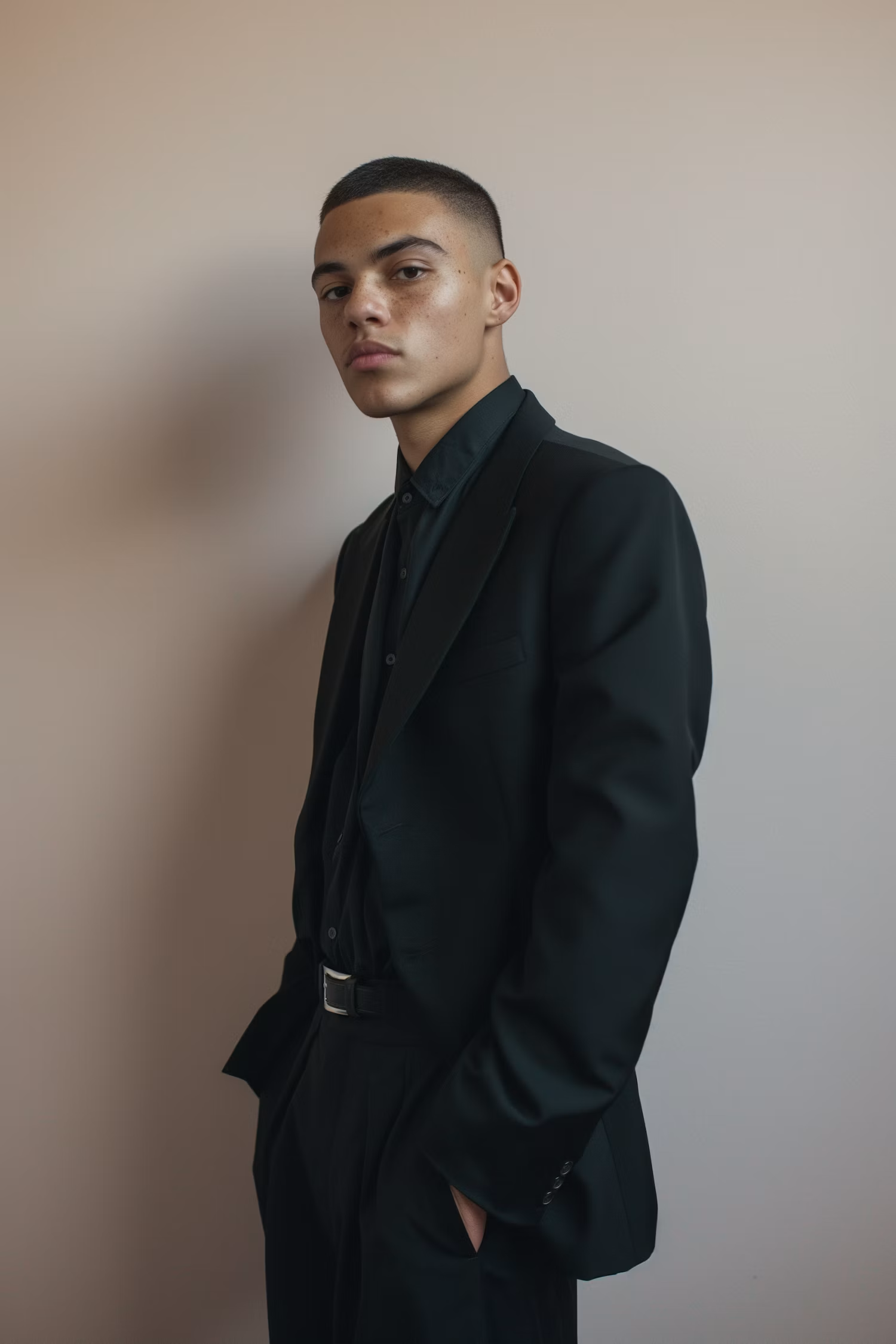


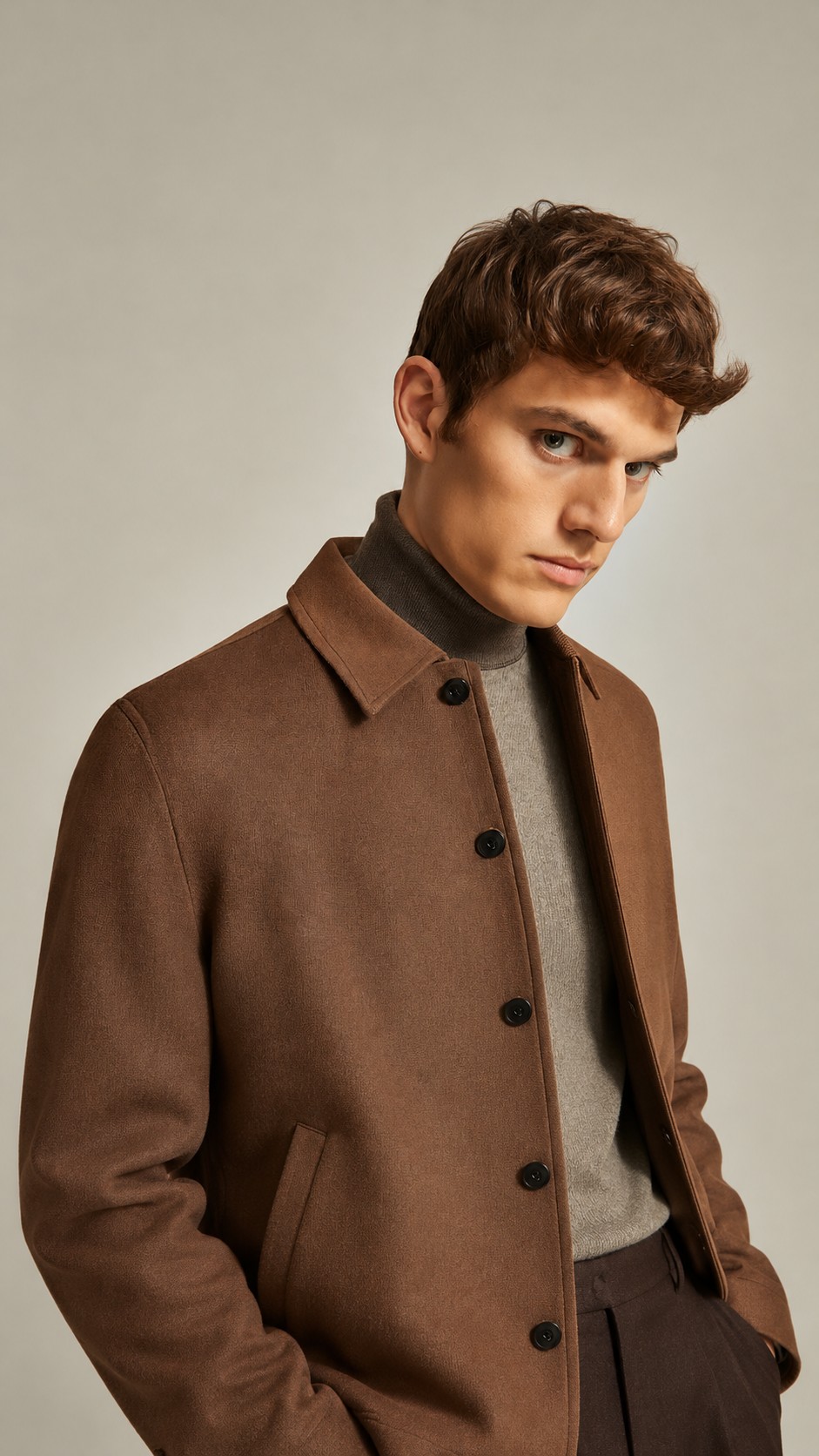
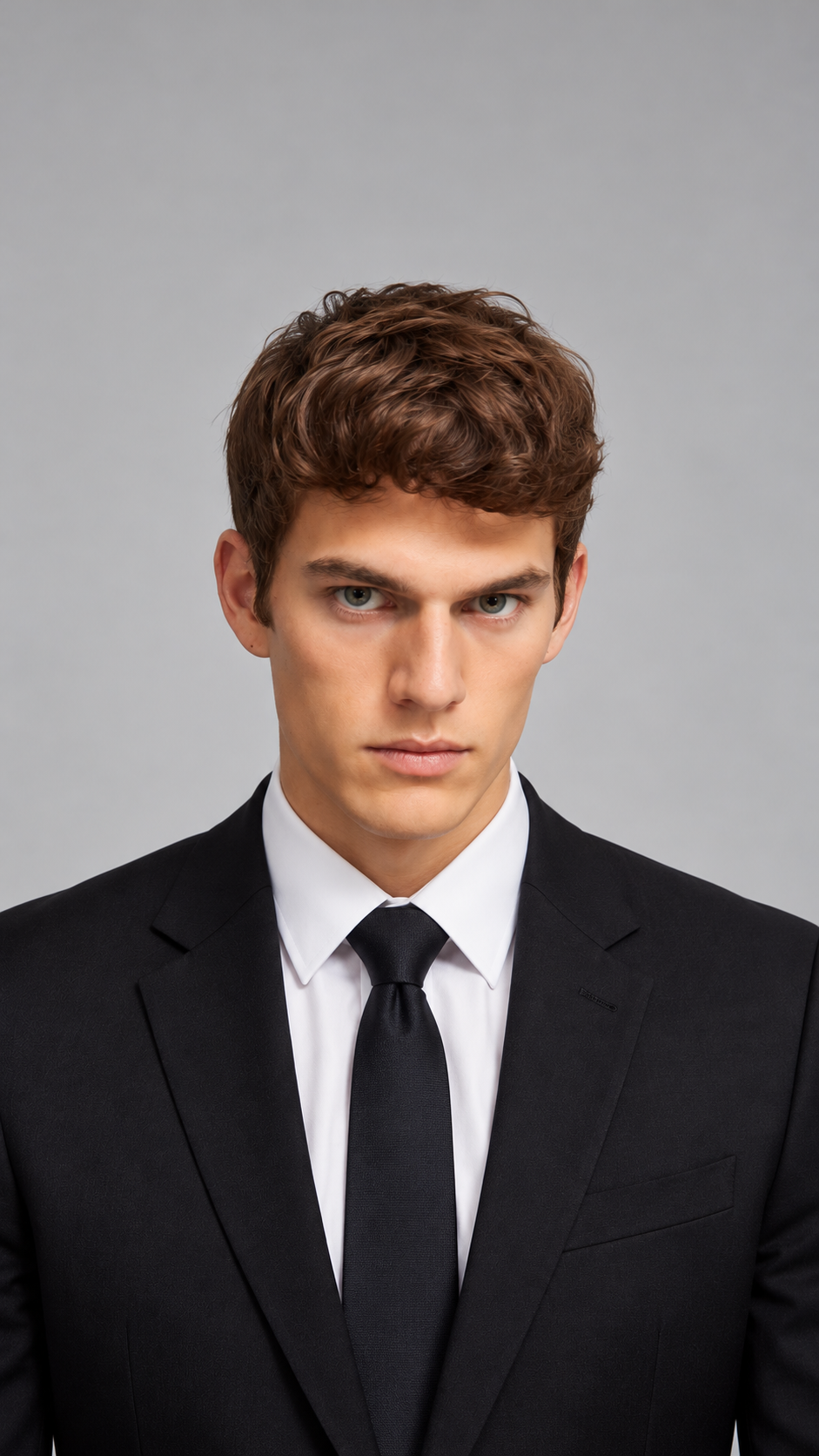
Compare the Same Cut on Several Models
See one haircut on GPT Image, Nano Banana, FLUX, and more, side by side.
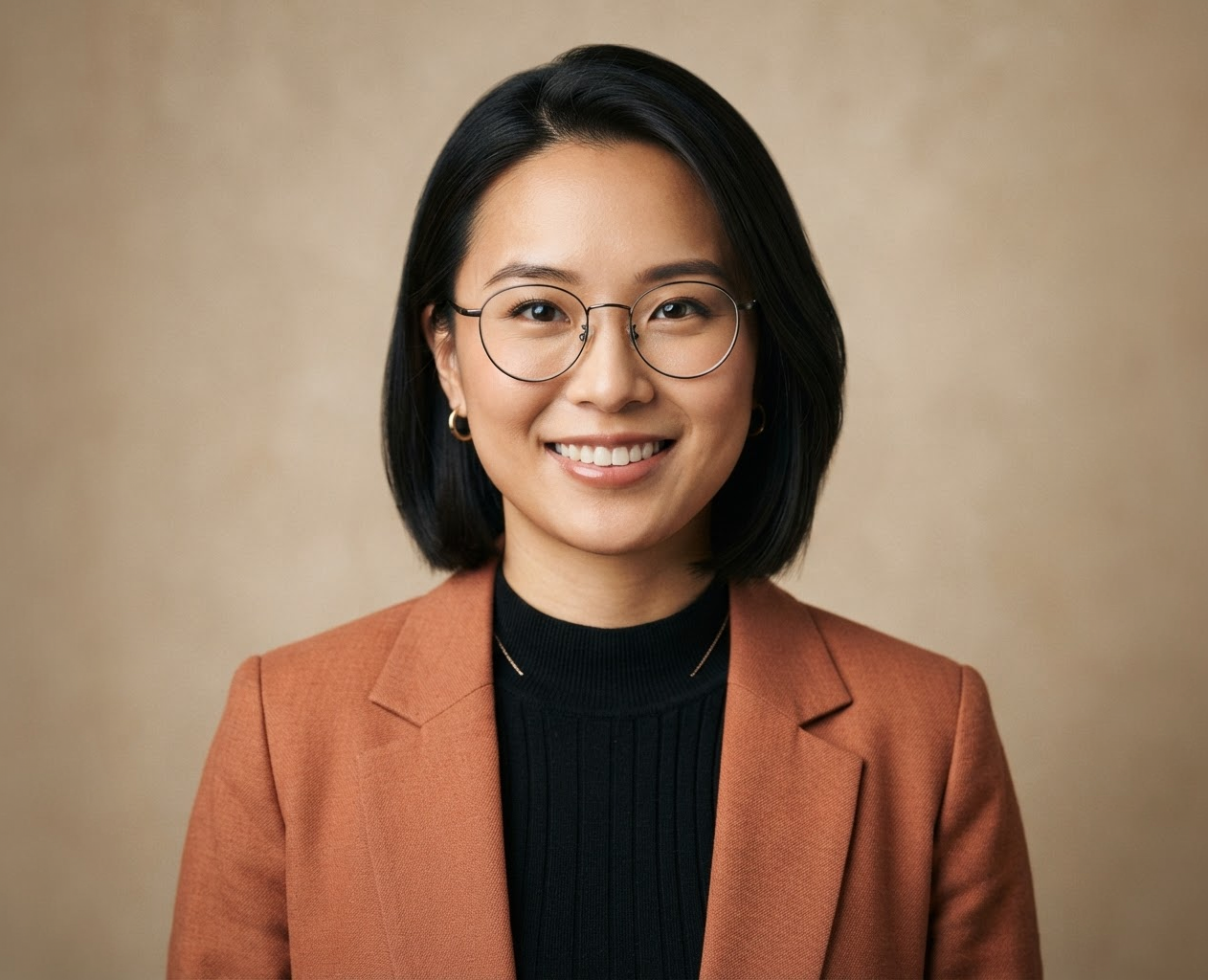
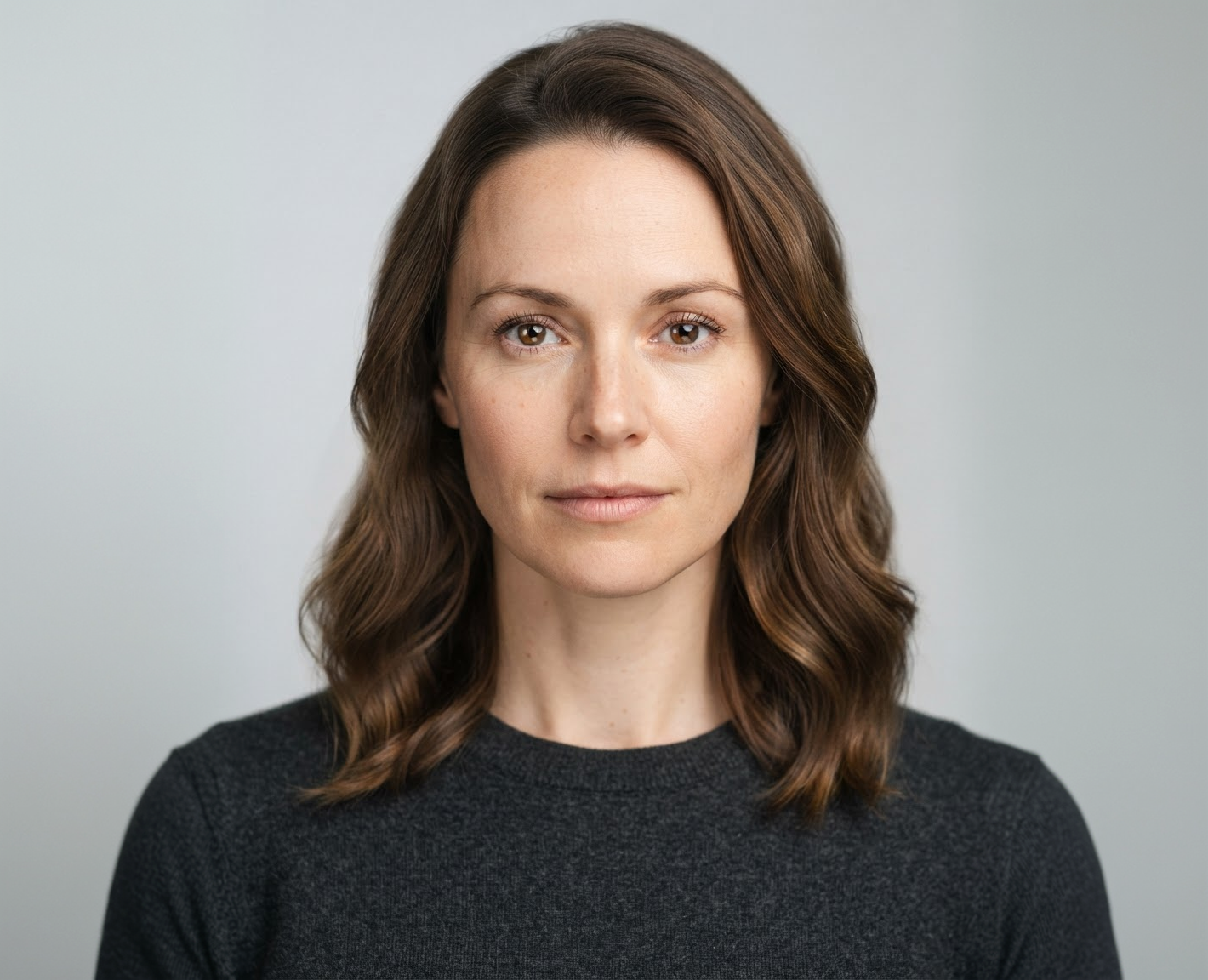


Any Style You Can Describe
Try bobs, pixies, wolf cuts, fades, braids, or something of your own.
Export Sizes
Women's and Men's Cuts
From long layers to a textured crop or taper fade.
How it works
How to Try a New Hairstyle on Your Photo
Create professional results in just a few simple steps.
Step 1
Upload a Photo
Add a clear, front-facing photo with your hair and hairline visible.
Choose a file or drag & drop it here.
JPG, PNG, or WEBP, up to 20 MB.
Step 2
Describe the Haircut
Name the style, length, and any color, then click Change Hairstyle.
Step 3
Compare and Download
Pick your favorite version and save it.
Who is it for?
Who Uses the AI Hairstyle Changer
Planning a Big Change
See a shorter cut or bangs before you commit.
Men Choosing a New Cut
Compare fades, crops, and longer styles on your own face.
Stylists and Barbers
Show clients a realistic preview during the consultation.
Brides and Event Guests
Try updos and styles ahead of the big day.
Curly and Textured Hair
Preview cuts that keep your natural texture.
Content Creators
Make makeover and before-and-after content.
FAQ
Frequently Asked Questions
Answers on cost, choosing a cut, realism, men's styles, and privacy for the AI Hairstyle Changer.
Yes. You can try hairstyles on the free plan. Free has usage limits and a lower maximum resolution, and paid plans raise both.
Start with your face shape and how much styling time you want each day. Then try two or three options here and compare them side by side. A stylist can tell you whether your hair type can hold the cut.
As a rough guide, oval faces suit most cuts, round faces often suit volume on top and longer layers, and square faces suit soft layers and side parts. Previewing on your own photo is more reliable than any rule.
No. Only your hair is meant to change. If anything else shifts, ask to "keep my face the same" or try another model.
Yes. Ask for any men's cut, such as a taper fade, textured crop, quiff, or longer flow.
Not exactly. Your hair's thickness, texture, and growth pattern affect the result. Use the preview to show your stylist the goal.
Yes. Your photos stay in your account and are not used to train models. You control who can see anything you share.
Ready to Explore?
Work Smarter With Multi-Model AI
Try new looks, edit photos, and create images with GPT Image, Nano Banana, FLUX, and Seedream in one secure workspace.



