
AI Headshot Generator
AI Headshot Generator: Turn Your Photos into Professional Headshots
Turn your portrait into a professional headshot with AI. Upload a clear photo, choose a look, and create a new portrait for LinkedIn, resumes, team pages, or your personal brand.
Choose a file or drag & drop it here.
JPG, PNG, or WEBP, up to 20 MB.
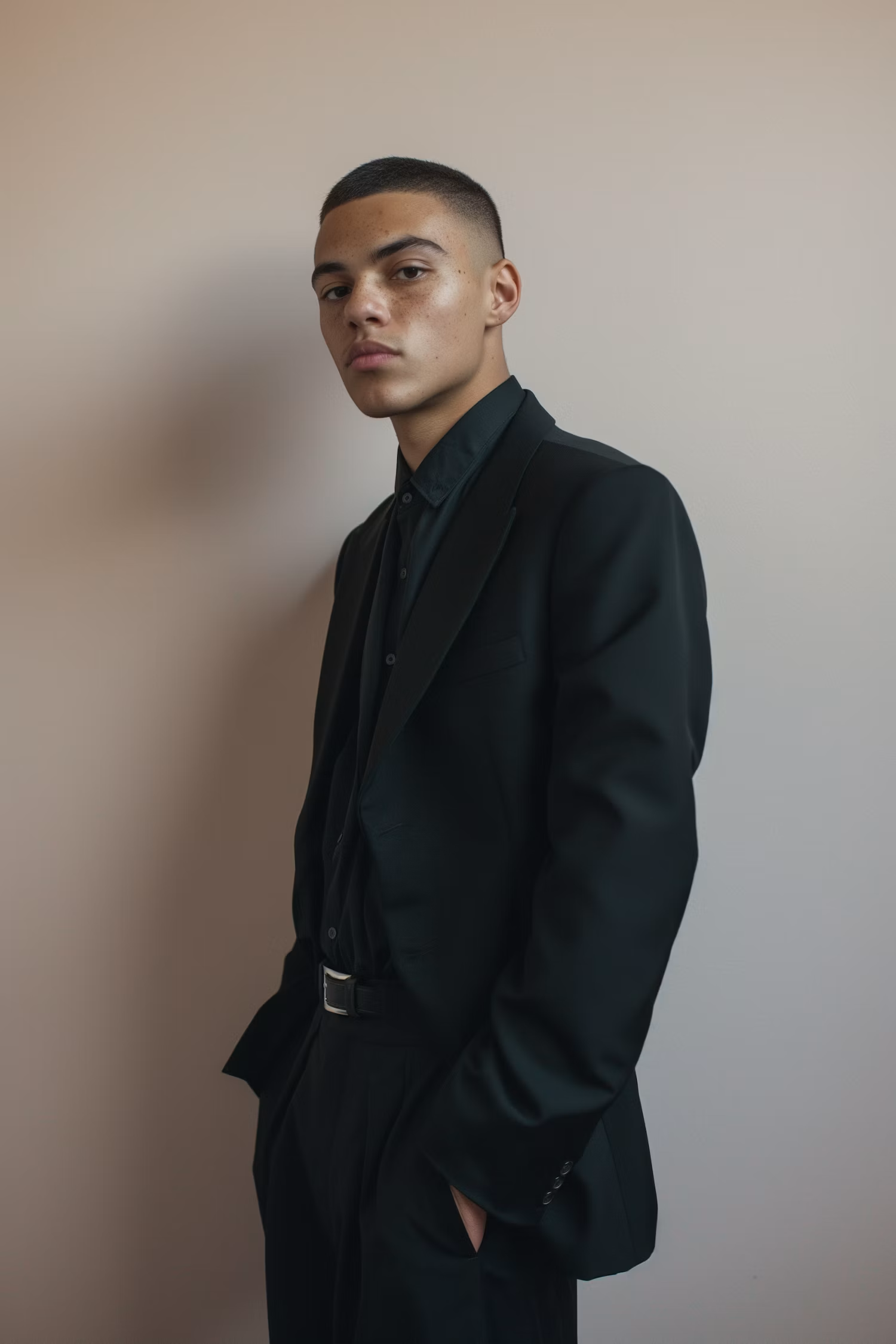

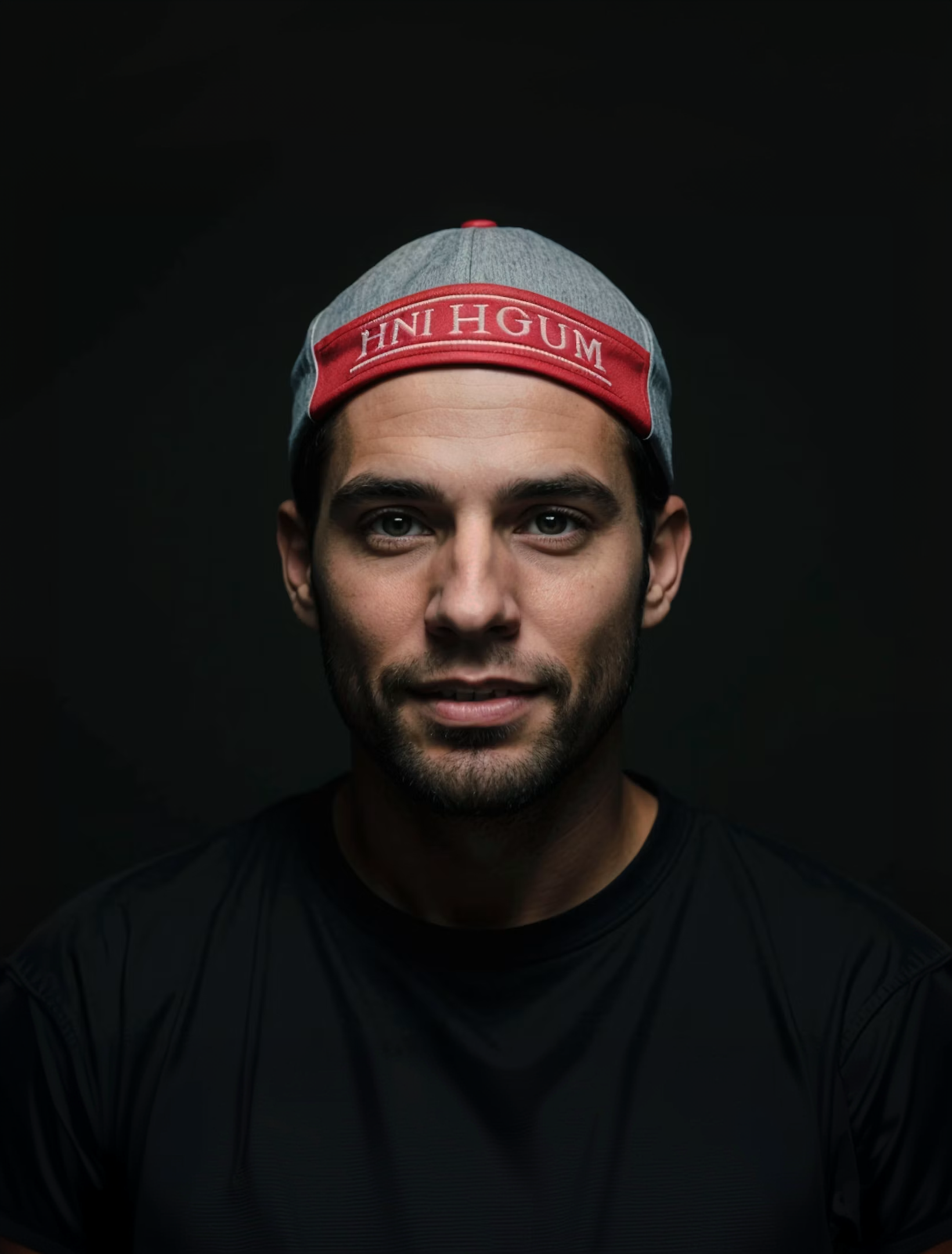
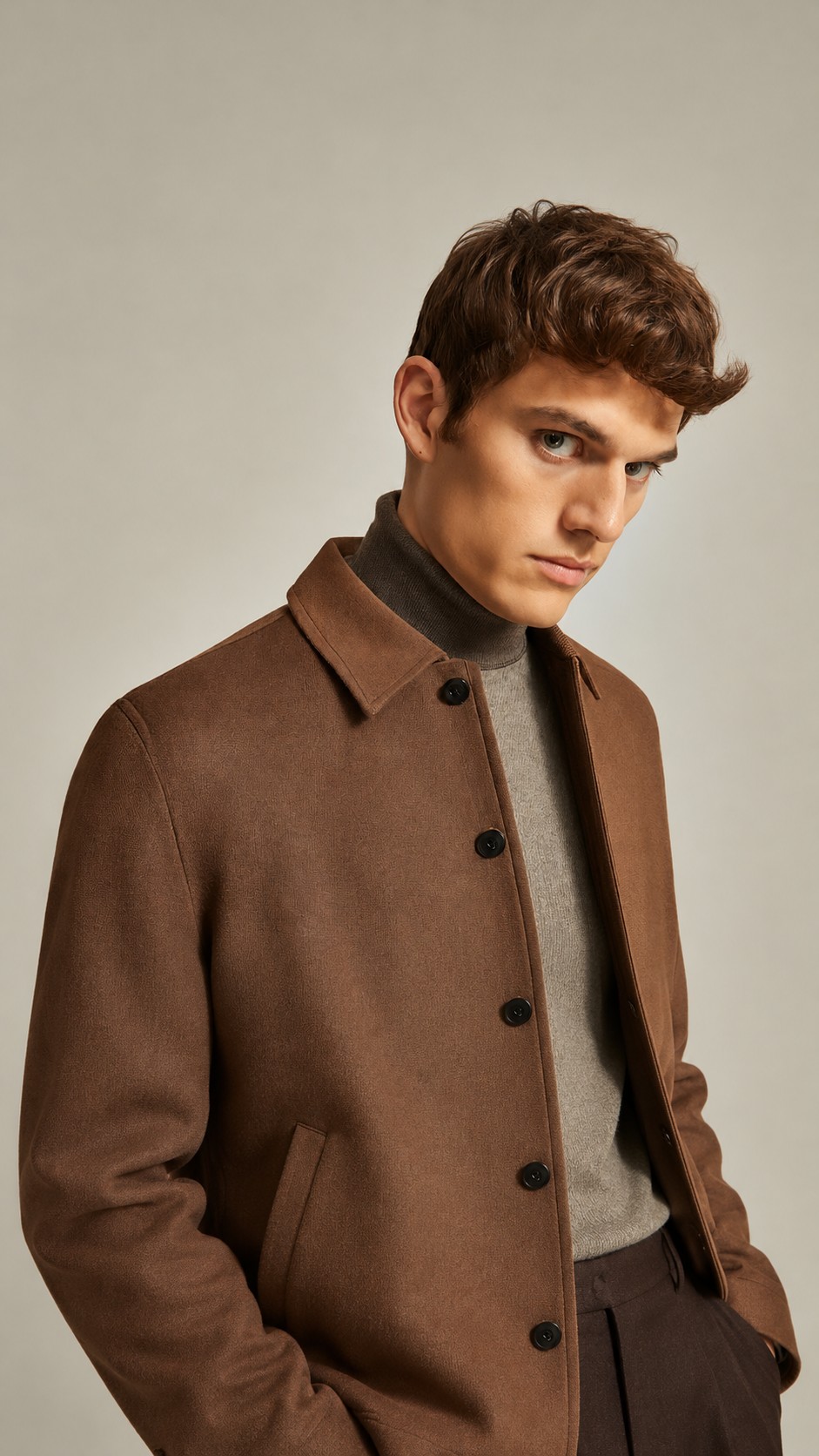
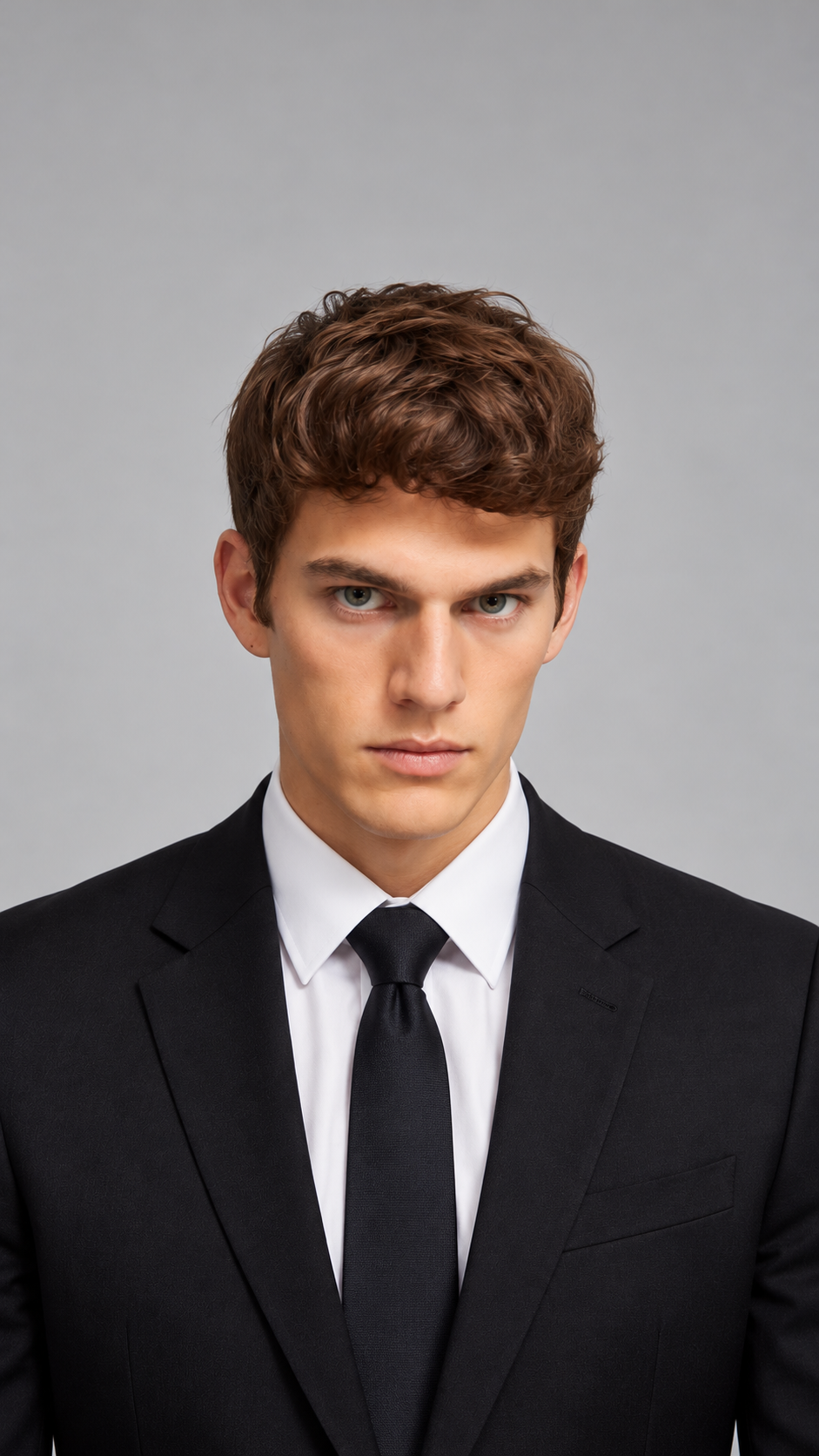
Transform Photos into Professional Headshots
Create a professional portrait from a photo you already have. Choose from looks such as Corporate, Executive, Creative, Studio, and Casual Professional to suit your goals.
Explore headshots for LinkedIn, resumes, speaker bios, team pages, and portfolios. Preview your result and download the headshot you want to use.
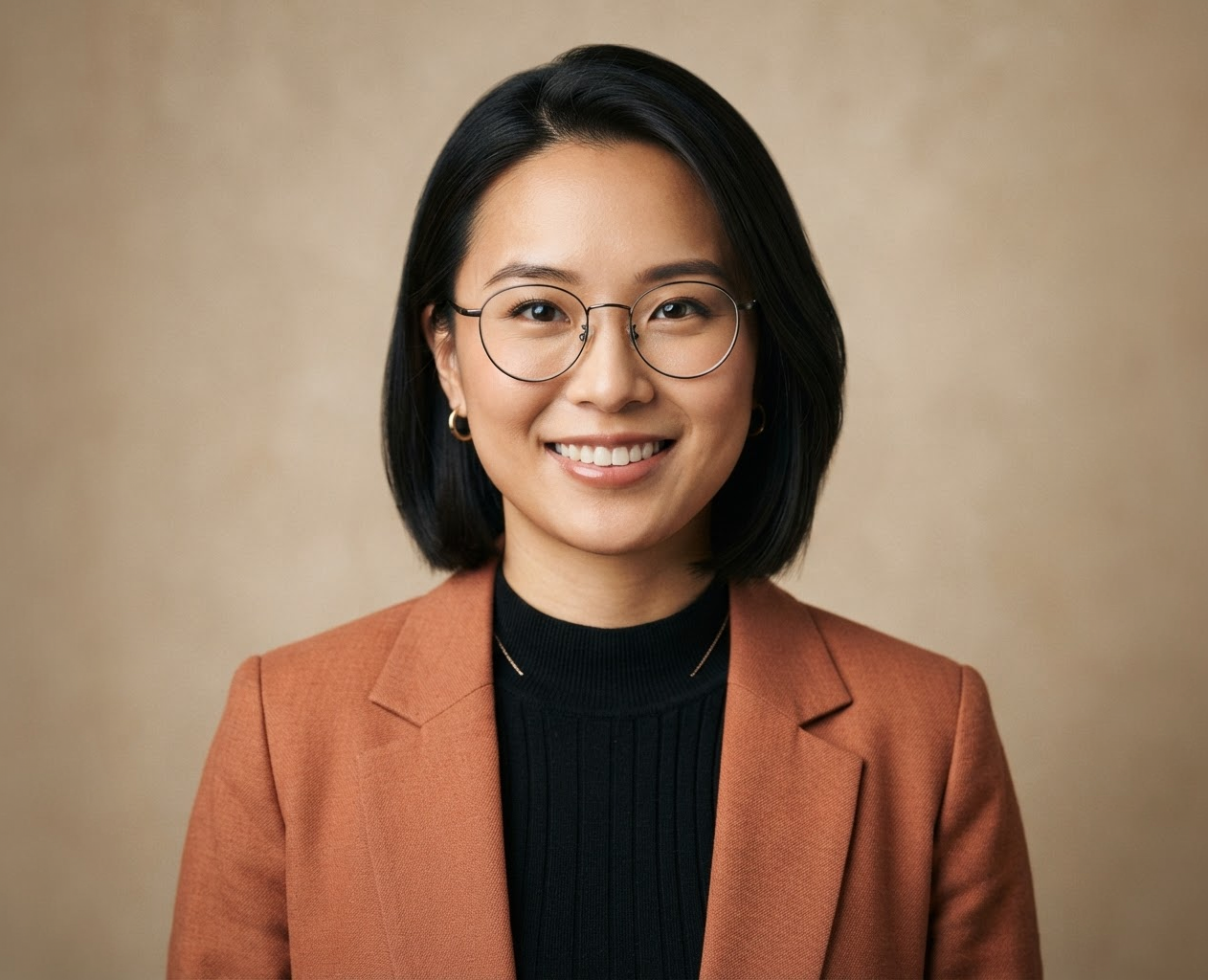
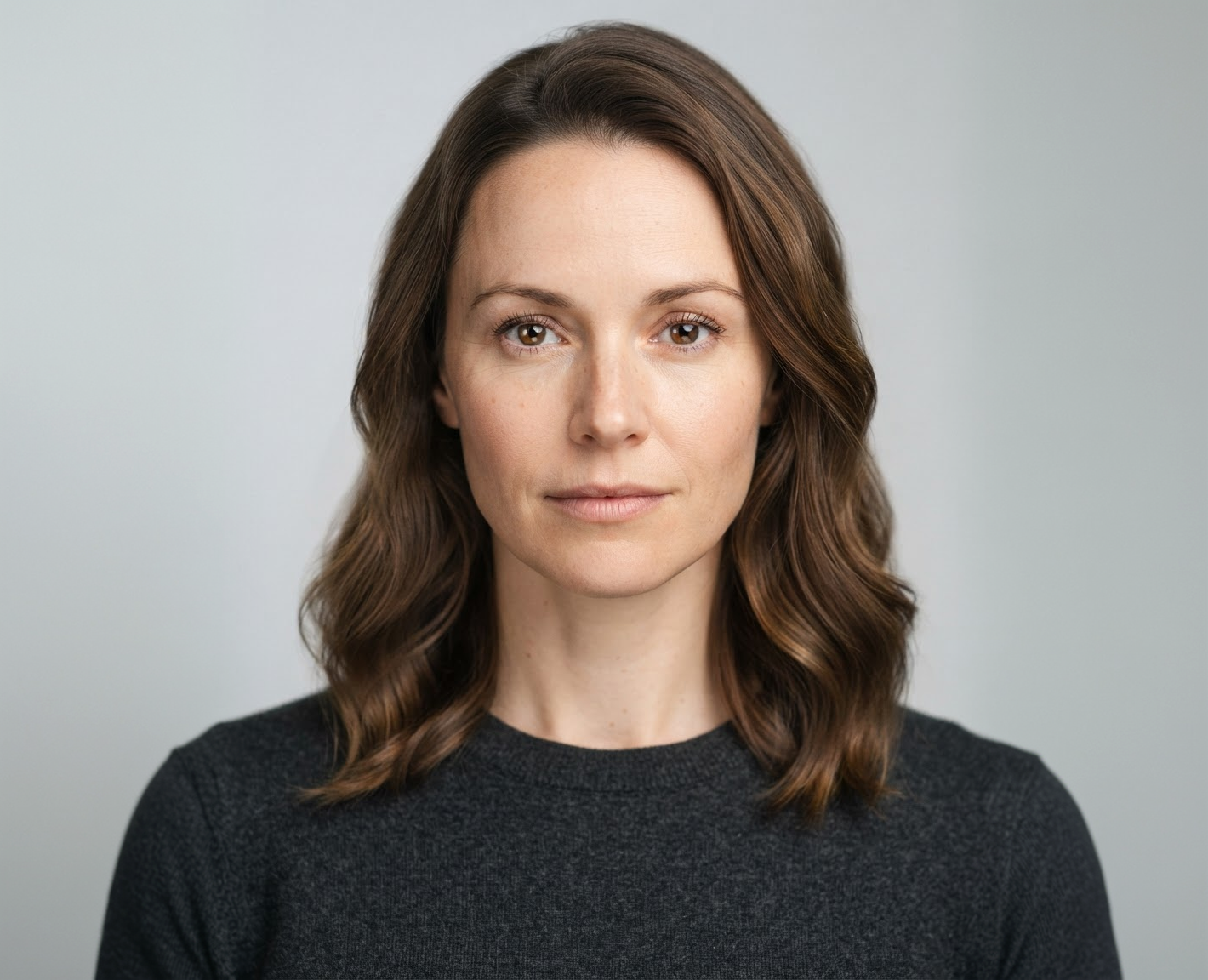

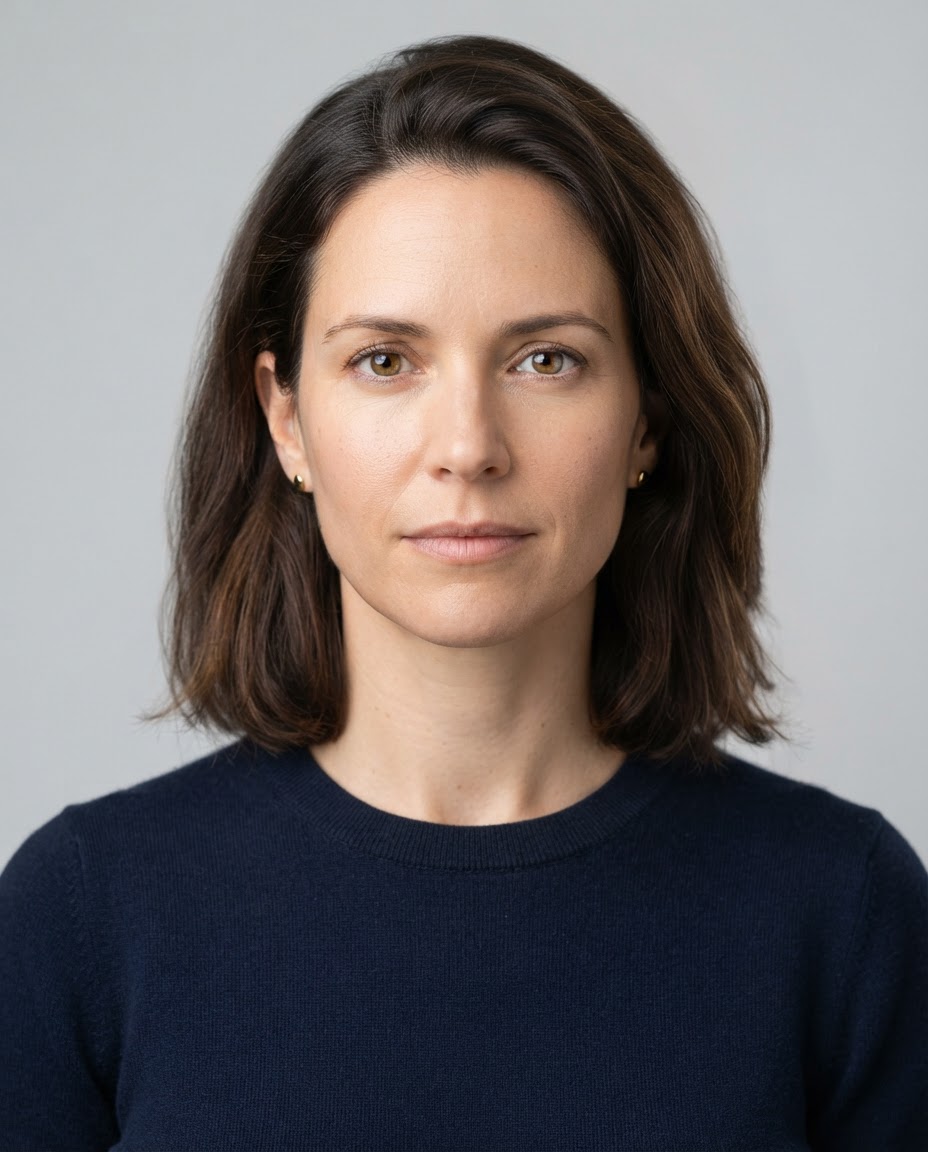
Choose Your Style and Background
Pick corporate, creative, or casual looks with studio, office, or outdoor backgrounds that fit your industry.
Export Sizes
Ready for LinkedIn and Resumes
Download high-resolution headshots sized for LinkedIn, resumes, team pages, and social profiles.
How it works
How to UseAI Headshot Generator
Create professional headshots in just a few simple steps.
Step 1
Upload
Choose or drag and drop a clear portrait to get started.
Choose a file or drag & drop it here.
JPG, PNG, or WEBP, up to 20 MB.
Step 2
Choose a Look
Select a professional look from the Choose Professional Look menu.
Step 3
Generate Headshot
Click Generate Your Headshot to transform your portrait.
Step 4
Download
Preview your headshot, then download it in high quality.
Who is it for?
Who Uses AI Headshot Generator
Job Seekers
Create a polished headshot for your LinkedIn profile, resume, and job applications.
Business Professionals
Refresh your portrait for company profiles, speaker bios, and professional networking.
Entrepreneurs
Build a recognizable personal brand with a headshot for your website and business profiles.
Creative Professionals
Choose a look that reflects your personality for portfolios, author bios, and creative profiles.
Teams and Organizations
Explore a consistent professional look for team pages, directories, and company introductions.
FAQ
Frequently Asked Questions
Everything you need to know about AI Headshot Generator, from styles and results to editing and downloads.
AI Headshot Generator uses your portrait and selected professional look to create a new headshot. Upload a clear photo, choose a style, then preview and download your result.
Upload a well-lit front-facing photo, pick a look from the Choose the Professional Look dropdown, and click Generate Your Headshot.
You can choose Default, Corporate, LinkedIn, Executive, Creative, Studio, Casual Professional, Resume, or Personal Brand.
Select the look that best fits where your portrait will appear—Corporate or Executive for leadership pages, LinkedIn or Resume for job applications, and Creative or Personal Brand for portfolios.
Yes. Once generated, you can preview and download your high-resolution headshot immediately.
AI Headshot Generator — From Photo to Professional Headshot
Your Next Professional Headshot Starts with AI
Give your portraits a professional start. Choose a style, transform your photo, and download your headshot for your next profile, listing, or presentation.



