
AI Image Combiner
Two photos in, one new image out.
Upload two or more images and tell Aymo AI how to combine them: put a product in a new scene, place your dog on a beach, or blend two styles into one picture. Compare results from several image models and keep the one with the most natural light and detail.
Choose a file or drag & drop it here.
JPG, PNG, or WEBP, up to 20 MB.
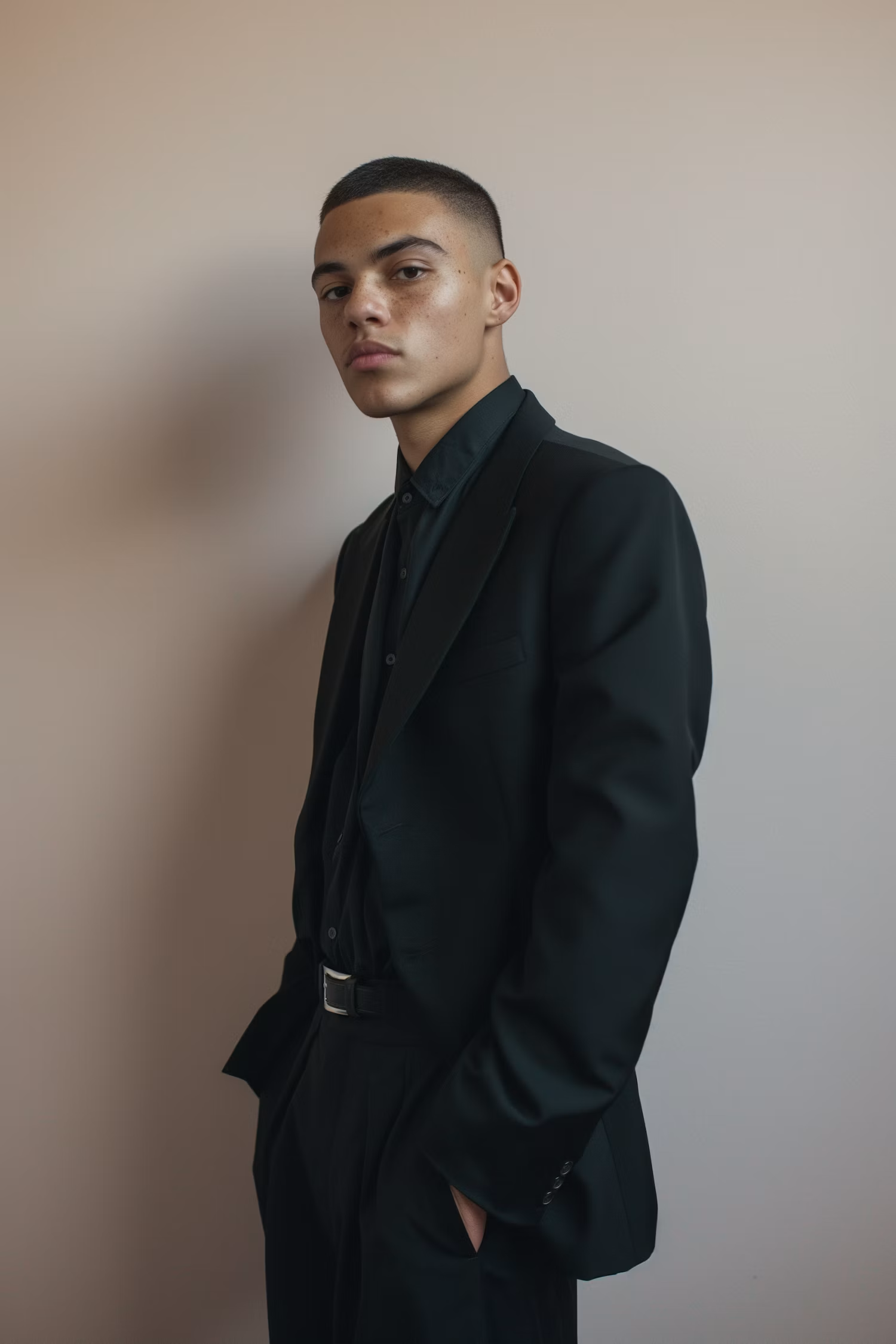
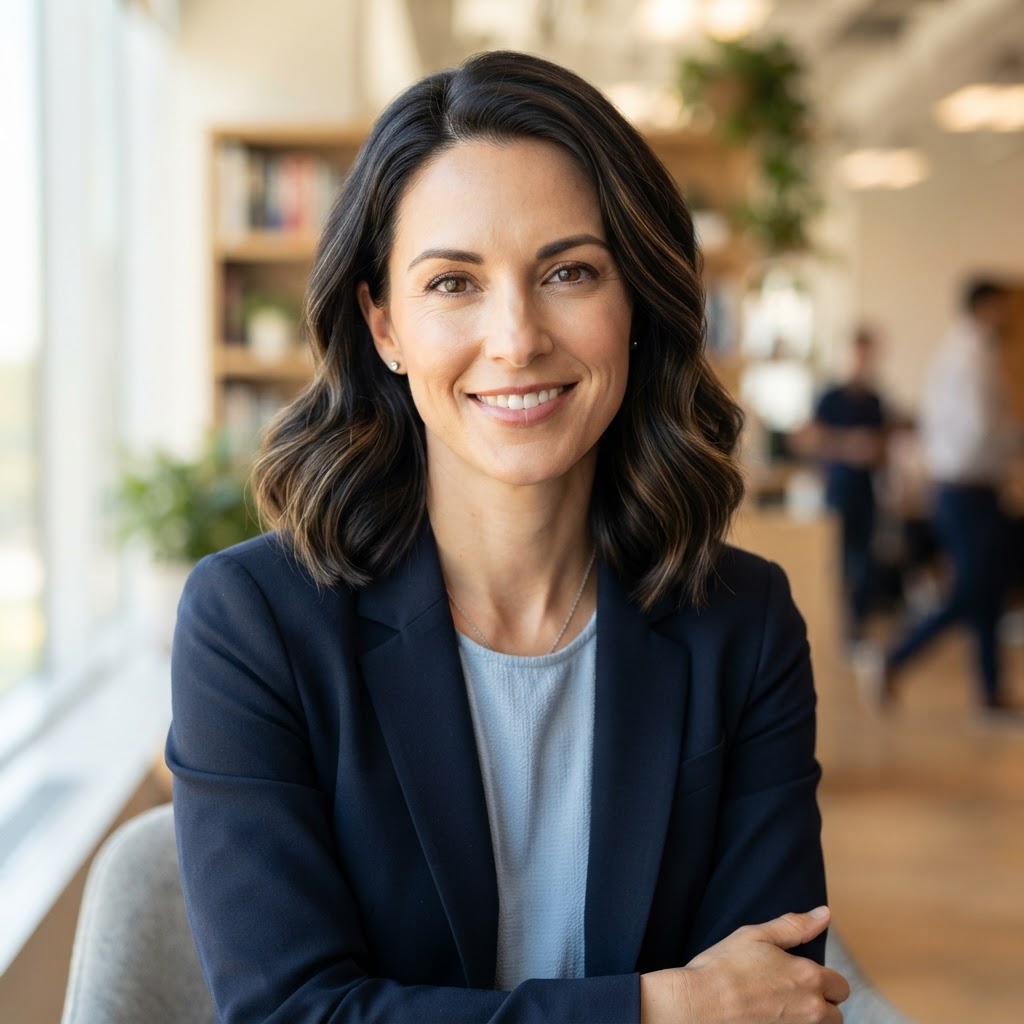

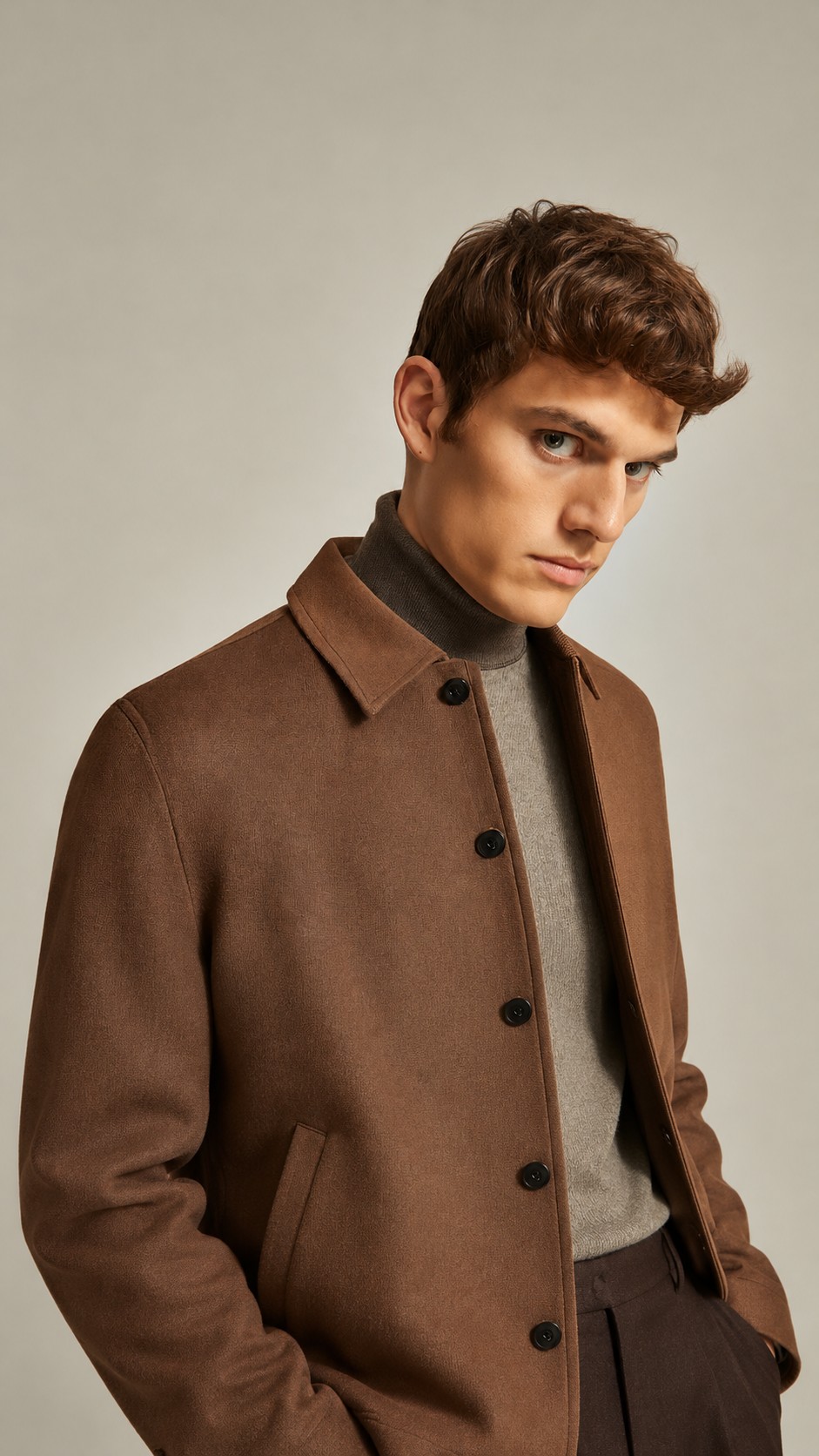
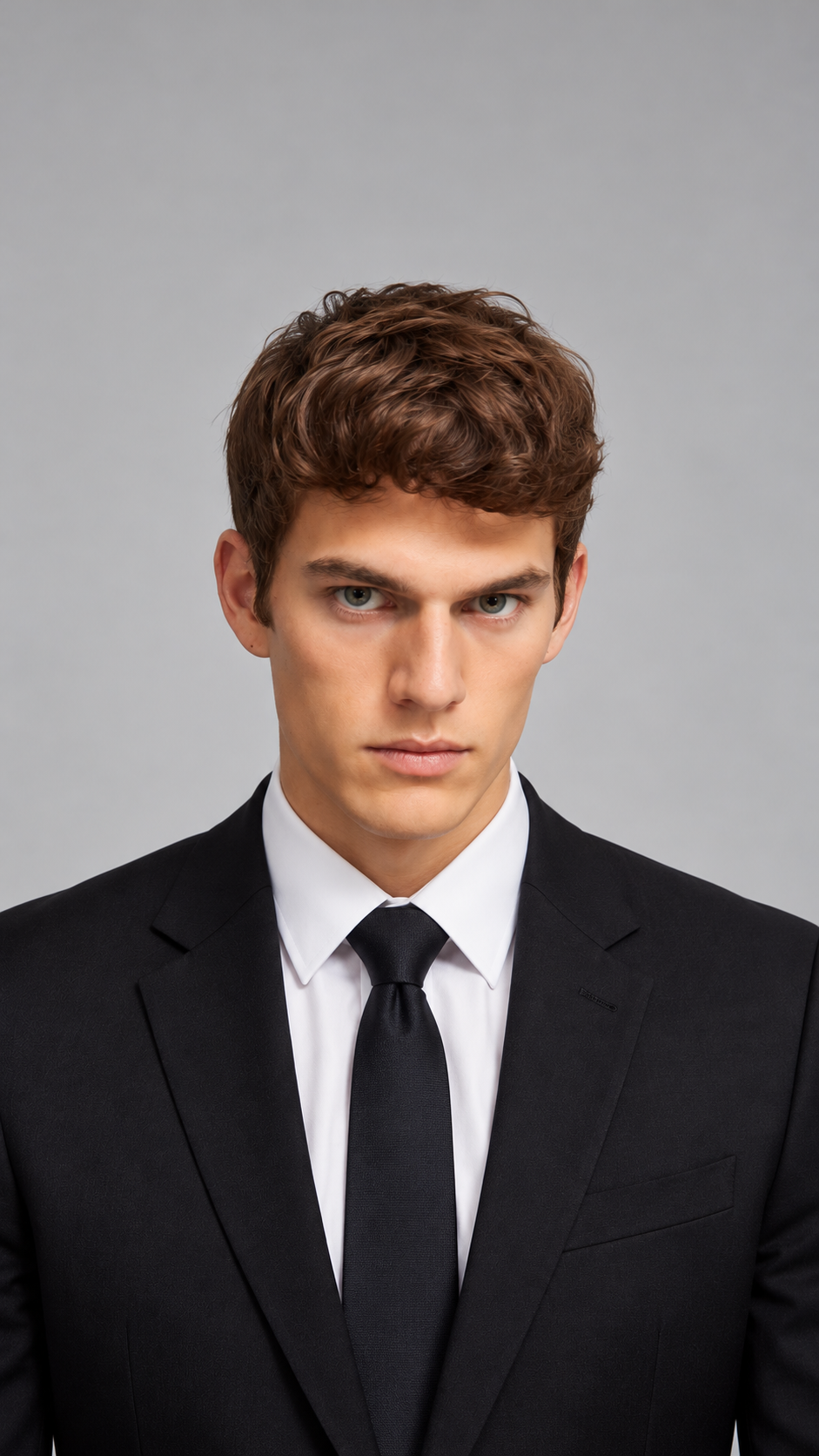
Blend, Not Just Stack
Get one new scene instead of photos side by side.
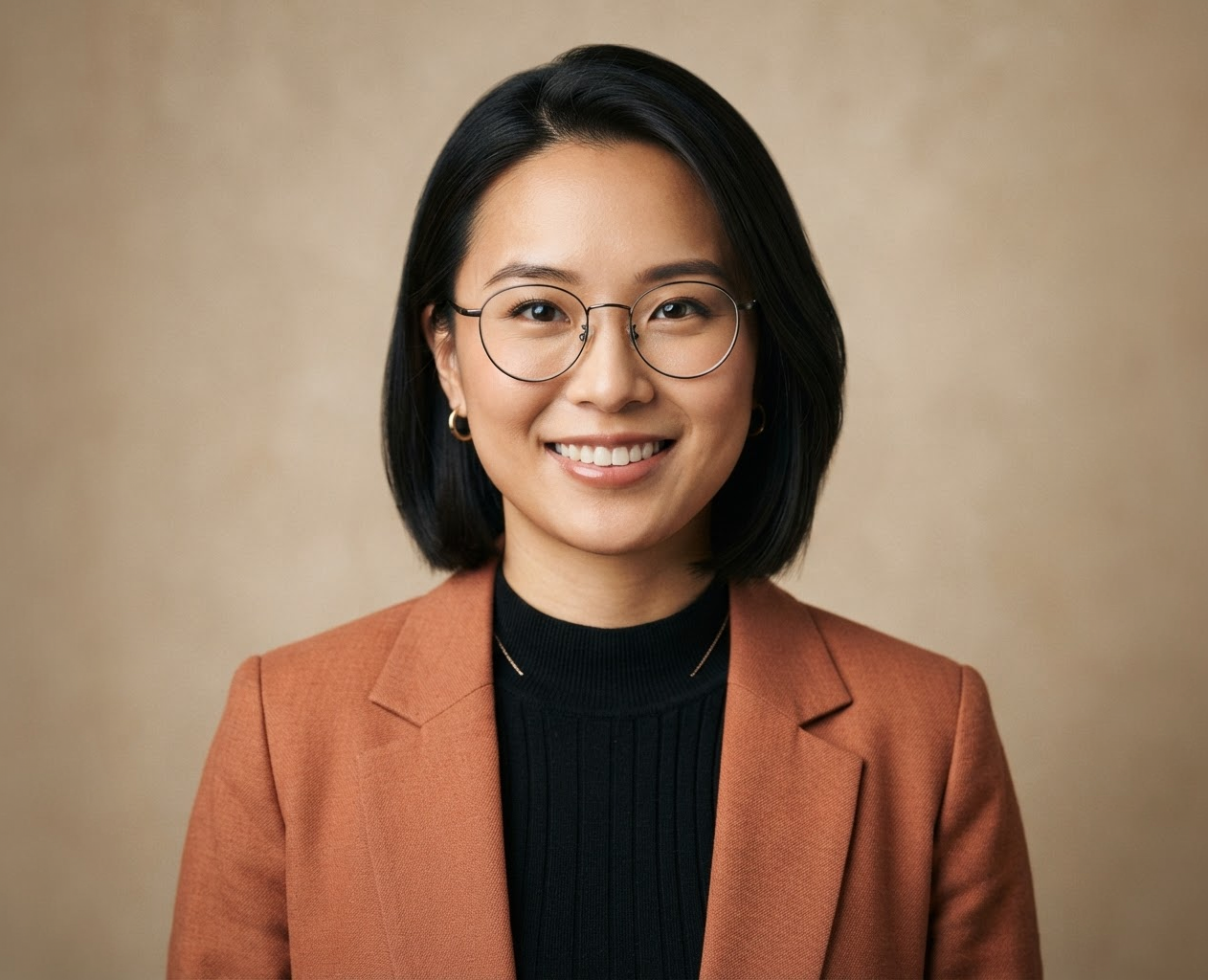
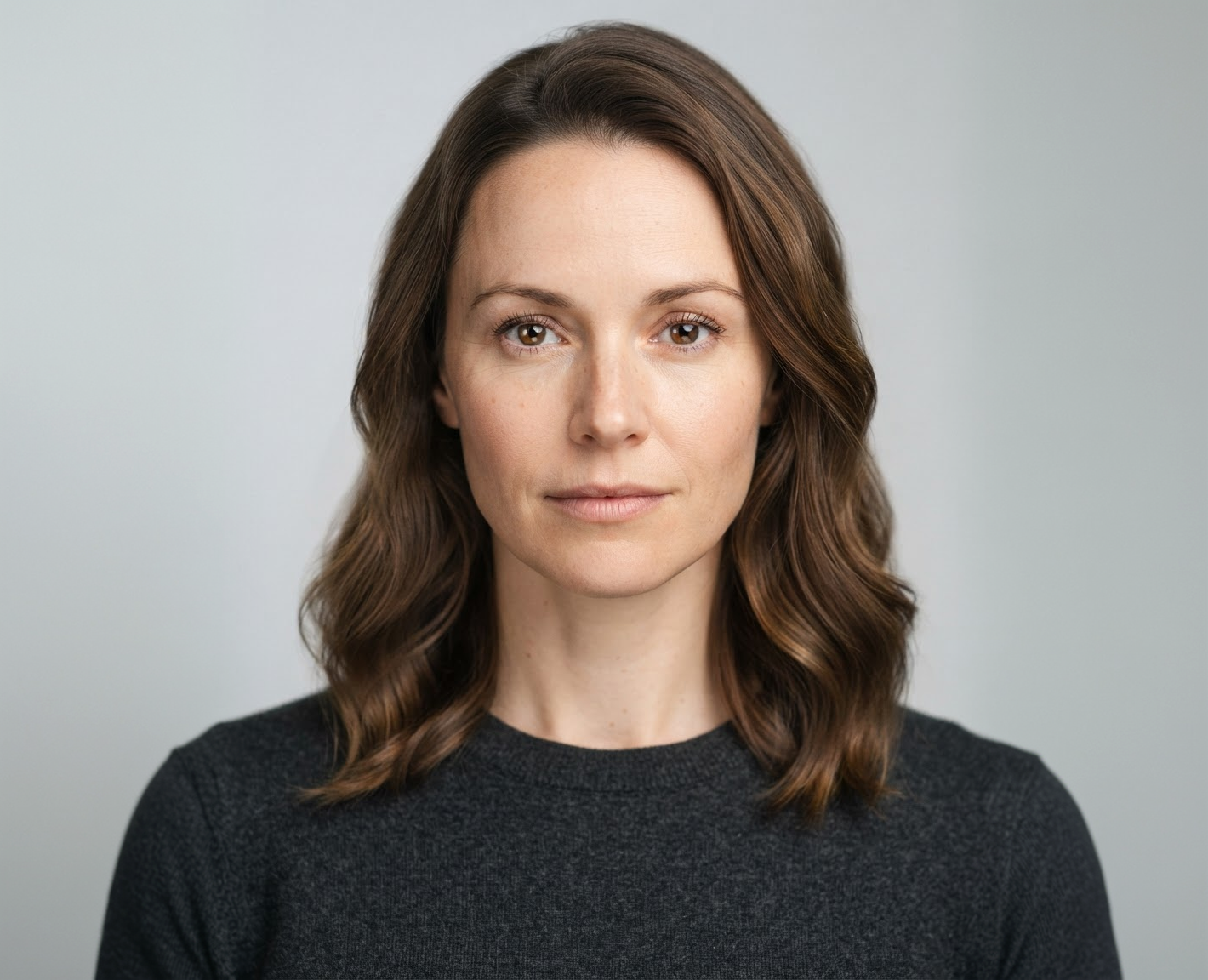
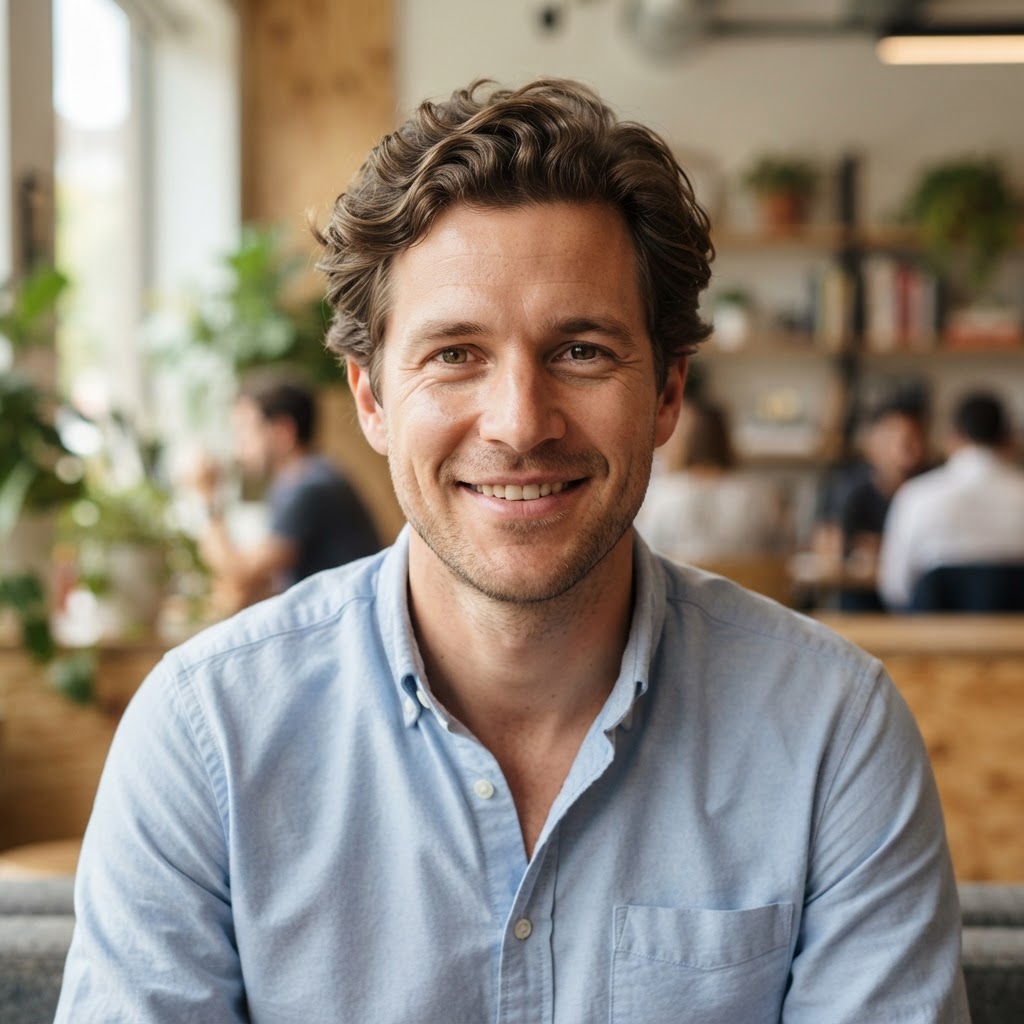
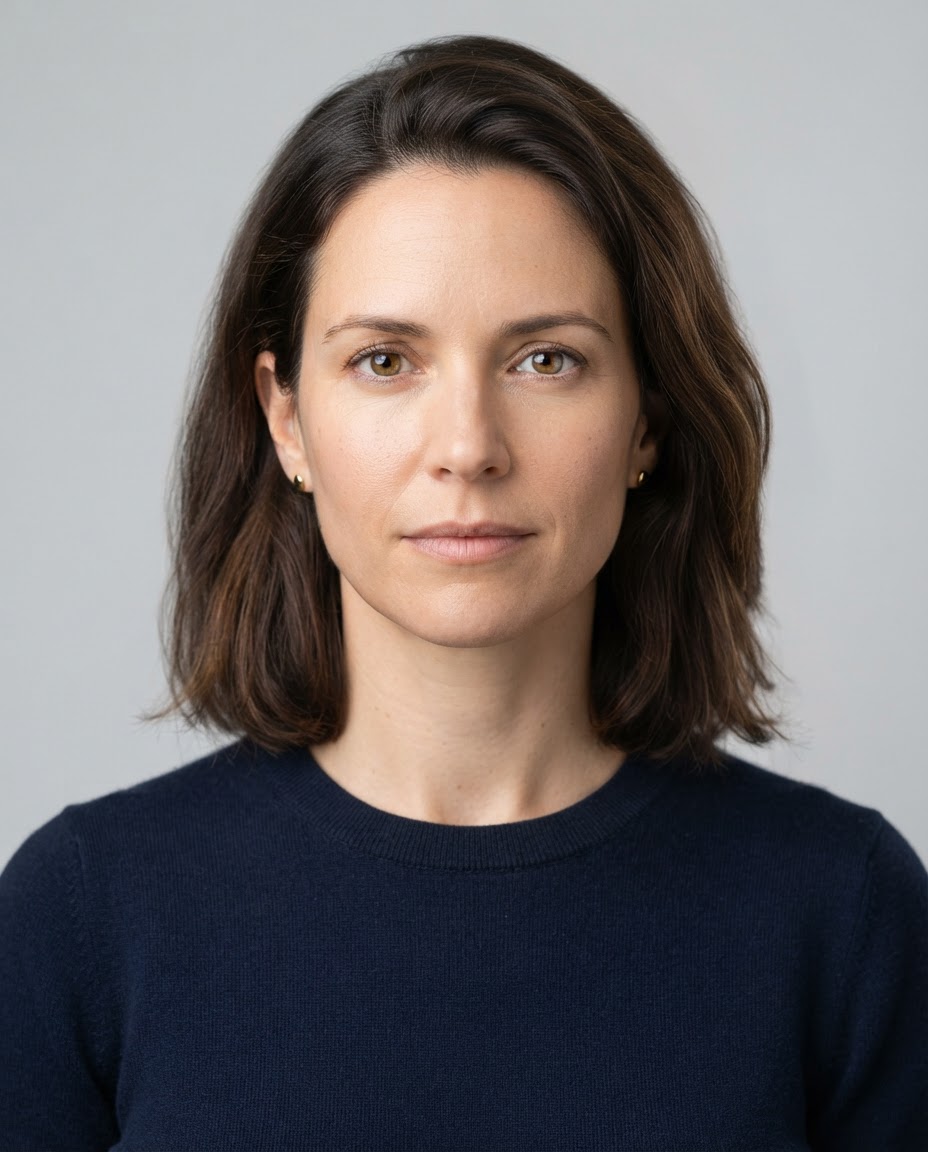
Keep What Matters
Say which subject, background, or style to take from each image.
Export Sizes
Matching Light and Shadows
Ask for consistent lighting so the result looks like one photo.
How it works
How to Combine Images With AI
Create professional results in just a few simple steps.
Step 1
Upload Your Images
Add two or more photos, such as a subject and a background.
Choose a file or drag & drop it here.
JPG, PNG, or WEBP, up to 20 MB.
Step 2
Describe the Result
Say what to keep from each image, then click Combine Images.
Step 3
Compare and Download
Pick the most natural version and save it.
Who is it for?
Who Uses the AI Image Combiner
Online Sellers
Place products in lifestyle scenes without a photo shoot.
Marketers
Build campaign visuals from existing assets.
Pet Owners
Put your pet in a new setting.
Designers
Mock up concepts by blending references.
Content Creators
Make thumbnails and composites fast.
Travelers
Combine trip photos into one memorable scene.
FAQ
Frequently Asked Questions
Answers on cost, image limits, quality, collages, and privacy for the AI Image Combiner.
You can try it on the free plan. Free has usage limits, a lower maximum resolution, and a lower limit on how many images you can upload at once. Paid plans raise all three.
At least two. Paid plans allow more images per message, but results are usually clearest with two or three.
Not always. The model rebuilds the scene, so small details such as text or logos can change. Ask it to keep a specific detail, and compare a few models.
This tool blends images into one scene. For a simple grid or side-by-side layout, a collage tool is a better fit.
Yes. Ask for one style for the whole result, such as "make it all look like a watercolor" or "match the lighting of the first photo".
Yes, as long as you own or have rights to the images you upload.
Yes. Your images stay in your account and are not used to train models. You control who can see anything you share.
Ready to Explore?
Work Smarter With Multi-Model AI
Try new looks, edit photos, and create images with GPT Image, Nano Banana, FLUX, and Seedream in one secure workspace.



