
AI Interior Design
See your room in a new style before you move a thing.
Upload a photo of your room, choose a style like Scandinavian, mid-century, or boho, and Aymo AI shows the same space redesigned with several image models. Keep the layout or change everything, then compare the versions side by side.
Choose a file or drag & drop it here.
JPG, PNG, or WEBP, up to 20 MB.
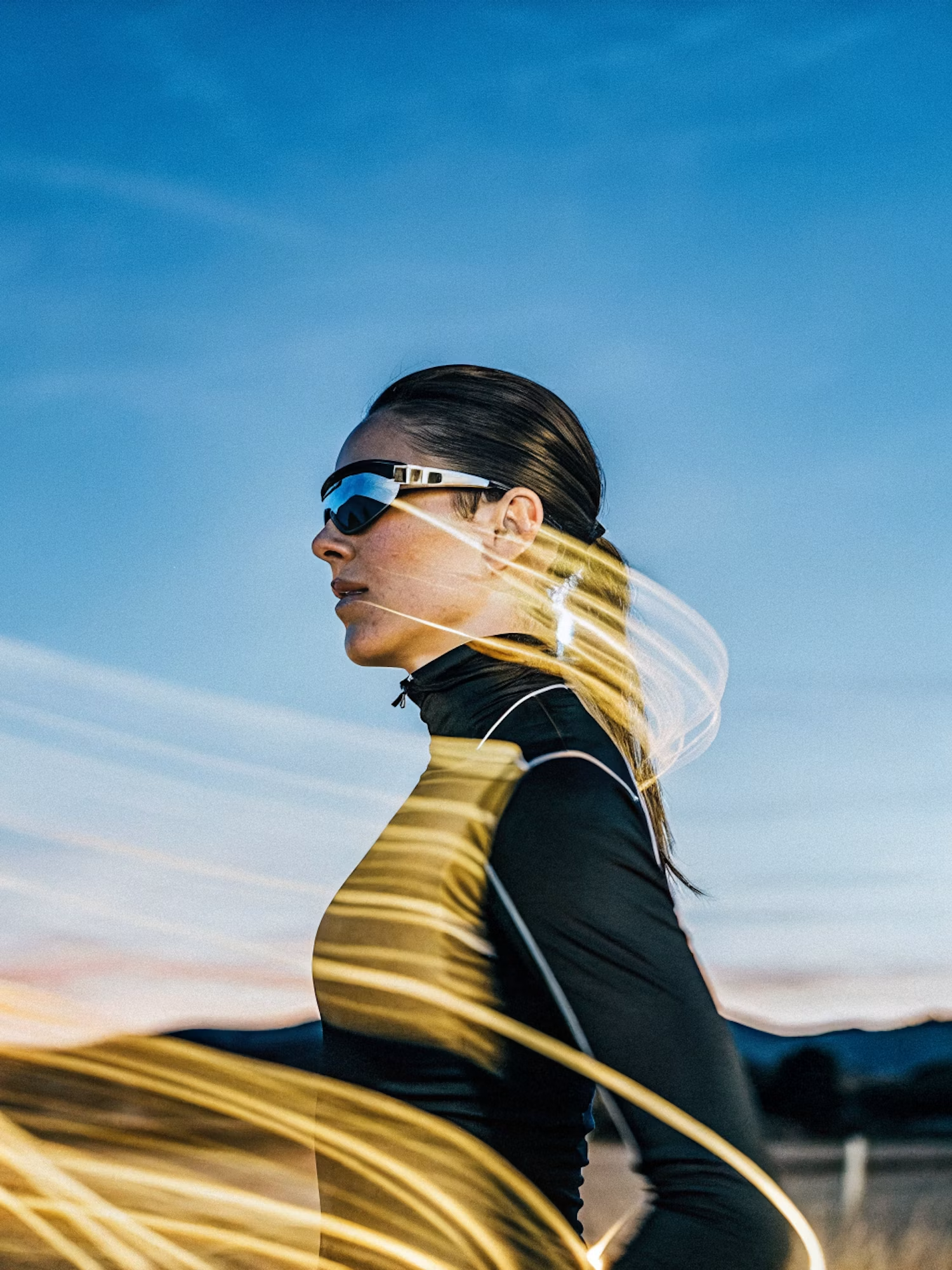
Make the lighting brighter and more balanced while keeping the subject, face, skin tone, clothing, pose, composition, camera angle, background, colors, and image details unchanged. Increase
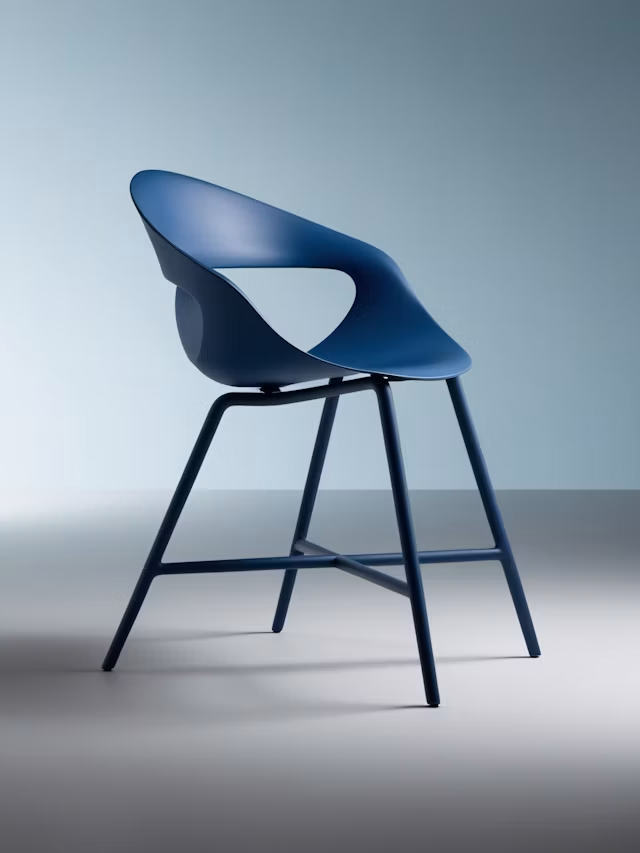
Upscale this image to a higher resolution and improve sharpness while preserving all original details and textures.
Redesign From One Photo
Upload any room and see it in a new style.
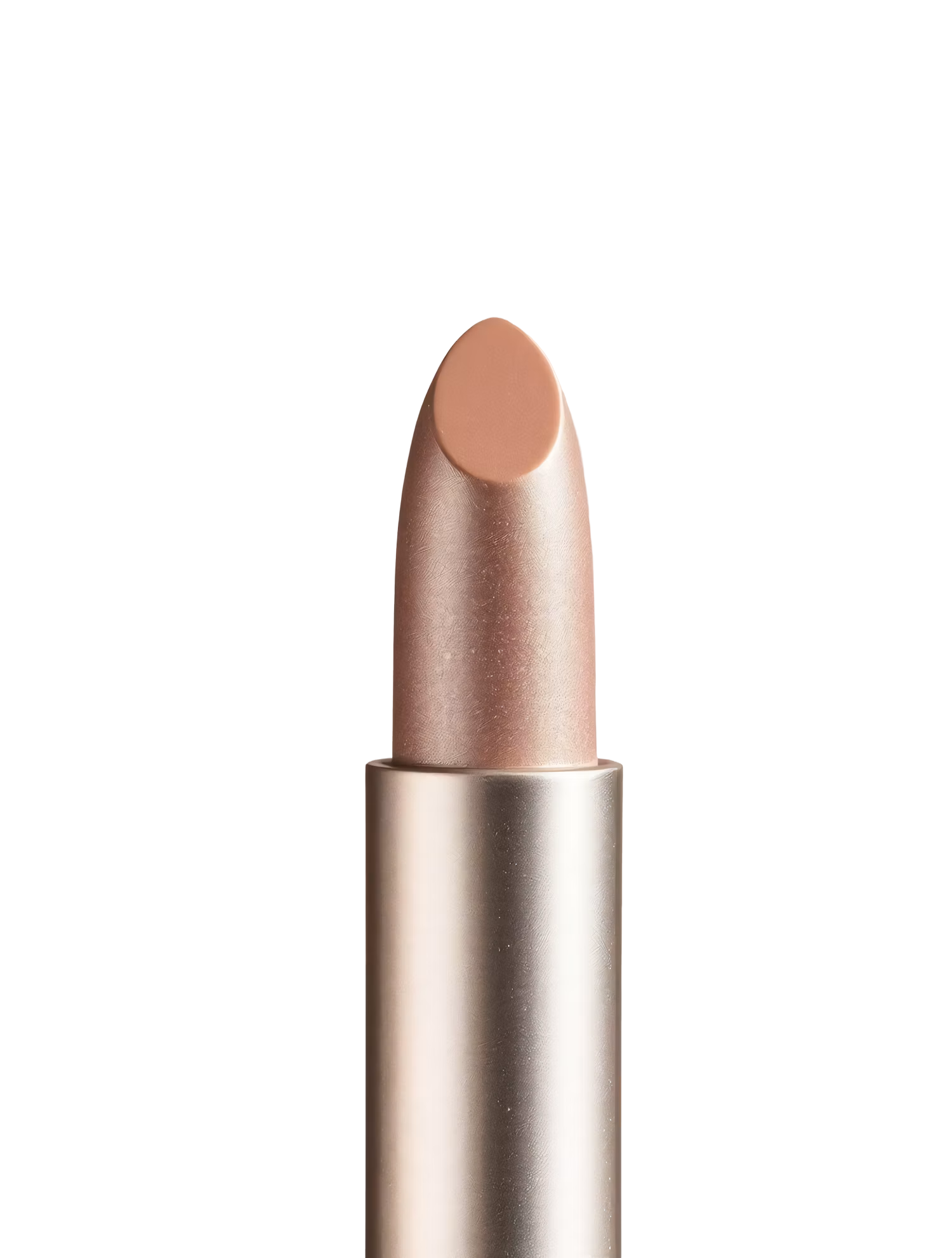
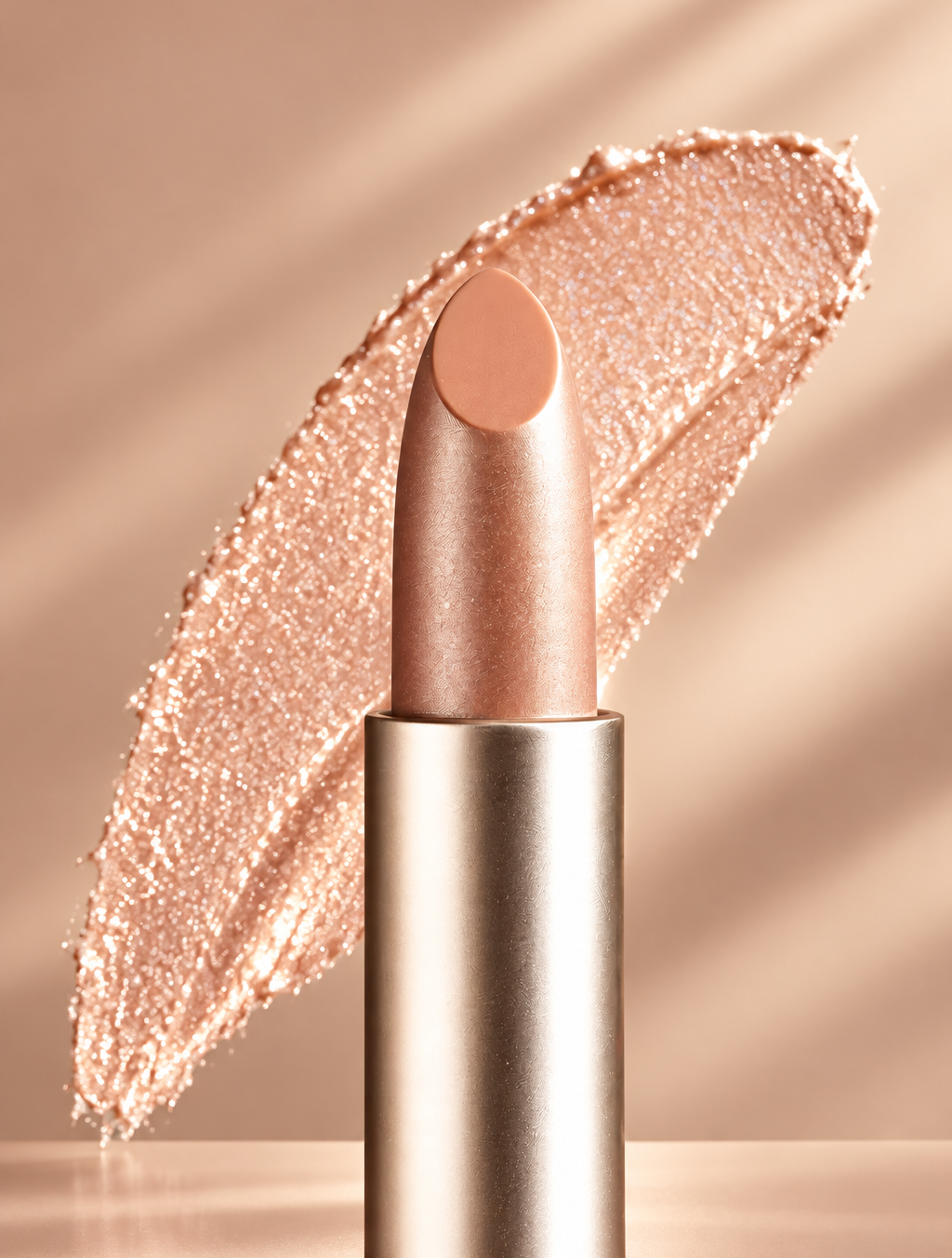
Replace the background with high end social media post while keeping the main subject, pose, lighting, and details unchanged.
Any Interior Style
Scandinavian, mid-century, boho, coastal, industrial, and more.
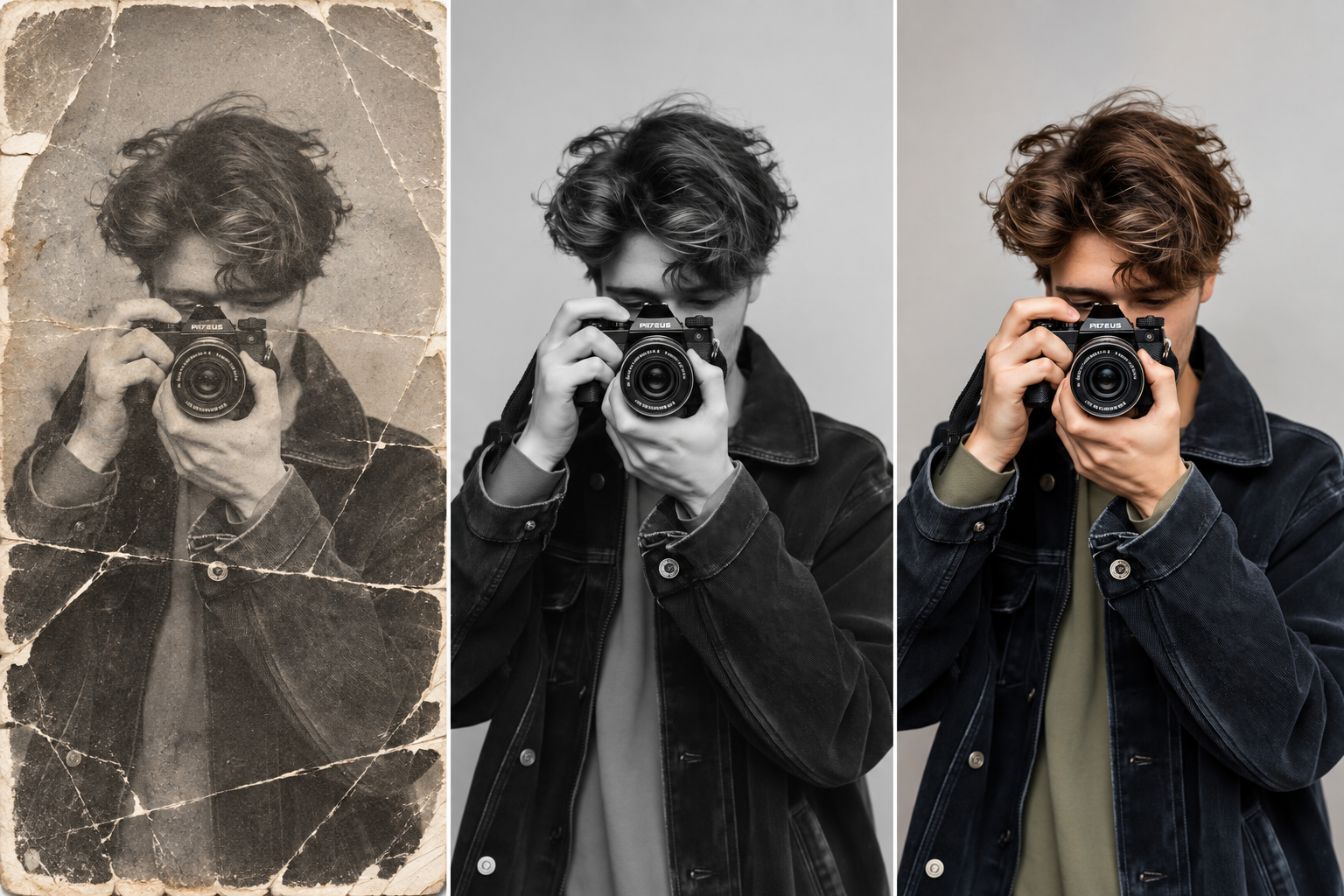
Restore this old photo by removing scratches, noise, blur, and fading while preserving the original details and natural appearance.
Keep What You Like
Ask to keep the layout, floor, or a favorite piece.


Change the color of Headphone Gray to blue while preserving its original texture, shape, lighting, and details.
Compare Models Side by Side
See the same room redesigned by several image models.
How it works
How to Redesign a Room With AI
Create professional results in just a few simple steps.
Step 1
Upload a Room Photo
Take a wide photo in daylight with the floor visible.
Choose a file or drag & drop it here.
JPG, PNG, or WEBP, up to 20 MB.
Step 2
Choose a Style
Describe the style and what to keep, then click Redesign Room.
Step 3
Compare and Save
Pick your favorite version and save it as your mood board.
Who is it for?
Who Uses AI Interior Design
Homeowners
Try new looks before you buy furniture or paint.
Renters
Find simple changes that make a rental feel like home.
Interior Designers
Show clients quick concepts in the first meeting.
Real Estate Agents
Help buyers picture an empty or dated room.
Airbnb Hosts
Plan a refresh that photographs well.
Students
Plan a dorm or first apartment on a budget.
FAQ
Frequently Asked Questions
Answers on cost, photos, styles, accuracy, and privacy for AI Interior Design.
Yes. You can redesign rooms on the free plan. Free has usage limits and a lower maximum resolution, and paid plans raise both.
A wide, straight photo in daylight, taken from a corner or doorway, with the floor and windows visible and less clutter.
Yes. Ask to keep the layout, floor, walls, or specific pieces, and change only what you name.
Scandinavian, mid-century modern, boho, coastal, industrial, Japandi, farmhouse, minimalist, and more. Name the style in your description.
The pieces are AI concepts, not real products. Use them as a guide to search for similar items.
For ideas, it can help a lot. For renovations, awkward layouts, or large budgets, a professional designer is still worth it.
Yes. Your photos stay in your account and are not used to train models. You control who can see anything you share.
Ready to Explore?
Work Smarter With Multi-Model AI
Try new looks, edit photos, and create images with GPT Image, Nano Banana, FLUX, and Seedream in one secure workspace.



