
AI Makeup Generator
Try any makeup look on your face before you reach for a brush.
Upload a clear photo and describe the look you want, such as soft glam, clean girl, a bold red lip, or smoky evening eyes. Aymo AI applies it to your face and keeps your features. Saw a look you love? Add that photo as a reference and ask for the same makeup on you.
Choose a file or drag & drop it here.
JPG, PNG, or WEBP, up to 20 MB.
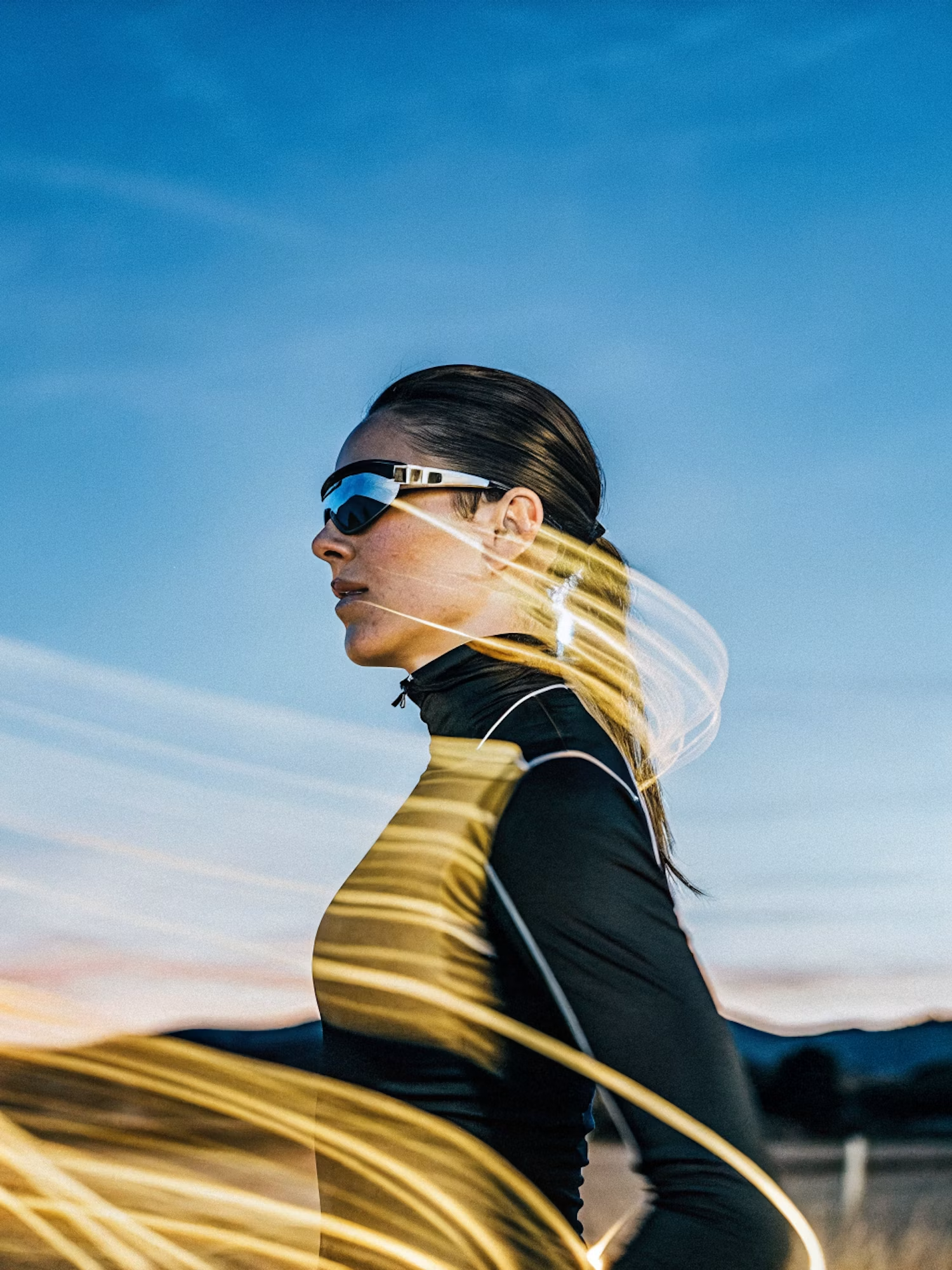
Make the lighting brighter and more balanced while keeping the subject, face, skin tone, clothing, pose, composition, camera angle, background, colors, and image details unchanged. Increase
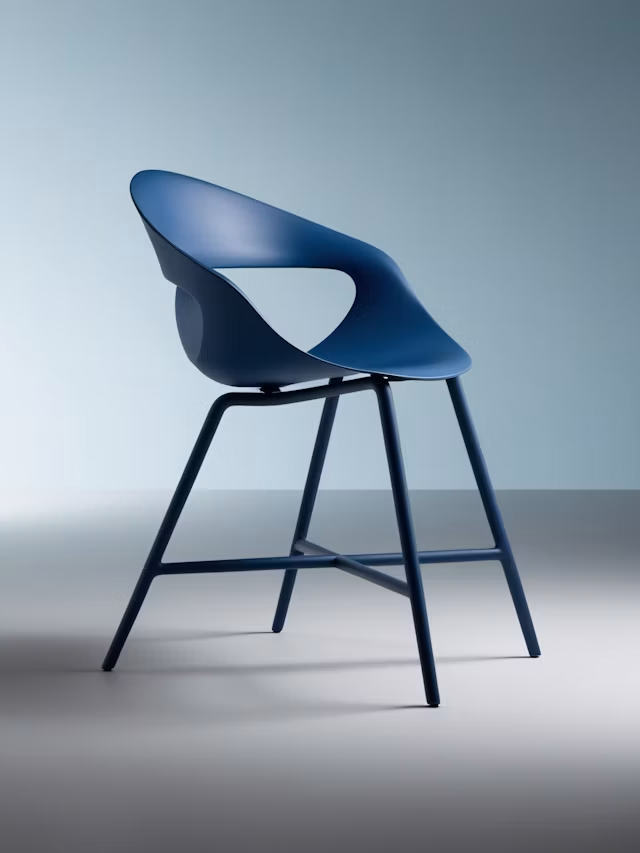
Upscale this image to a higher resolution and improve sharpness while preserving all original details and textures.
Any Look You Can Describe
Natural, soft glam, clean girl, editorial, bridal, or evening.
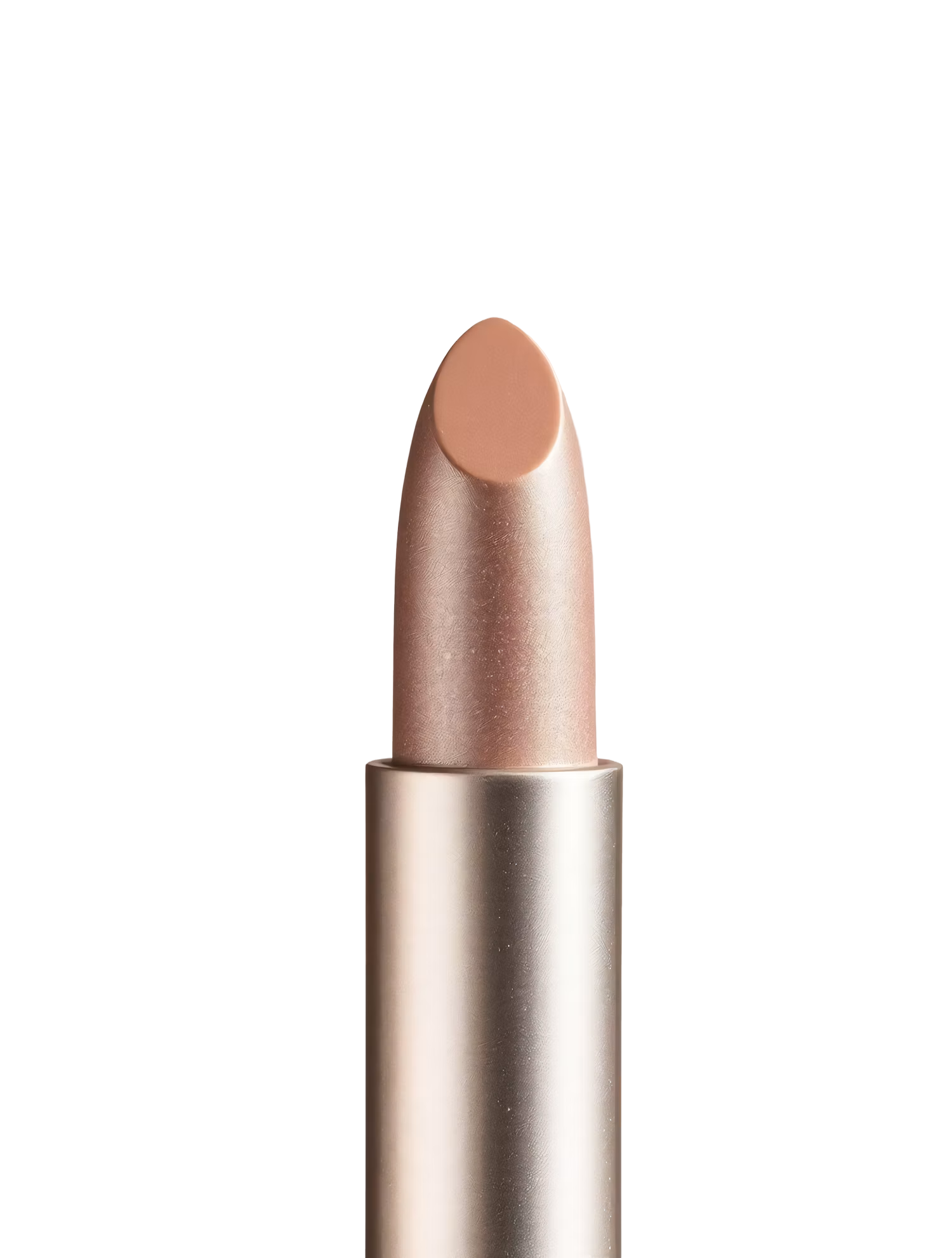
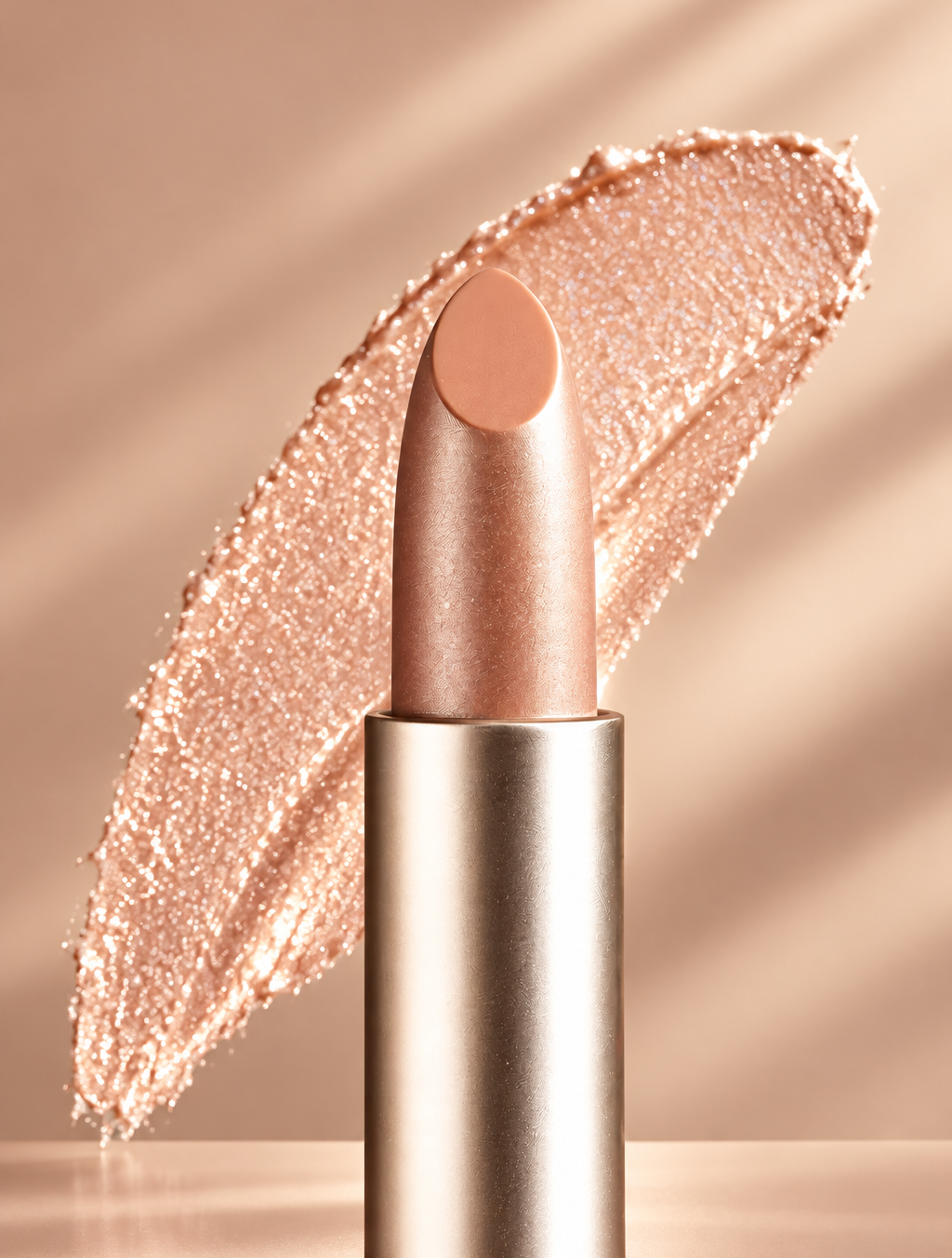
Replace the background with high end social media post while keeping the main subject, pose, lighting, and details unchanged.
Copy a Look From a Photo
Add a reference image and ask for the same makeup on you.
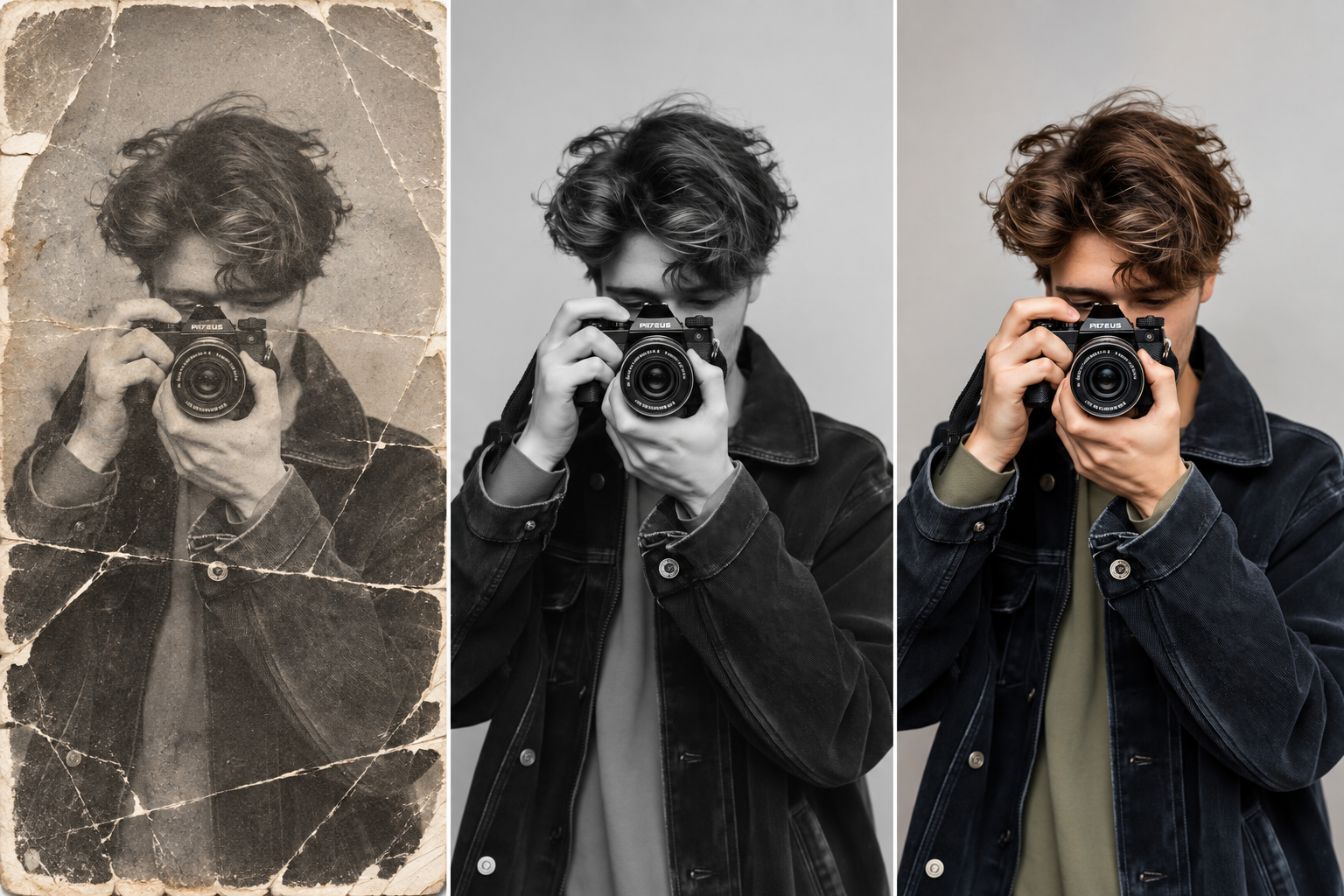
Restore this old photo by removing scratches, noise, blur, and fading while preserving the original details and natural appearance.
Eyes, Lips, Cheeks, and Skin
Change one area or the whole look in plain words.
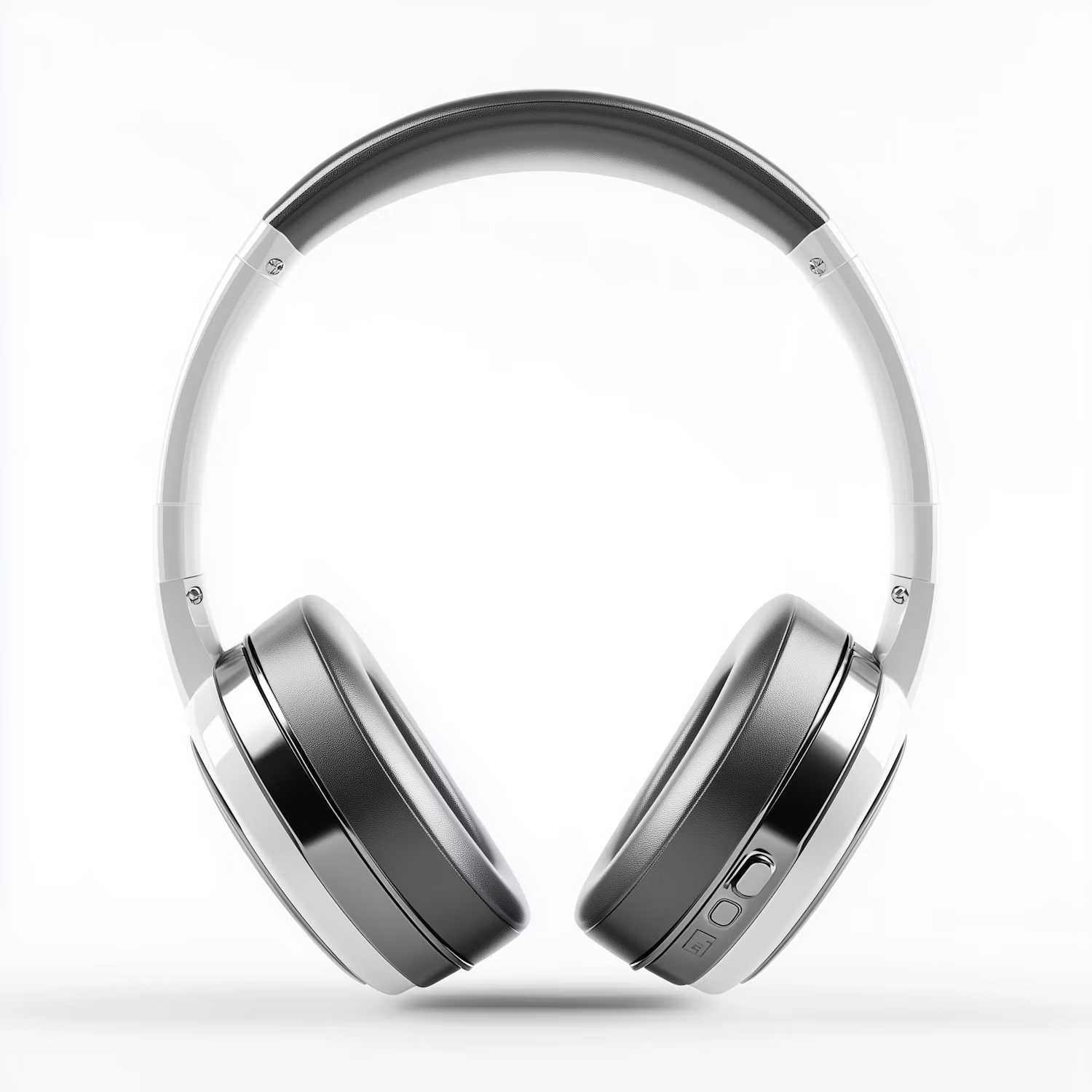
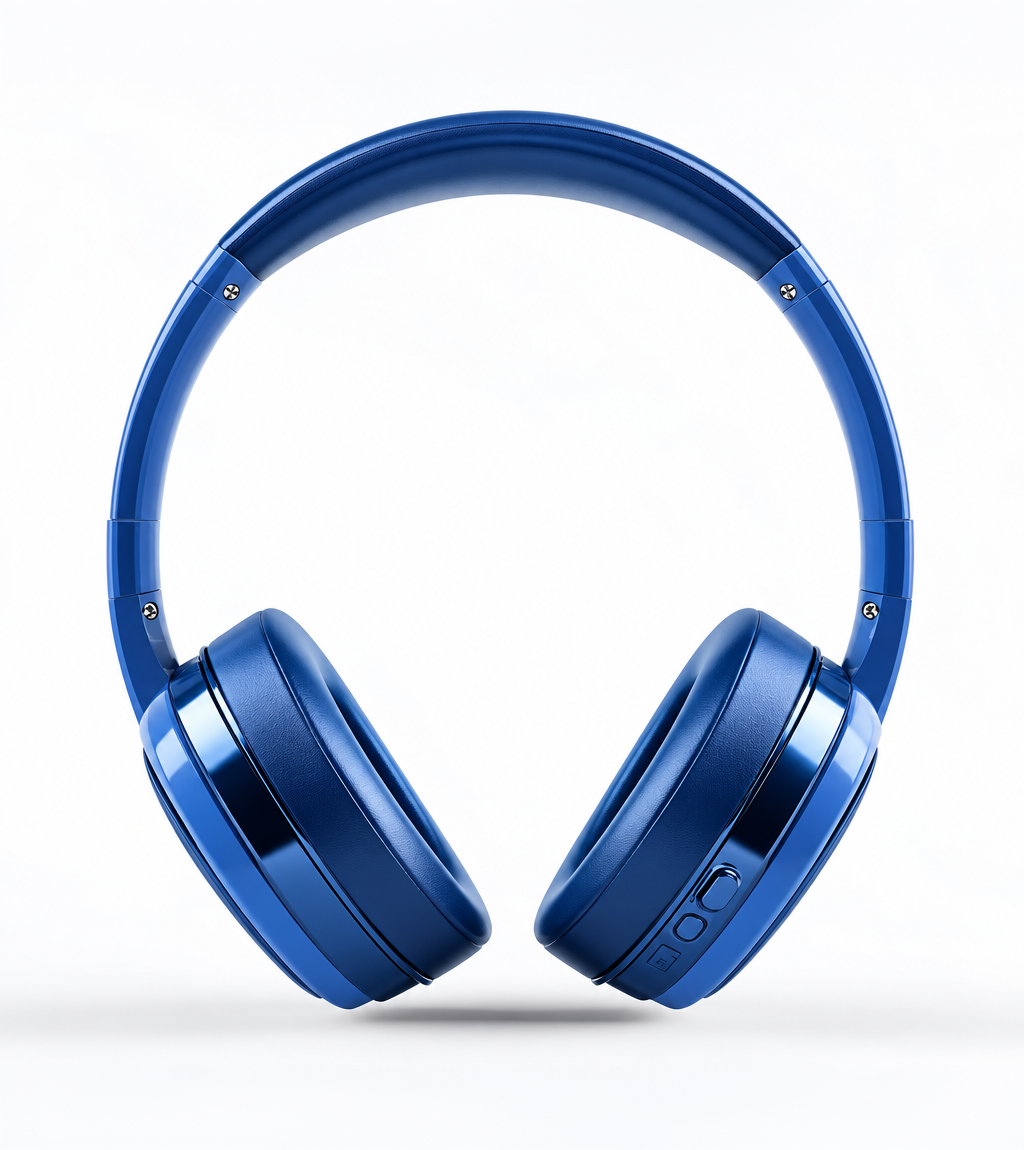
Change the color of Headphone Gray to blue while preserving its original texture, shape, lighting, and details.
Compare Models Side by Side
See how each image model applies the same look.
How it works
How to Try Makeup on Your Photo
Create professional results in just a few simple steps.
Step 1
Upload a Photo
Use a clear, front-facing photo, ideally with little or no makeup.
Choose a file or drag & drop it here.
JPG, PNG, or WEBP, up to 20 MB.
Step 2
Describe the Look
Name the style or add a reference photo, then click Try Makeup.
Step 3
Compare and Download
Pick your favorite look and save it.
Who is it for?
Who Uses the AI Makeup Generator
Makeup Lovers
Try a trend before you buy new products.
Brides and Wedding Guests
Compare looks for the big day with your makeup artist.
Makeup Artists
Show clients a look before the session.
Content Creators
Plan looks and create before-and-after posts.
Beginners
Find a simple everyday look that suits you.
Cosplayers and Performers
Test stage and character makeup on your face.
FAQ
Frequently Asked Questions
Answers on cost, looks, reference photos, skin tones, and privacy for the AI Makeup Generator.
Yes. You can try makeup on the free plan. Free has usage limits and a lower maximum resolution, and paid plans raise both.
Yes. Add the reference photo and ask for "the same makeup as the reference" on your face.
Try two or three looks side by side. For color guidance based on your skin, hair, and eyes, see our AI Color Analysis.
Yes. Mention your skin tone or undertone in the instruction for the most natural foundation and blush.
No. Only makeup is meant to change. If anything else shifts, ask to "keep my face exactly the same" or try another model.
The result shows a look, not specific products. Use it to explain the look you want at a beauty counter or to your makeup artist.
Yes. Your photos stay in your account and are not used to train models. You control who can see anything you share.
Ready to Explore?
Work Smarter With Multi-Model AI
Try new looks, edit photos, and create images with GPT Image, Nano Banana, FLUX, and Seedream in one secure workspace.



