
AI Meme Generator
Your idea, turned into a meme.
Describe the joke or situation and Aymo AI creates an original meme image with several image models. Pick the funniest one, tweak the wording, and share it.
Choose a file or drag & drop it here.
JPG, PNG, or WEBP, up to 20 MB.
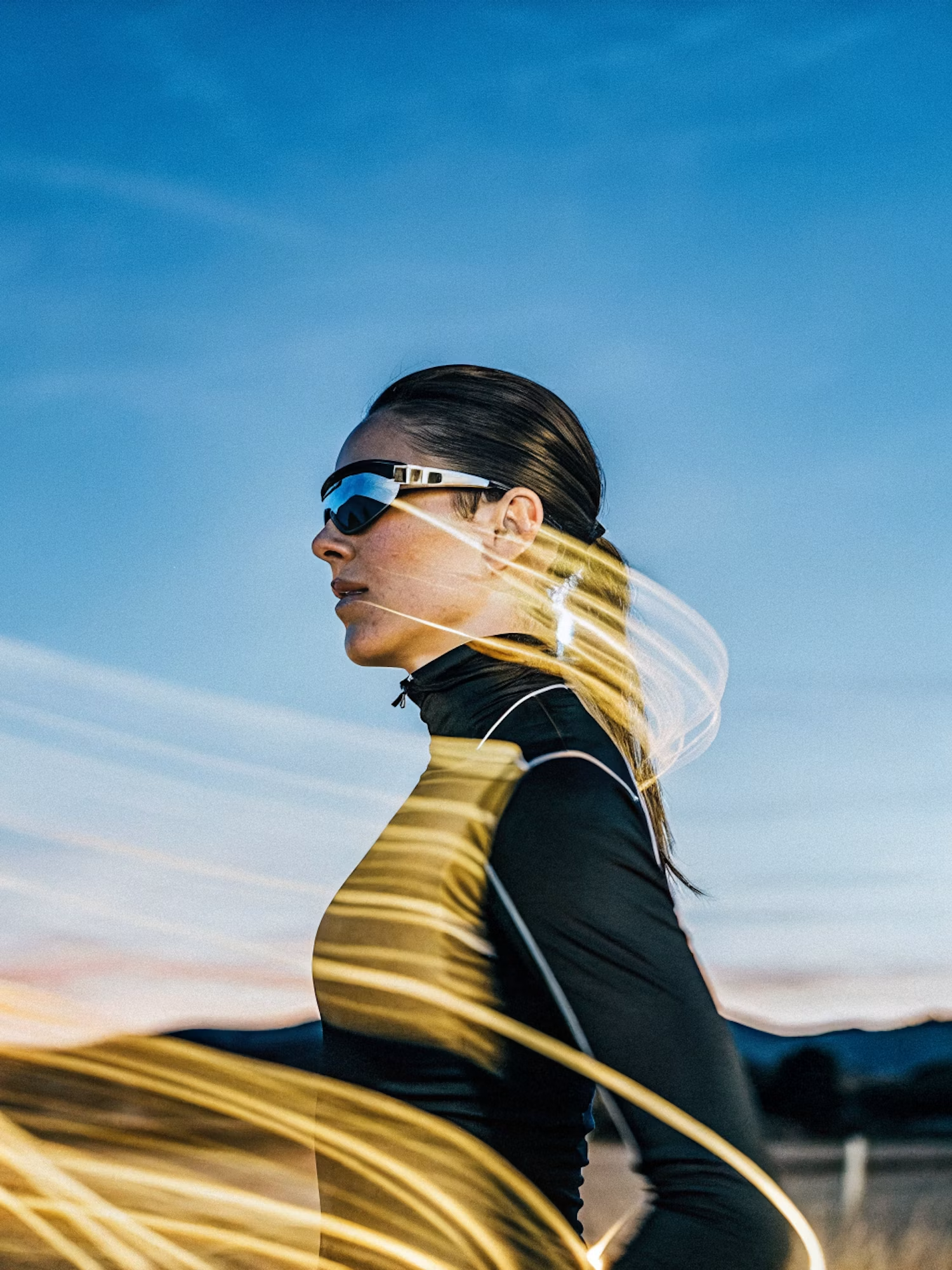
Make the lighting brighter and more balanced while keeping the subject, face, skin tone, clothing, pose, composition, camera angle, background, colors, and image details unchanged. Increase
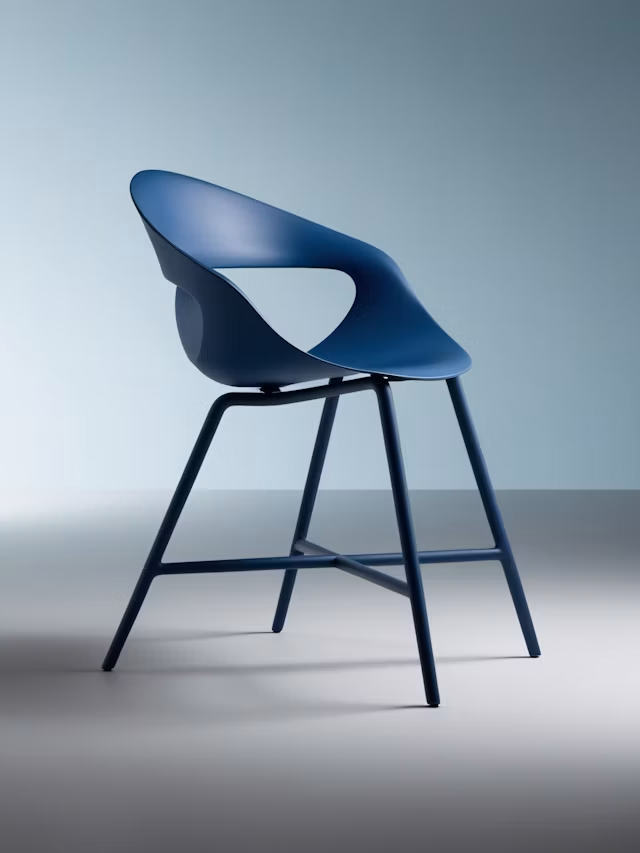
Upscale this image to a higher resolution and improve sharpness while preserving all original details and textures.
Original Meme Images
Get a new image that fits your joke, not a reused template.
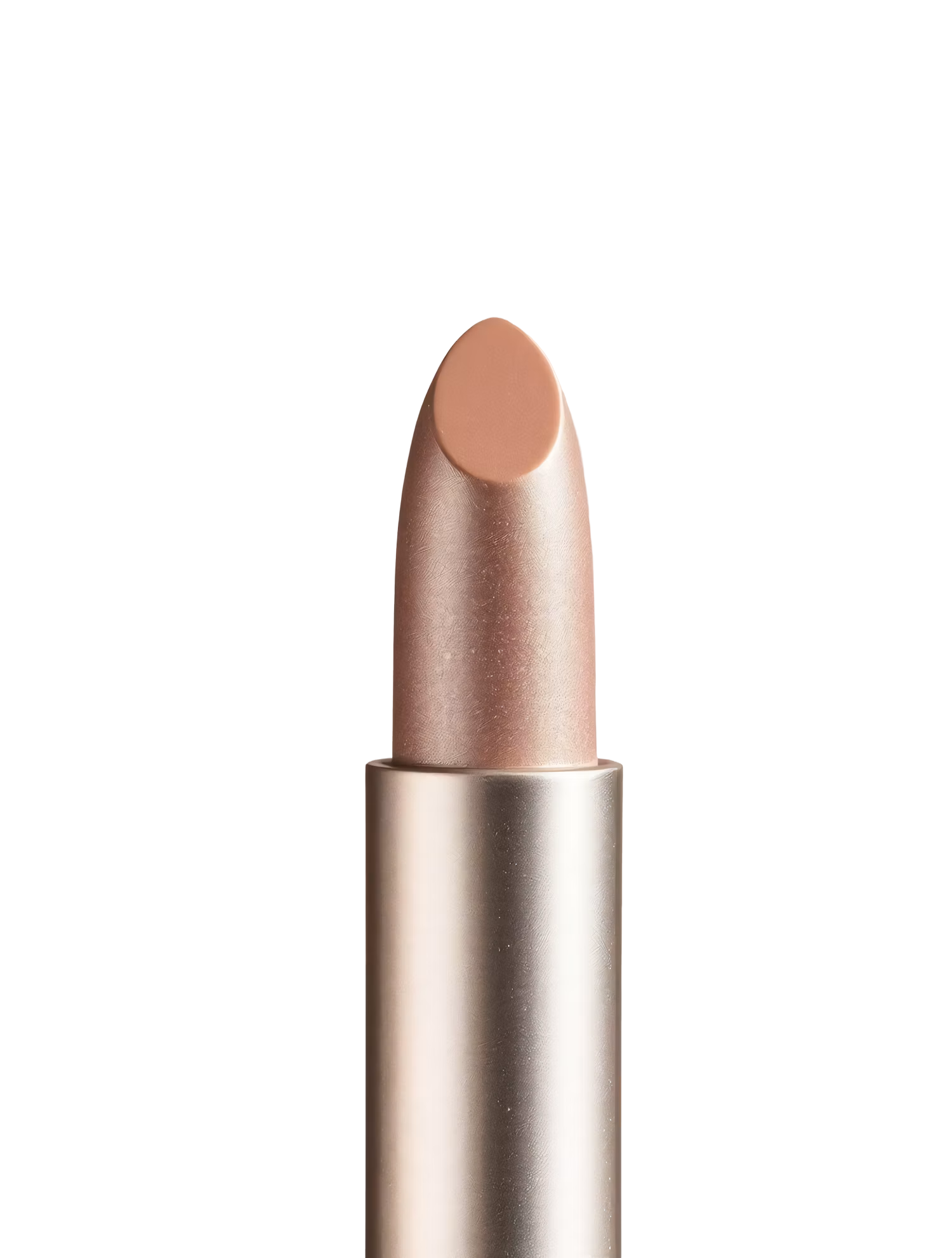
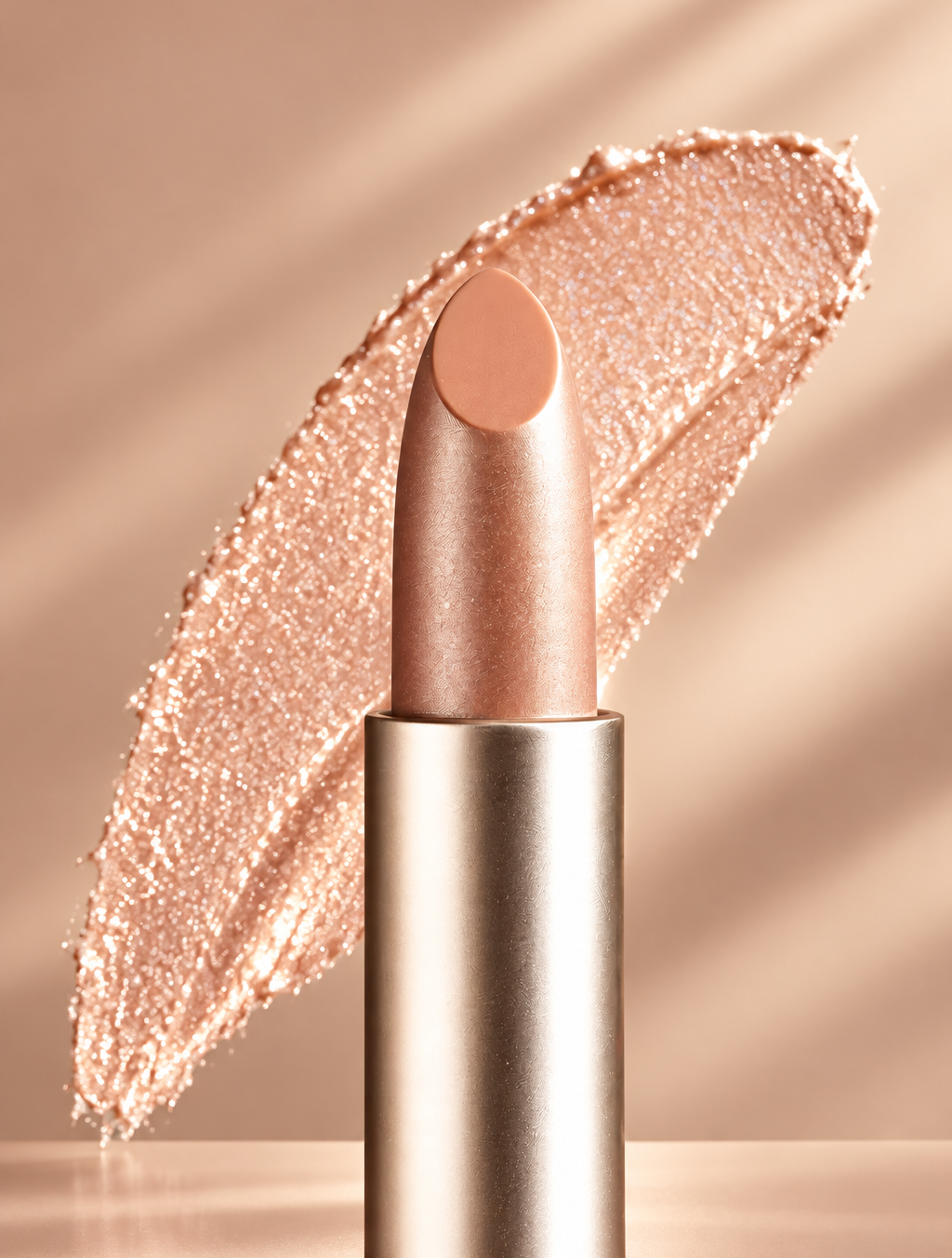
Replace the background with high end social media post while keeping the main subject, pose, lighting, and details unchanged.
Caption Ideas
Brainstorm caption options in Aymo's AI Chat.
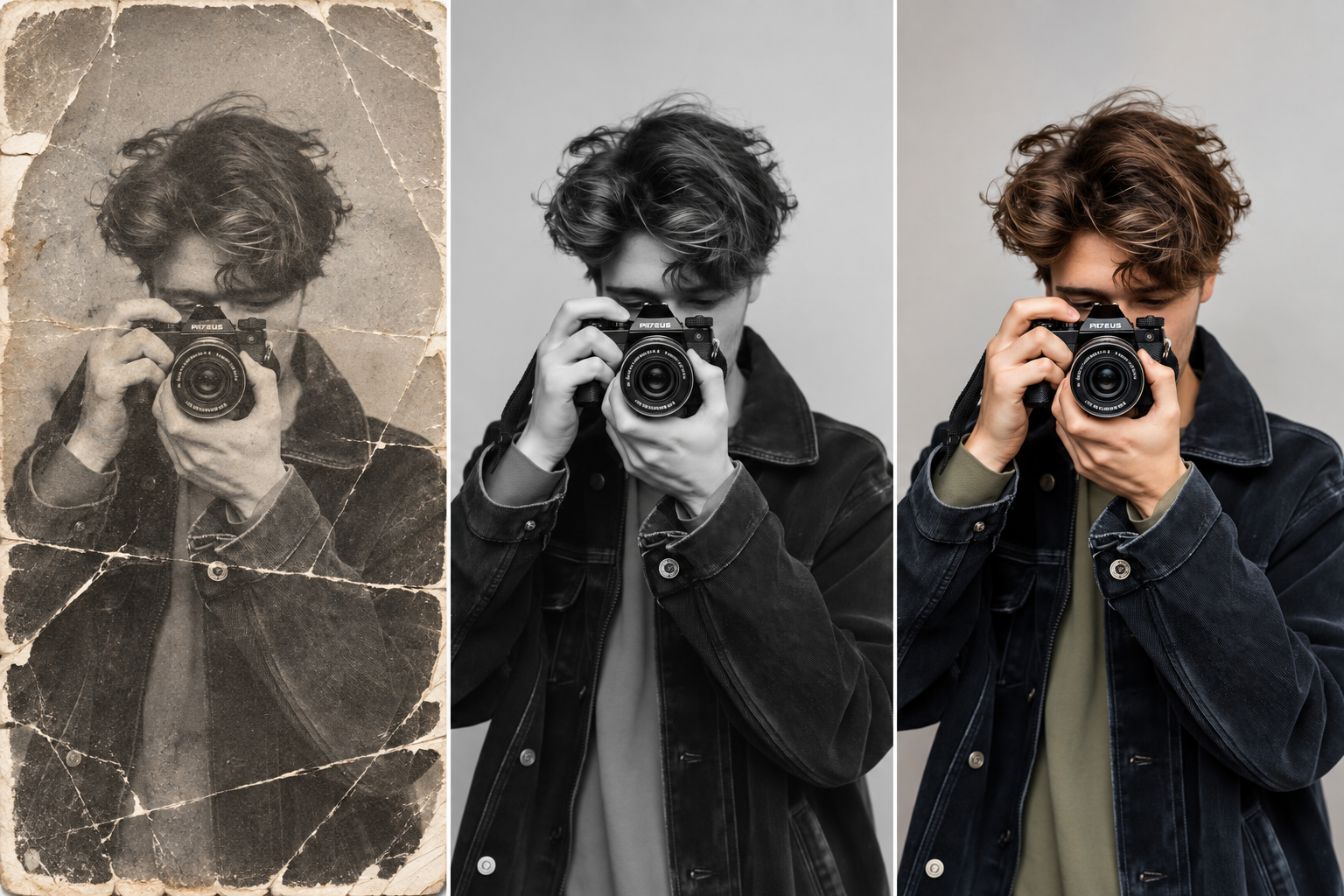
Restore this old photo by removing scratches, noise, blur, and fading while preserving the original details and natural appearance.
Any Style
Cartoon, photo, pixel art, or classic meme look.
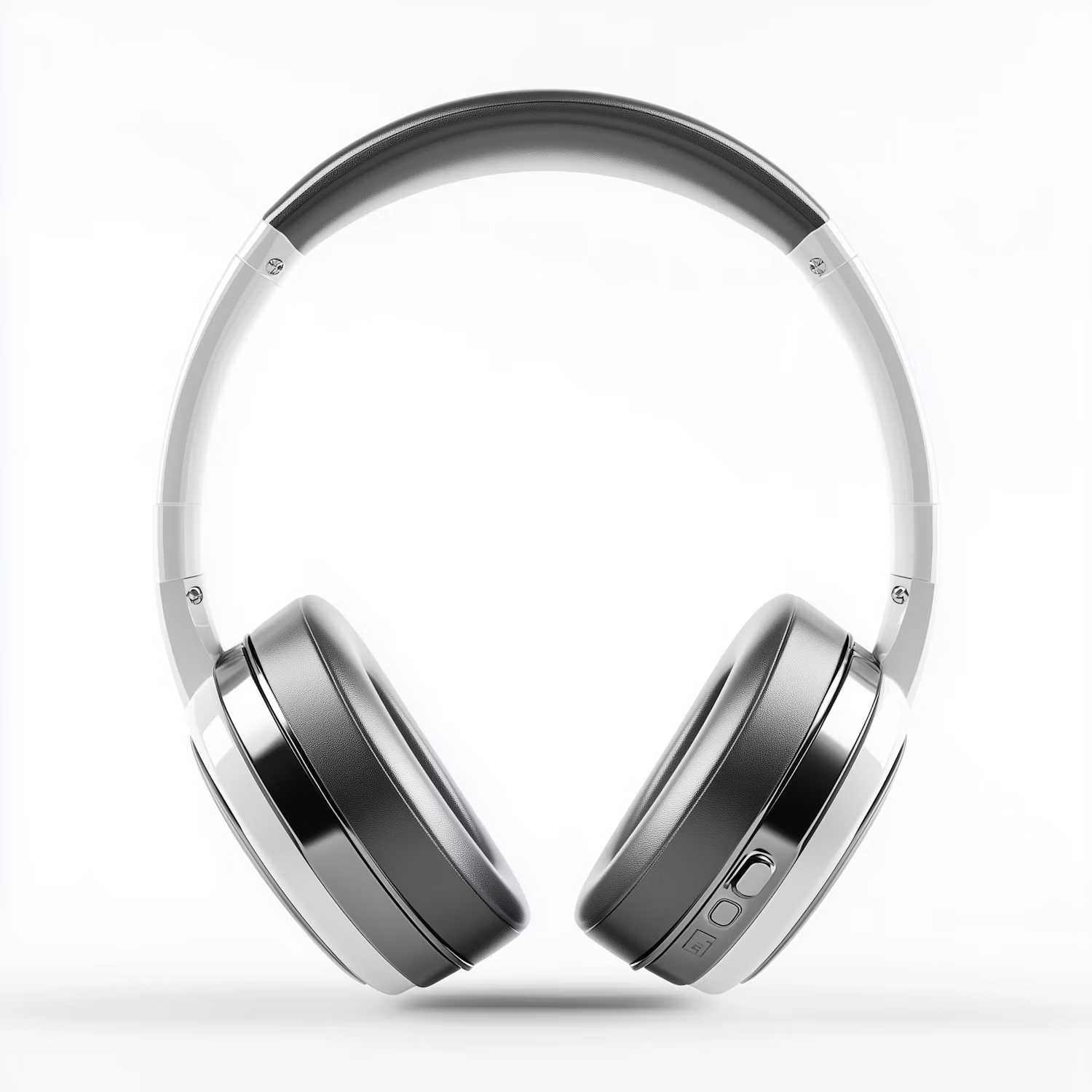
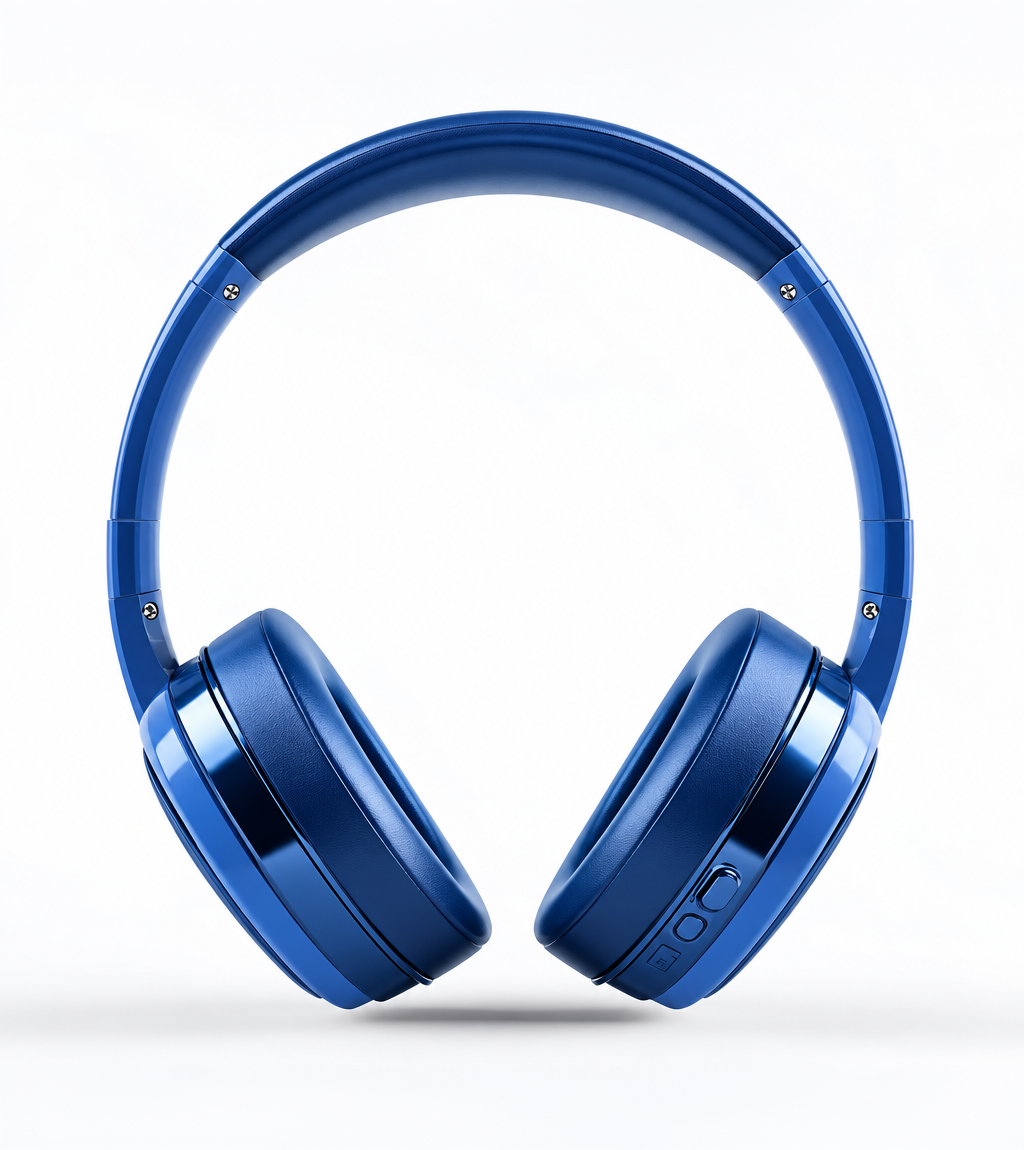
Change the color of Headphone Gray to blue while preserving its original texture, shape, lighting, and details.
Compare Models Side by Side
See the same joke on several image models.
How it works
How to Make a Meme With AI
Create professional results in just a few simple steps.
Step 1
Describe the Joke
Write the situation or feeling in plain words.
Choose a file or drag & drop it here.
JPG, PNG, or WEBP, up to 20 MB.
Step 2
Generate Memes
Click Make Meme and compare images and captions.
Step 3
Edit and Share
Adjust the caption, check the text, and download.
Who is it for?
Who Uses the AI Meme Generator
Social Media Managers
Make on-brand memes for your channels.
Remote Teams
Add humor to team chats and standups.
Content Creators
Keep your feed fresh with original memes.
Students
Share inside jokes about classes and exams.
Teachers
Make lessons and reminders more memorable.
Friend Groups
Turn group chat moments into memes.
FAQ
Frequently Asked Questions
Answers on cost, templates, captions, real people, and rights for the AI Meme Generator.
Yes. You can make memes on the free plan. Free has usage limits and a lower maximum resolution, and paid plans raise both.
It creates new images based on your idea. You can describe a classic format, such as a two-panel reaction, and the model will make an original version.
Not always. Image models sometimes misspell text. Check the caption, or add the text on top of the image yourself.
Yes. Upload a photo and ask for a meme caption or style.
Avoid using real people's faces without their consent, and never create memes meant to harass or mislead.
Yes. Original images you create can be used commercially. Avoid copyrighted characters and logos.
Yes. Your images stay in your account and are not used to train models. You control who can see anything you share.
Ready to Explore?
Work Smarter With Multi-Model AI
Try new looks, edit photos, and create images with GPT Image, Nano Banana, FLUX, and Seedream in one secure workspace.



