
AI Photo Colorizer
Bring black and white photos back in color.
Upload a black-and-white or faded photo. Aymo AI adds natural skin tones, clothing, sky, and background colors, and you can describe colors you know, such as "her dress was dark green". Compare versions from different image models and download the one that looks right.
Choose a file or drag & drop it here.
JPG, PNG, or WEBP, up to 20 MB.
Don't have a photo?
Try a sample image
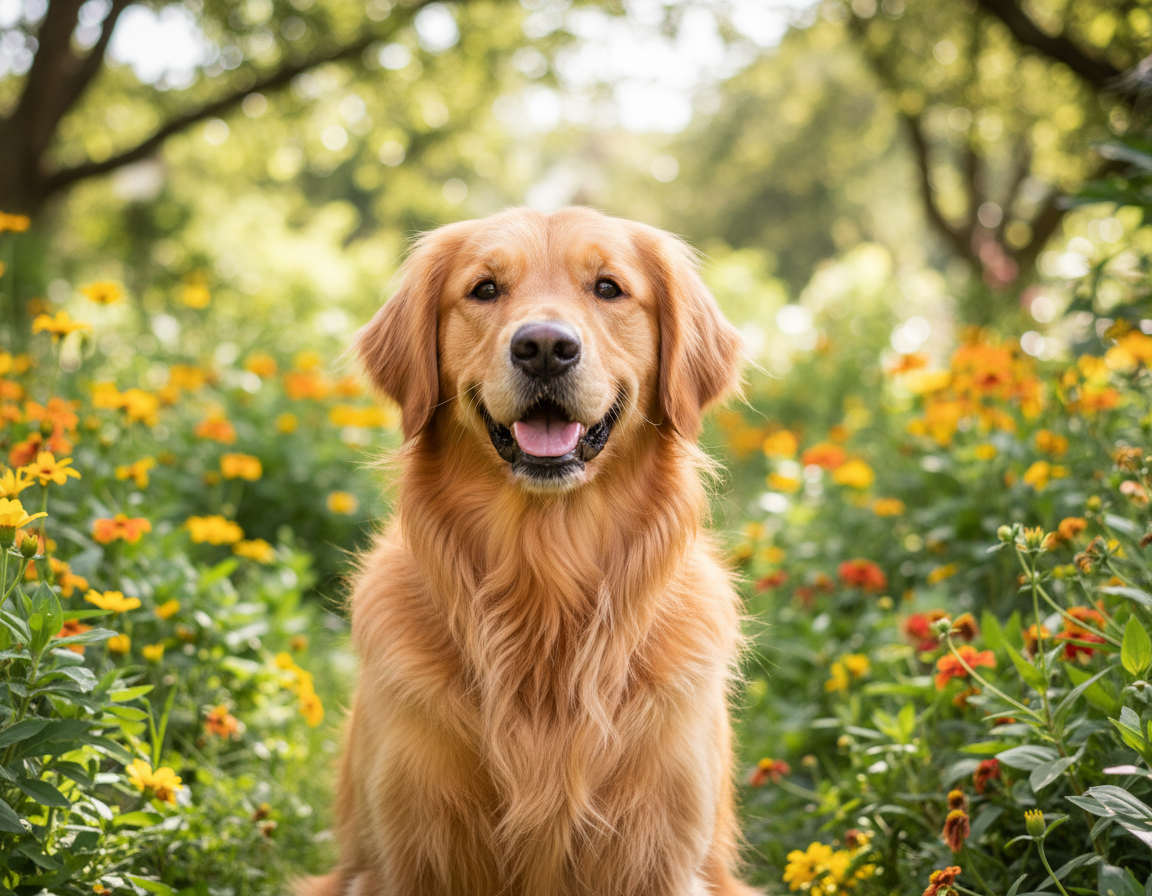
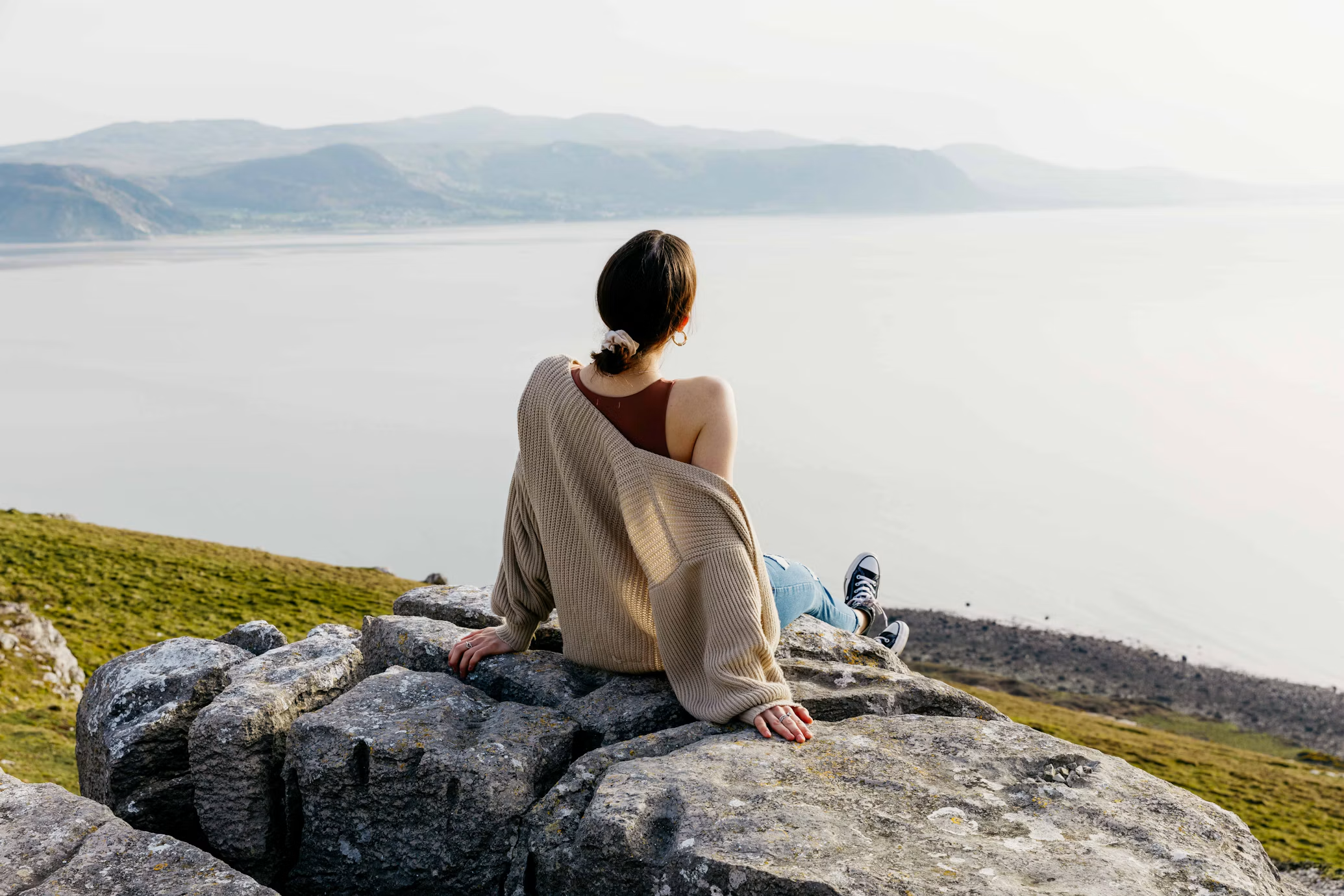
Multiple Image Models
Colorize the same photo with several models and compare the palettes side by side.
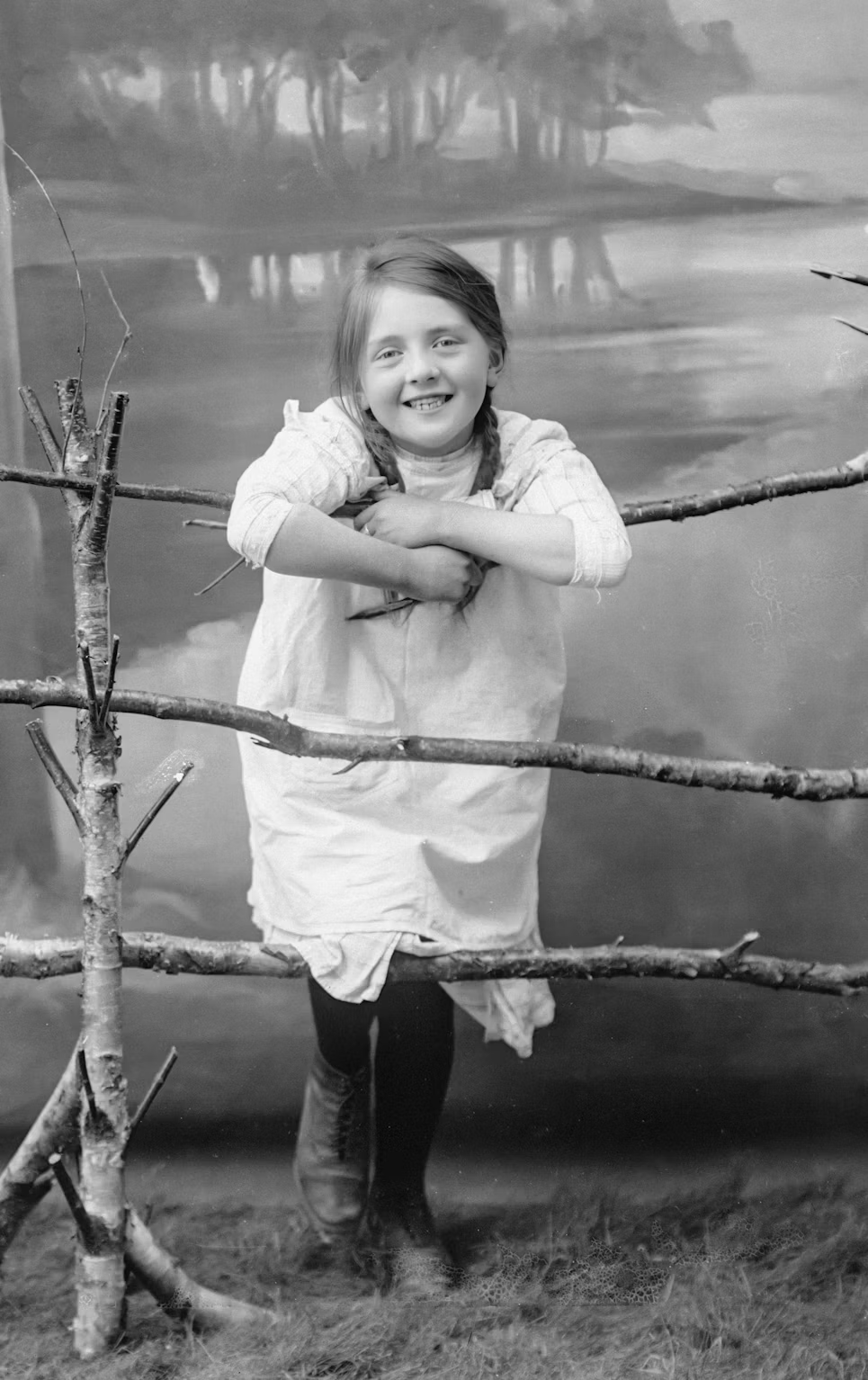
Guide the Colors
Describe known details, such as eye color or a building's paint, and the model follows them.
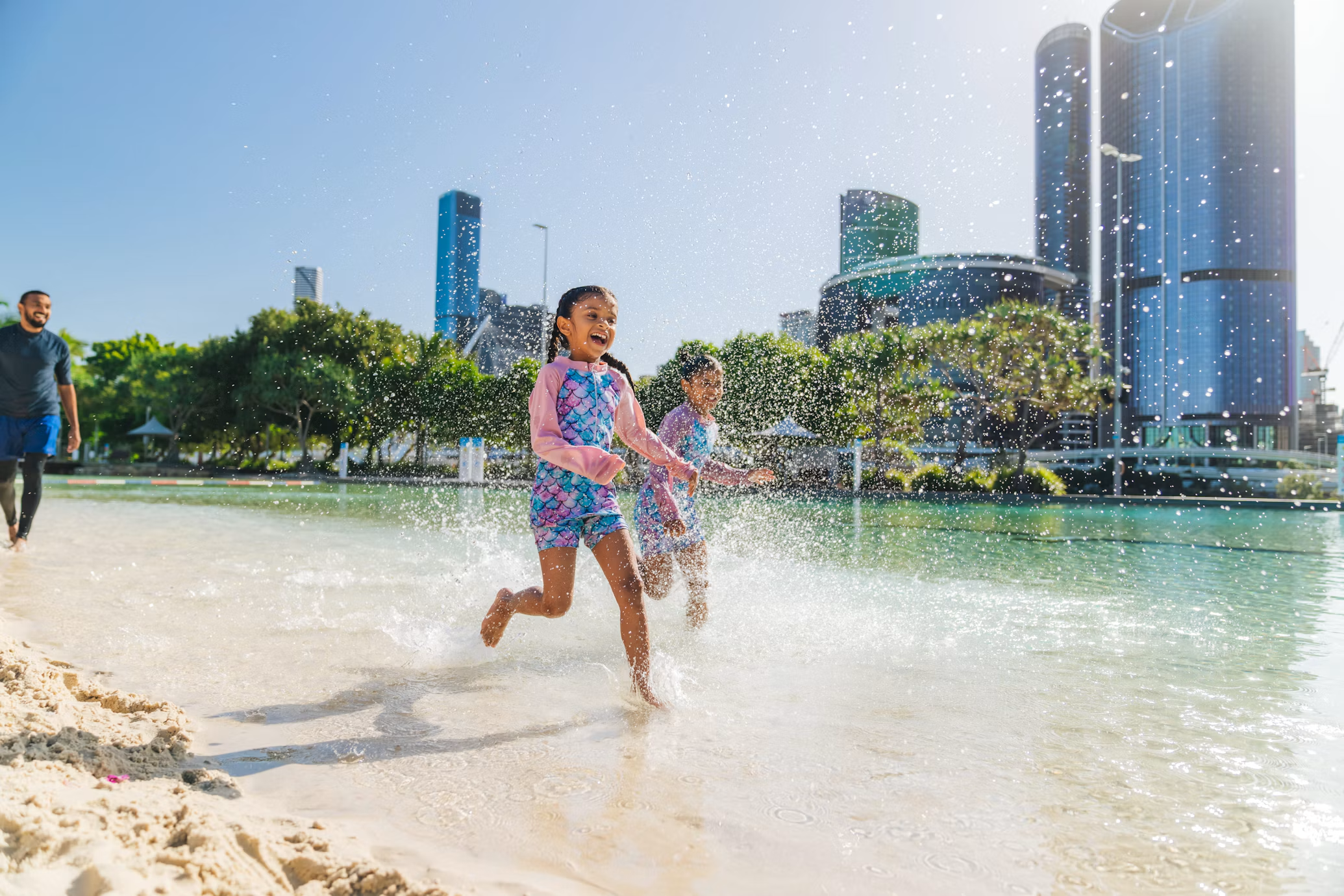
Restore Faded Color Photos
Bring back color in yellowed or washed-out prints from the 1970s and 80s.
How it works
How to Colorize a Black and White Photo
Create professional results in just a few simple steps.
Step 1
Upload the Photo
Add the black-and-white or faded image.
Choose a file or drag & drop it here.
JPG, PNG, or WEBP, up to 20 MB.
Step 2
Add Known Colors
Optionally describe colors you know, then click Colorize Photo.
Step 3
Compare and Download
Pick the most natural version and save it.
Who is it for?
Built for Family Archives and History
Families
See grandparents' wedding and childhood photos in color.
Genealogists
Add color to portraits in your family tree research.
History Teachers and Students
Bring historical photos to life for lessons and projects.
Content Creators
Colorize archive images for videos and documentaries.
Local Historians and Museums
Prepare colorized versions for exhibits and posts, clearly labeled.
Gift Makers
Print colorized photos as anniversary and birthday gifts.
FAQ
Frequently Asked Questions
Answers on cost, color accuracy, scans, resolution, and privacy for the AI Photo Colorizer.
Yes. You can colorize photos on the free plan. The free plan has usage limits and a lower maximum resolution, and paid plans raise both.
Not always. The model predicts likely colors from the image. When you know the real color of something, describe it so the result matches.
Scan at 600 DPI or higher on a flatbed scanner. A phone photo of the print also works if it is flat, evenly lit, and free of glare.
Ask for it in the instructions, such as "remove scratches and dust". Heavy damage may need a second pass.
Yes. Upload the faded print, and the model restores fuller, more natural color.
Filters tint the whole photo. The image model colors each area separately, so skin, clothing, and sky get their own colors, and you can steer them in words.
Yes. Your photos stay in your account and are not used to train models. You control who can see anything you share.
Ready to Explore?
Work Smarter With Multi-Model AI
Colorize, restore, and edit photos using GPT Image, Nano Banana, FLUX, and Seedream in one secure workspace.



