
AI Poster Generator
Posters and flyers from a single prompt.
Describe your event, product, or idea and Aymo AI creates poster and flyer artwork with several image models. Add your logo or a photo, ask for a style, and compare versions until one stops people in their tracks.
Choose a file or drag & drop it here.
JPG, PNG, or WEBP, up to 20 MB.
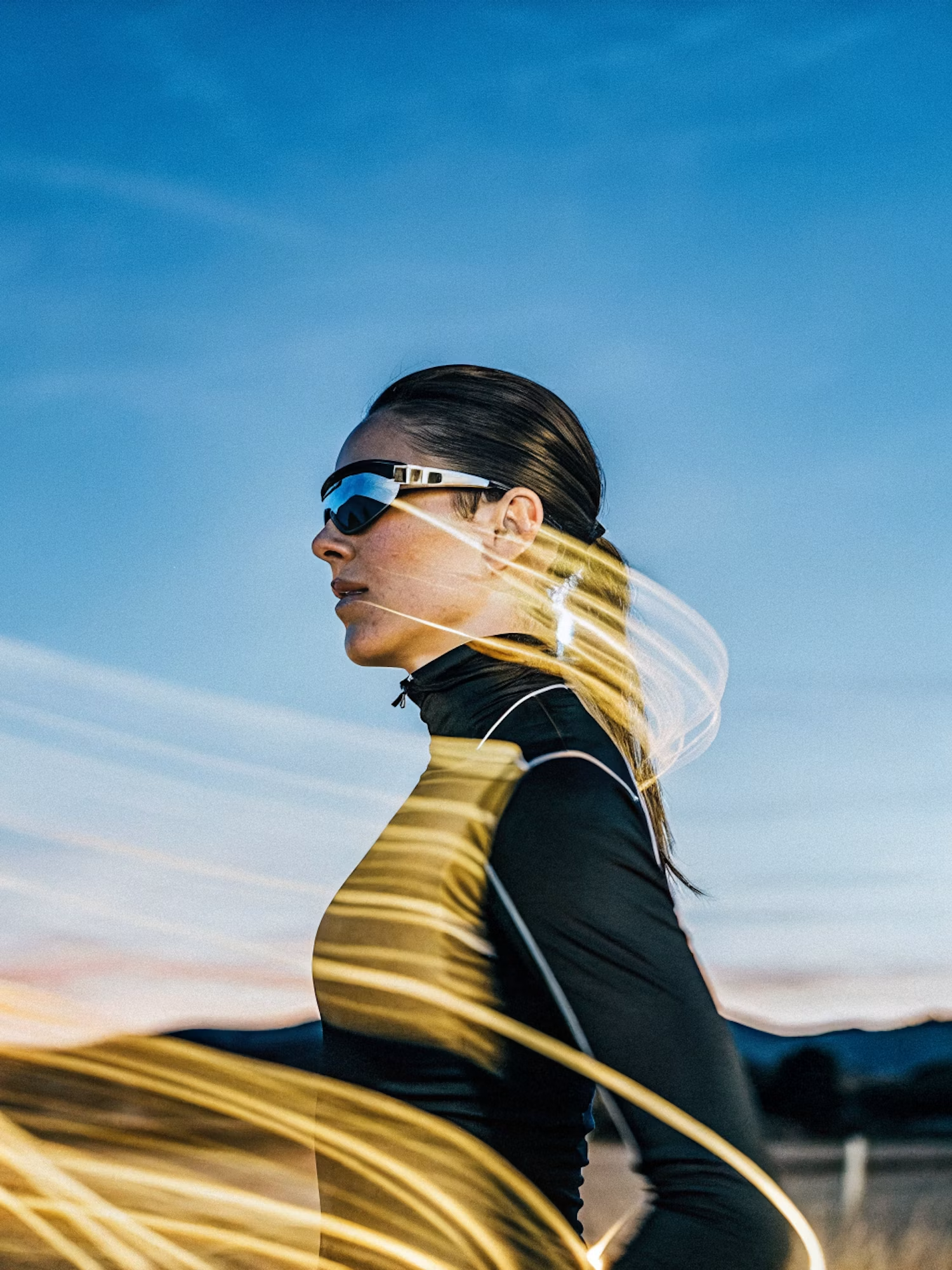
Make the lighting brighter and more balanced while keeping the subject, face, skin tone, clothing, pose, composition, camera angle, background, colors, and image details unchanged. Increase
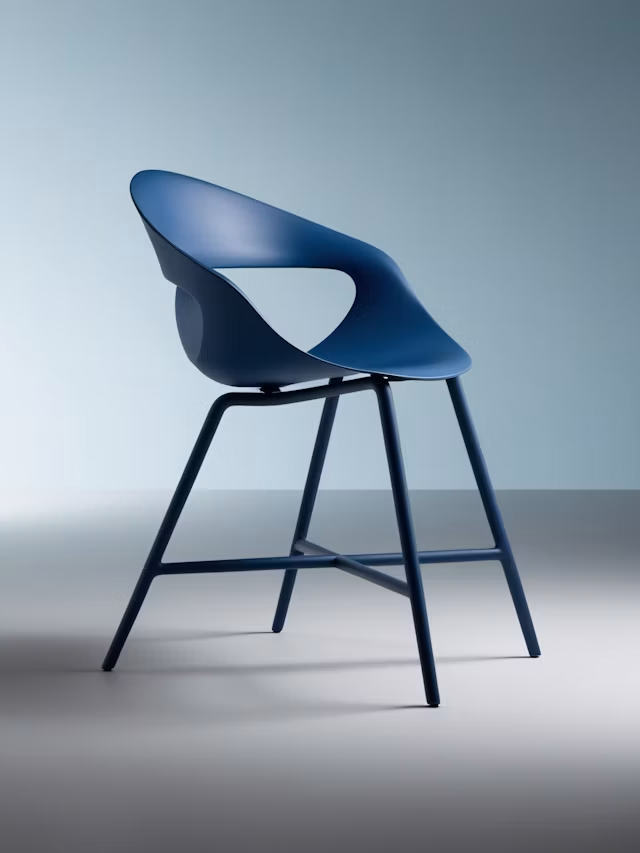
Upscale this image to a higher resolution and improve sharpness while preserving all original details and textures.
Posters and Flyers
Event posters, flyers, sale signs, and announcements.
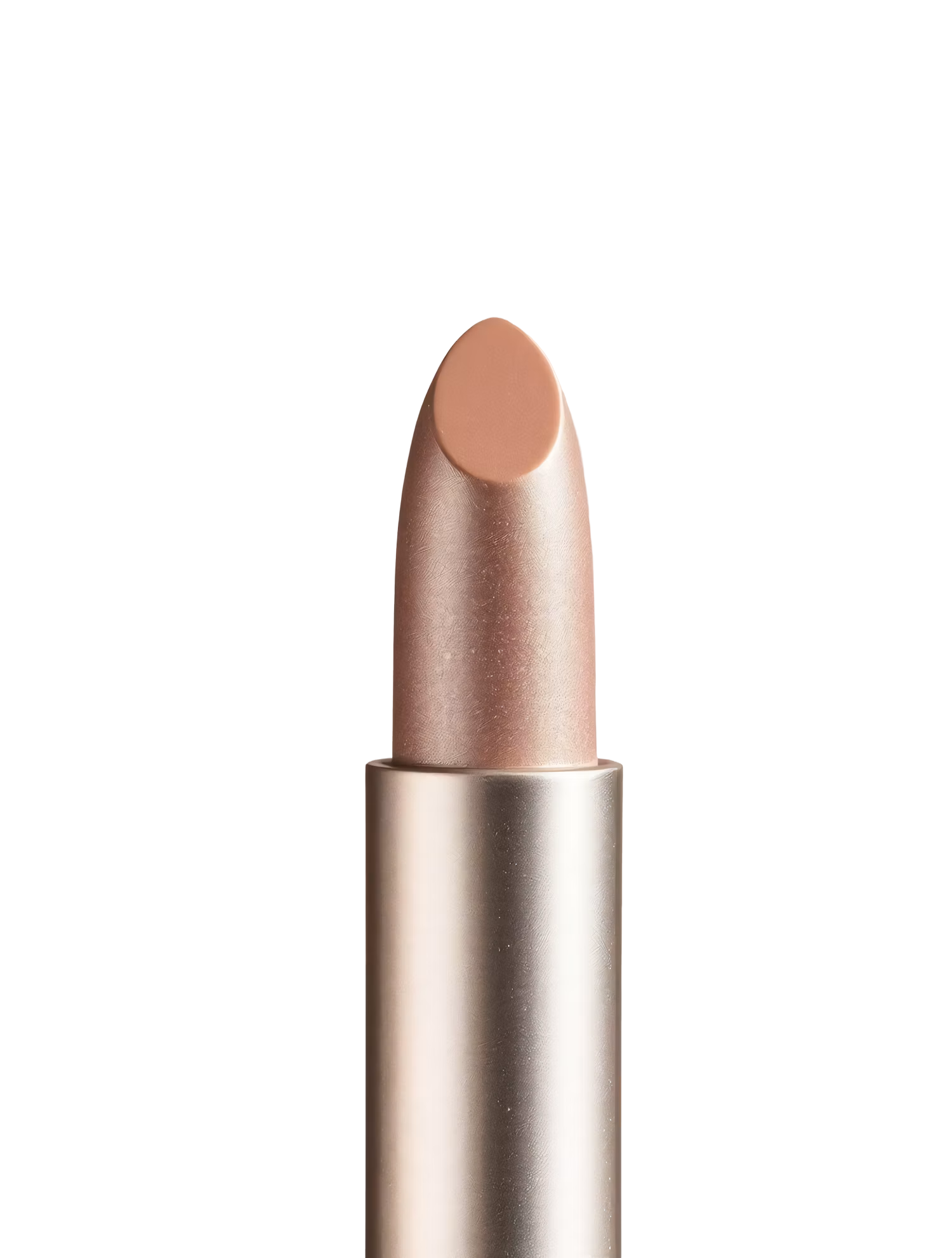
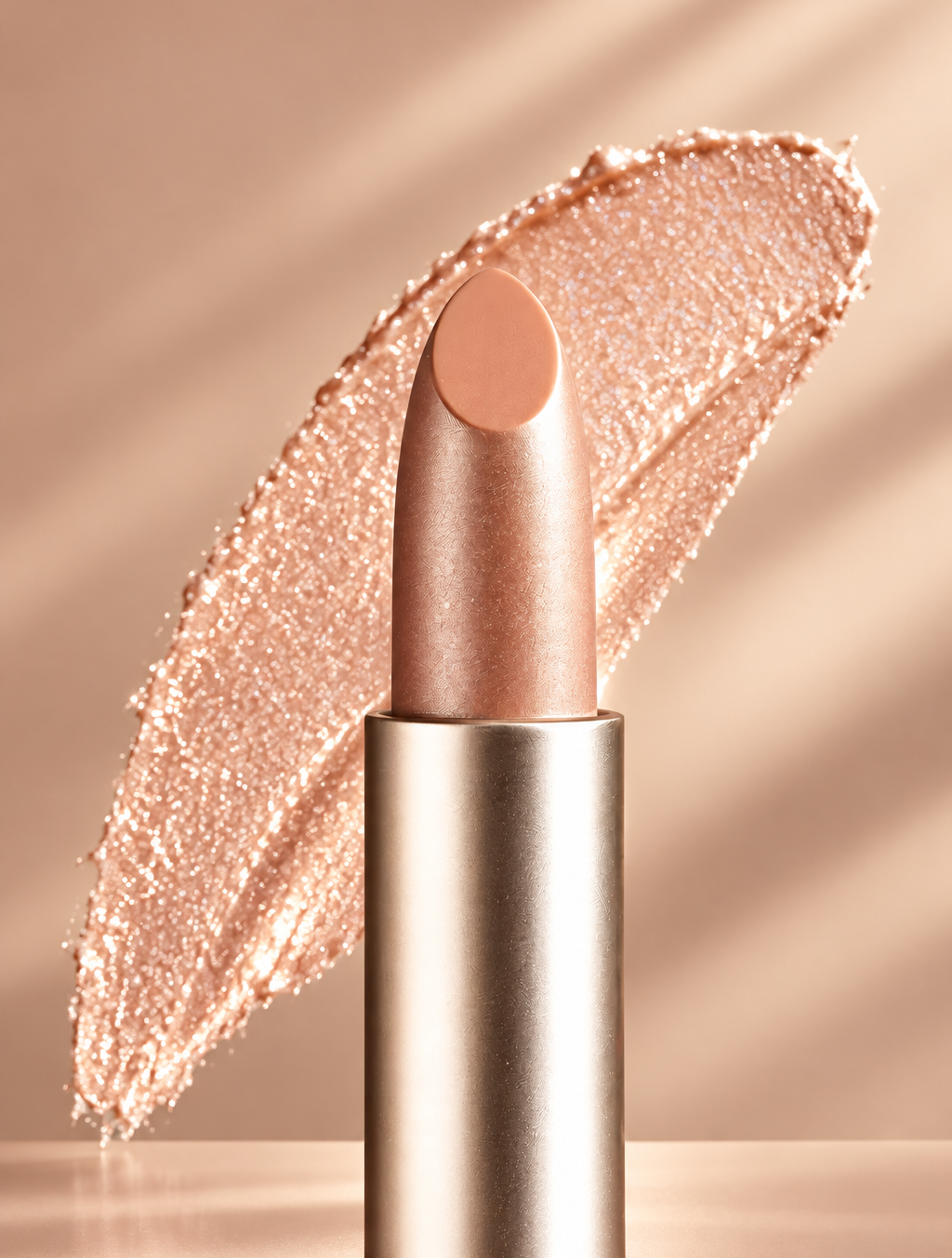
Replace the background with high end social media post while keeping the main subject, pose, lighting, and details unchanged.
Add Your Logo or Photo
Upload brand assets or a product photo to build around.
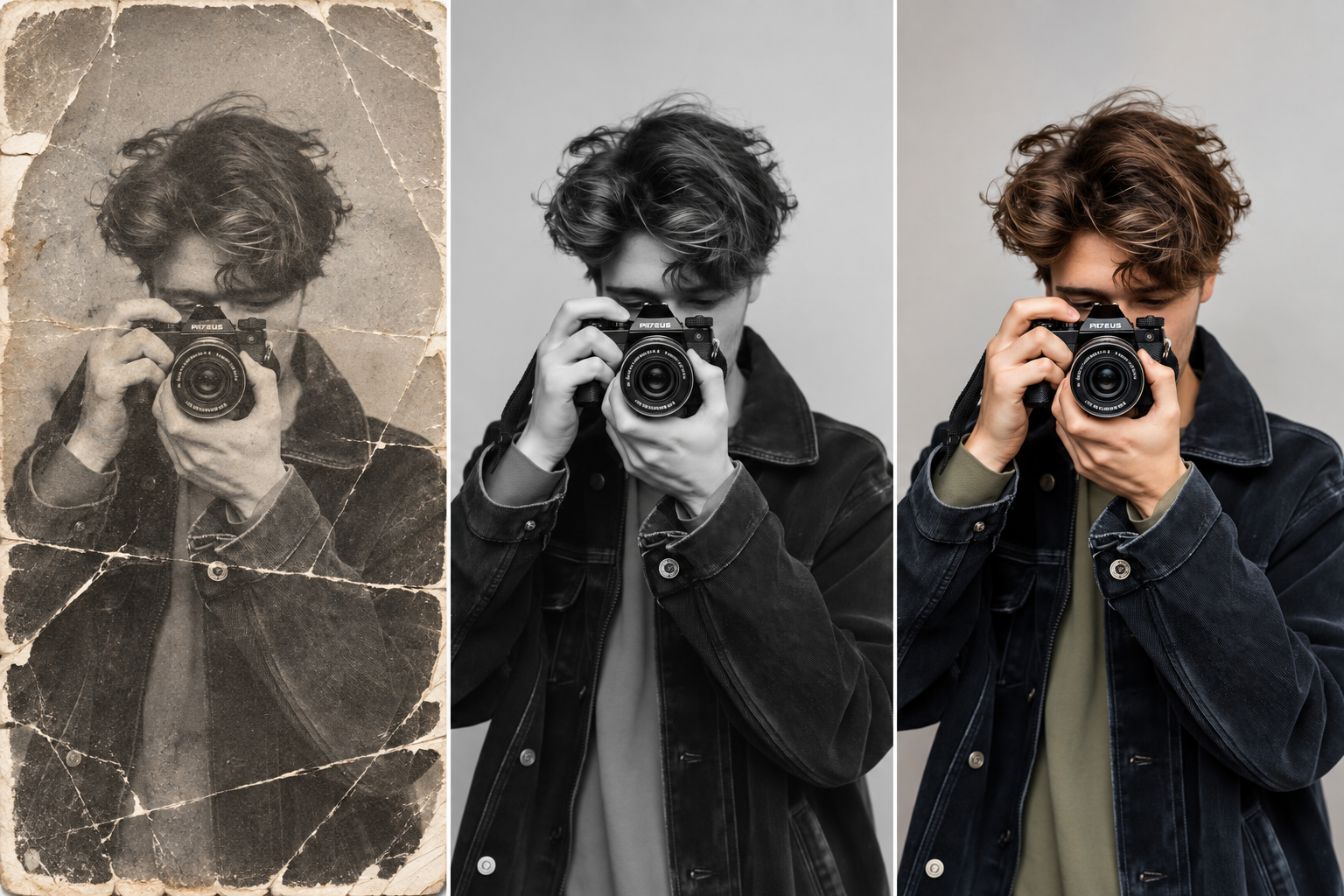
Restore this old photo by removing scratches, noise, blur, and fading while preserving the original details and natural appearance.
Any Style
Minimalist, retro, bold, illustrated, or photographic.
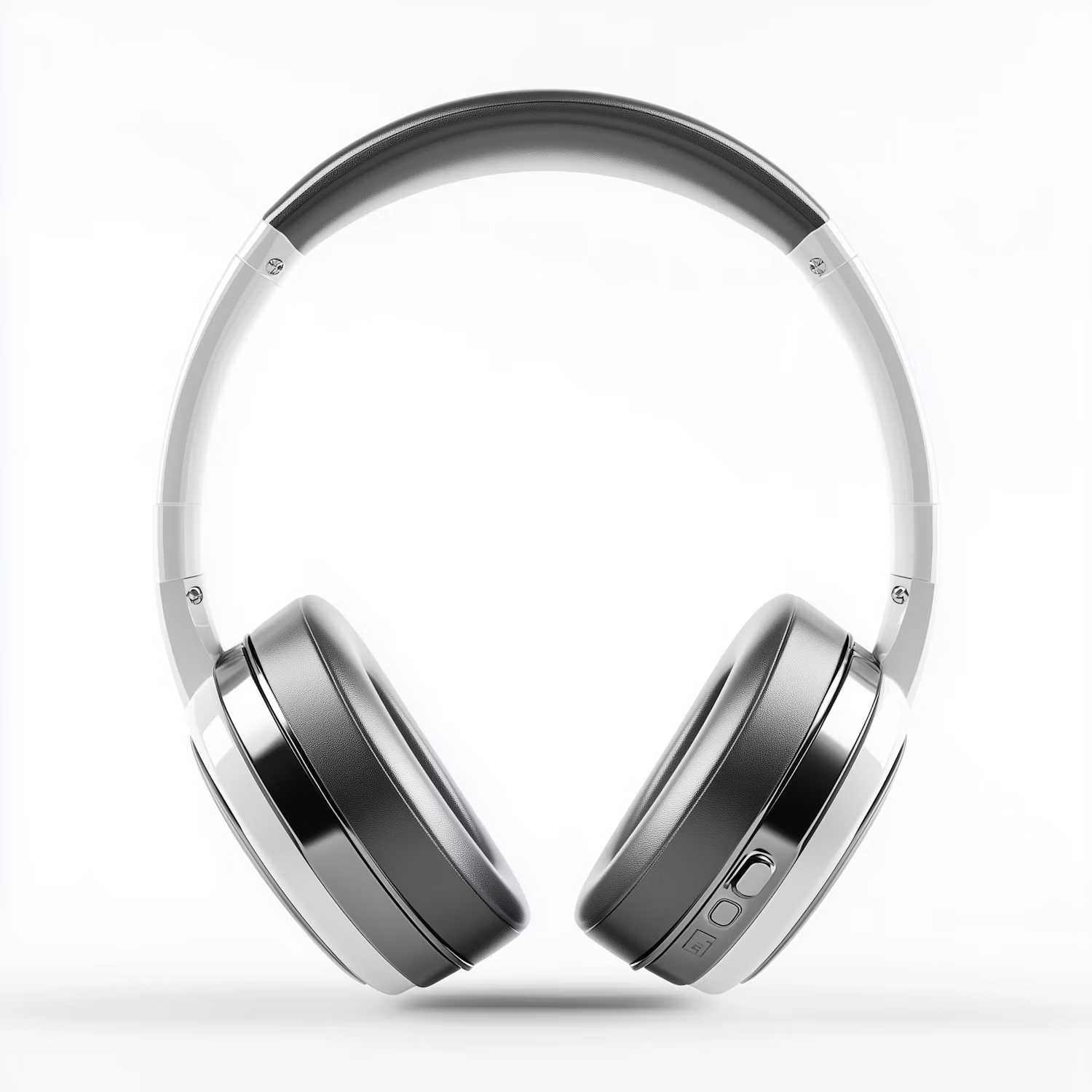

Change the color of Headphone Gray to blue while preserving its original texture, shape, lighting, and details.
Compare Models Side by Side
See the same poster idea on several image models.
How it works
How to Make a Poster With AI
Create professional results in just a few simple steps.
Step 1
Describe the Poster
Write the event or message, style, and colors, and add a logo if needed.
Choose a file or drag & drop it here.
JPG, PNG, or WEBP, up to 20 MB.
Step 2
Generate Designs
Click Create Poster and compare the options.
Step 3
Check and Download
Check every word and date, then save your poster.
Who is it for?
Who Uses the AI Poster Generator
Event Organizers
Promote concerts, meetups, and parties.
Small Businesses
Make sale flyers and in-store posters.
Schools and Clubs
Announce events, fundraisers, and sign-ups.
Musicians
Create gig posters for every show.
Restaurants and Cafés
Promote specials and new menu items.
Film Fans
Make movie-style posters for fun or class projects.
FAQ
Frequently Asked Questions
Answers on cost, text, sizes, printing, and rights for the AI Poster Generator.
Yes. You can create posters on the free plan. Free has usage limits and a lower maximum resolution, and paid plans raise both.
Yes. Describe a flyer instead of a poster, such as "a flyer for a weekend bake sale".
Not always. Image models sometimes misspell words. Check every name, date, and price, or add the text yourself in a design tool.
Ask for a portrait or landscape layout in your description. For an exact print size, extend or crop the image to fit.
Yes. Ask for a movie poster style or an old Western wanted poster. Use only your own photos or photos of people who agreed.
Yes. You can use what you create for your business, as long as you have rights to any logo or photo you upload.
Yes. Your designs stay in your account and are not used to train models. You control who can see anything you share.
Ready to Explore?
Work Smarter With Multi-Model AI
Try new looks, edit photos, and create images with GPT Image, Nano Banana, FLUX, and Seedream in one secure workspace.



