
AI Style Transfer
Turn any photo into a painting.
Upload a photo, then describe the style you want, such as oil painting, watercolor, or impressionism, or add an image whose style you like. Say how much of the original to keep. Compare results from several image models and download the one that fits.
Choose a file or drag & drop it here.
JPG, PNG, or WEBP, up to 20 MB.
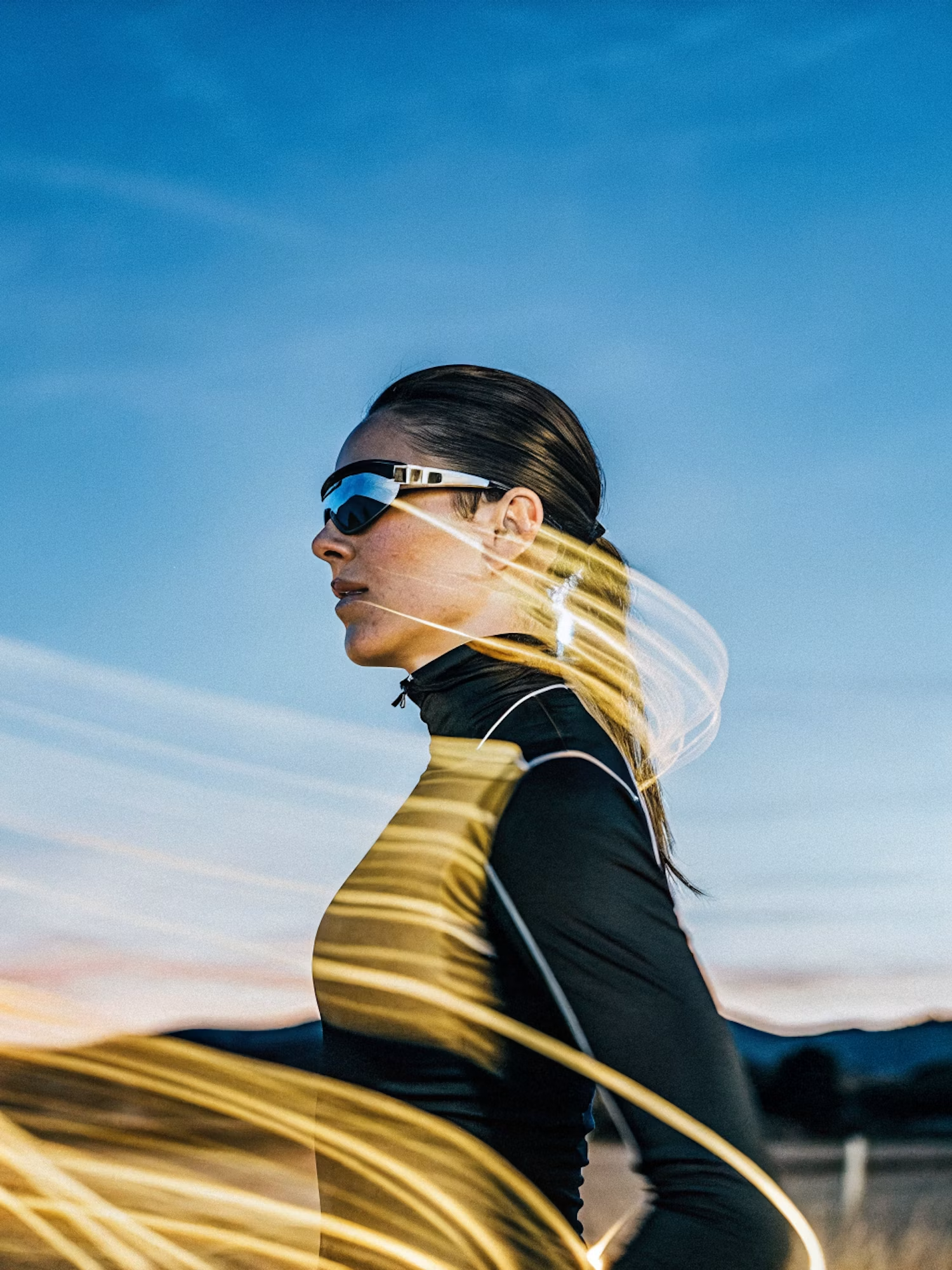
Make the lighting brighter and more balanced while keeping the subject, face, skin tone, clothing, pose, composition, camera angle, background, colors, and image details unchanged. Increase
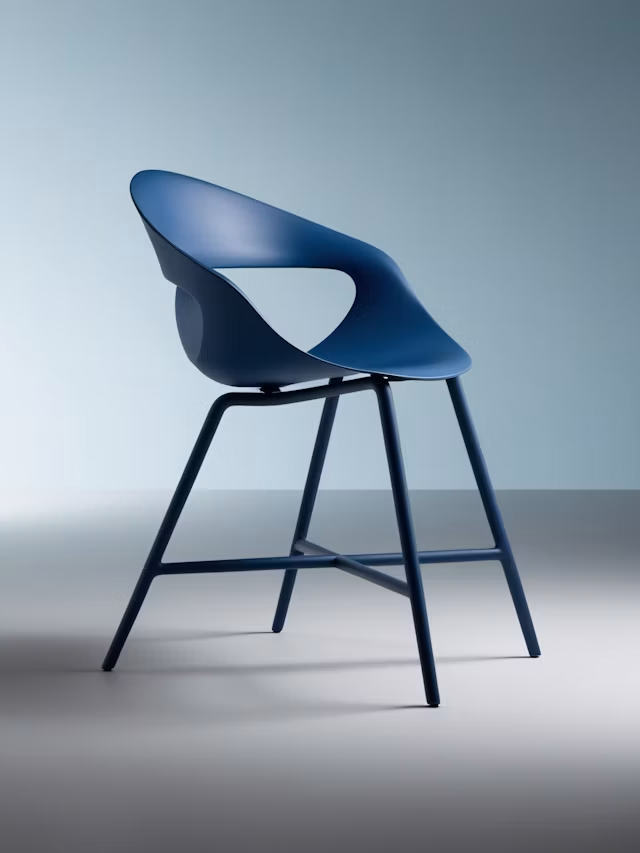
Upscale this image to a higher resolution and improve sharpness while preserving all original details and textures.
Compare Models on the Same Photo
See how each image model paints your picture before you choose.
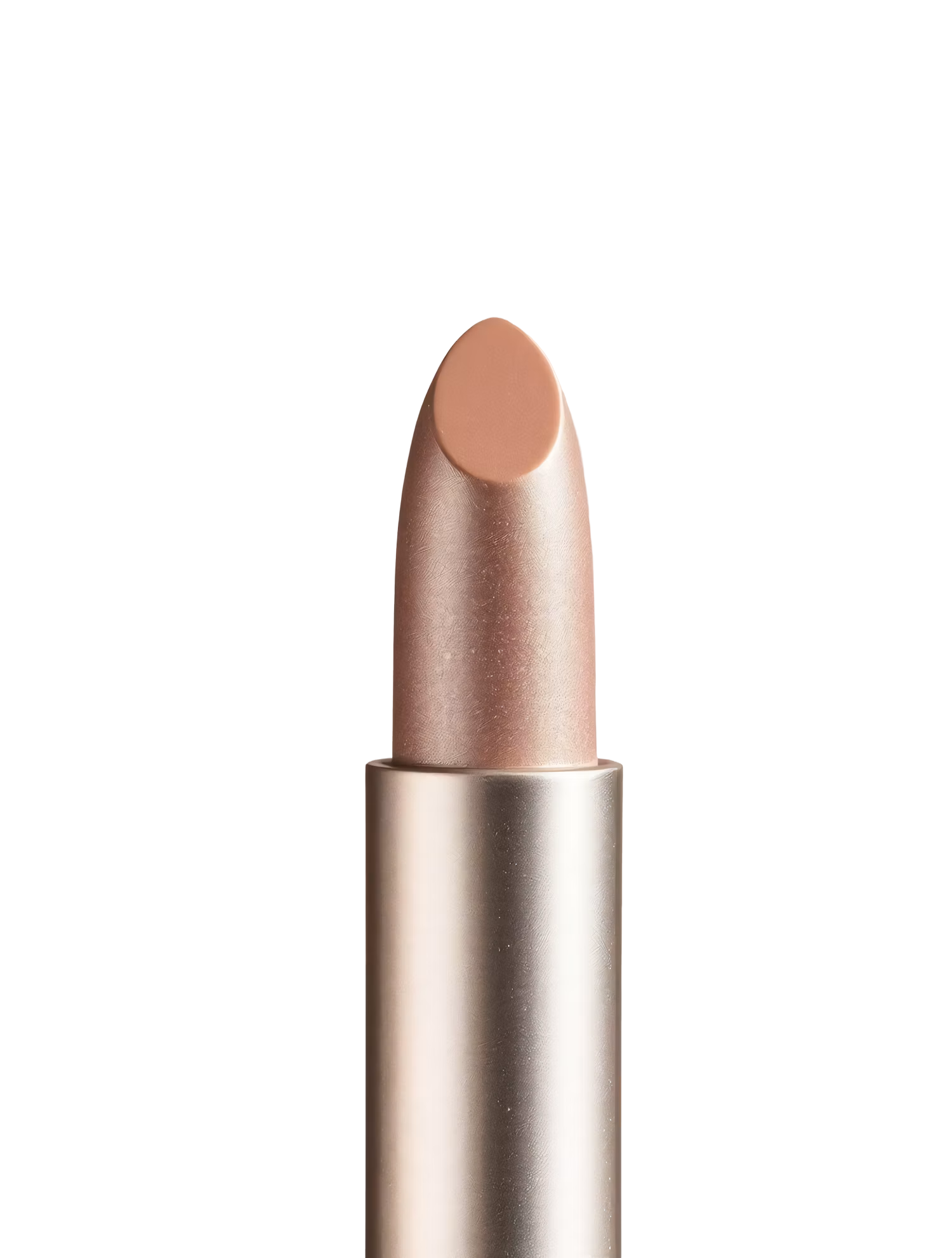
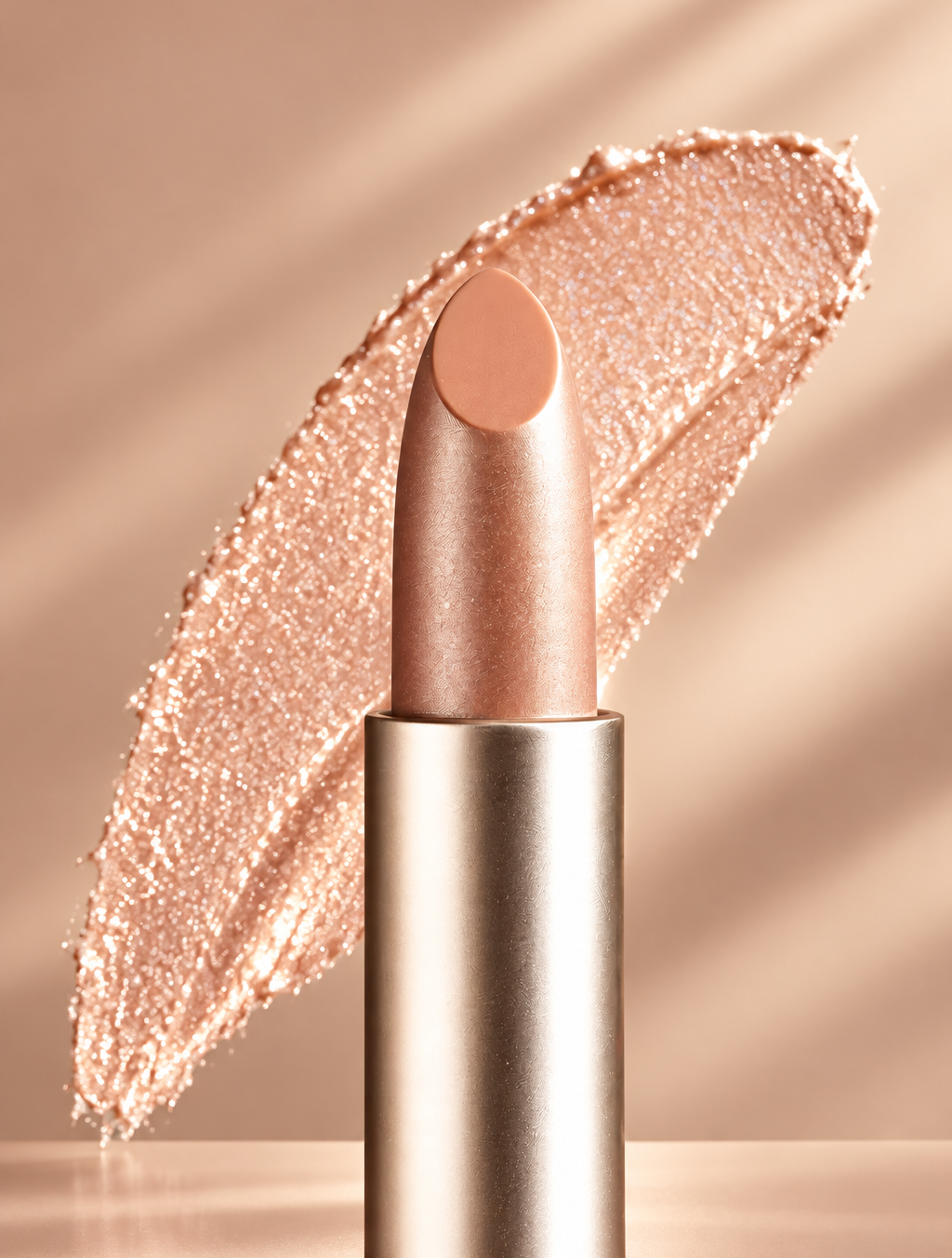
Replace the background with high end social media post while keeping the main subject, pose, lighting, and details unchanged.
Classic Painting Styles
Oil, watercolor, impressionism, pop art, ink, and charcoal, described in plain words.
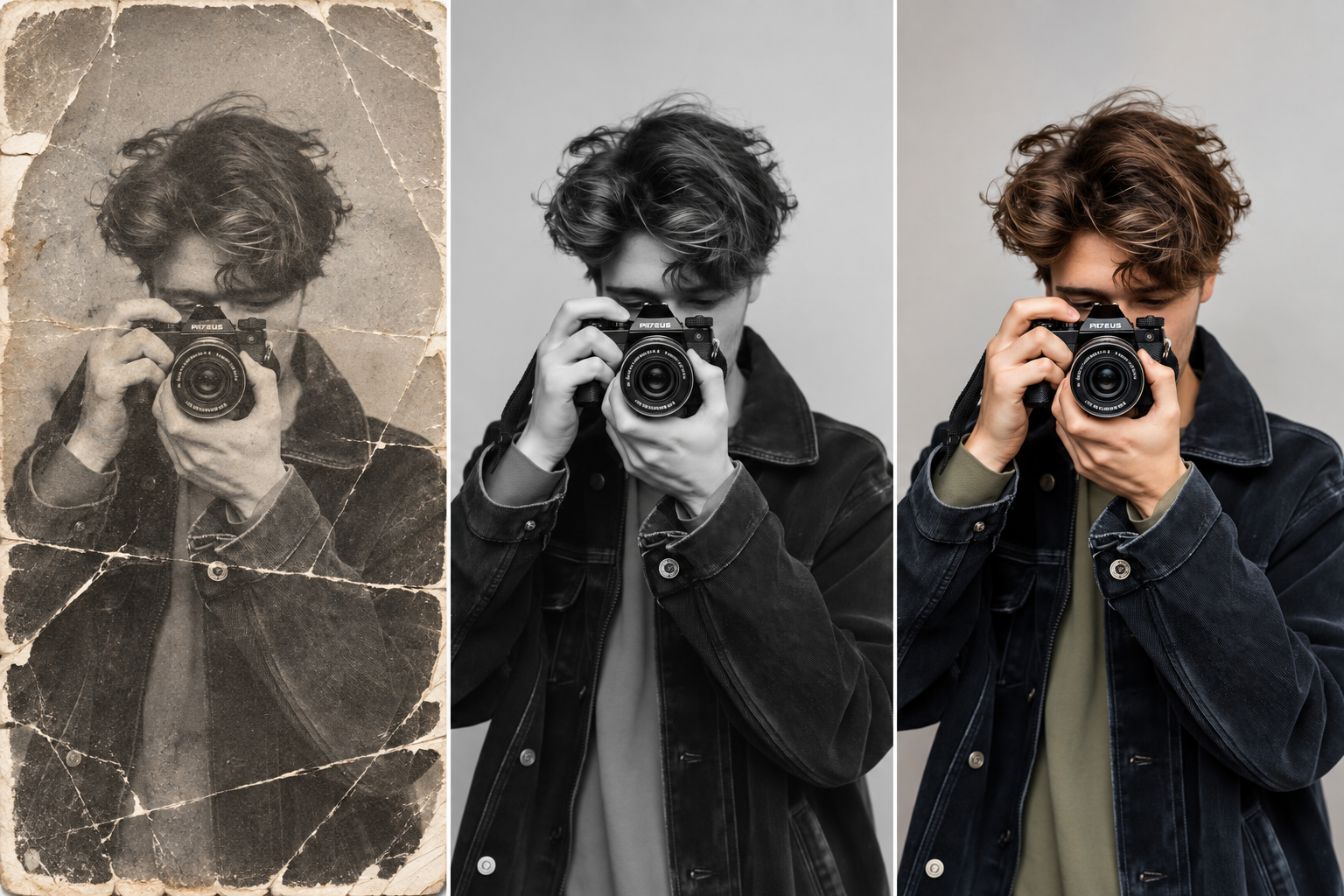
Restore this old photo by removing scratches, noise, blur, and fading while preserving the original details and natural appearance.
Use a Style You Already Like
Add an example image so the result matches its colors and texture.
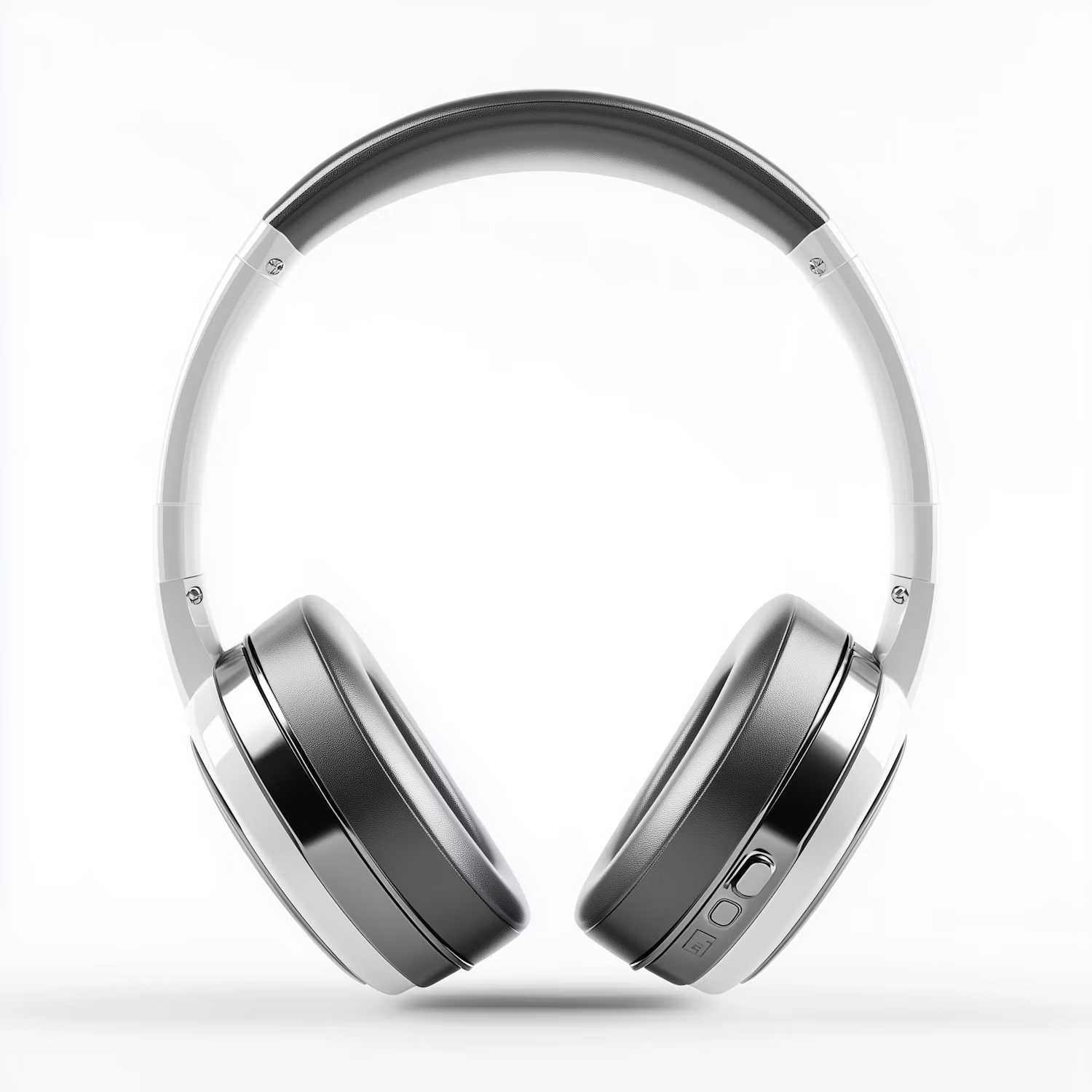

Change the color of Headphone Gray to blue while preserving its original texture, shape, lighting, and details.
Control How Much Changes
Keep faces and fine detail, or let the style take over the whole image.
How it works
How to Turn a Photo Into a Painting
Create professional results in just a few simple steps.
Step 1
Upload Your Photo
Add the picture you want to restyle.
Choose a file or drag & drop it here.
JPG, PNG, or WEBP, up to 20 MB.
Step 2
Choose the Style
Describe it or add a style image, then click Transfer Style.
Step 3
Compare and Download
Pick the version you like best and save it.
Who is it for?
For Gifts, Brands, and Creative Work
Gift Makers
Turn family, couple, and pet photos into paintings to frame.
Pet Owners
Get an oil or watercolor portrait of your dog or cat.
Brands and Marketers
Give campaign and product images one consistent look.
Social Media Creators
Restyle photos to keep your feed visually consistent.
Artists and Illustrators
Test color and texture ideas on a reference before painting.
Home Decorators
Make wall art in a style that matches your room.
FAQ
Frequently Asked Questions
Answers on cost, painting styles, faces, filters, and rights for AI Style Transfer.
Yes. You can restyle photos on the free plan. Free has usage limits and a lower maximum resolution, and paid plans raise both.
Yes. Upload the photo and ask for an oil painting, for example "oil painting with thick visible brush strokes and warm light". Try watercolor or impressionism the same way.
A filter applies the same color and texture over the whole image. Style transfer repaints the picture, so shapes, strokes, and lighting change to match the style.
Ask for a light style strength and say "keep the face and logo unchanged". Close-up, sharp photos keep likeness best.
Only if you have the right to. Use your own art, public domain works, or images you have permission to use. Styles of art movements like impressionism are free to use.
Yes. Images you create on Aymo can be used commercially, as long as your source photo and any style image are yours to use.
Yes. Your photos stay in your account and are not used to train models. You control who can see anything you share.
Ready to Explore?
Work Smarter With Multi-Model AI
Restyle, paint, and edit photos with GPT Image, Nano Banana, FLUX, and Seedream in one secure workspace.



