
Buzz Cut Filter
See yourself with a buzz cut before the clippers come out.
Upload a clear photo and tell Aymo AI the buzz cut you want, such as a number 2 all over, an induction cut, or a crew cut with a fade. Say whether to keep your beard. Compare results from several image models and download the one that looks right.
Choose a file or drag & drop it here.
JPG, PNG, or WEBP, up to 20 MB.


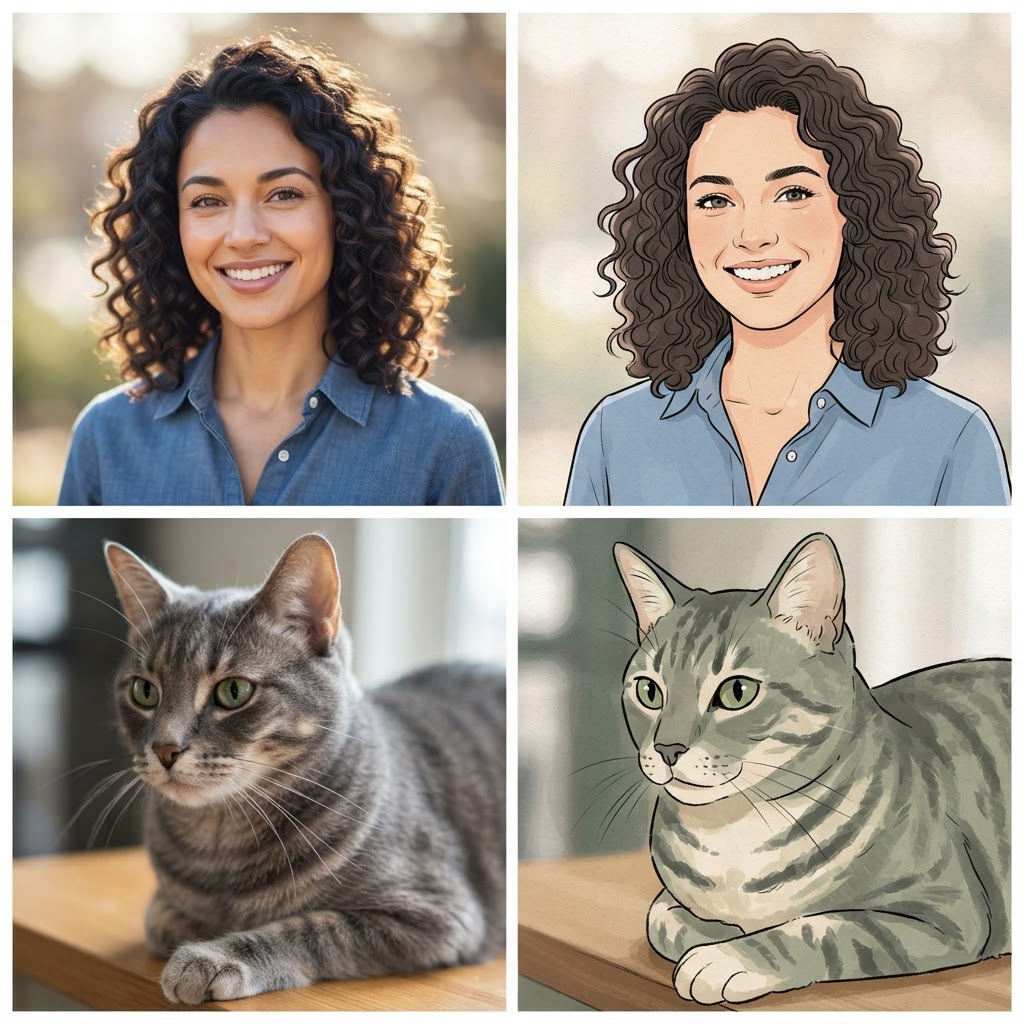
Any Guard Length
Ask for a number from 1 to 8, or describe the length in millimeters.
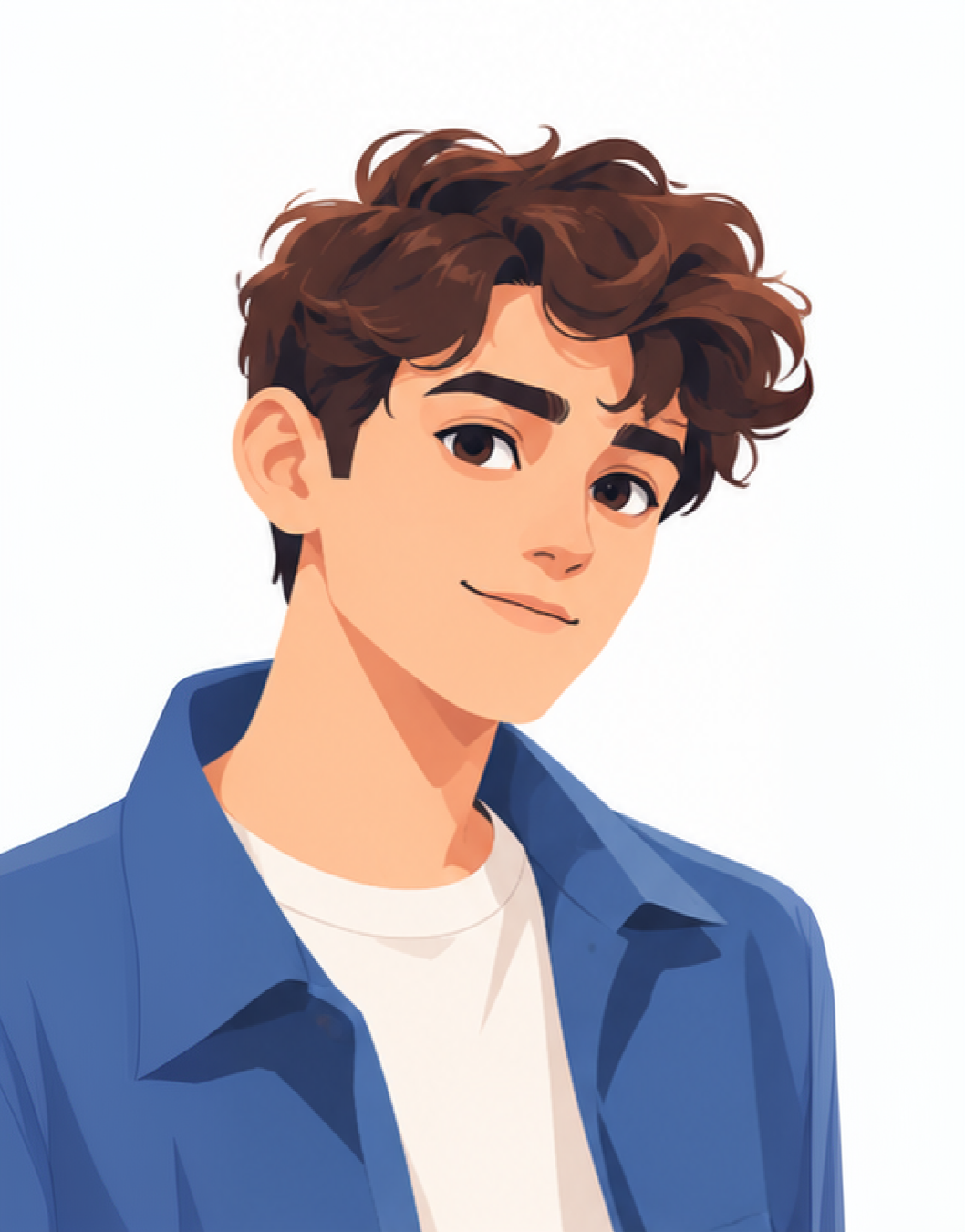
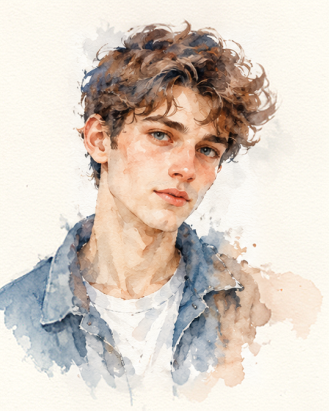
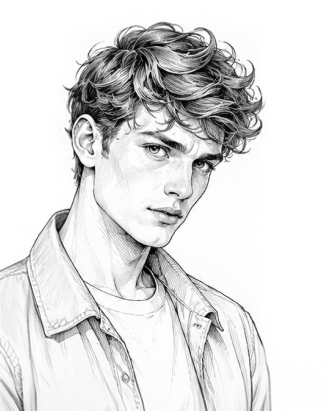
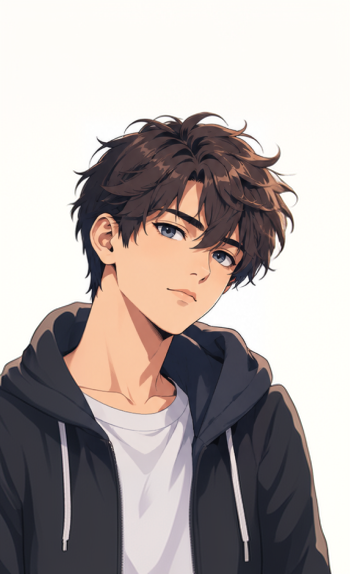
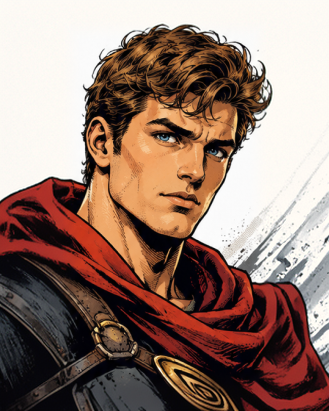

Induction, Crew Cut, or Fade
Try the classic all-over buzz or a shorter fade on the sides.
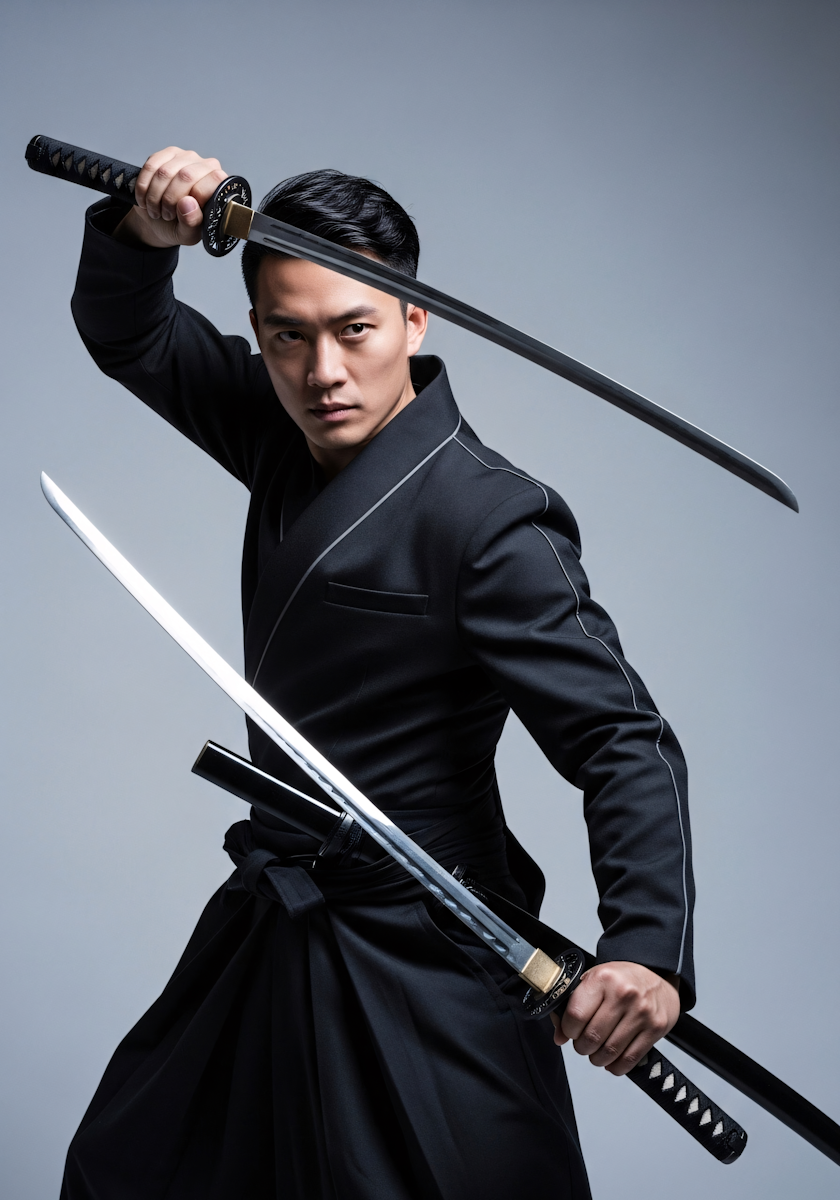
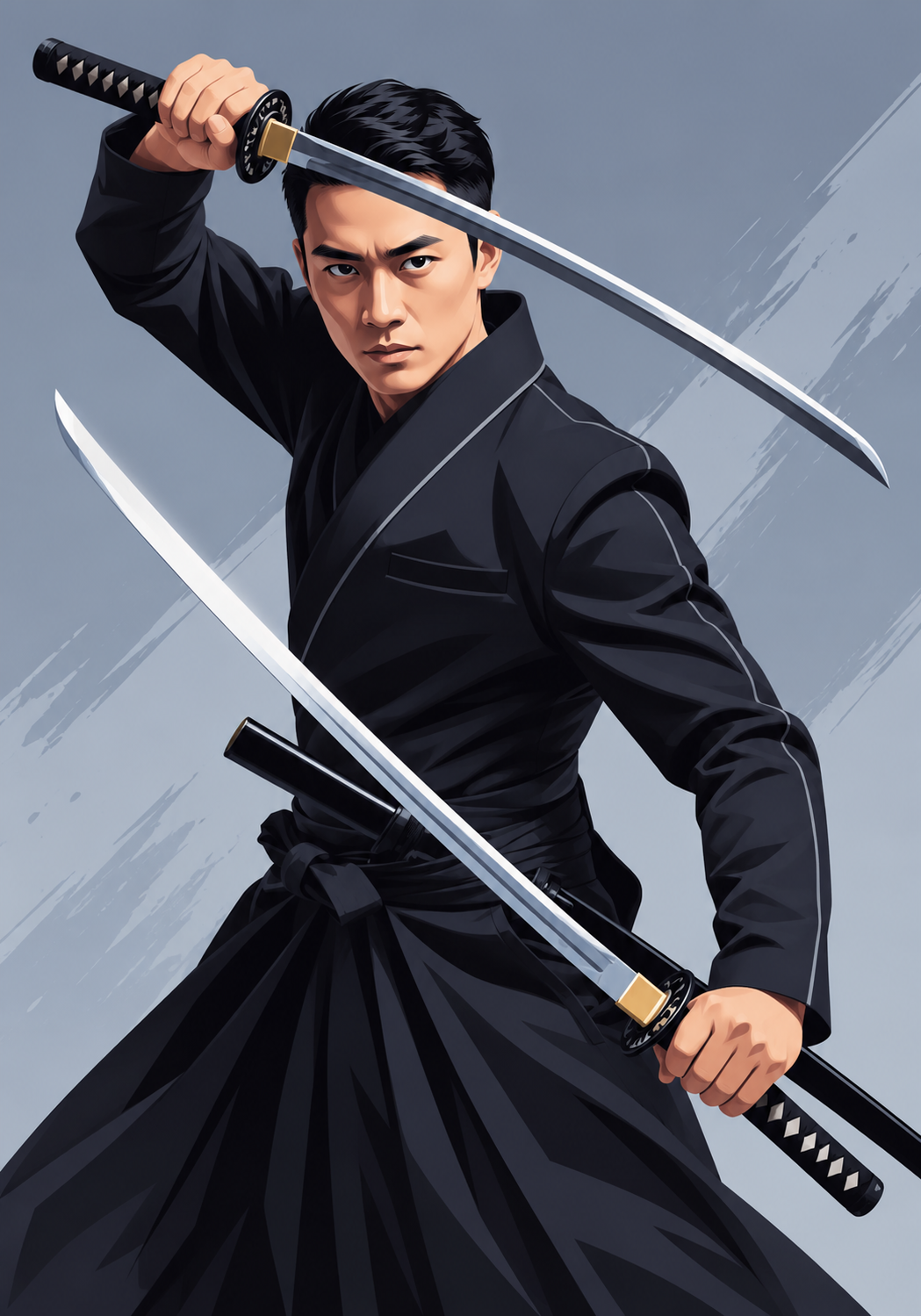
With or Without the Beard
Keep your current beard, or go fully clean-shaven with a buzz cut.
How it works
How to Try a Buzz Cut on Your Photo
Create professional results in just a few simple steps.
Step 1
Upload a Photo
Add a front-facing photo with your hairline visible.
Choose a file or drag & drop it here.
JPG, PNG, or WEBP, up to 20 MB.
Step 2
Describe the Cut
Name the guard number or style and the beard choice, then click Try Buzz Cut.
Step 3
Compare and Download
Pick the version that looks most like you and save it.
Who is it for?
Who Uses the Buzz Cut Filter
First-Time Buzzers
See how short is too short before your first buzz cut.
Women Thinking of Going Short
Preview a buzz cut on your own face before you commit.
Recruits and Athletes
See the regulation cut ahead of training or the season.
Barbers
Show clients the result of different guard numbers.
Low-Maintenance Fans
Check whether an easy, wash-and-go cut suits you.
Social Media Users
Join the buzz cut filter trend with a realistic photo.
FAQ
Frequently Asked Questions
Answers on cost, guard lengths, beards, women, and privacy for the Buzz Cut Filter.
Yes. You can use the buzz cut filter on the free plan. The free plan has usage limits and a lower maximum resolution, and paid plans raise both.
As a guide, a number 1 is about 3 mm (1/8 inch), a 2 is about 6 mm (1/4 inch), a 3 is about 10 mm (3/8 inch), and a 4 is about 13 mm (1/2 inch). Brands vary slightly.
It is a close preview. Your current hair hides your real head shape and scalp, so the model estimates them. Comparing a few models shows the likely range.
Buzz cuts tend to suit oval and square faces and strong jawlines. Longer guards or a fade can soften a round face. The preview is the quickest way to check your own.
Yes. Add "keep my beard" to the instruction, or ask for clean-shaven for comparison.
Yes. It works on any clear photo where the face and hairline are visible.
Yes. Your photos stay in your account and are not used to train models. You control who can see anything you share.
Ready to Explore?
Work Smarter With Multi-Model AI
Try new haircuts, edit photos, and create images with GPT Image, Nano Banana, FLUX, and Seedream in one secure workspace.



