
Edit Text in Image
Replace words in a picture without redesigning it.
Upload a poster, screenshot, menu, or product photo, then write what the text should say, such as "change 20% off to 30% off". Aymo AI replaces the words and matches the font, color, and perspective of the original. Compare results from different image models before you download.
Choose a file or drag & drop it here.
JPG, PNG, or WEBP, up to 20 MB.
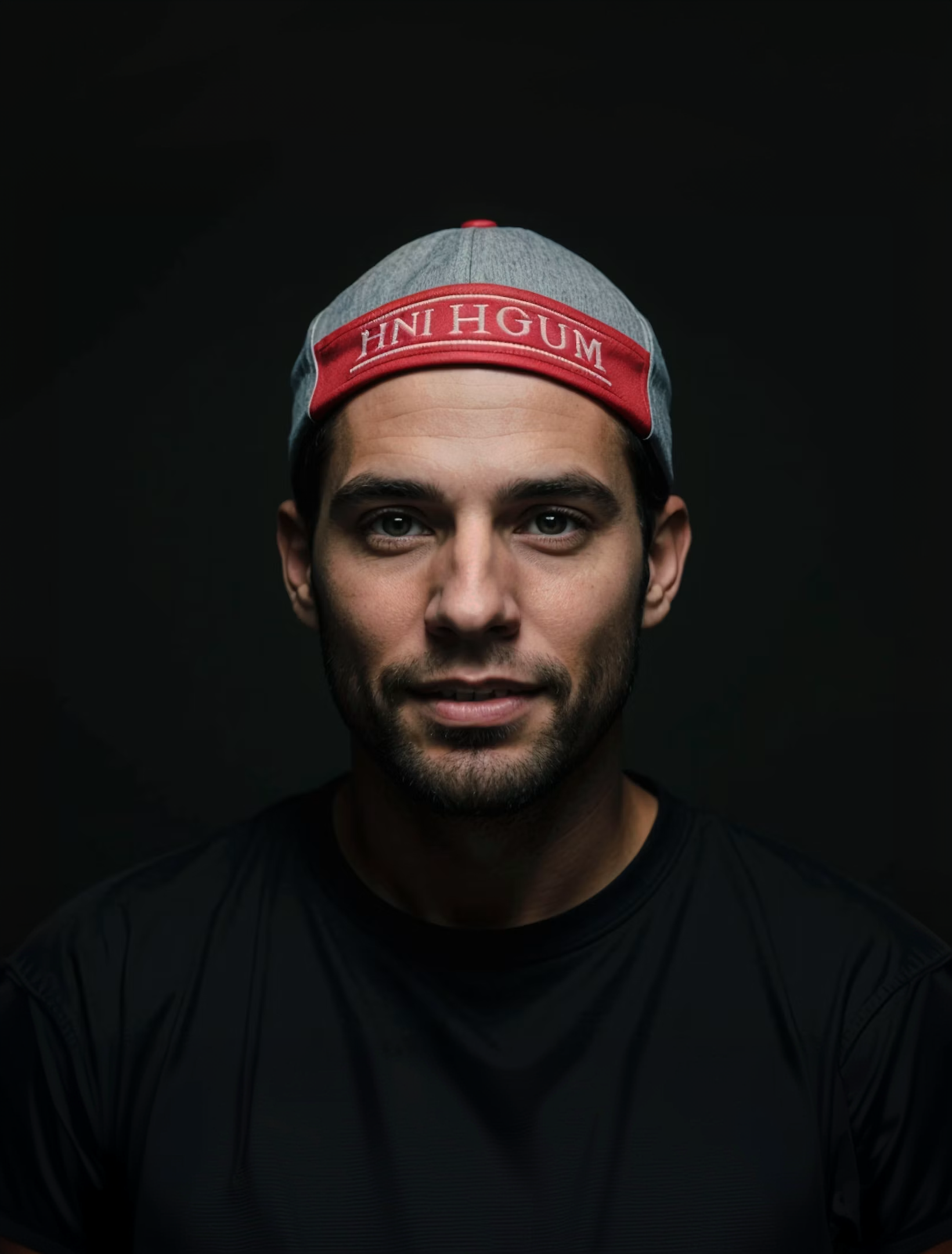
Multiple Image Models
Run the edit on several models and keep the one with the cleanest lettering.

Matches the Original Style
The new text follows the font weight, color, and angle of the words it replaces.
Export Sizes
Fix, Update, or Translate
Correct typos, change prices and dates, or swap a headline into another language.
How it works
How to Change Text in a Picture with AI
Create professional results in just a few simple steps.
Step 1
Upload the Image
Add the picture that contains the text.
Choose a file or drag & drop it here.
JPG, PNG, or WEBP, up to 20 MB.
Step 2
Write the New Text
Say which words to change and what they should become, then click Edit Text.
Step 3
Check and Download
Proofread the result, compare models, and save the final image.
Who is it for?
Built for Quick Text Fixes
Marketers
Update offers, dates, and headlines on existing ad creatives.
Small Business Owners
Change prices and hours on menus, flyers, and signs.
Social Media Managers
Reuse a post graphic with new text for the next campaign.
Designers
Make small copy changes when the source file is missing.
Ecommerce Teams
Localize product and banner images for other markets.
Event Organizers
Fix venues and dates on posters after plans change.
FAQ
Frequently Asked Questions
Answers on cost, fonts, translation, accuracy, and privacy for Edit Text in Image.
Yes. You can edit text on the free plan. The free plan has usage limits, and paid plans raise them.
The model closely matches the style, including weight, color, and angle. It recreates the look rather than using the exact font file, so check close-ups.
Yes. Ask for the text in another language, for example, "translate the headline to Spanish". Long text may need a shorter translation to fit the space.
Yes. Ask to remove the text, and the model fills the area with the surrounding background.
Run the edit again or switch to another model. Spelling out the exact text in quotes helps.
Only on images you own and are allowed to change. Do not use it to alter official documents, receipts, or records.
Yes. Your images stay in your account and are not used to train models. You control who can see anything you share.
Ready to Explore?
Work Smarter With Multi-Model AI
Edit text, fix photos, and create graphics using GPT Image, Nano Banana, FLUX, and Seedream in one secure workspace.



