
Face Morph
Two faces, one blend.
Upload two face photos and Aymo AI merges them into one new face with features from both. Ask for an even blend or more of one face, then compare results from several image models and keep the most natural one.
Choose a file or drag & drop it here.
JPG, PNG, or WEBP, up to 20 MB.
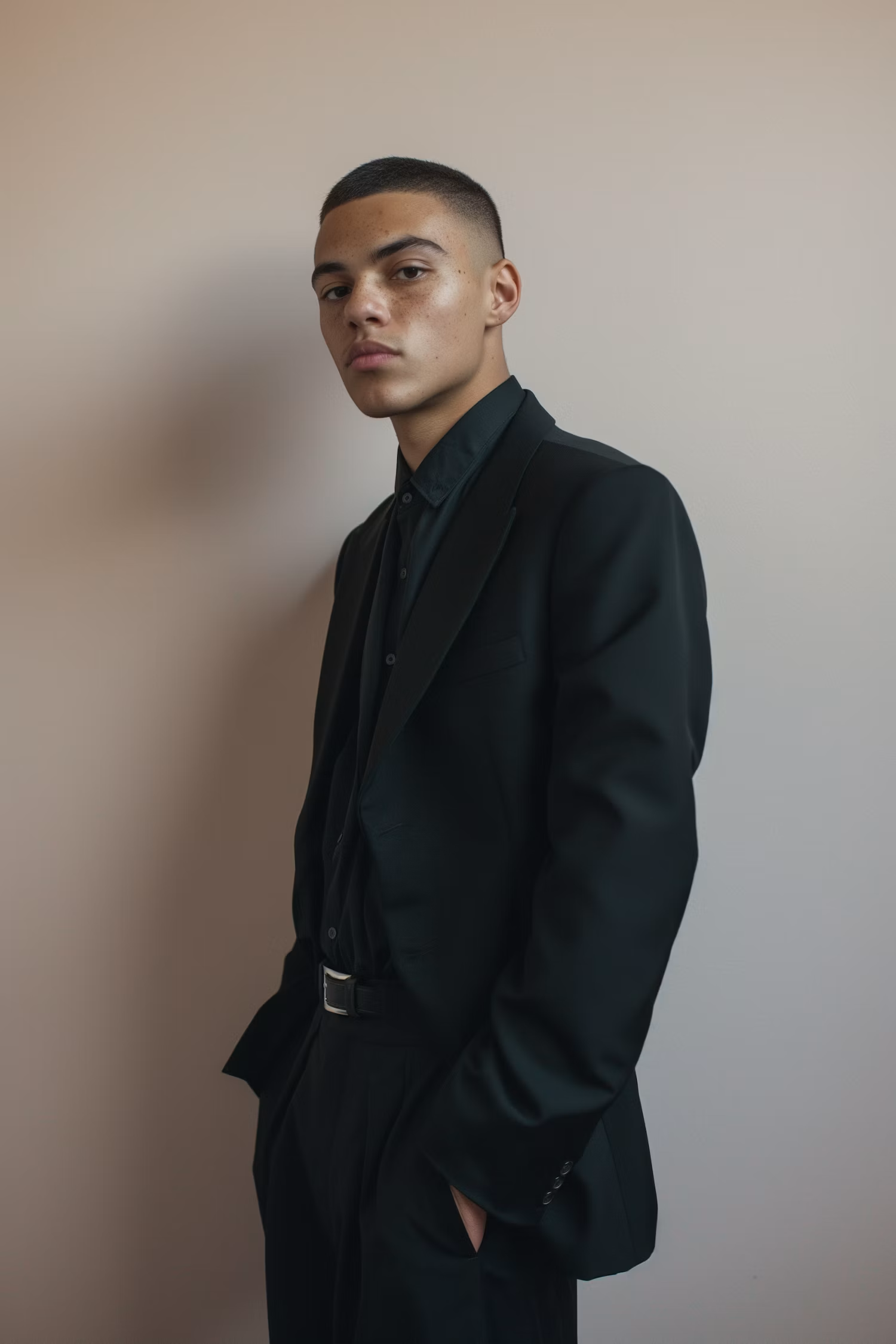
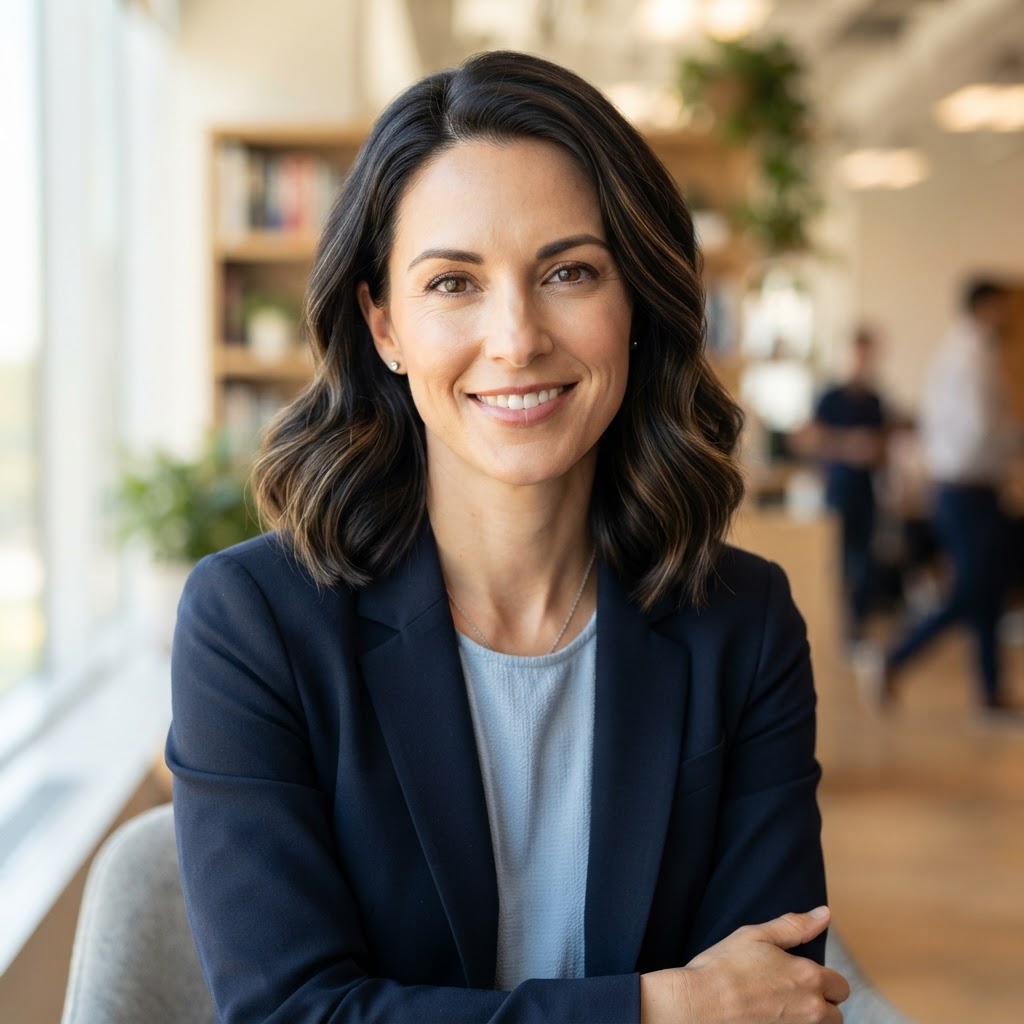
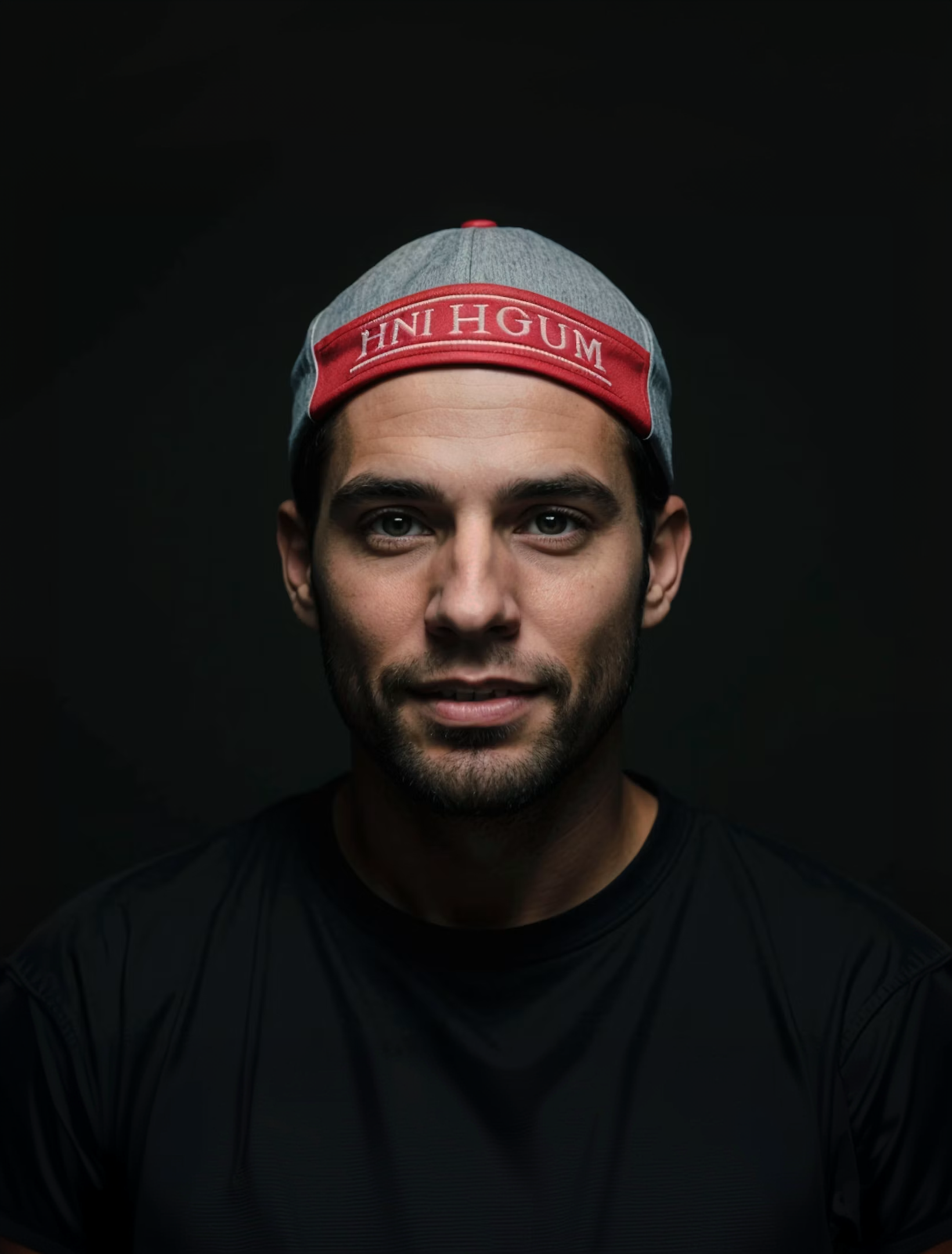
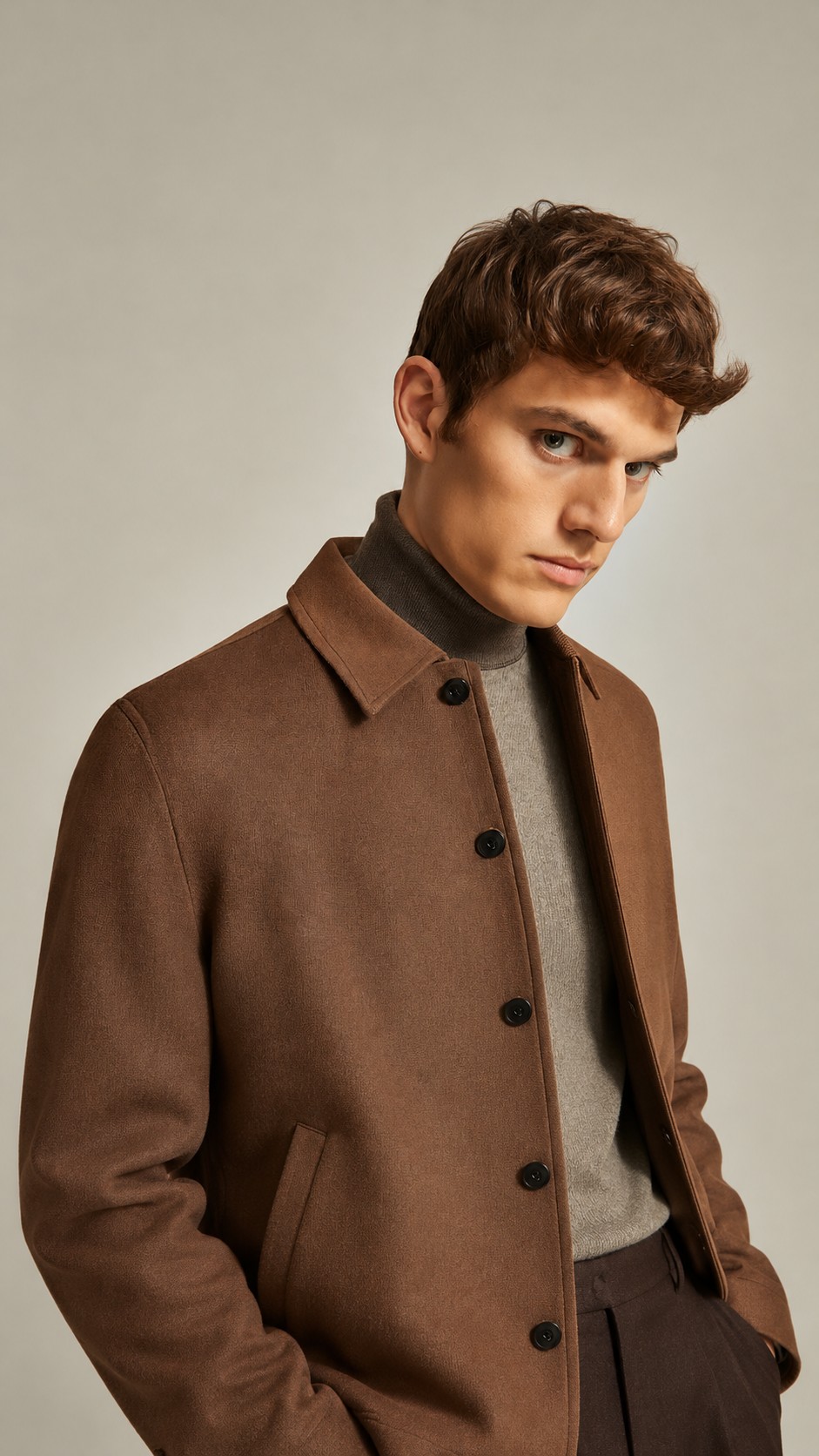
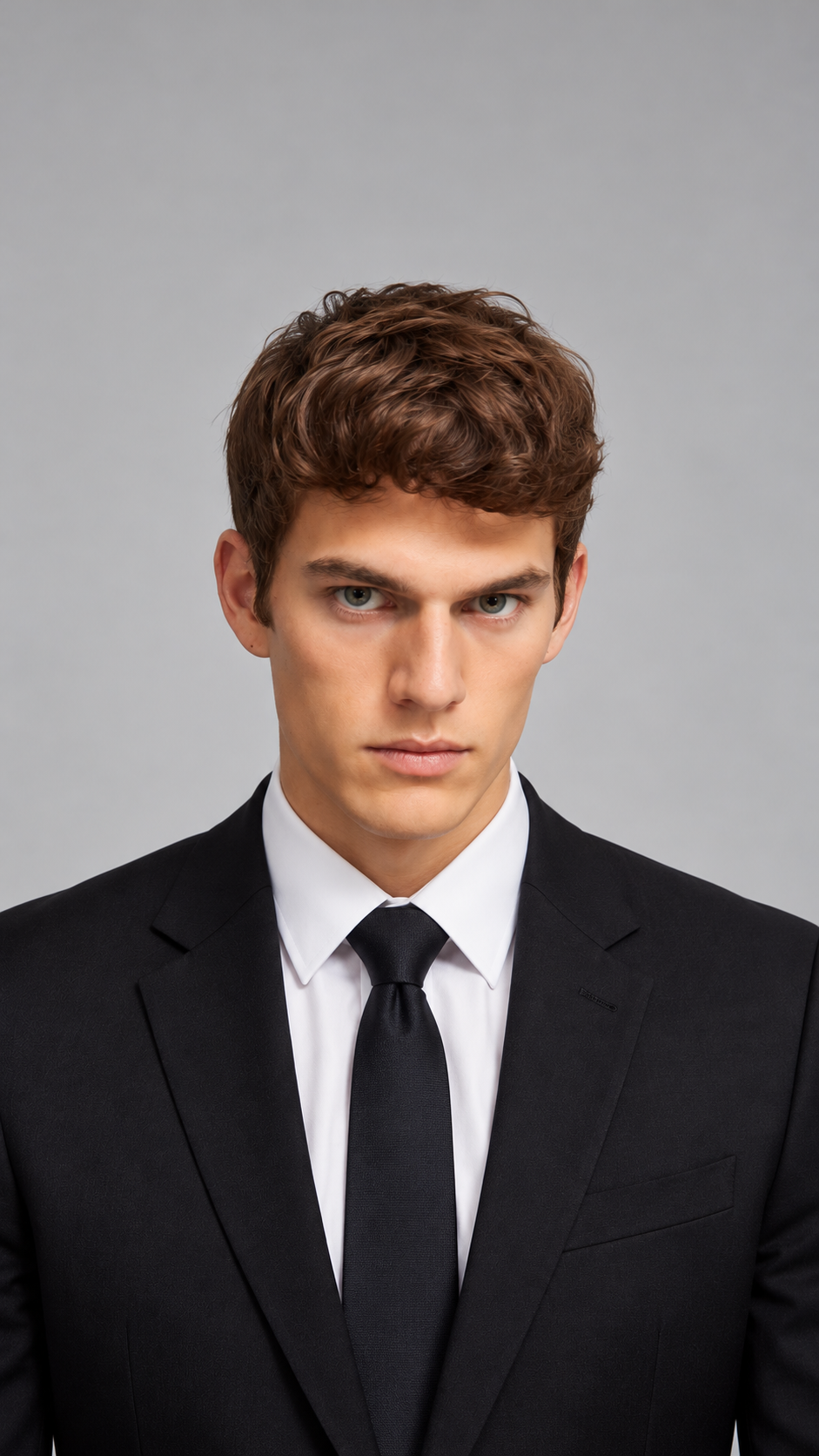
Realistic Blends
Get a new face that looks like a real photo, not a blurry overlay.
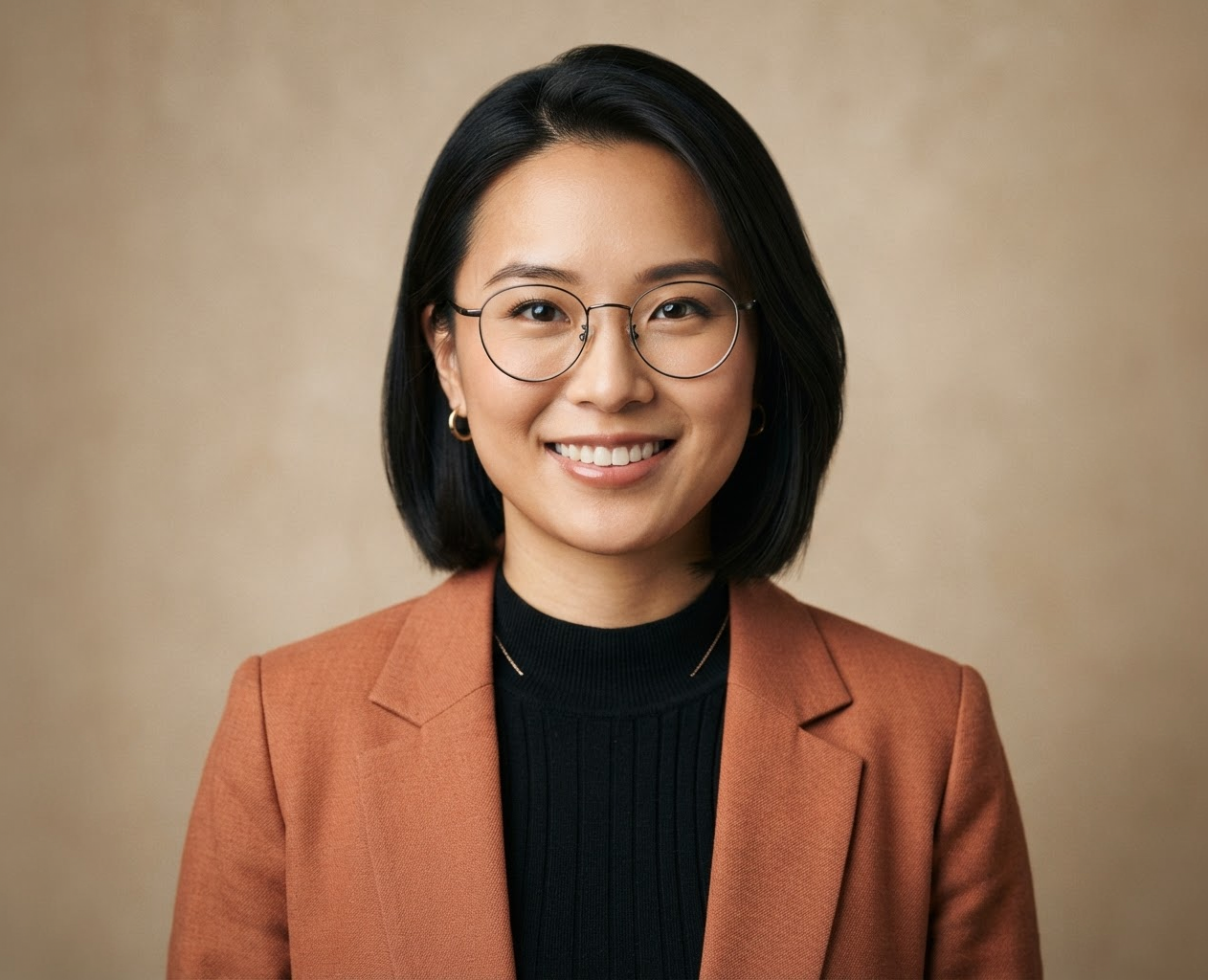
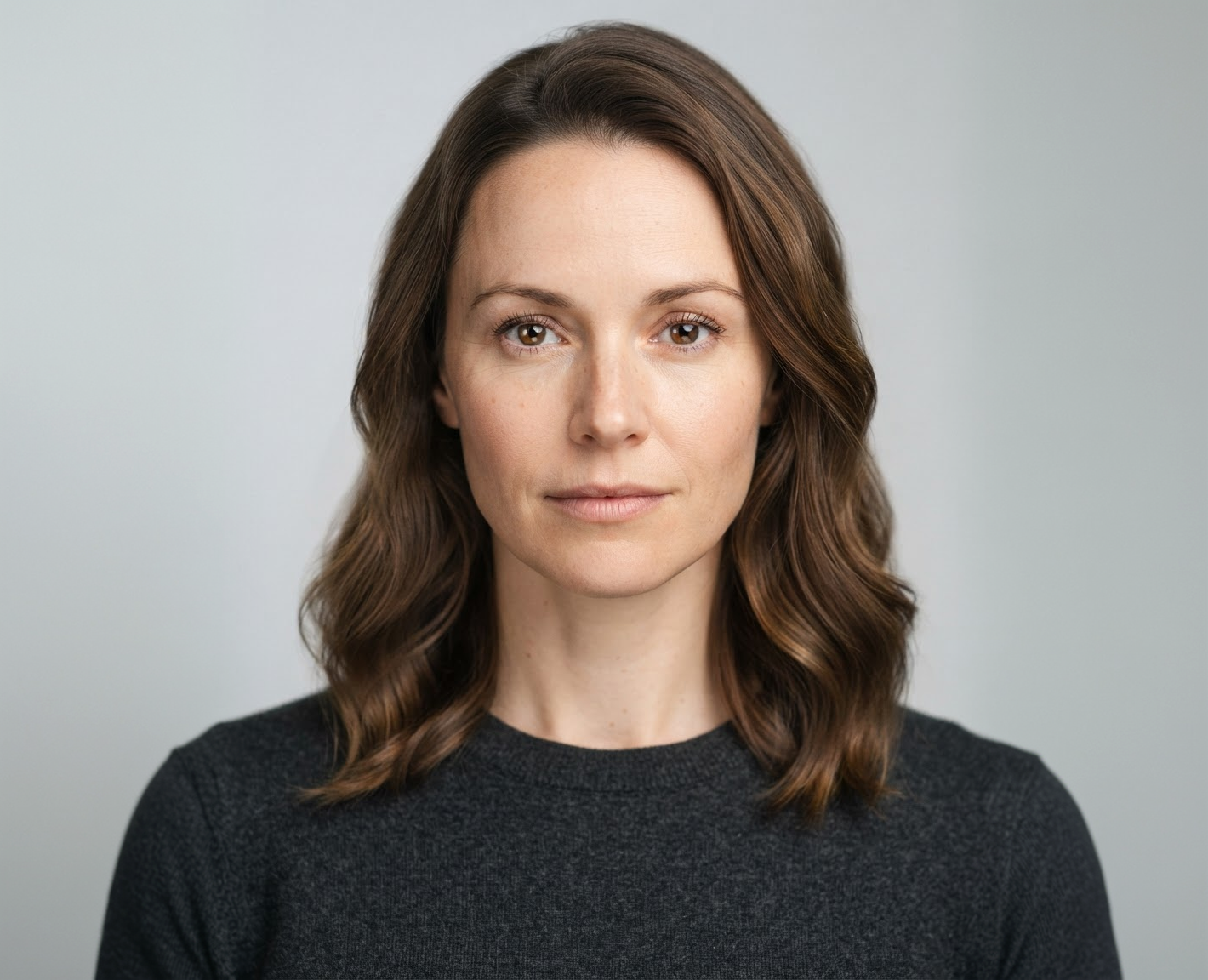
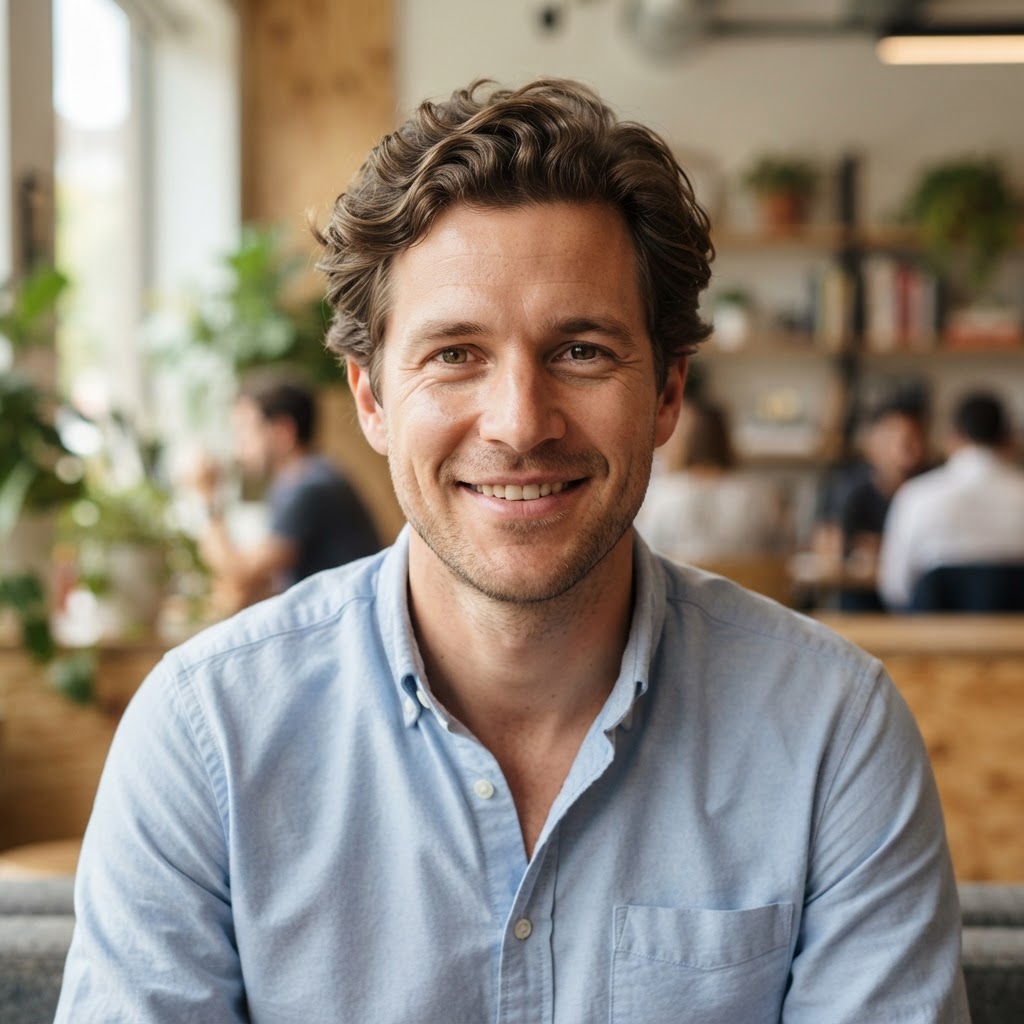
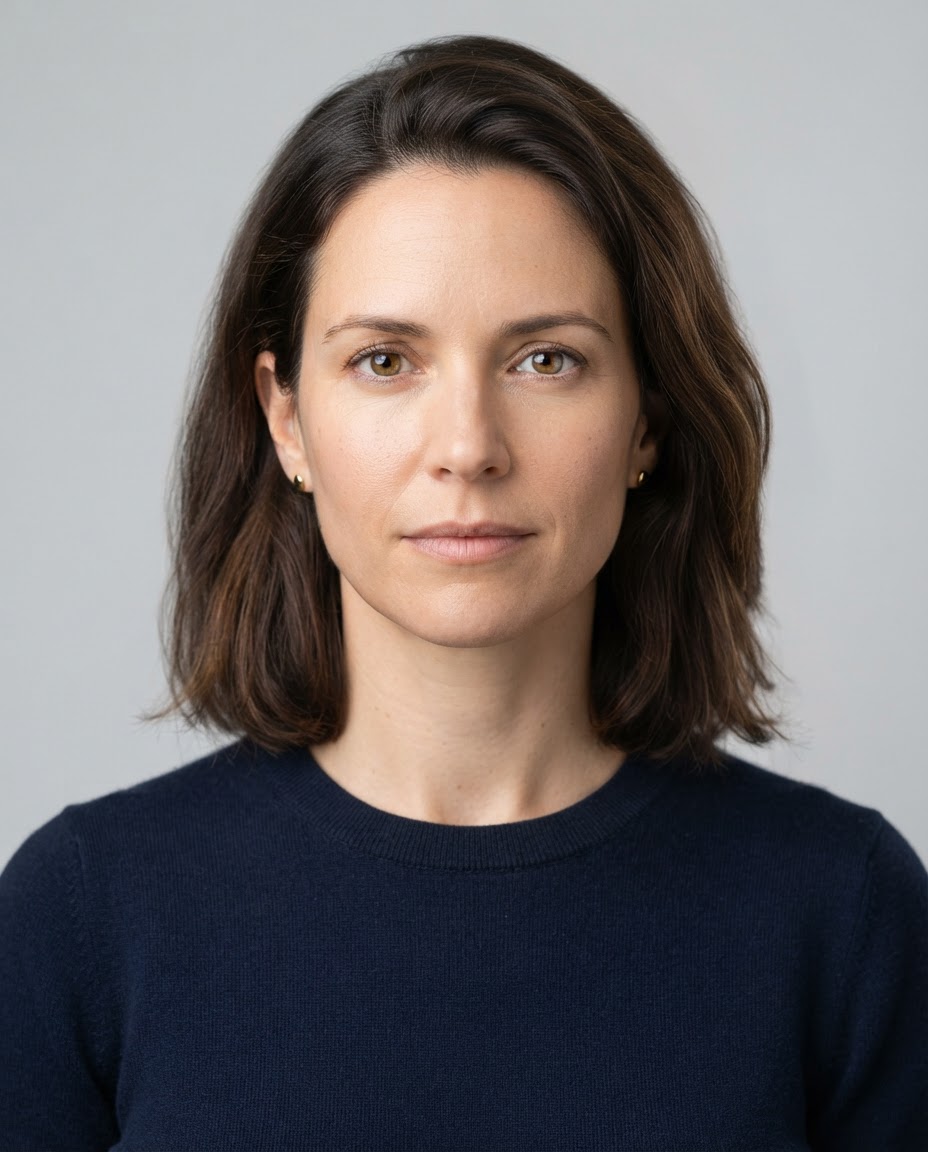
Choose the Mix
Ask for an even blend or more of one face.
Export Sizes
Any Two Faces
Couples, siblings, parent and child, or you and a character.
How it works
How to Morph Two Faces Together
Create professional results in just a few simple steps.
Step 1
Upload Two Faces
Add two clear, front-facing photos.
Choose a file or drag & drop it here.
JPG, PNG, or WEBP, up to 20 MB.
Step 2
Choose the Blend
Say how much of each face to use, then click Morph Faces.
Step 3
Compare and Download
Pick the most natural result and save it.
Who is it for?
Who Uses Face Morph
Couples
See your two faces blended into one.
Siblings and Friends
Find out what a mix of you would look like.
Families
Blend parent and child photos for fun.
Content Creators
Make morph and reveal posts.
Character Designers
Create new faces from two references.
Artists
Use blended faces as portrait references.
FAQ
Frequently Asked Questions
Answers on cost, morph vs swap, blends, photos, and privacy for Face Morph.
You can try it on the free plan. Free has usage limits, a lower maximum resolution, and a lower limit on how many photos you can upload at once. Paid plans raise all three.
A morph blends two faces into a new one. A swap replaces one face with another and keeps everything else the same. For swaps in group photos, use Multiple Face Swap.
Yes. Ask for a 50/50 blend or a specific mix, such as "70% the first face, 30% the second".
Yes. Say which age or gender the result should have, since the model will otherwise pick one.
Different angles, lighting, or expressions make faces hard to blend. Use two front-facing photos with similar light, and try another model.
Only use faces of people who agreed. Do not use morphs to impersonate anyone or to mislead others.
Yes. Your photos stay in your account and are not used to train models. You control who can see anything you share.
Ready to Explore?
Work Smarter With Multi-Model AI
Try new looks, edit photos, and create images with GPT Image, Nano Banana, FLUX, and Seedream in one secure workspace.



