
Image to Prompt
See an image you like? Get the prompt behind the look.
Upload an image and Aymo AI writes a detailed prompt covering subject, style, lighting, colors, and composition. Ask for a version written for the model you use, then run the prompt on several image models in Aymo's AI Image Generator to see how close it gets.
Choose a file or drag & drop it here.
JPG, PNG, or WEBP, up to 20 MB.
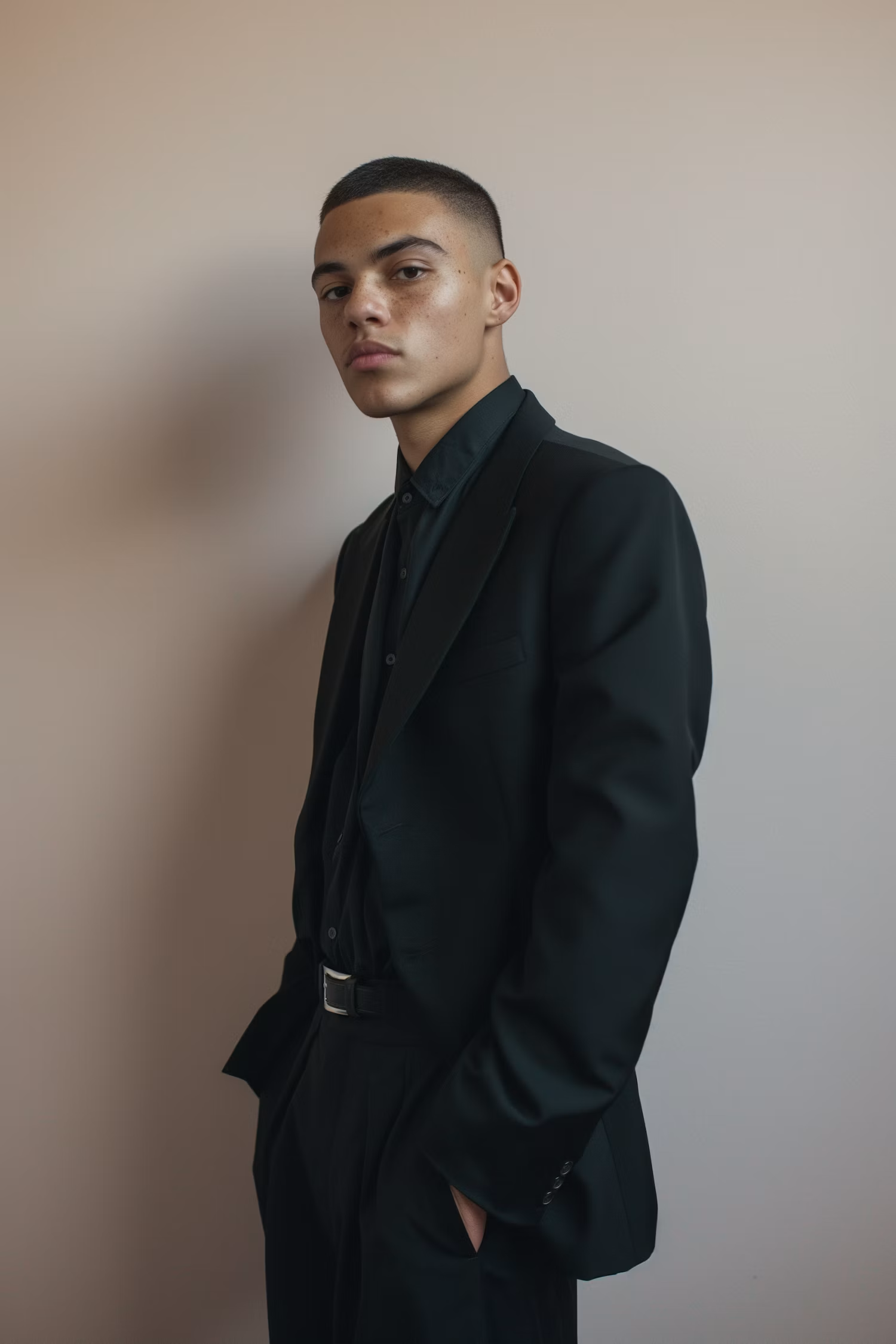

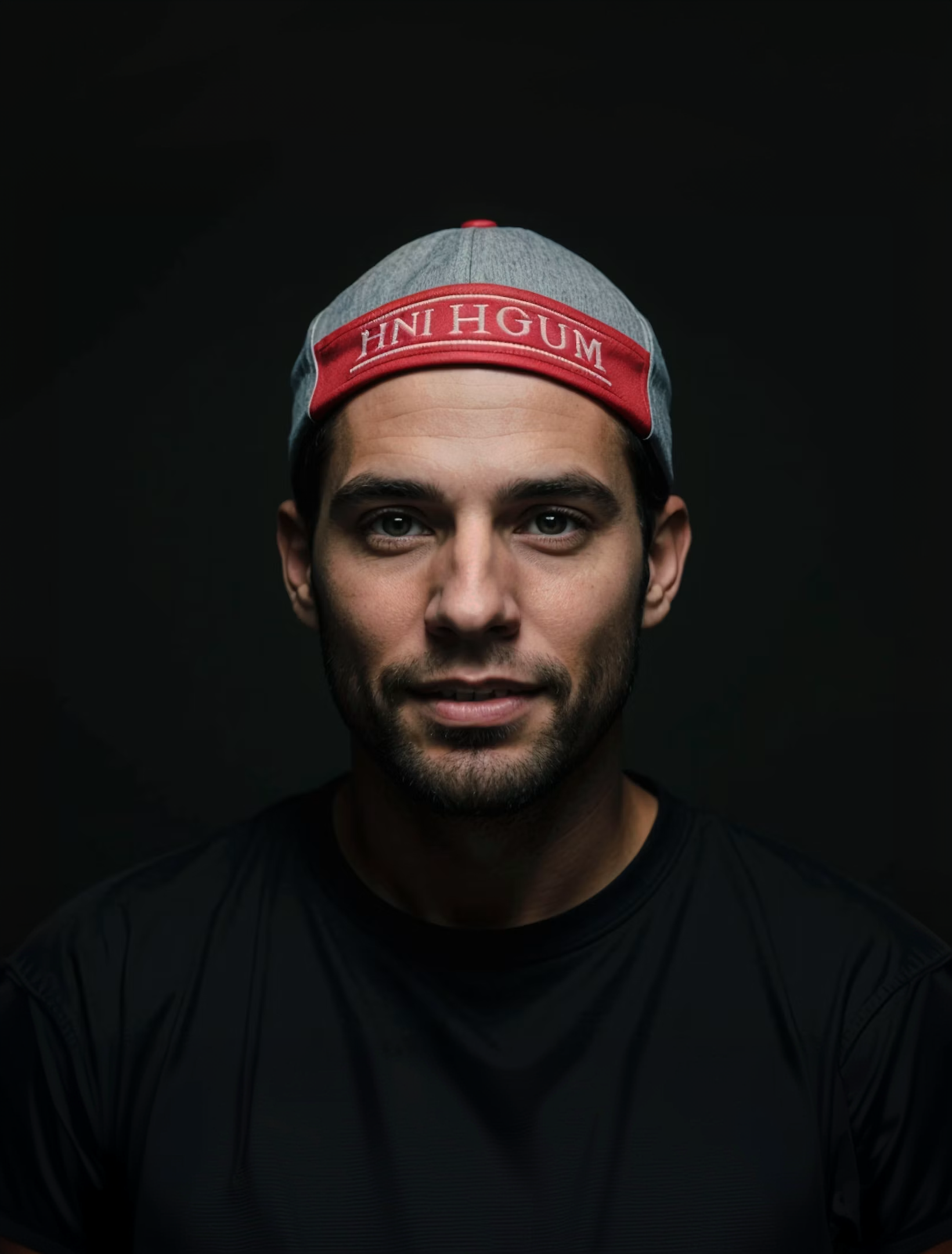
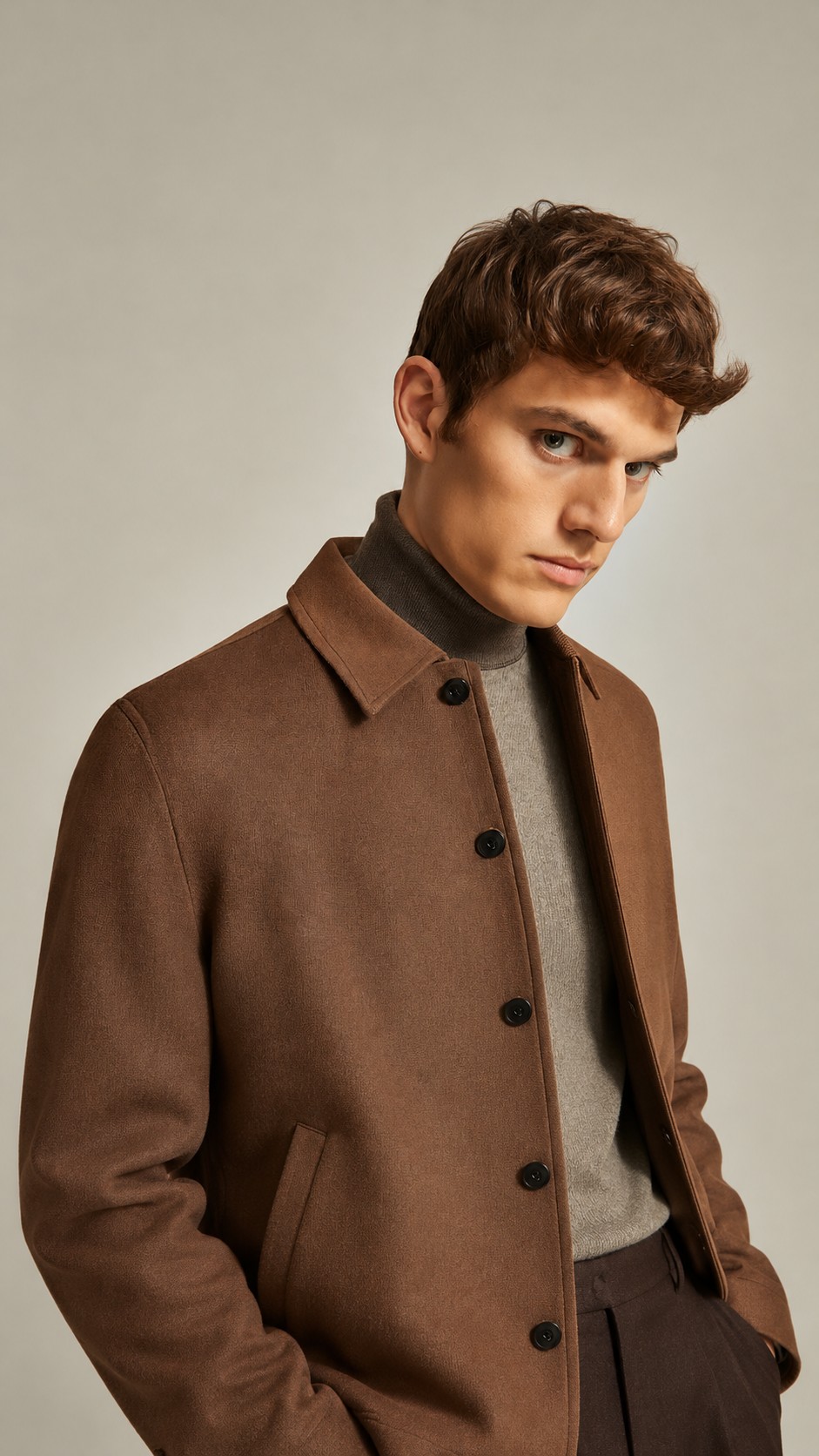
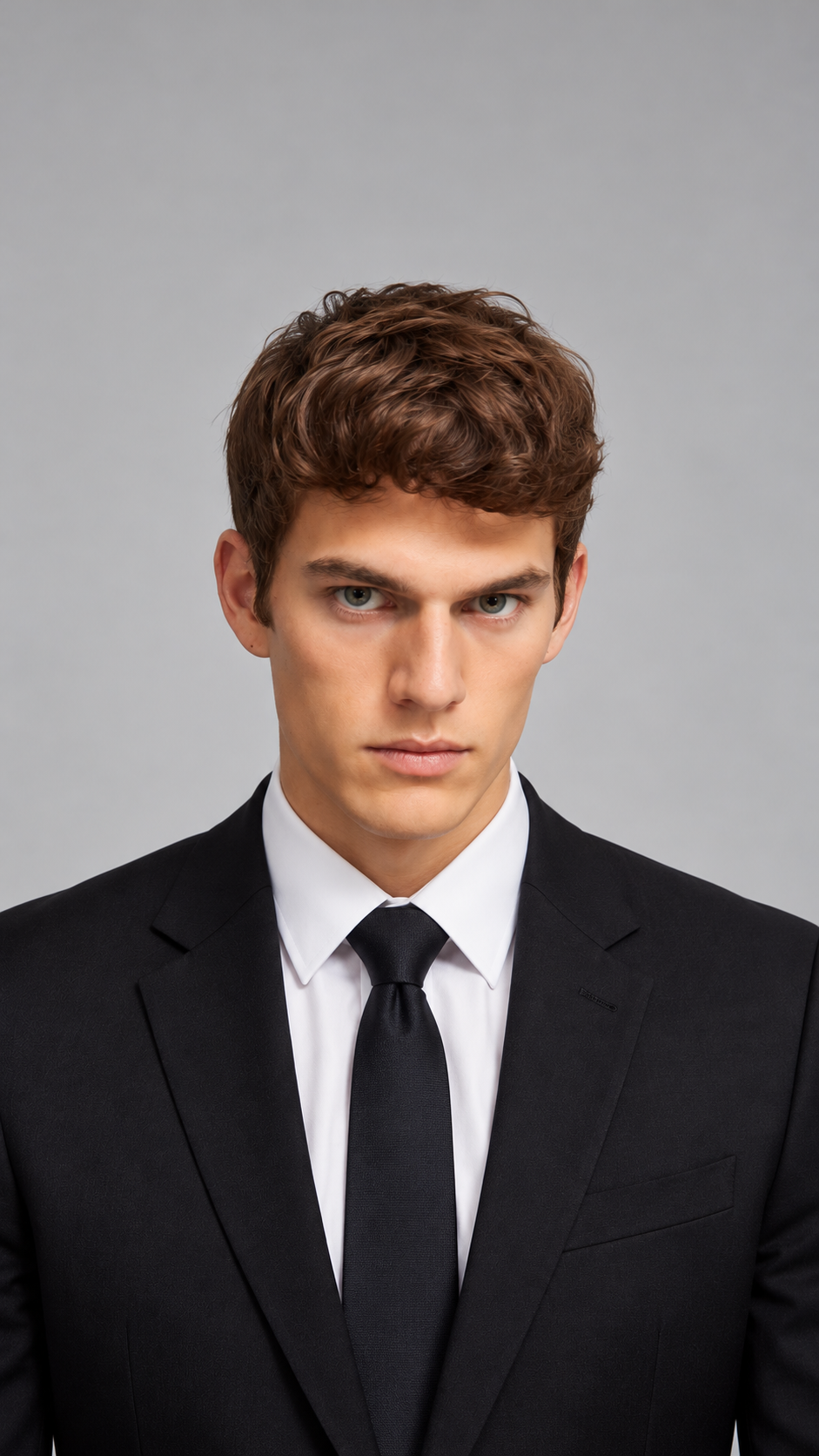
Detailed Prompts
Subject, style, lighting, lens, colors, and composition.

Written for Your Model
Ask for a prompt formatted for Midjourney, FLUX, Stable Diffusion, or Nano Banana.
Export Sizes
Test It Right Away
Run the prompt on several image models in Aymo's AI Image Generator.
How it works
How to Turn an Image Into a Prompt
Create professional results in just a few simple steps.
Step 1
Upload an Image
Add a photo, artwork, or screenshot.
Choose a file or drag & drop it here.
JPG, PNG, or WEBP, up to 20 MB.
Step 2
Get Your Prompt
Click Get Prompt and choose a short or detailed version.
Step 3
Test and Refine
Generate images from the prompt and adjust the wording.
Who is it for?
Who Uses Image to Prompt
AI Artists
Learn how to describe the styles you like.
Designers
Turn mood board images into reusable prompts.
Marketers
Recreate a campaign look across new visuals.
Content Creators
Match the style of your thumbnails and posts.
Web Editors
Write clear alt text for site images.
Prompt Learners
See how good prompts are put together.
FAQ
Frequently Asked Questions
Answers on cost, accuracy, models, languages, and privacy for Image to Prompt.
Yes. You can use it on the free plan within its usage limits. Paid plans raise those limits.
No. A prompt describes the look, but each image model reads it differently. Test it on a few models and adjust the wording to get closer.
Any of them. Ask for a version formatted for Midjourney, Stable Diffusion, FLUX, Nano Banana, or GPT Image.
Yes. Ask for the prompt in the language you want, though many image models work best with English prompts.
You can compare descriptions from several vision models and run the prompt on several image models in Aymo's AI Image Generator, without leaving Aymo.
Yes. Ask for a short, plain description of what the image shows instead of a style prompt.
Yes. Your images stay in your account and are not used to train models. You control who can see anything you share.
Ready to Explore?
Work Smarter With Multi-Model AI
Try new looks, edit photos, and create images with GPT Image, Nano Banana, FLUX, and Seedream in one secure workspace.



