
Inverted Photo Filter
See yourself the way others do, or flip every color.
Upload a photo and pick a mode. Mirror flip turns your selfie around so you see your face the way other people see it. Color negative swaps every color for its opposite, like a film negative. Download the result in the same size as your original.
Choose a file or drag & drop it here.
JPG, PNG, or WEBP, up to 20 MB.
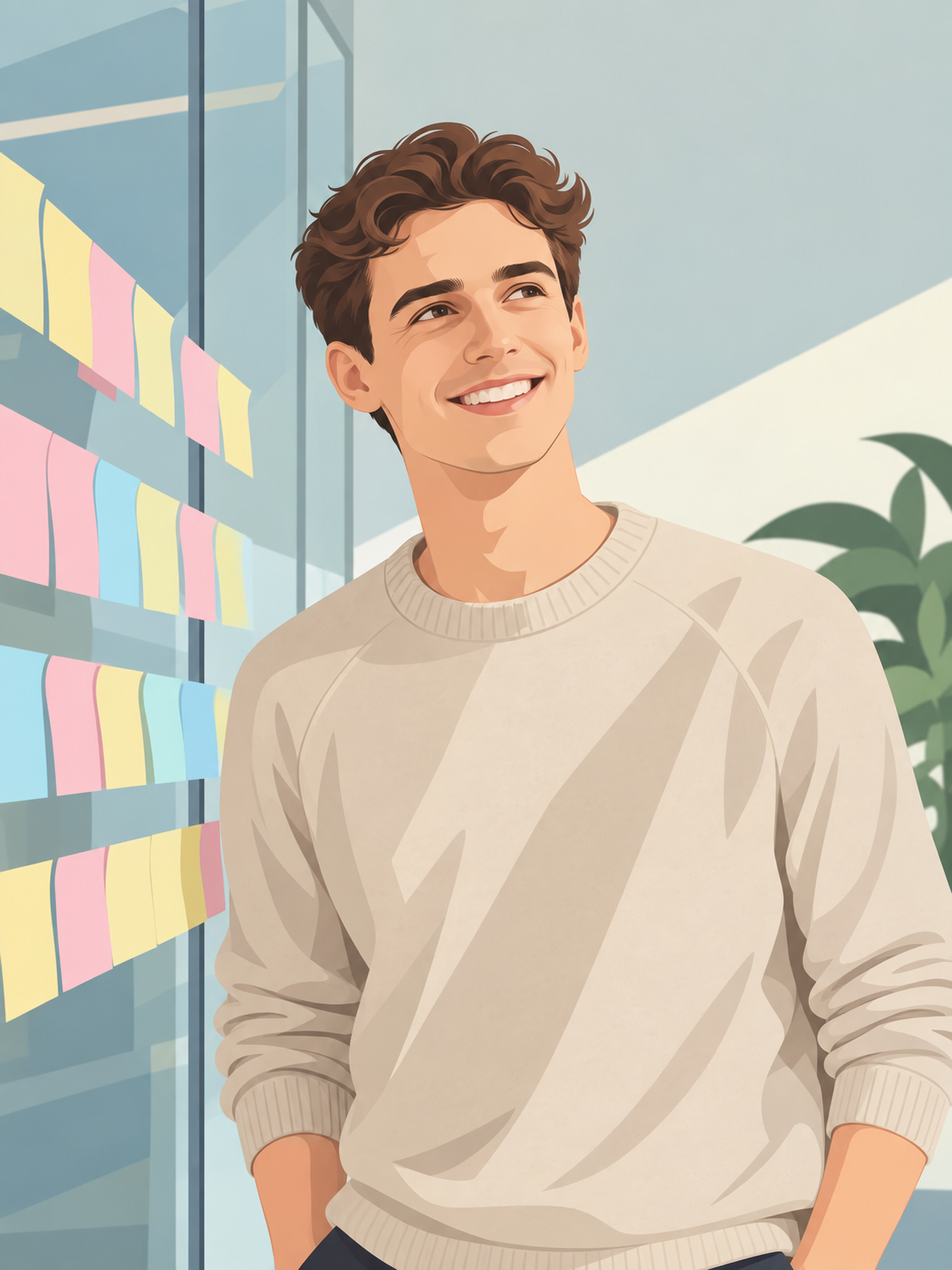

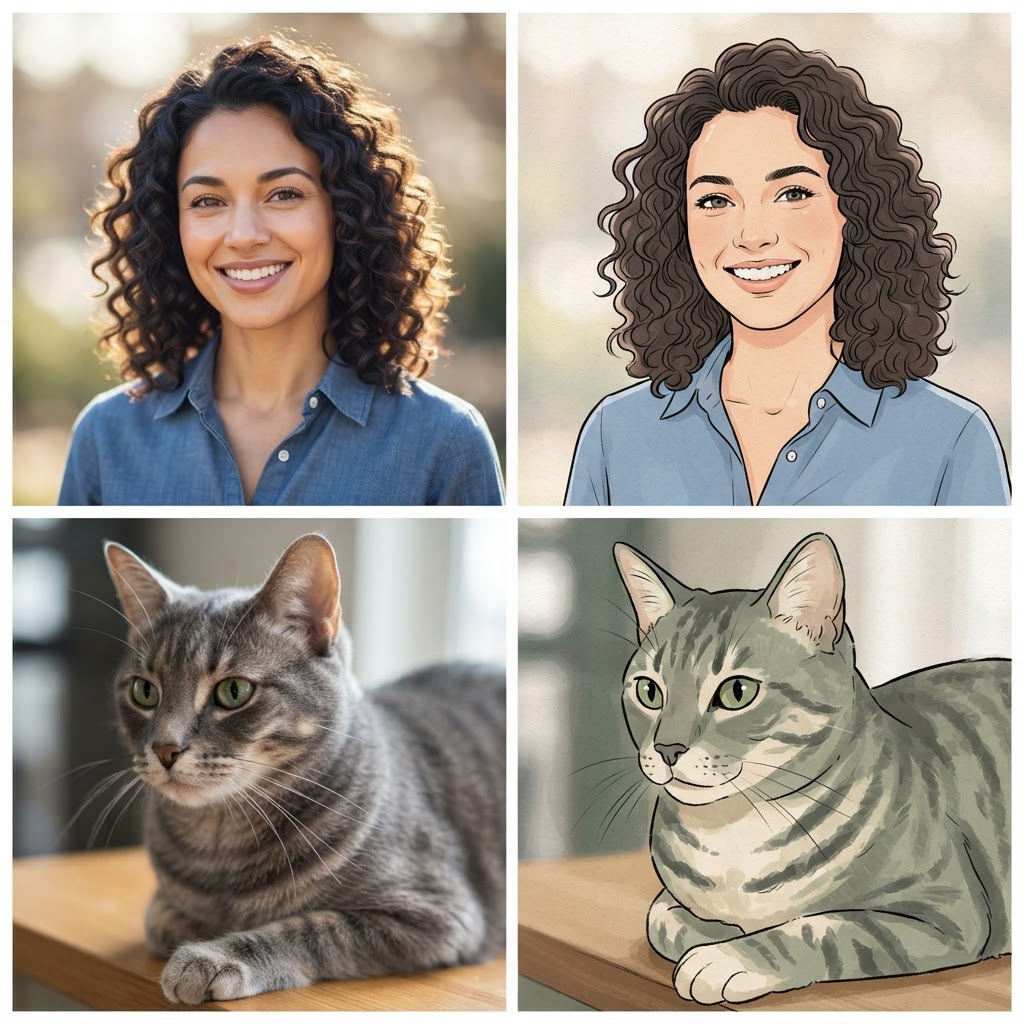
Two Modes in One Tool
Switch between mirror flip and color negative without changing tools.
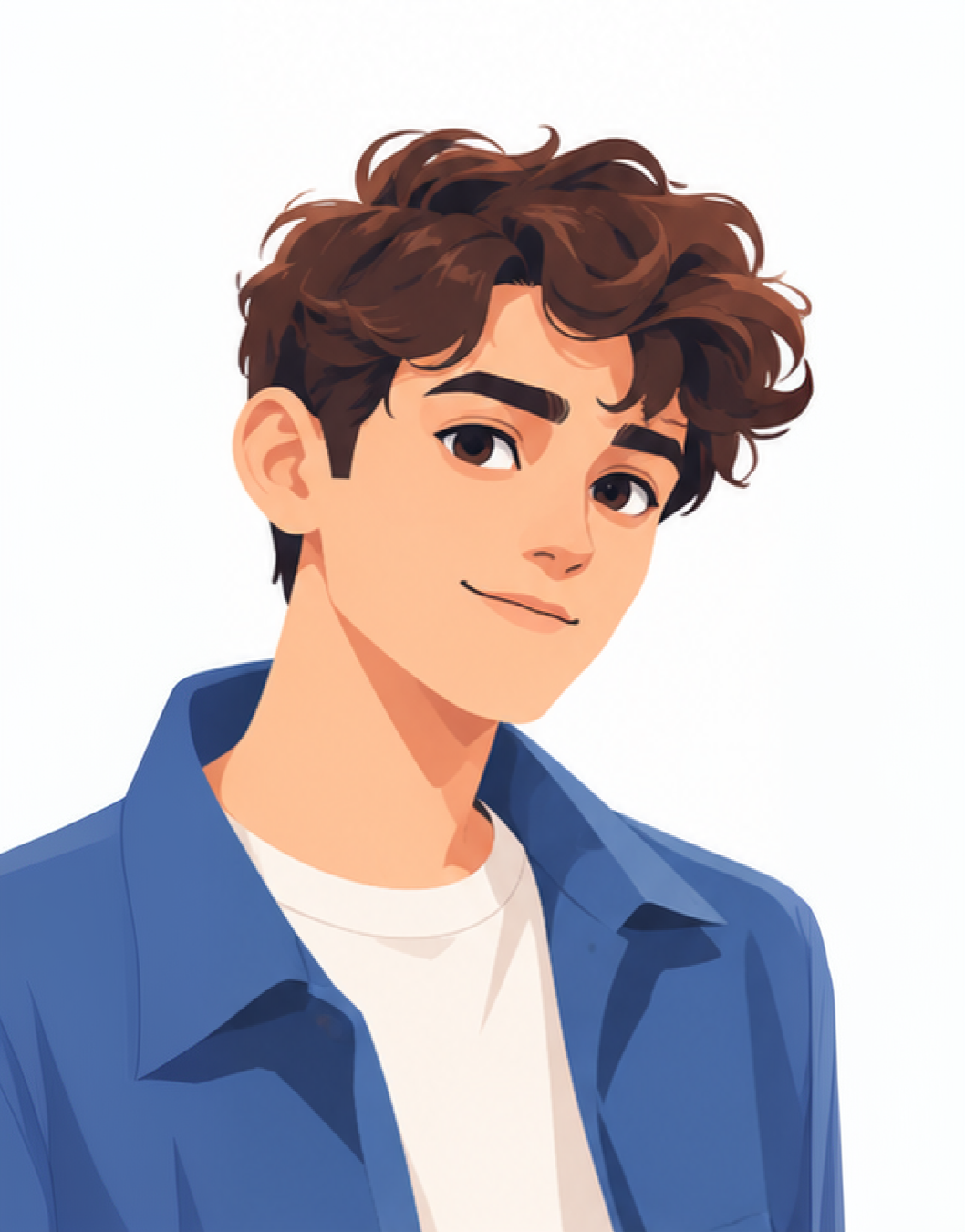
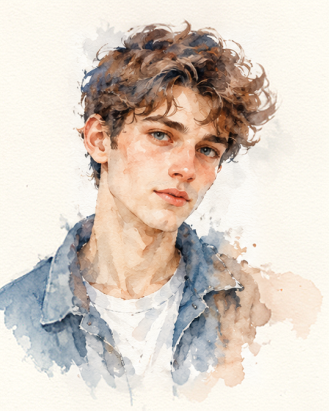
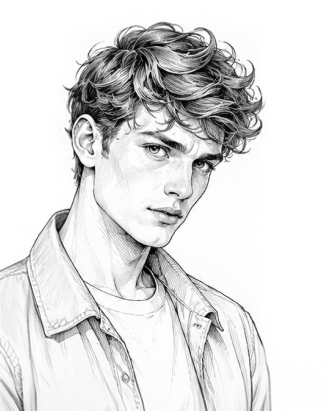
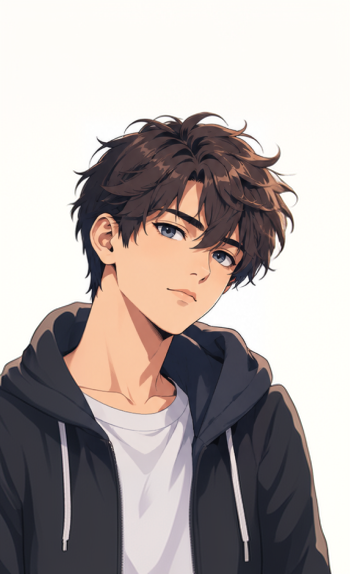
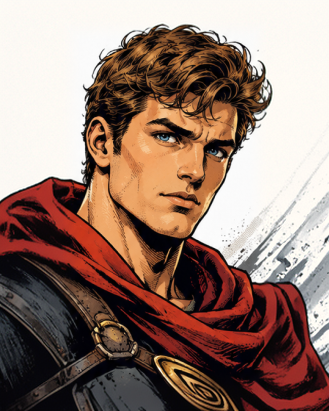

Your Face Stays Your Face
The flip only turns the image around. It does not smooth skin or reshape features.

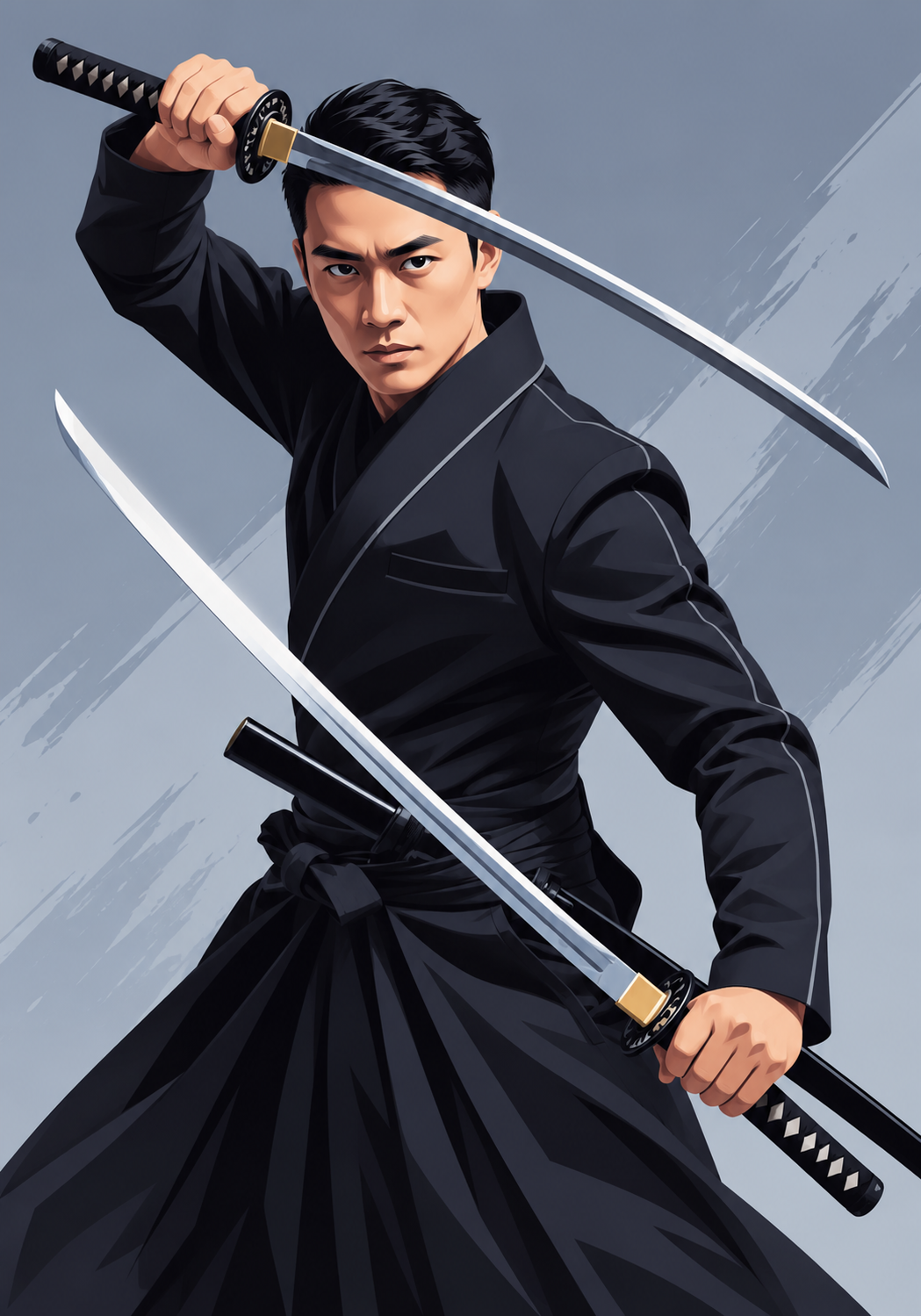
Full Original Quality
The result keeps the width, height, and sharpness of the photo you upload.
How it works
How to Use the Inverted Filter
Create professional results in just a few simple steps.
Step 1
Upload Your Photo
Add a selfie, a scan, or any image in JPG, PNG, or WebP.
Choose a file or drag & drop it here.
JPG, PNG, or WEBP, up to 20 MB.
Step 2
Pick a Mode
Choose Mirror flip or Color negative, then click Invert Photo.
Step 3
Download
Save the inverted image or keep editing it.
Who is it for?
Who Uses the Inverted Filter
TikTok and Instagram Users
Try the inverted filter trend on your own selfies.
People Checking Their Look
See your face, hair part, and smile the way others see them.
Film Photographers
Preview negative scans as positive images before printing.
Designers
Create negative effects for posters, covers, and social graphics.
Teachers and Students
Show how complementary colors and mirror images work.
Readers Who Prefer Dark Mode
Invert screenshots and scanned pages for easier reading at night.
FAQ
Frequently Asked Questions
Answers on accuracy, the TikTok trend, color negatives, quality, and privacy for the Inverted Photo Filter.
Yes, for showing how others see you from the front. The mirror flip shows your face the right way around, which is how people see you in person. It is still a single photo, so lens distortion and lighting affect how you look, just as in any selfie.
You are used to your mirror image. Most faces are slightly asymmetric, so flipping moves your hair part, smile, and features to the other side. It looks odd to you but normal to everyone else.
You do not need the app filter. Take a selfie, upload it here, and choose Mirror flip. On iPhone you can also turn off Mirror Front Camera in the camera settings for future selfies.
Each color is replaced by its opposite on the color wheel. Black becomes white, red becomes cyan, green becomes magenta, and blue becomes yellow.
Yes. Upload a scan or flat phone photo of the negative and choose Color negative. Color negatives have an orange base, so the result may need a small color correction afterward.
No. The image keeps its original size. A tiny or blurry photo stays tiny or blurry, so upscale it first if you need a larger file.
Yes. Your photos stay in your account and are not used to train models. You control who can see anything you share.
Ready to Explore?
Work Smarter With Multi-Model AI
Invert, edit, and create images with GPT Image, Nano Banana, FLUX, and Seedream in one secure workspace.



