
Multiple Face Swap
Fix or change several faces in one photo.
Upload a group photo and the faces you want to use, then tell Aymo AI which person gets which face. Fix a blink with the same person's face from another shot, or make a fun swap with friends who are in on it. Compare results from several image models.
Choose a file or drag & drop it here.
JPG, PNG, or WEBP, up to 20 MB.
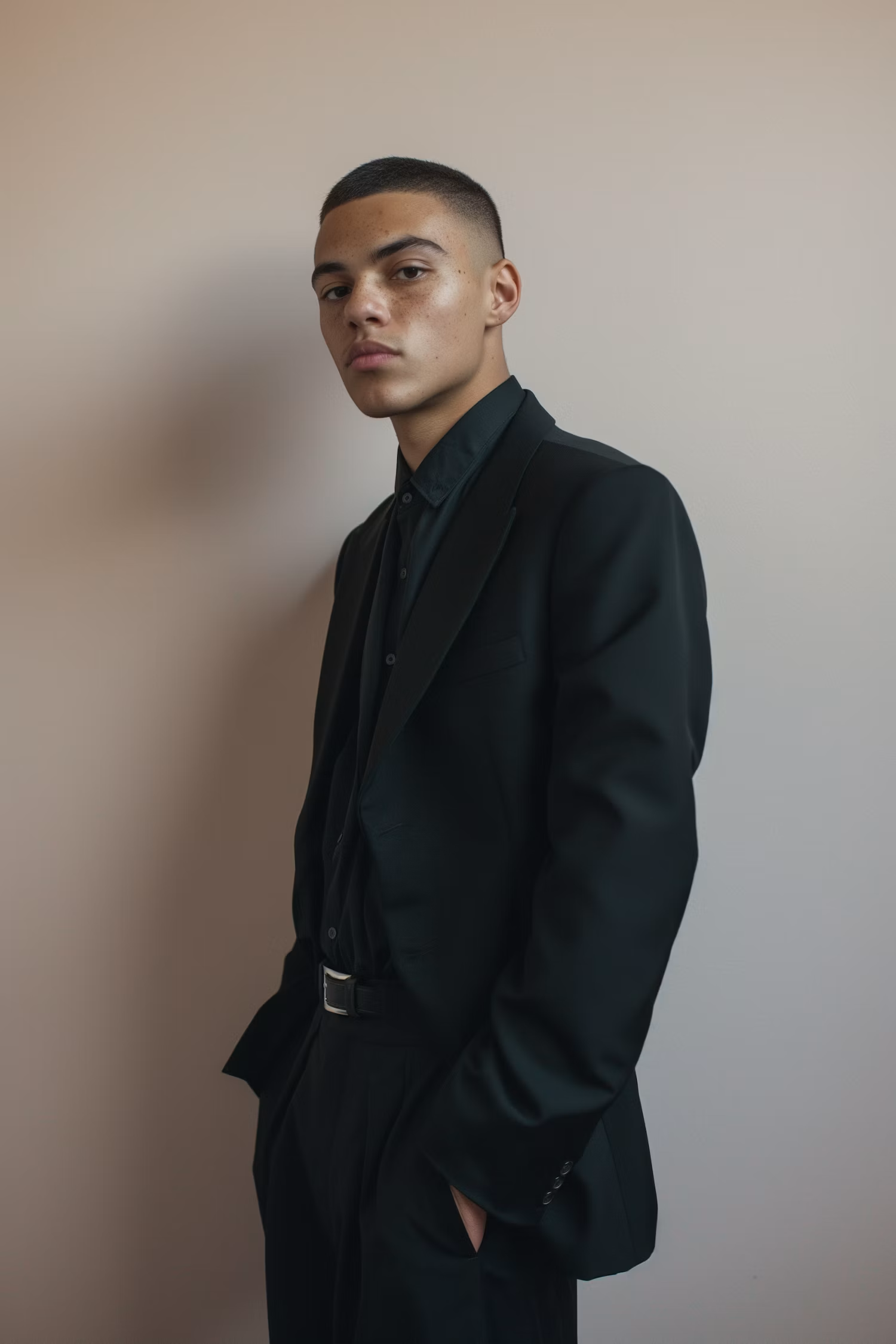
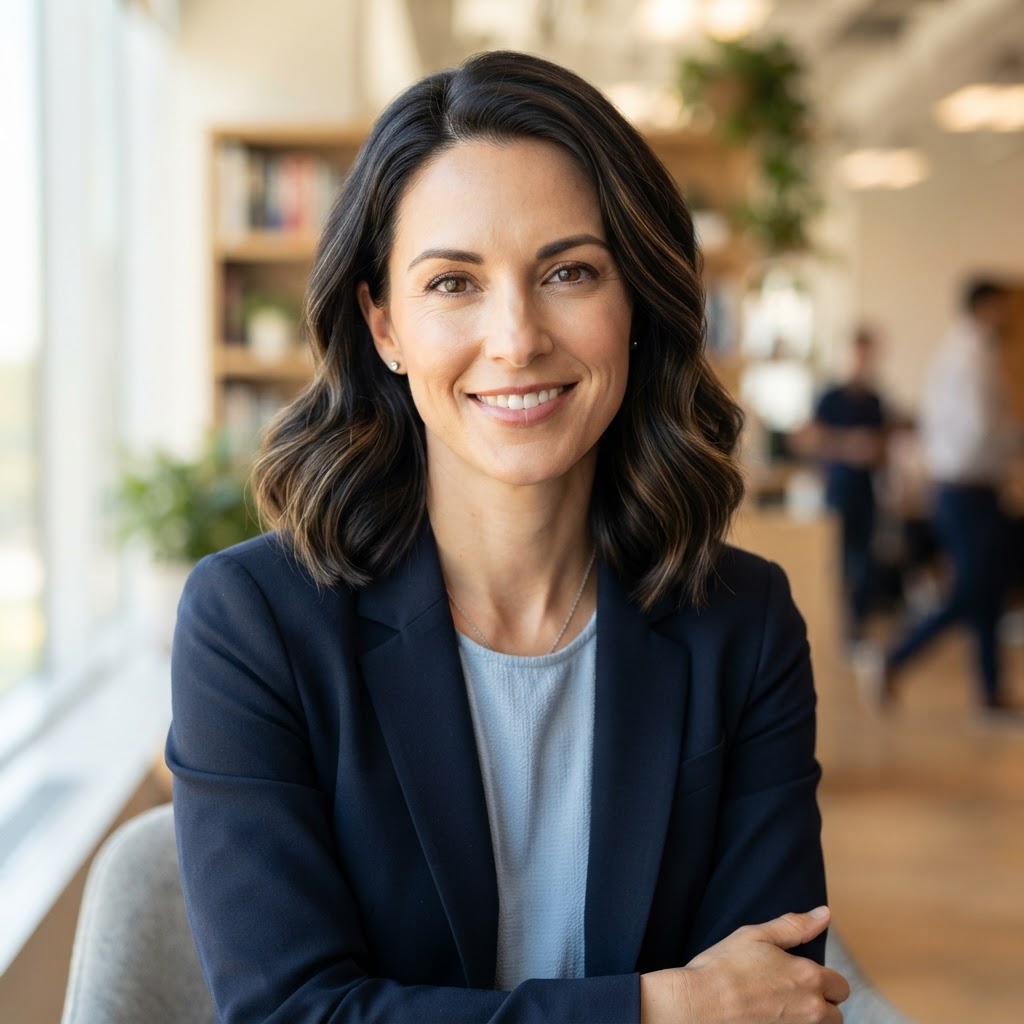
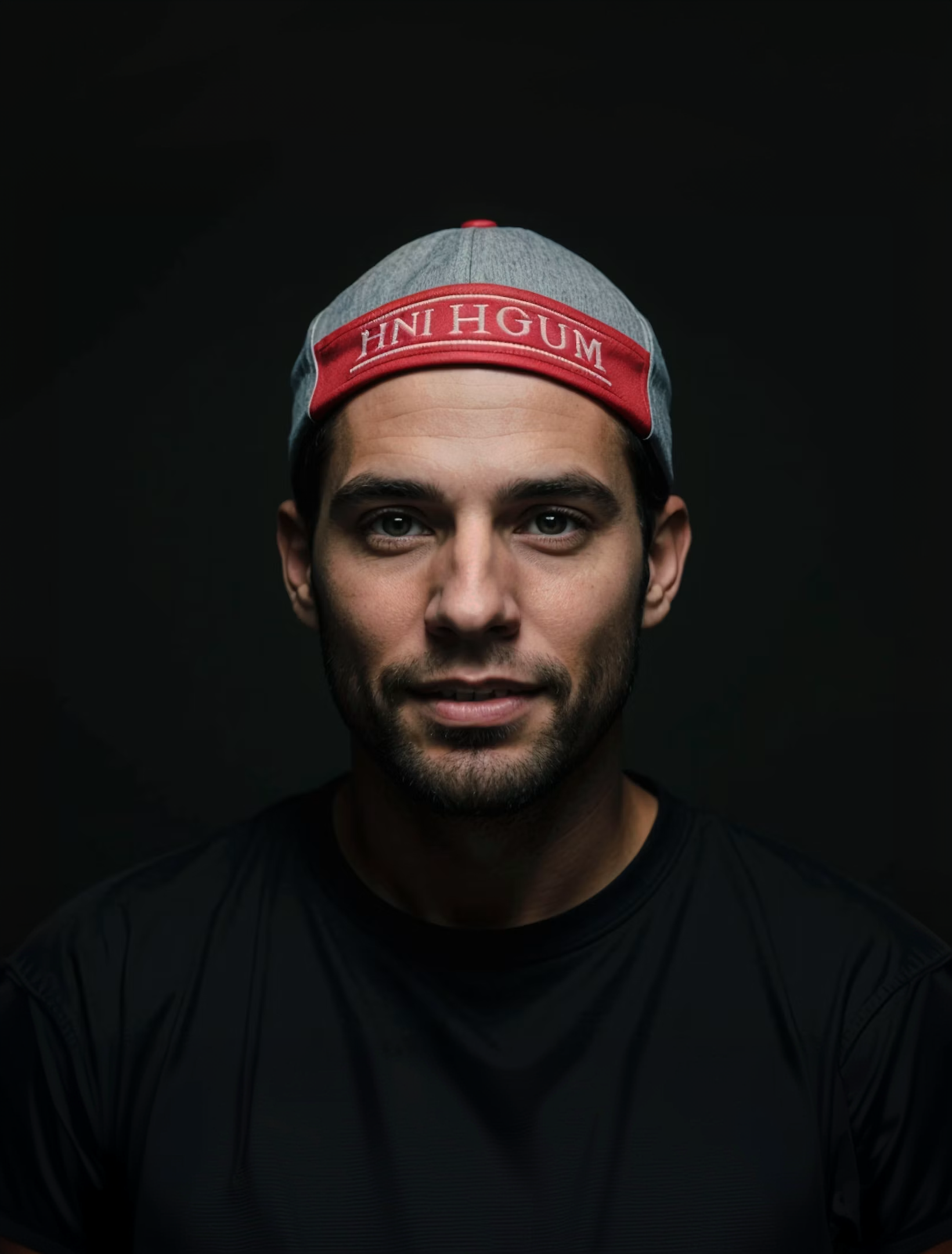
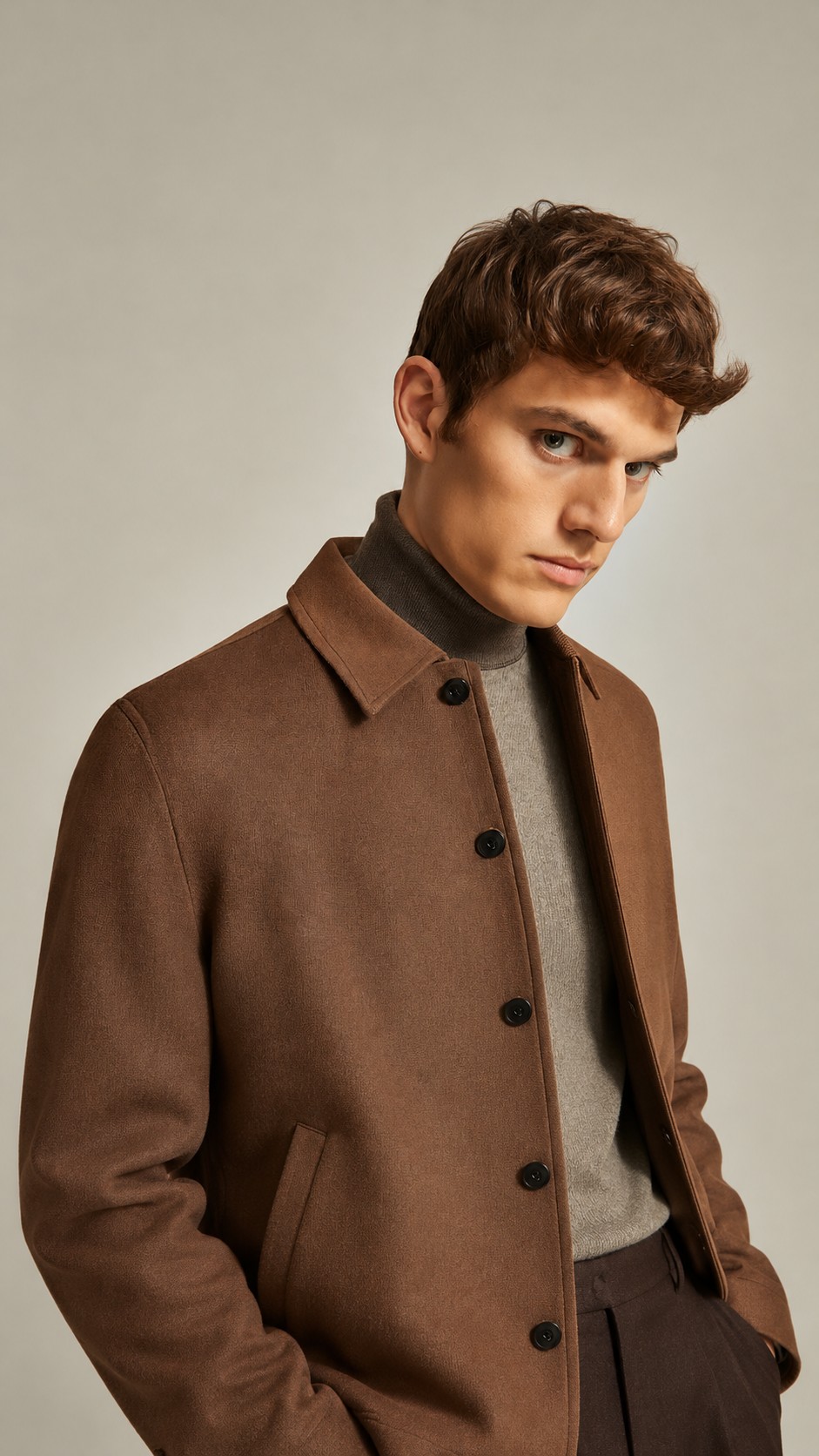
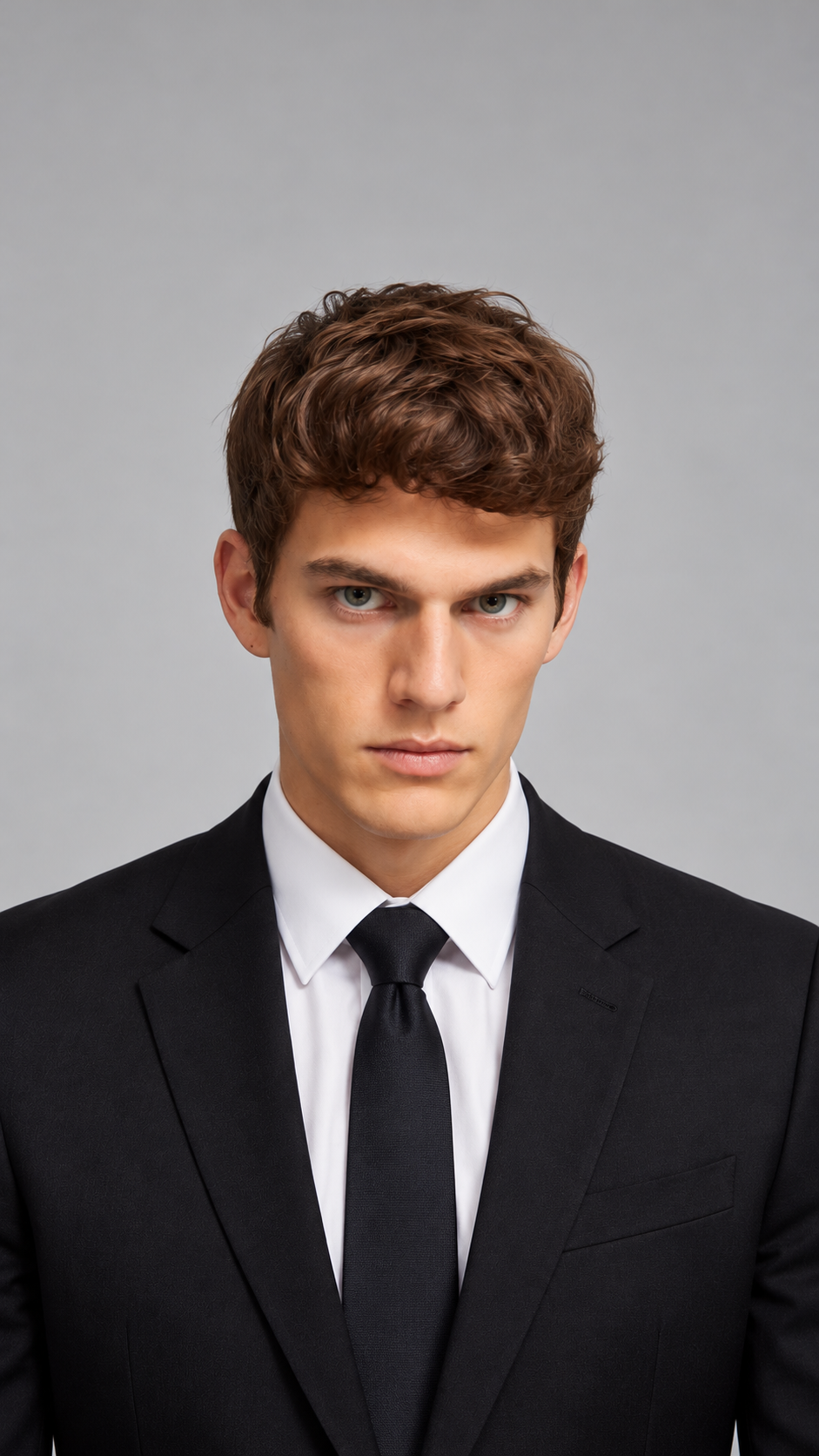
Several Faces at Once
Swap two, three, or more faces in one photo.
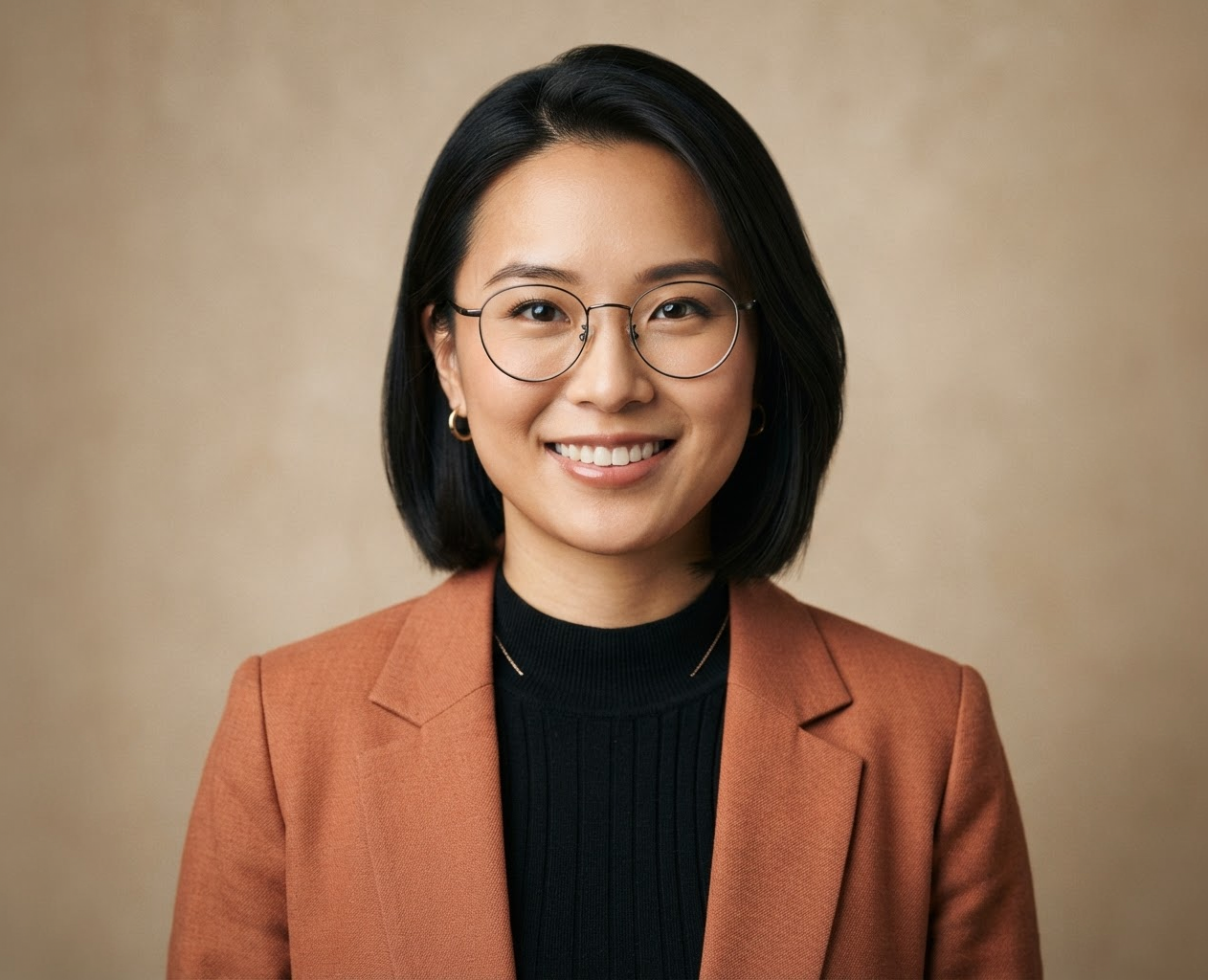
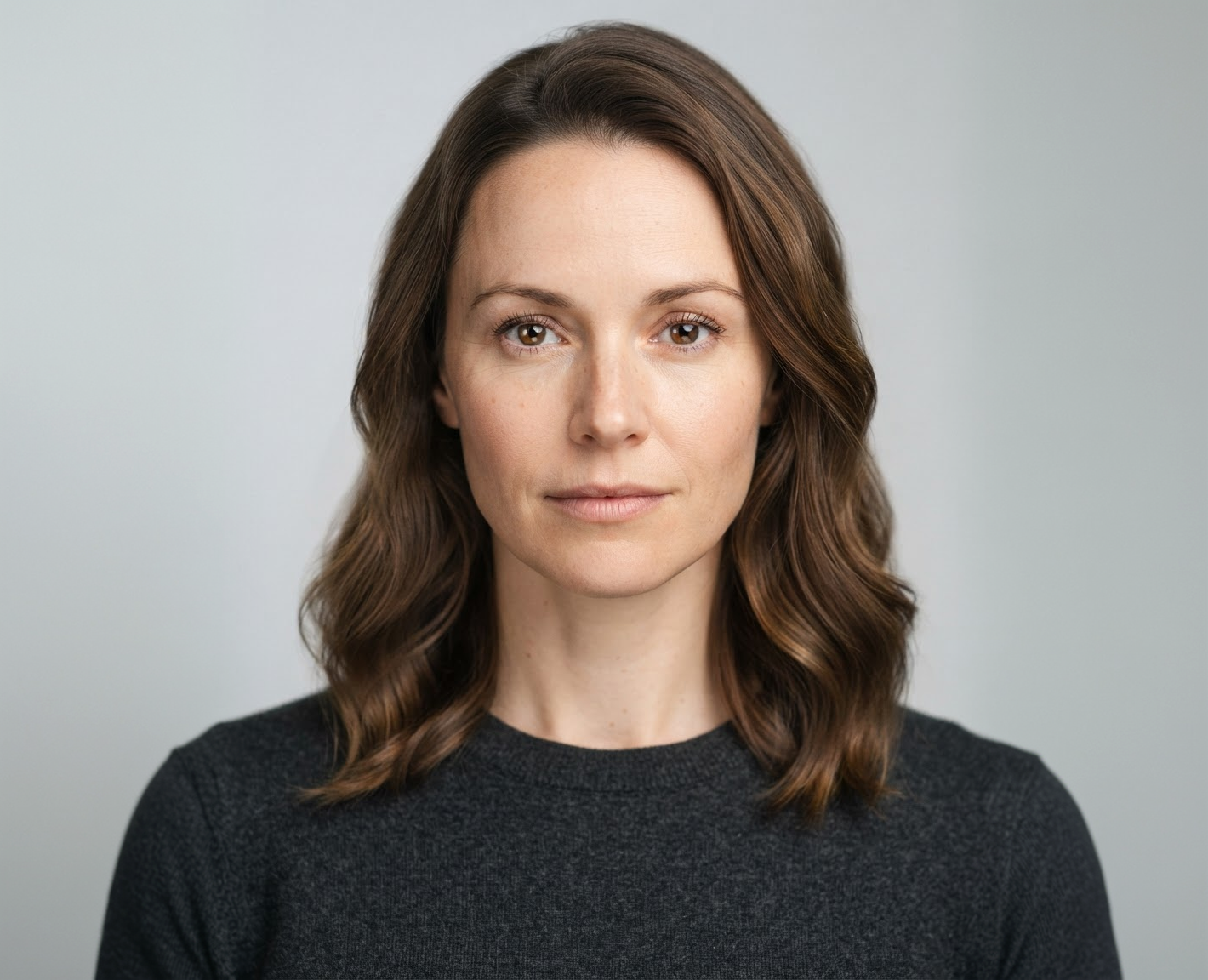
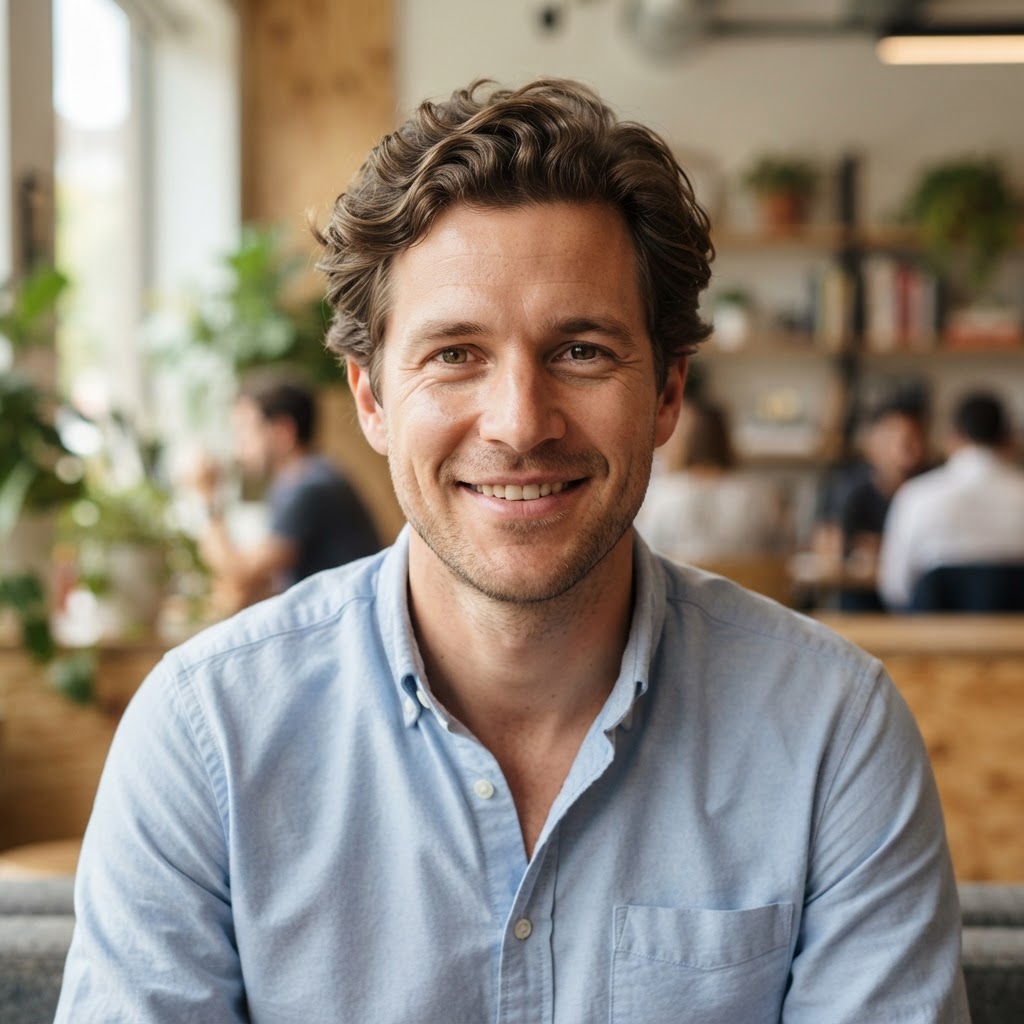
You Choose Who Changes
Describe each person and which face they get.
Export Sizes
Fix Blinks and Bad Expressions
Use the same person's face from another shot.
How it works
How to Swap Faces in a Group Photo
Create professional results in just a few simple steps.
Step 1
Upload Your Photos
Add the group photo and a clear photo of each new face.
Choose a file or drag & drop it here.
JPG, PNG, or WEBP, up to 20 MB.
Step 2
Match the Faces
Say which face goes on which person, then click Swap Faces.
Step 3
Compare and Download
Check every face and save the best version.
Who is it for?
Who Uses Multiple Face Swap
Families
Fix group photos where someone blinked.
Event Photographers
Rescue the best group shot from a wedding or party.
Friend Groups
Make fun swaps that everyone agreed to.
Teams
Fix team photos without a reshoot.
Content Creators
Make group meme and cast-swap posts.
Cosplayers
Put your group's faces on a costume shoot.
FAQ
Frequently Asked Questions
Answers on cost, number of faces, best photos, consent, and privacy for Multiple Face Swap.
You can try it on the free plan. Free has usage limits, a lower maximum resolution, and a lower limit on how many photos you can upload at once. Paid plans raise all three.
Several. Results are most reliable with two to four swaps per photo, so for big groups, swap in rounds and check each face.
No. Name only the people you want to change and ask to keep everyone else as they are.
A sharp group photo with faces visible, and replacement faces at a similar angle and in similar light.
No. This tool works with photos.
No. Only swap faces of people who agreed. Creating sexual or misleading images of real people without their consent can be illegal.
Yes. Your photos stay in your account and are not used to train models. You control who can see anything you share.
Ready to Explore?
Work Smarter With Multi-Model AI
Try new looks, edit photos, and create images with GPT Image, Nano Banana, FLUX, and Seedream in one secure workspace.



