
No Beard Filter
See your clean-shaven face before you shave.
Upload a clear photo and Aymo AI removes your facial hair to show a clean-shaven preview. Remove everything, or ask to keep the mustache, leave light stubble, or trim to a goatee. Compare results from several image models, because each one draws the jawline a little differently.
Choose a file or drag & drop it here.
JPG, PNG, or WEBP, up to 20 MB.


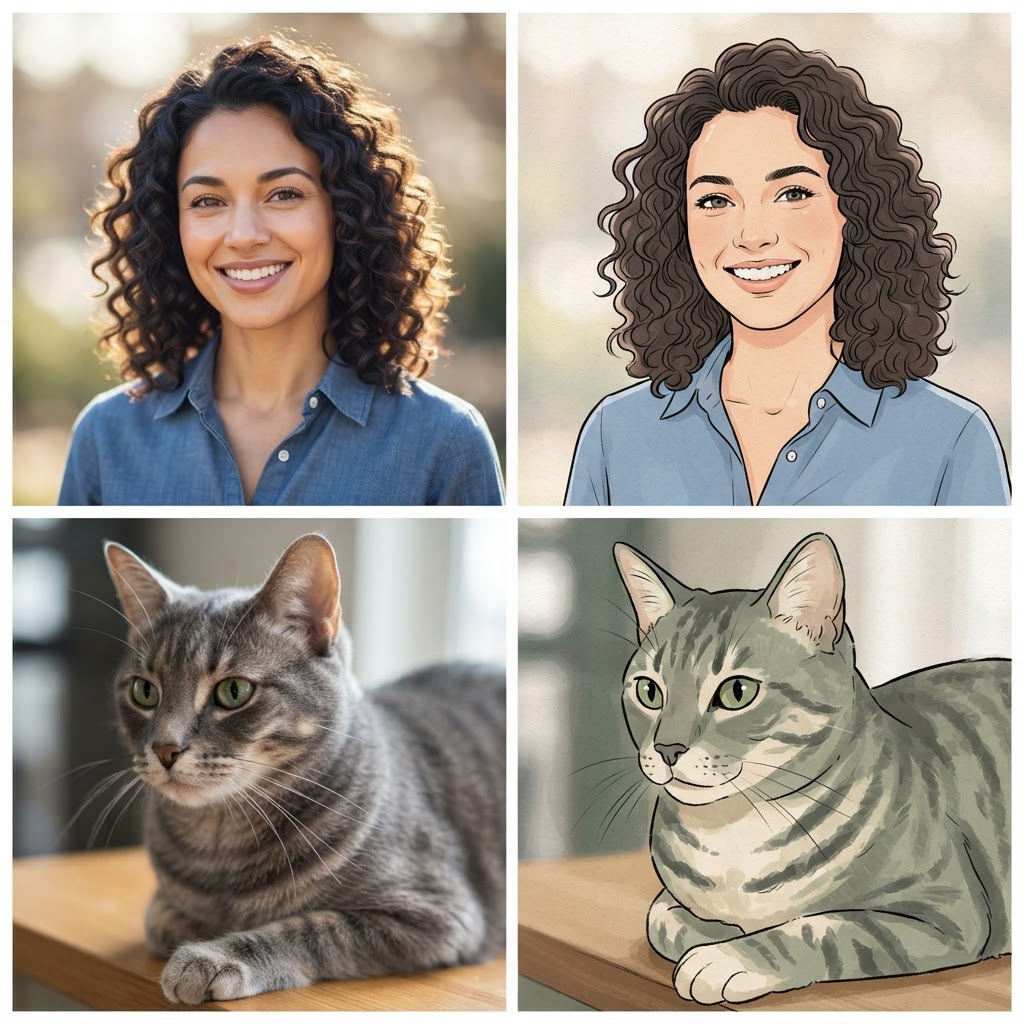
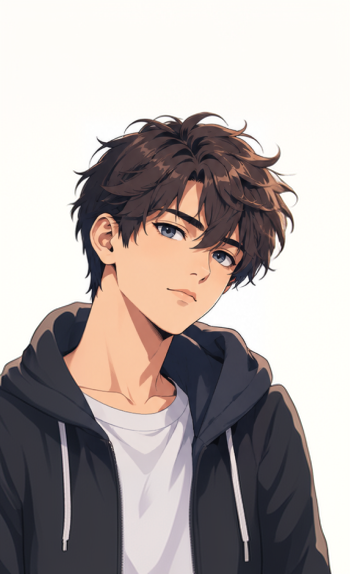
Full or Partial Removal
Remove everything, keep the mustache, or trim to stubble or a goatee.
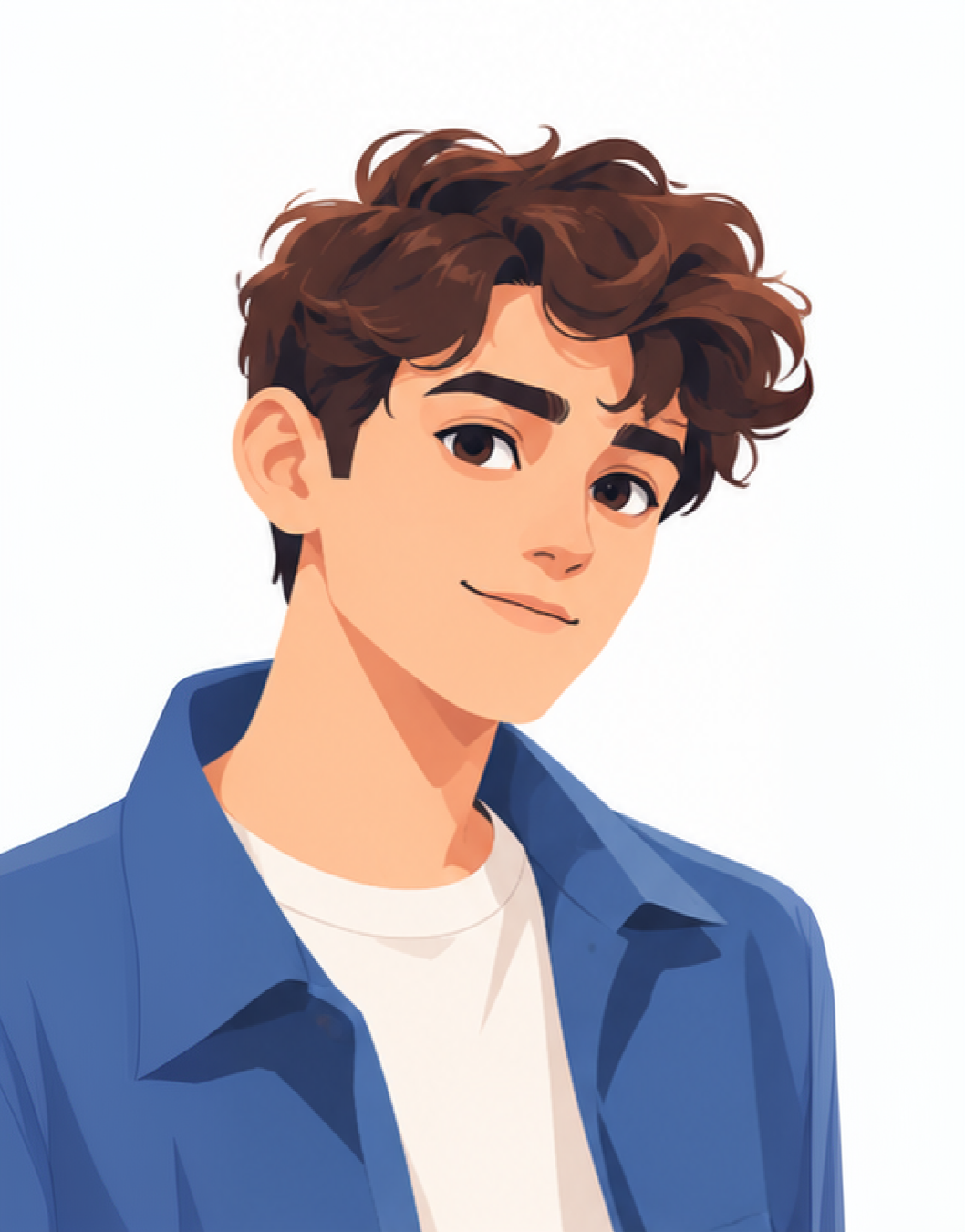
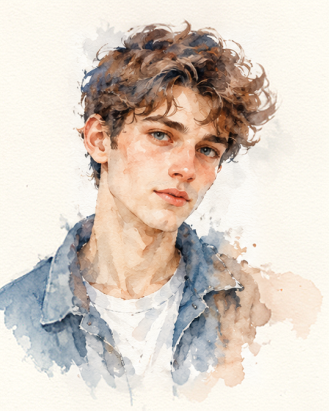
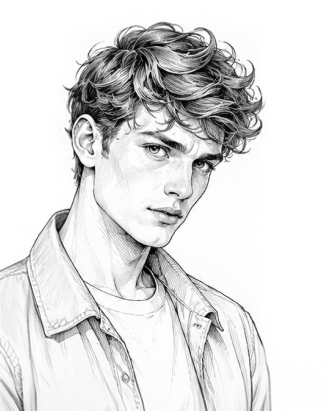
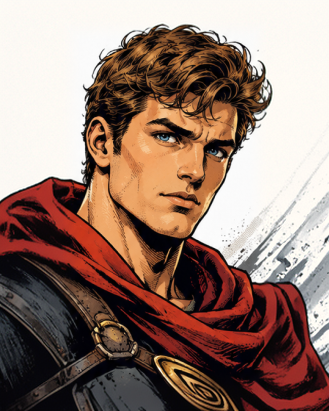
Compare Jawline Estimates
See how several image models draw your chin, side by side.
Matched Skin Tone
The new skin follows your color, texture, and lighting.
How it works
How to Remove a Beard From a Photo
Create professional results in just a few simple steps.
Step 1
Upload a Photo
Add a front-facing photo with your jaw and chin in view.
Choose a file or drag & drop it here.
JPG, PNG, or WEBP, up to 20 MB.
Step 2
Choose What to Remove
Say full beard, beard only, or trim to stubble, then click Remove Beard.
Step 3
Compare and Download
Pick the most believable version and save it.
Who is it for?
Who Uses a No Beard Filter
Thinking About Shaving
See your face before you lose a beard that took months to grow.
New Job or Big Event
Preview a clean-shaven look before an interview or wedding.
Partners and Family
Share the preview and ask for an honest opinion.
Barbers
Show clients a full shave or a shorter trim before you start.
Actors
Check a clean-shaven look for a role.
Social Media Users
Post a before-and-after for the beardless trend.
FAQ
Frequently Asked Questions
Answers on cost, accuracy, partial removal, ID photos, and privacy for the No Beard Filter.
Yes. You can use the no beard filter on the free plan. Free has usage limits and a lower maximum resolution, and paid plans raise both.
It is a best estimate. A full beard hides your chin and jaw, so the model has to guess their shape. Shorter beards and clear, front-facing photos give closer results.
When a model cannot see the jaw, it may draw a smaller, rounder chin than you have. Compare several models and look for the one that matches your face from the side or older photos.
Yes. Ask for "remove the mustache, keep the beard", or the other way round.
Yes. Describe the length, such as "short stubble" or "neat short beard".
No. Edited faces should not be used on ID documents or official forms.
Yes. Your photos stay in your account and are not used to train models. You control who can see anything you share.
Ready to Explore?
Work Smarter With Multi-Model AI
Try new looks, edit photos, and create images with GPT Image, Nano Banana, FLUX, and Seedream in one secure workspace.



