
Photo to Illustration
Photo to Illustration: Turn Your Photos into Artwork
Transform your photos into hand-drawn style illustrations using AI. Upload an image and apply clean lines, artistic color palettes, painterly textures, and stylized details while preserving your subject and original composition.
Choose a file or drag & drop it here.
JPG, PNG, or WEBP, up to 20 MB.


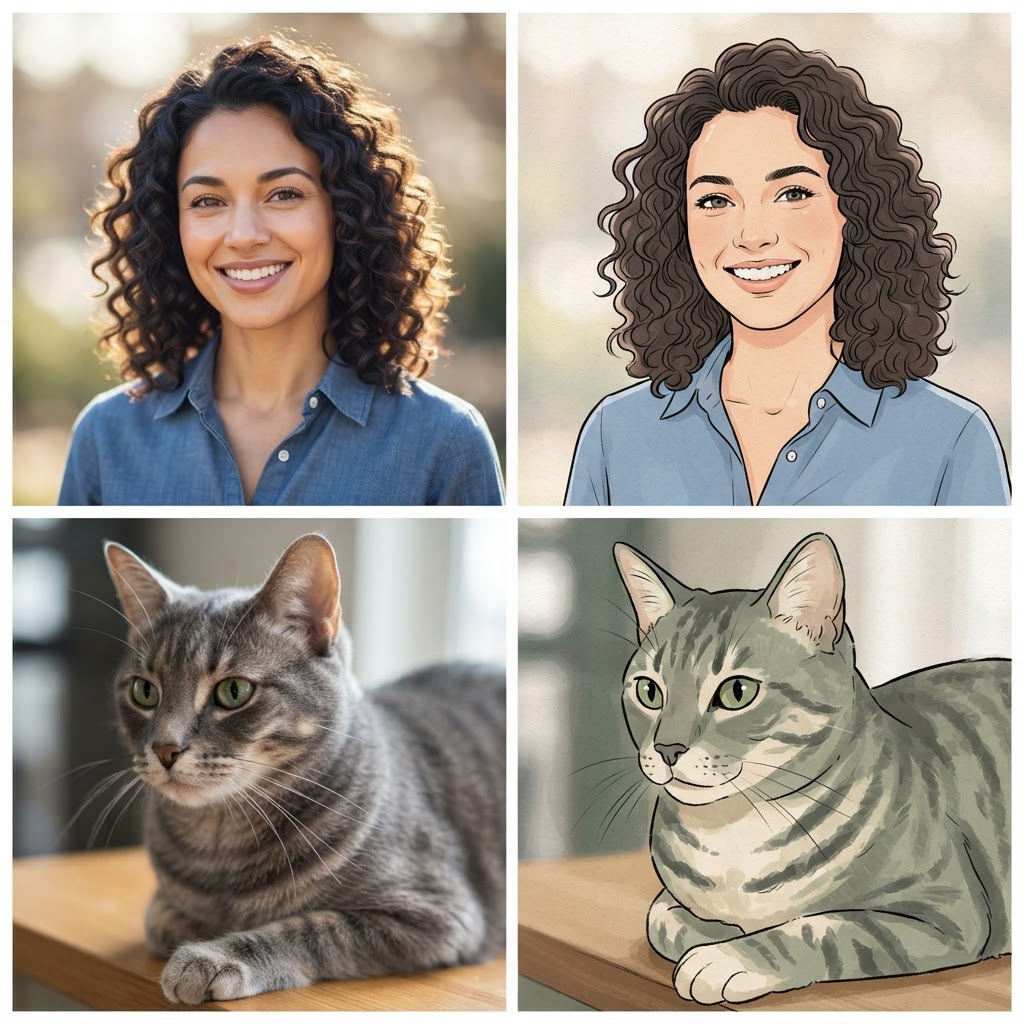
Turn Photos into Illustrations
Photo to Illustration helps you transform photos into stylized artwork. Upload a photo and use the tool to create a clean, illustrated version with bold lines, flat colors, and a hand-drawn look. The result is a versatile illustration you can use for avatars, social posts, blog headers, and other visual content without needing to draw from scratch.
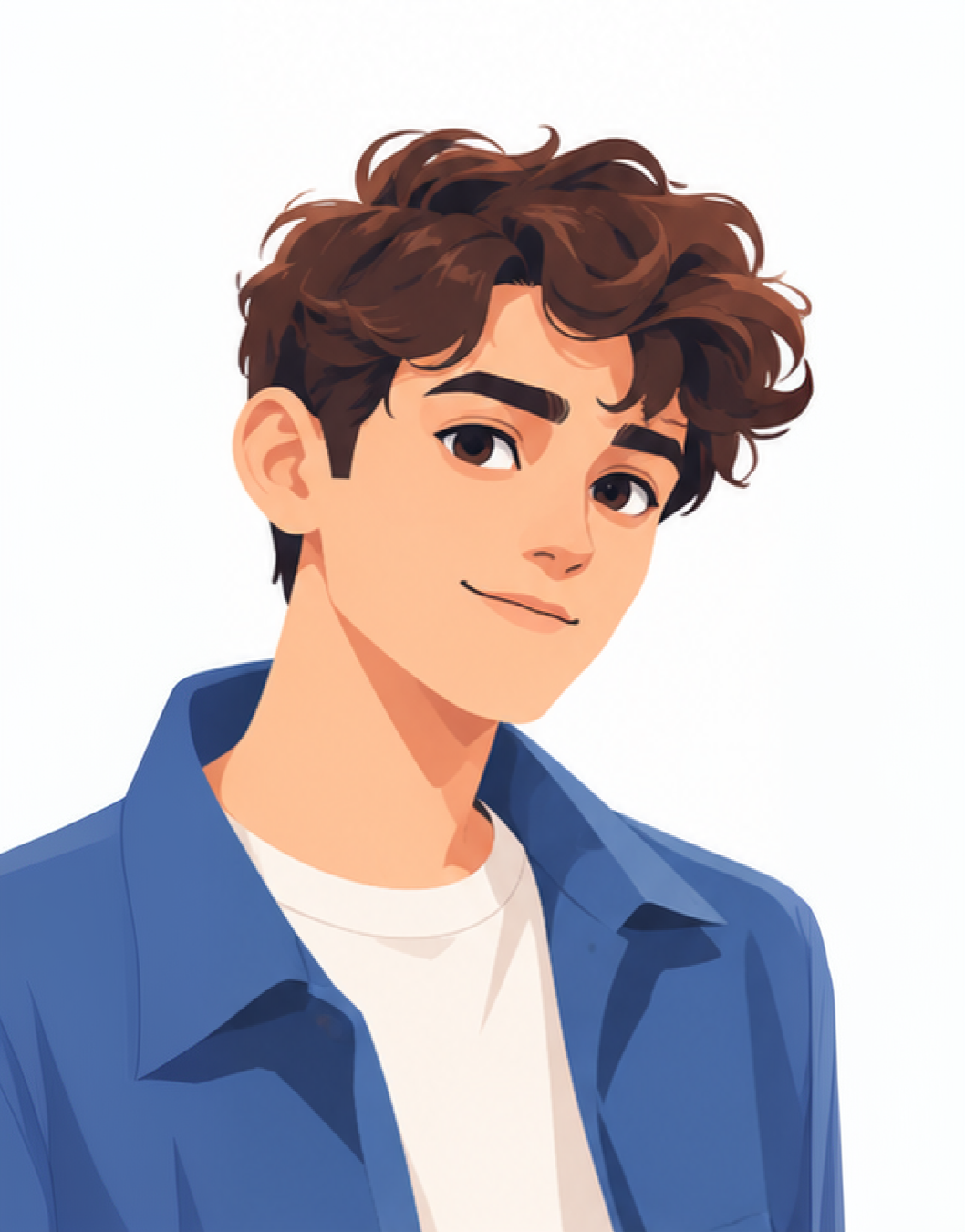
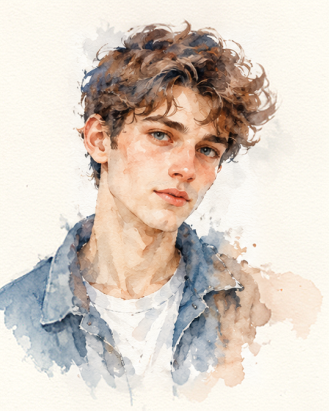
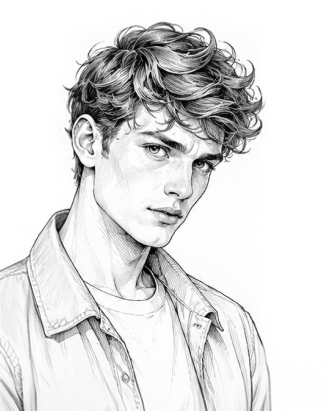
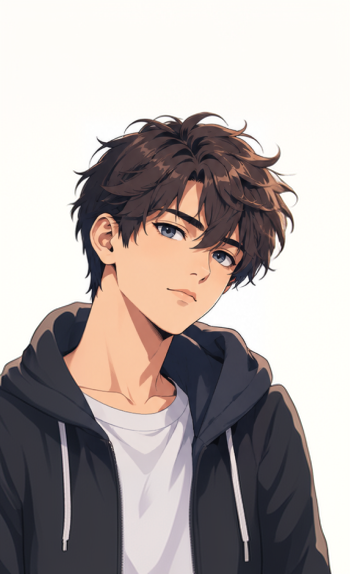
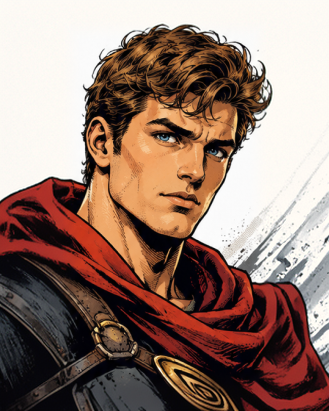
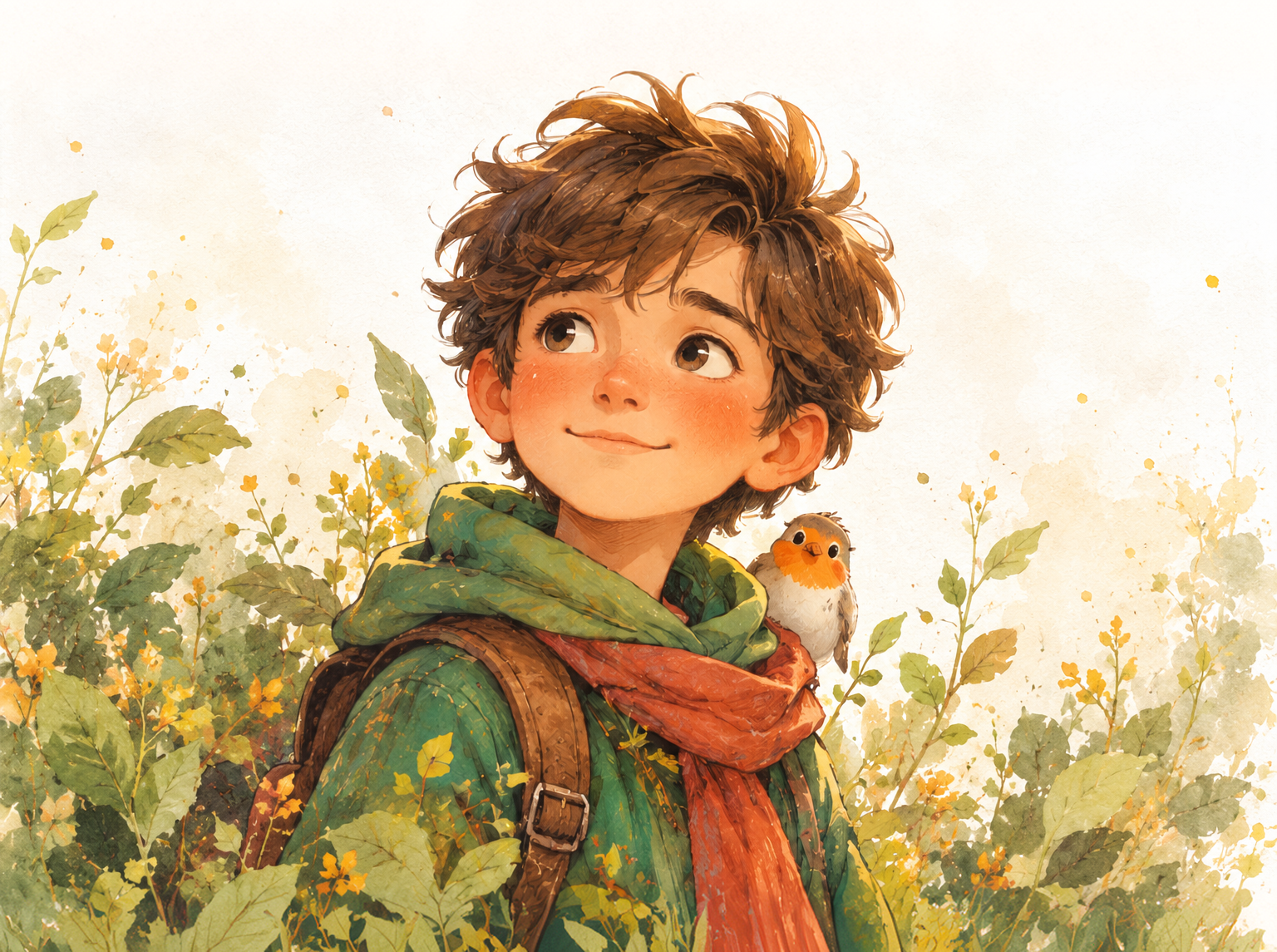
Six Illustration Styles
Choose Flat Illustration, Watercolor, Line Art, Anime Style, Comic Book, or Storybook to match your project.
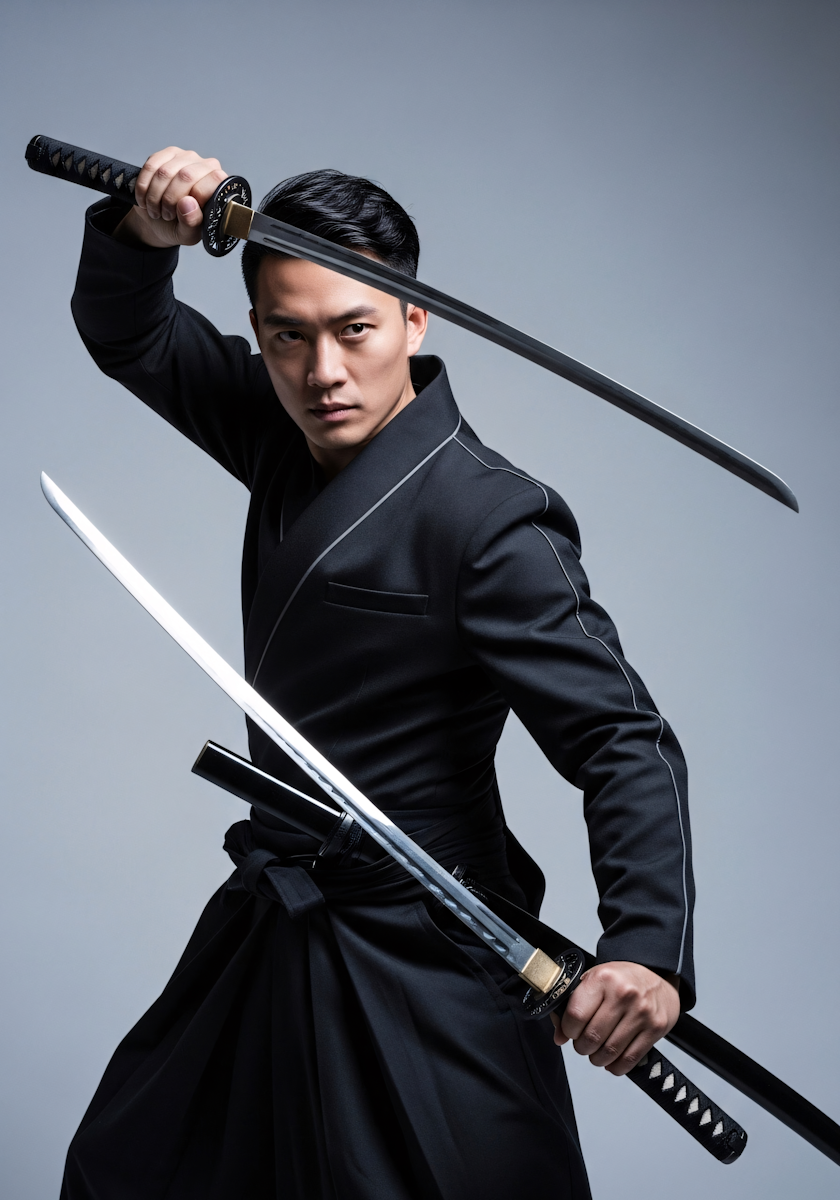
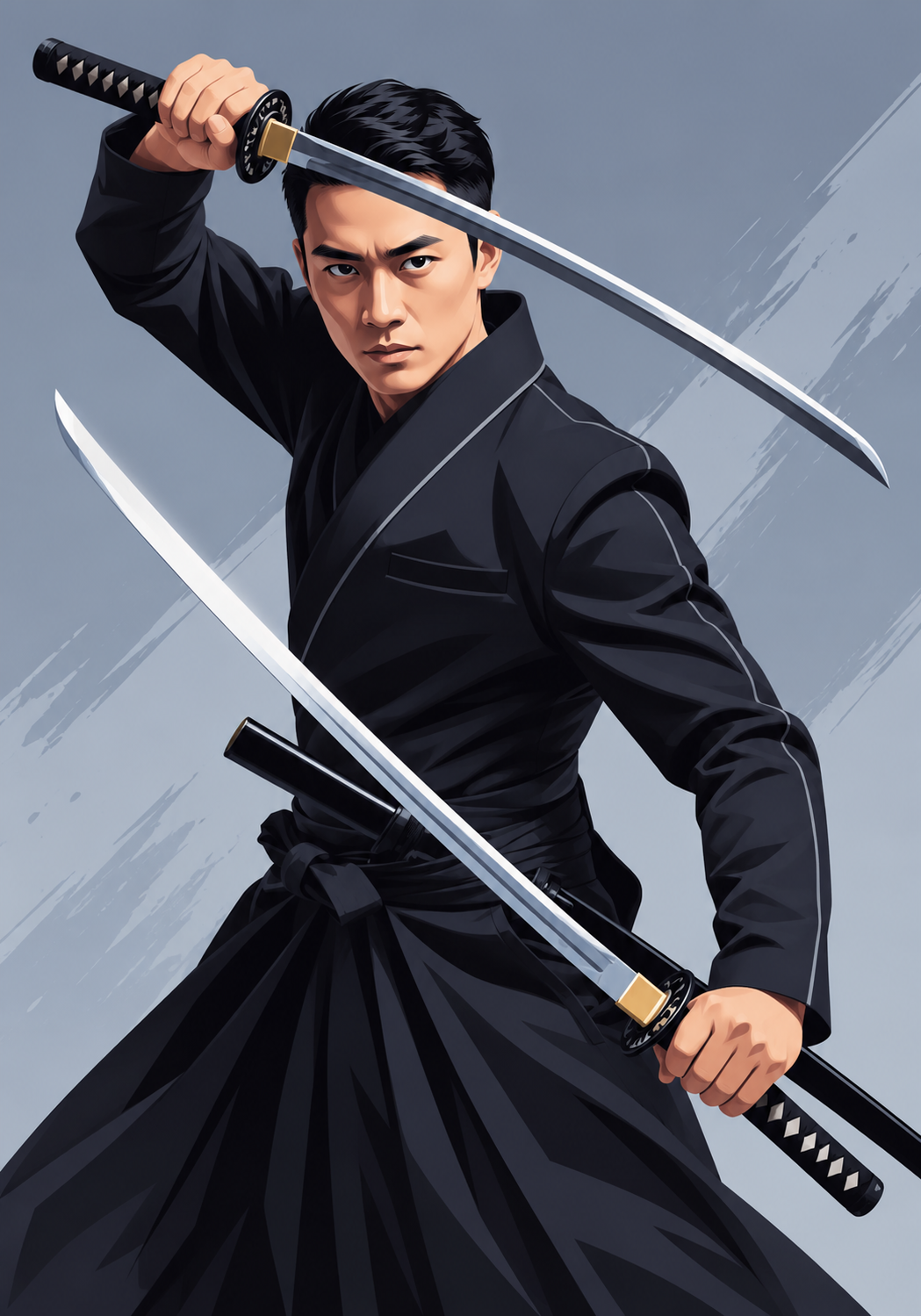
Keeps Your Subject Recognizable
AI simplifies shapes and colors while keeping the faces, poses, and details that make your photo yours.
How it works
How to UsePhoto to Illustration
Create illustrated results in just a few simple steps.
Step 1
Upload
Choose or drag and drop your image to get started.
Choose a file or drag & drop it here.
JPG, PNG, or WEBP, up to 20 MB.
Step 2
Choose a Style
Select an illustration style from the Choose Illustration Style menu.
Step 3
Create Illustration
Click Create Illustration to transform your photo.
Step 4
Download
Preview your result, then download it in high quality.
Who is it for?
Who Uses Photo to Illustration
Content Creator
Create unique avatars, thumbnails, posts, and visual content with an illustrated look.
Gift Makers
Turn family, couple, and pet photos into illustrated portraits for cards and prints.
Designer
Create illustrated visuals for posters, campaigns, websites, and brand projects.
Bloggers and Writers
Illustrate articles, newsletters, and book covers with artwork made from your own photos.
Social Media
Create eye-catching illustrated profile photos, Instagram posts, covers, and creative content.
FAQ
Frequently Asked Questions
Everything you need to know about Photo to Illustration, from styles and results to editing and downloads.
Photo to Illustration turns your photos into artwork using six curated styles. Choose a style to add clean lines, artistic colors, and painterly textures while preserving your subject and original composition.
Upload your photo, pick an illustration style from the Choose Illustration Style menu, and click Create Illustration.
Portraits, pet photos, travel landscapes, product shots, and everyday scenes with clear subjects and good lighting produce the best illustrations.
Choose Default (Auto), Flat Illustration, Watercolor, Line Art, Anime Style, Comic Book, or Storybook depending on your project.
Yes. Preview your generated illustration and click Download to save a high-quality PNG.
Photo to Illustration — From Photo to Artwork
Your Next Illustration Starts with AI
Give your photos an artistic start. Choose a style, transform your image, and download your illustration for your next post, gift, or presentation.



