
PNG Image Maker
Create Transparent PNG Images Online
Turn your photos into transparent PNGs in seconds. Remove backgrounds, refine your cutout, and download an image ready for product listings, social posts, presentations, and more.
Choose a file or drag & drop it here.
JPG, PNG, or WEBP, up to 20 MB.
Don't have a photo?
Try a sample image

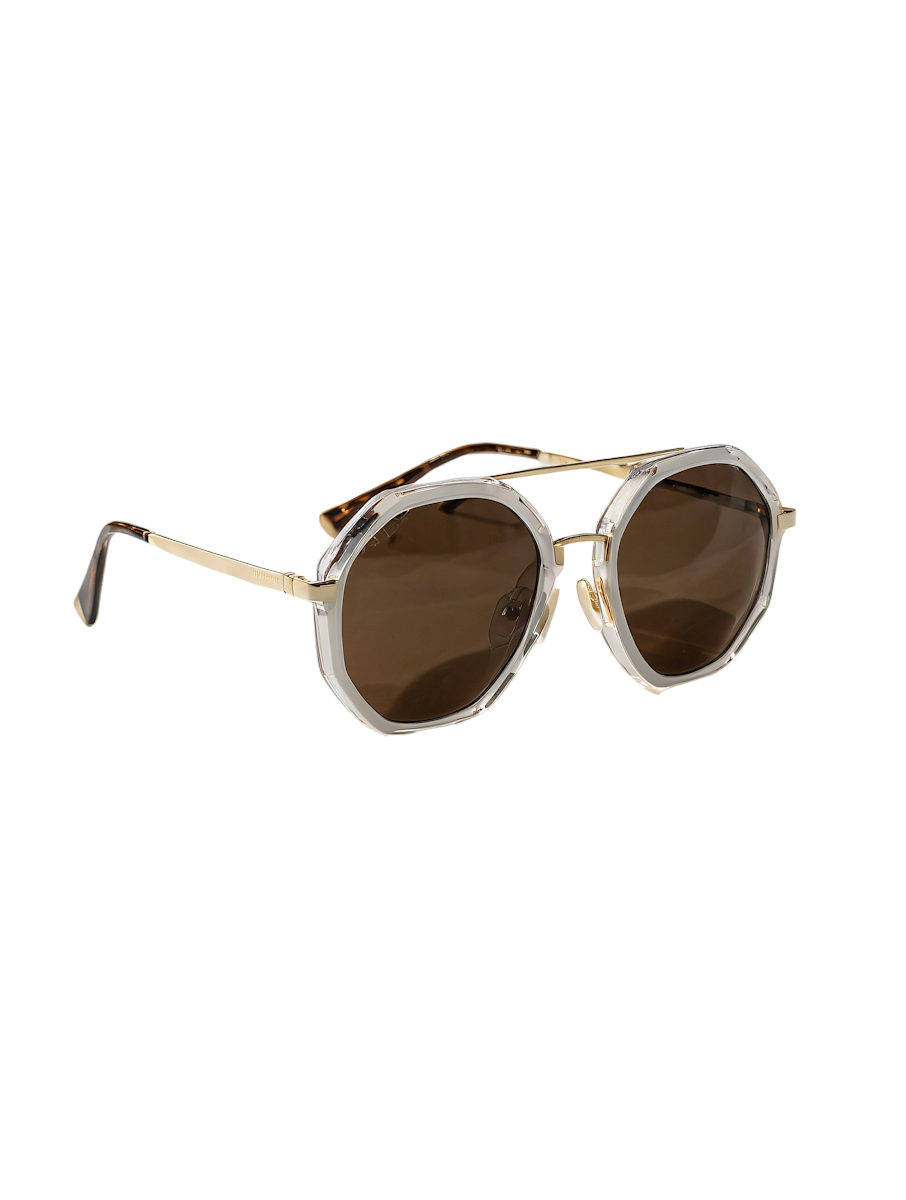
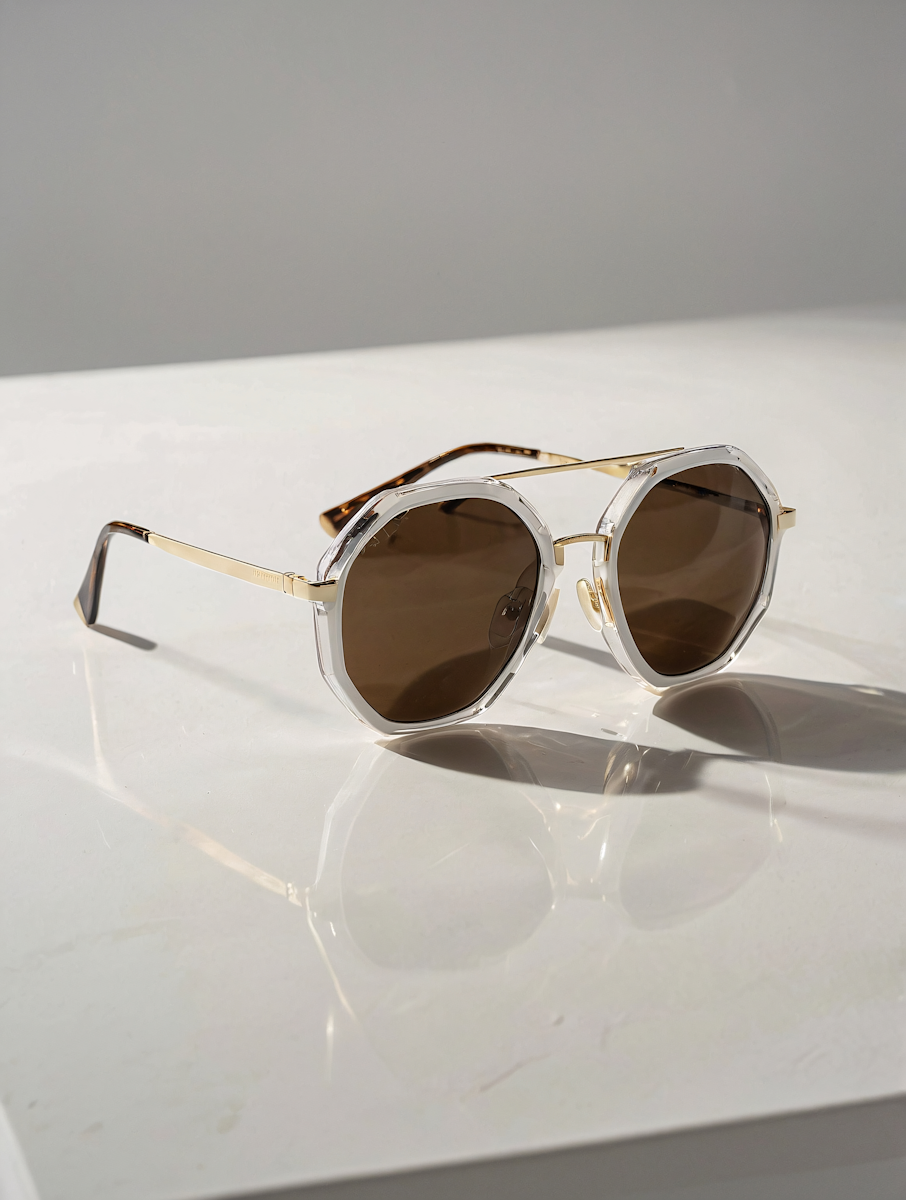



Create Transparent PNG Images in Seconds
Turn any image into a clean, professional PNG with a transparent background. PNG Maker automatically removes unwanted backgrounds while preserving important details, fine edges, hair, and the main subject.
Upload photos of people, products, pets, objects, logos, or graphics and create ready-to-use transparent images without complicated editing.
Whether you’re preparing product photos for an online store, creating social media graphics, designing marketing materials, or building website assets, PNG Maker helps you create high-quality transparent PNGs quickly and easily.
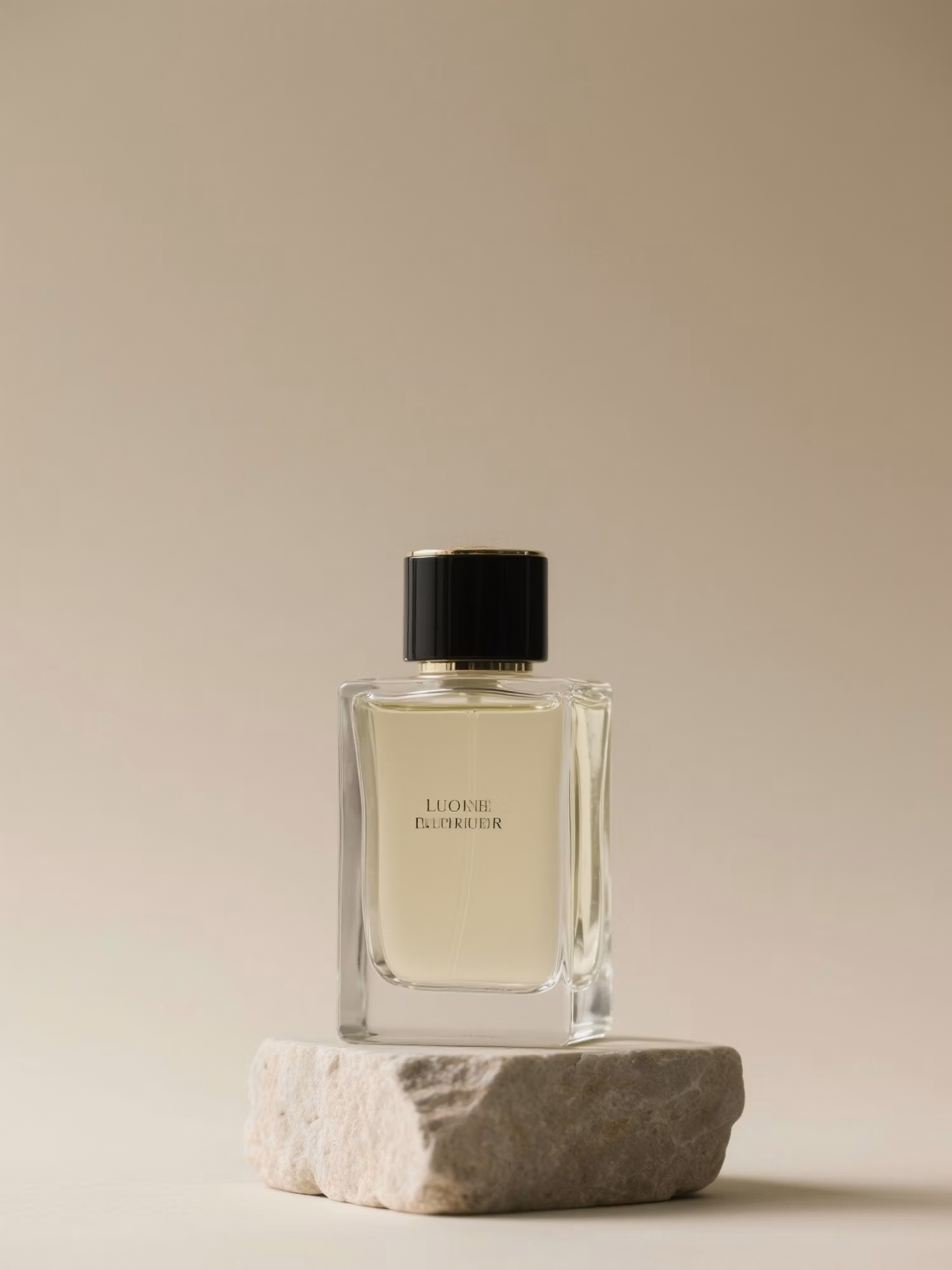
Edge Detail
Clean Edges on Hair and Products
Keep fine details like hair, fur, and product edges sharp so your cutout looks natural on any background.

Use Your PNG Anywhere
Drop your transparent PNG into slides, designs, online stores, and social posts without a white box behind it.
How it works
How to Use PNG Maker
Create professional results in just a few simple steps.
Step 1
Upload
Choose or drag and drop your image to get started.
Choose a file or drag & drop it here.
JPG, PNG, or WEBP, up to 20 MB.
Step 2
Customize
Adjust the available settings to get the result you want.
Step 3
Generate
Click Generate and let Aymo create your image in seconds.
Step 4
Download
Preview your result, then download it in high quality.
Who is it for?
Who Uses the PNG Maker
Online Sellers
Create clean product cutouts for storefronts, listings, and catalogs.
Designers and Creators
Turn photos into reusable assets for layouts and digital artwork.
Marketers and Social Teams
Build campaign visuals and social posts with background-free images.
Students and Educators
Add clear cutouts to slides, worksheets, and classroom projects.
Small Business Owners
Prepare polished visuals for websites, menus, and promotional materials.
FAQ
Frequently Asked Questions
Everything you need to know about Aymo AI, from models and pricing to collaboration and security.
A transparent PNG keeps your subject visible without a solid background. You can place it over another image, color, or layout without a rectangular backdrop.
Upload your image, choose your shadow preference (None or Soft), and click Create PNG. Aymo AI automatically removes the background and gives you a downloadable transparent PNG.
You can upload JPG, PNG, or WEBP photos of products, portraits, pets, logos, graphics, and objects up to 20 MB.
Yes. The exported file is a true PNG with an alpha channel, so the background stays transparent wherever you place it.
Yes. Drop your downloaded PNG directly into Figma, Canva, PowerPoint, Google Slides, Shopify, or any website builder.
PNG Maker — From Photo to Cutout
Your Next Design Starts with a PNG
Give your images a clean start. Remove the background, choose your finishing touches, and create a transparent PNG for your next listing, post, or presentation.



