
AI Rate My Face
Explore Your Face Rating, Just for Fun
Upload a clear portrait and explore AI feedback on symmetry, proportions, expression, and photo quality. Ratings are subjective entertainment, not a measure of beauty or worth. Scores shown are demo examples.
Choose a file or drag & drop it here.
JPG, PNG, or WEBP, up to 20 MB.
Don't have a photo?
Try a sample image
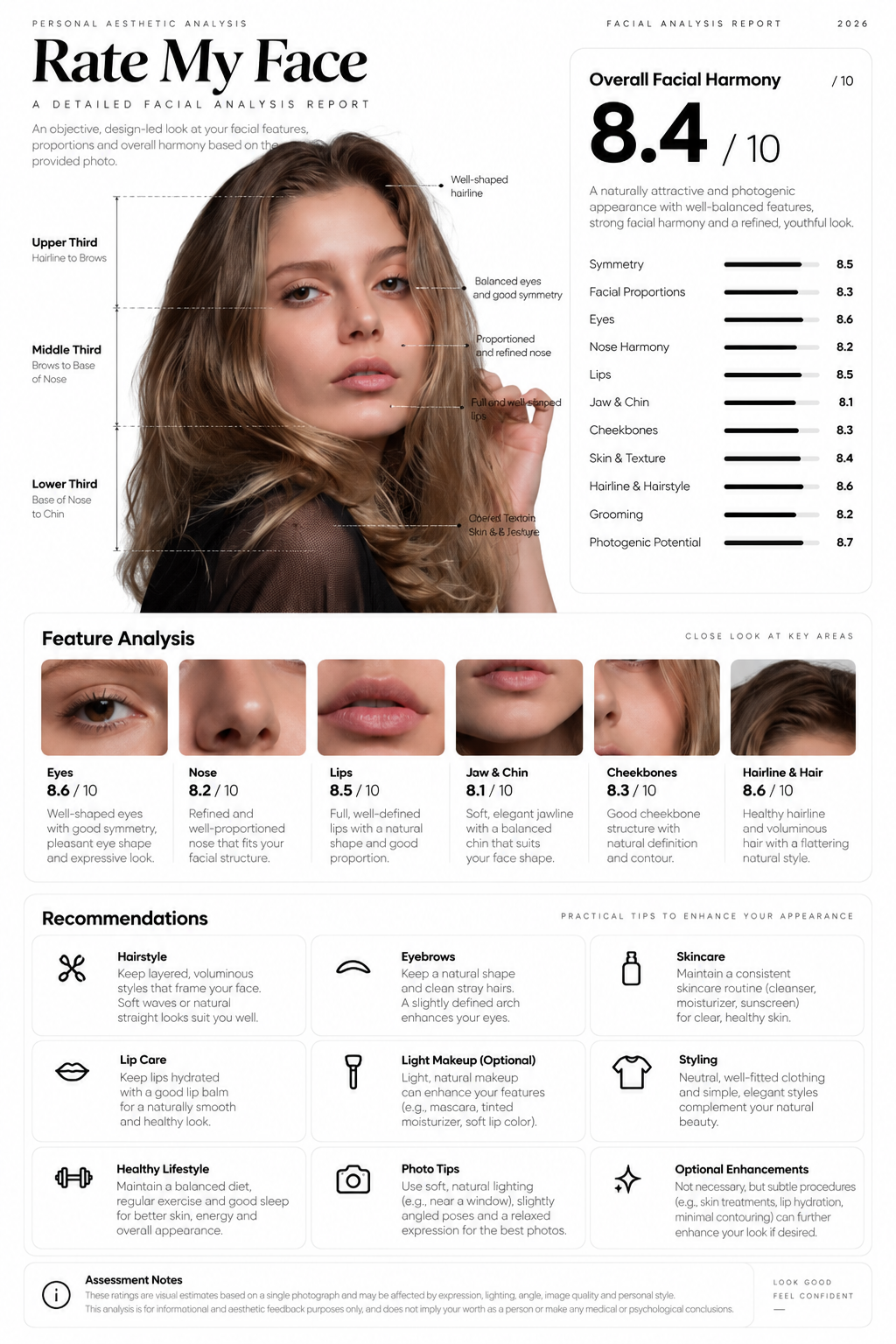

Get a Face Rating Report in Seconds
Upload a photo and instantly see your face rating, overall score, and a quick summary of the features that stood out in your report.
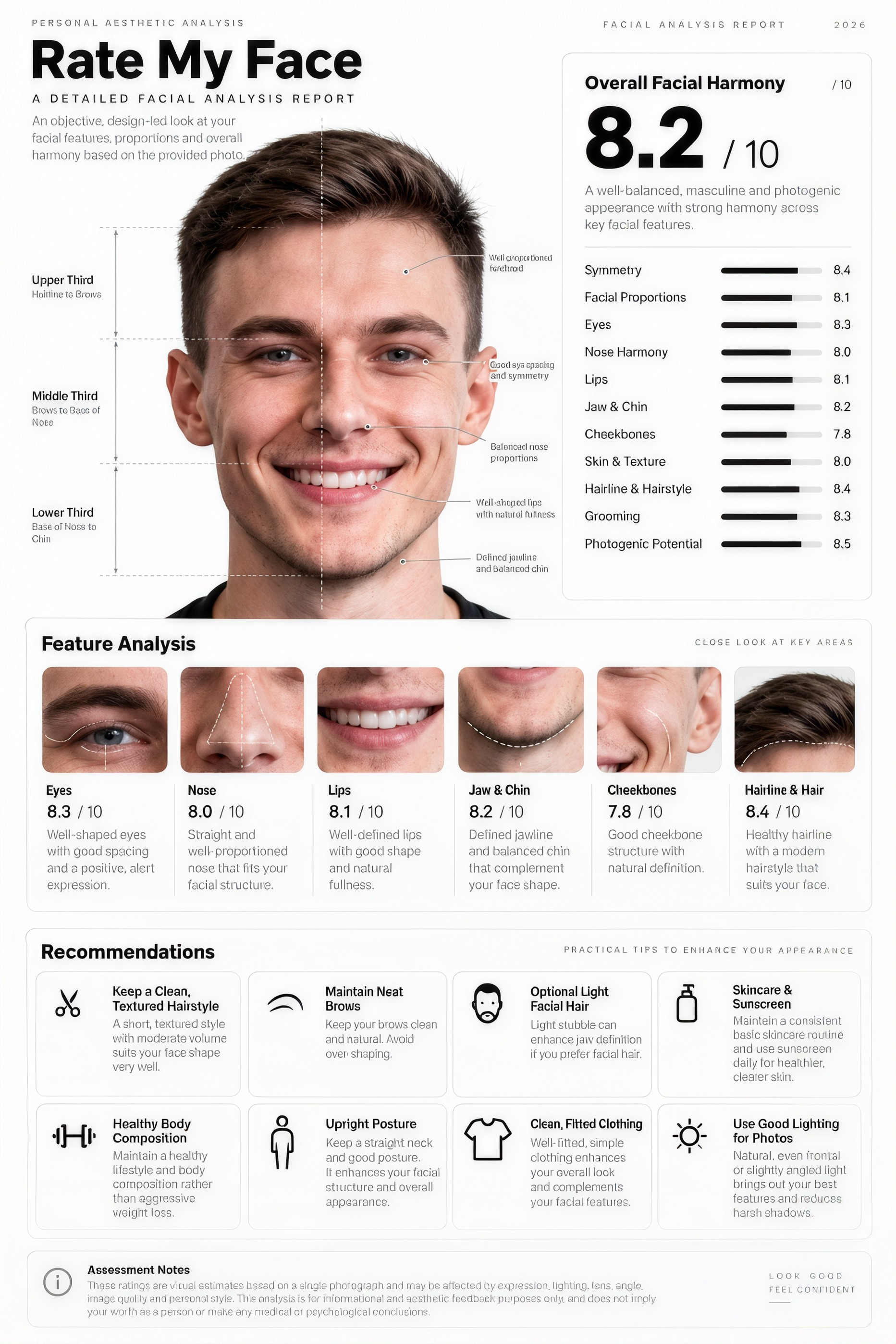
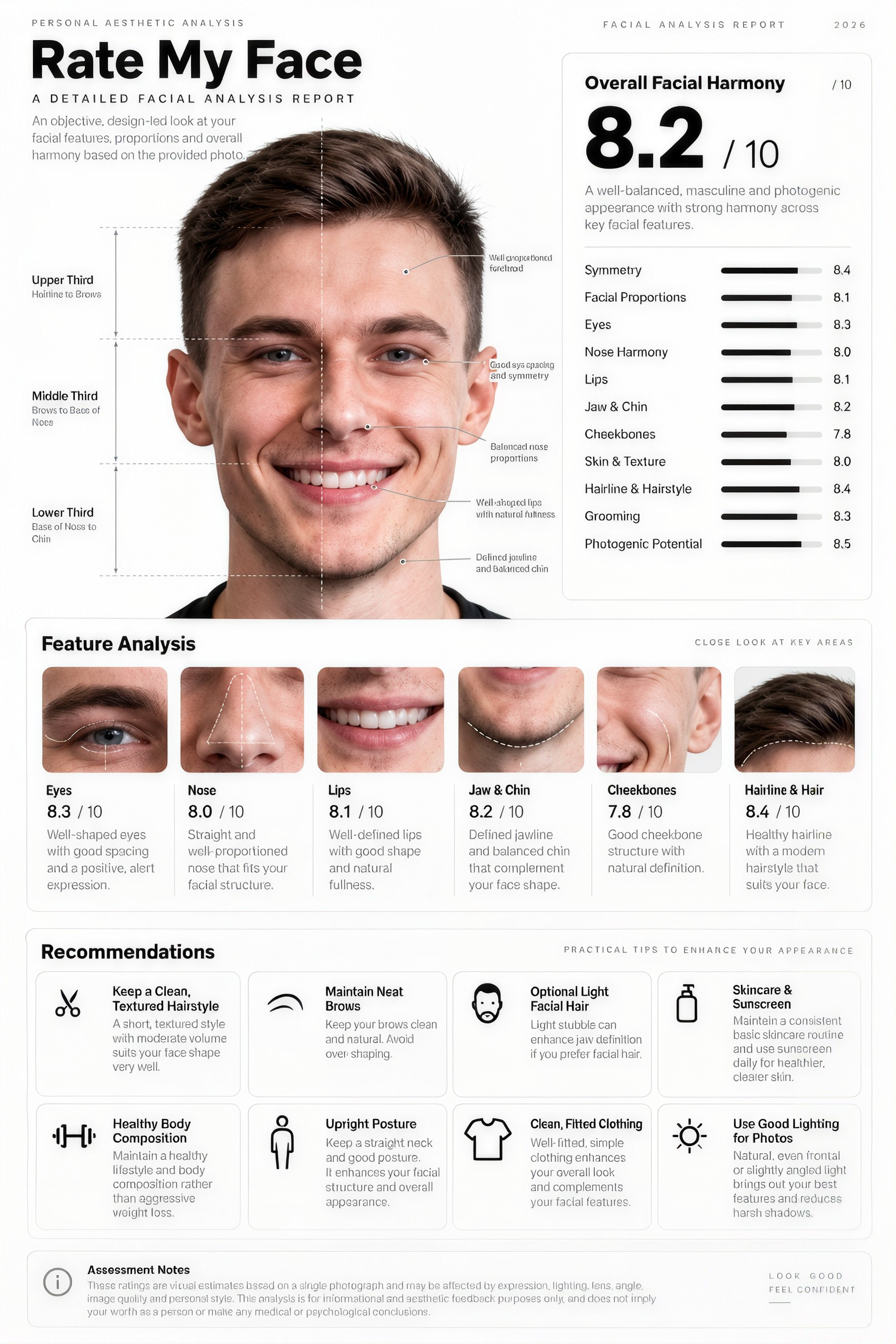
See a Detailed Feature Analysis
Explore how different facial features contribute to your score, from symmetry and proportions to individual traits that the AI noticed in your photo.
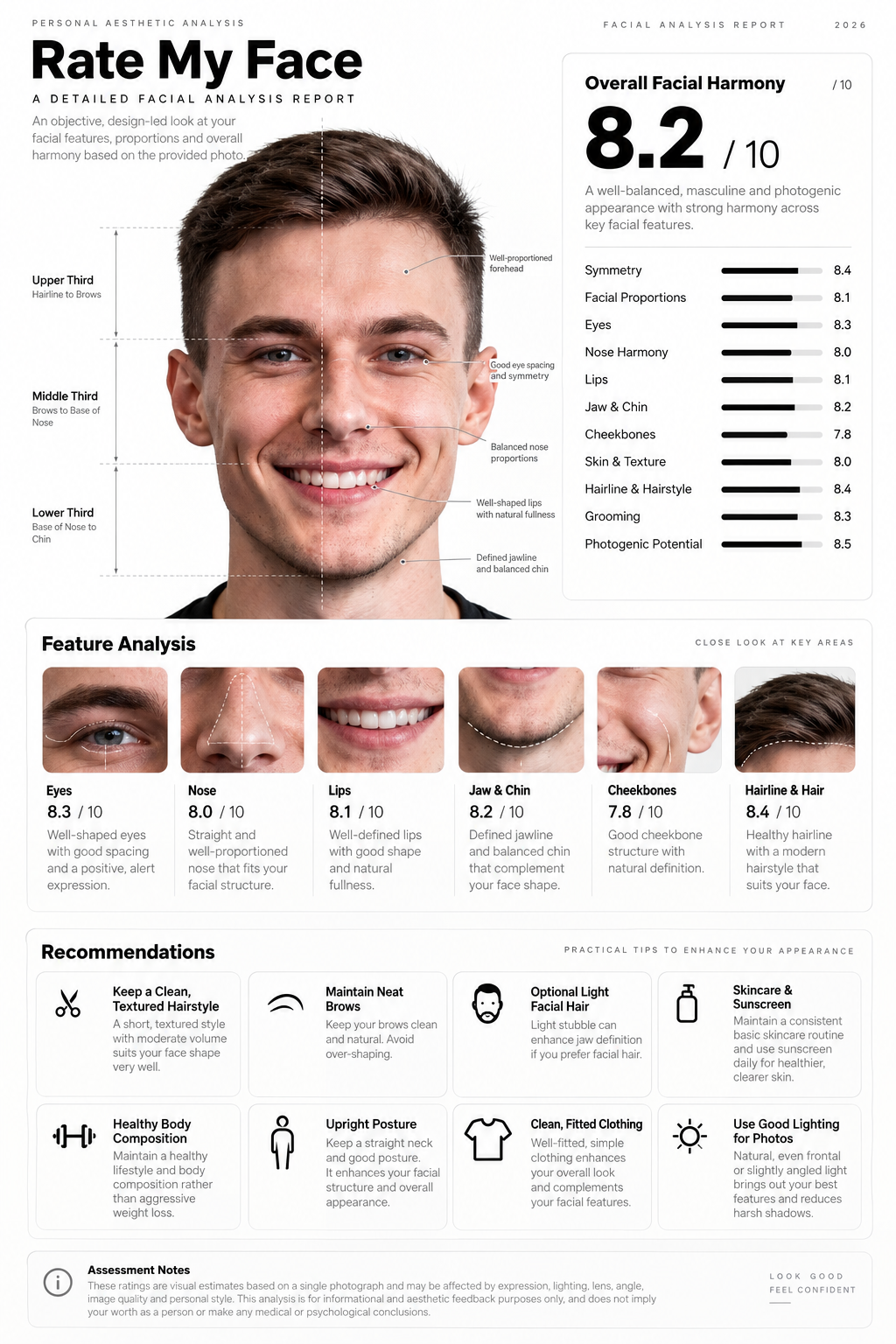
Get Recommendations and Insights
Review personalized suggestions and insights based on your face rating, helping you understand what the AI noticed and how it influenced your overall score.
How it works
How to UseAI Rate My Face
Get subjective AI face feedback in a few simple steps.
Step 1
Upload a Portrait
Upload a clear adult portrait to get started.
Choose a file or drag & drop it here.
JPG, PNG, or WEBP, up to 20 MB.
Step 2
Analyze
Let AI analyze your portrait and generate feedback.
Step 3
Download Report
Explore your scores for symmetry, expression, and photo quality.
Who is it for?
Who Uses AI Rate My Face
Curious Explorers
Try a playful AI perspective on your portrait, with feedback on symmetry, expression, and photo quality.
Portrait Enthusiasts
Explore feedback on your portraits and see how lighting and angles affect the result.
Social Media Users
Use AI feedback as a fun way to compare different adult portraits.
Influencers
Use AI feedback to compare portrait styles and share entertaining results.
Portrait Reviewers
Review AI feedback on facial symmetry, proportion, balance, expression, and photo quality.
FAQ
Frequently Asked Questions
Everything you need to know about AI Rate My Face, from uploads and analysis to review and trying another portrait.
AI Rate My Face offers subjective ratings and feedback on a portrait. Upload a clear photo to explore facial balance, expression, and photo quality. Results are for entertainment, not an objective measure of beauty or personal worth.
Upload a clear front-facing portrait using the Upload Your Image button, and Aymo AI generates a visual face analysis report card.
You can upload JPG, PNG, or WEBP portrait photos up to 20 MB.
Your generated report card displays your overall rating, feature breakdown (eyes, jawline, symmetry, golden ratio), and personalized styling insights.
Yes. Lighting, camera angle, and expression all influence the analysis, so you can upload another photo anytime to compare results.
AI Rate My Face — A Playful New Perspective
Explore Your Face Rating
Upload your portrait and discover an AI perspective on facial balance, expression, and photo quality. Keep it lighthearted—your score does not define you.



