
Tattoo Stencil Maker
Turn any photo into clean line work for transfer.
Upload a photo, sketch, or tattoo design. Aymo AI turns it into black line art on a white background, ready to print on thermal paper. Ask for fine, medium, or bold lines, outline only or light shading, and remove clutter you do not want. Compare results from several image models and download a high-resolution image.
Choose a file or drag & drop it here.
JPG, PNG, or WEBP, up to 20 MB.
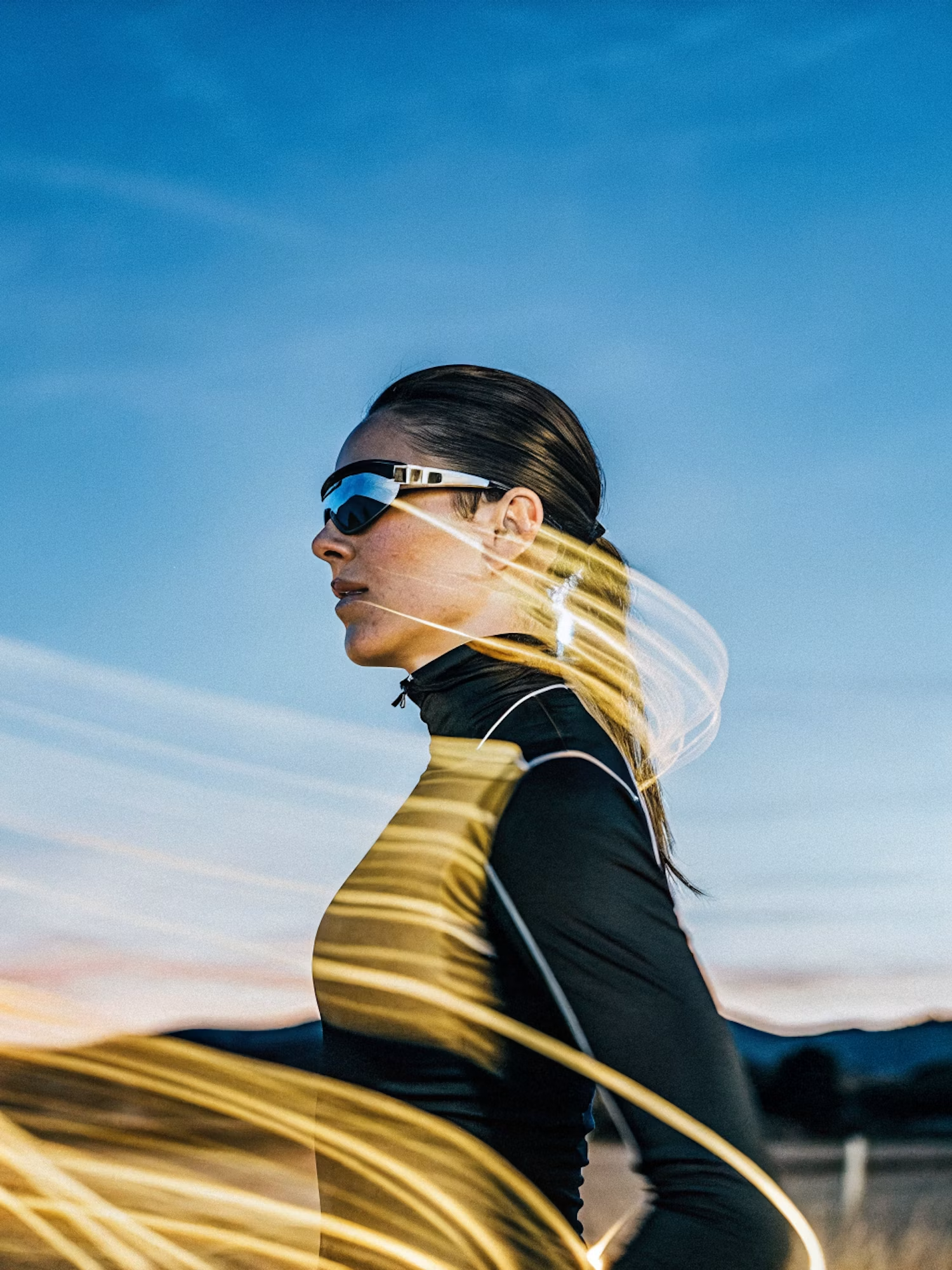
Make the lighting brighter and more balanced while keeping the subject, face, skin tone, clothing, pose, composition, camera angle, background, colors, and image details unchanged. Increase
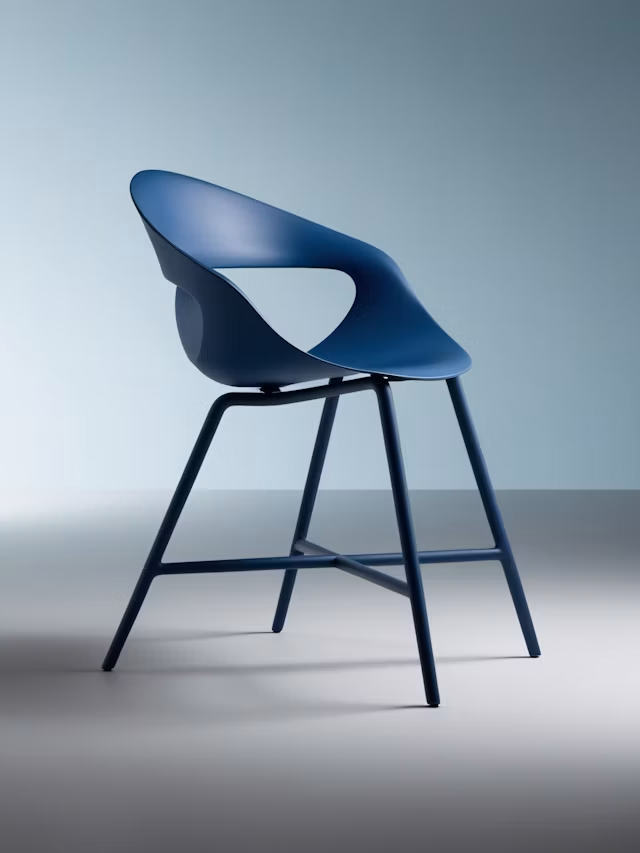
Upscale this image to a higher resolution and improve sharpness while preserving all original details and textures.
Clean Black Line Art
Get crisp outlines on a pure white background that print clearly.
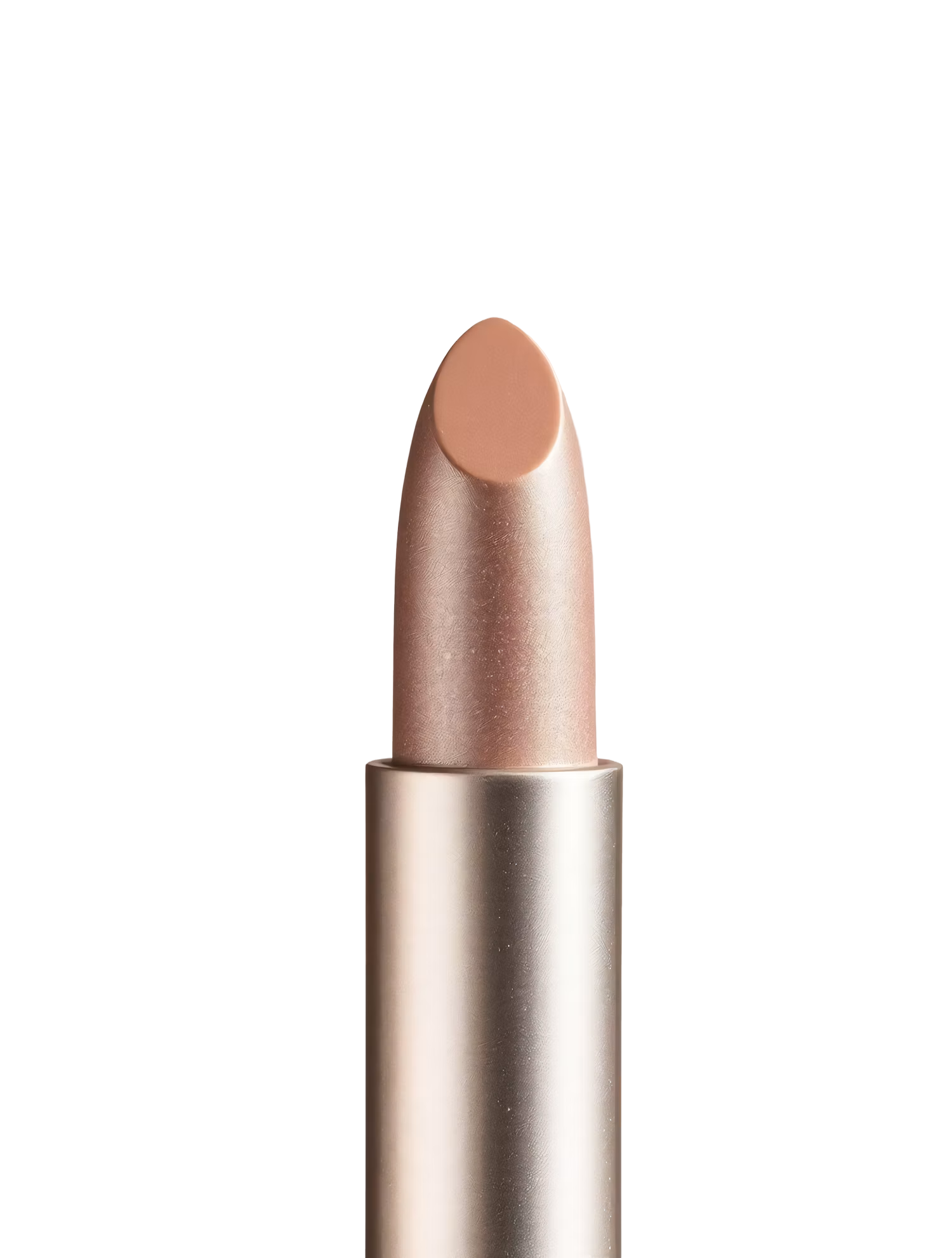
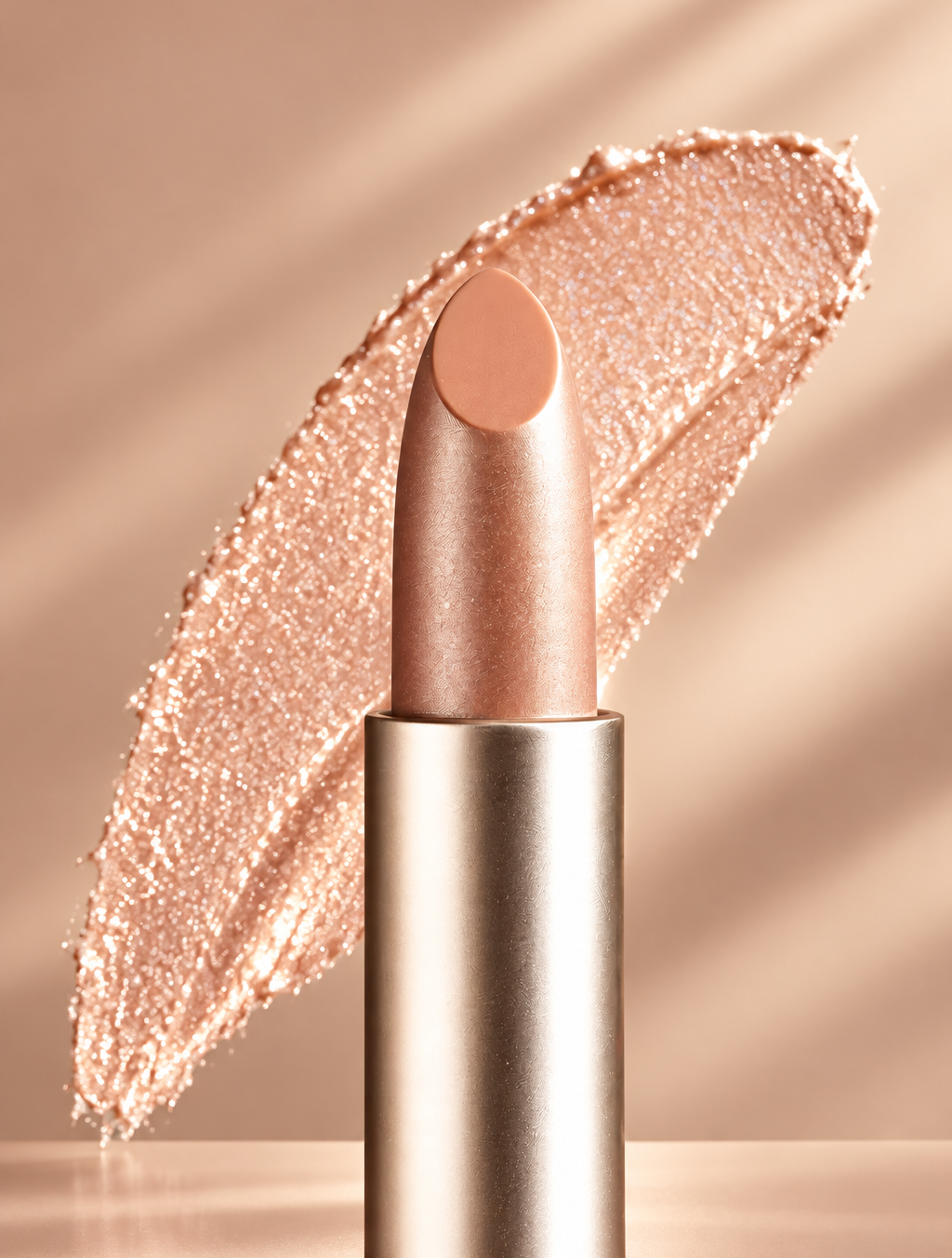
Replace the background with high end social media post while keeping the main subject, pose, lighting, and details unchanged.
Choose Line Weight and Detail
Ask for fine line, medium, or bold work, and simple or detailed outlines.
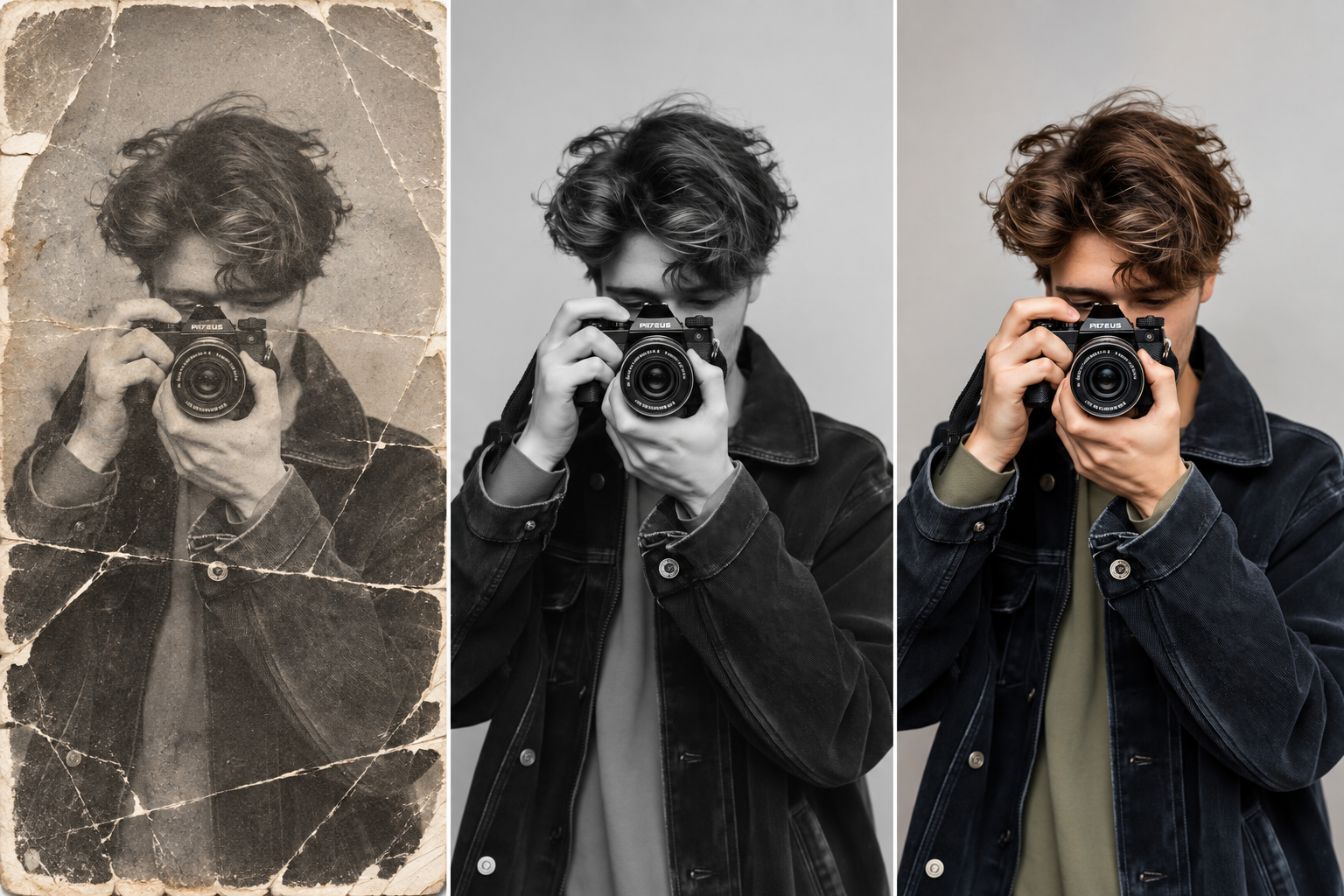
Restore this old photo by removing scratches, noise, blur, and fading while preserving the original details and natural appearance.
Remove the Clutter
Drop busy backgrounds, stray hair, and noise before the lines are drawn.
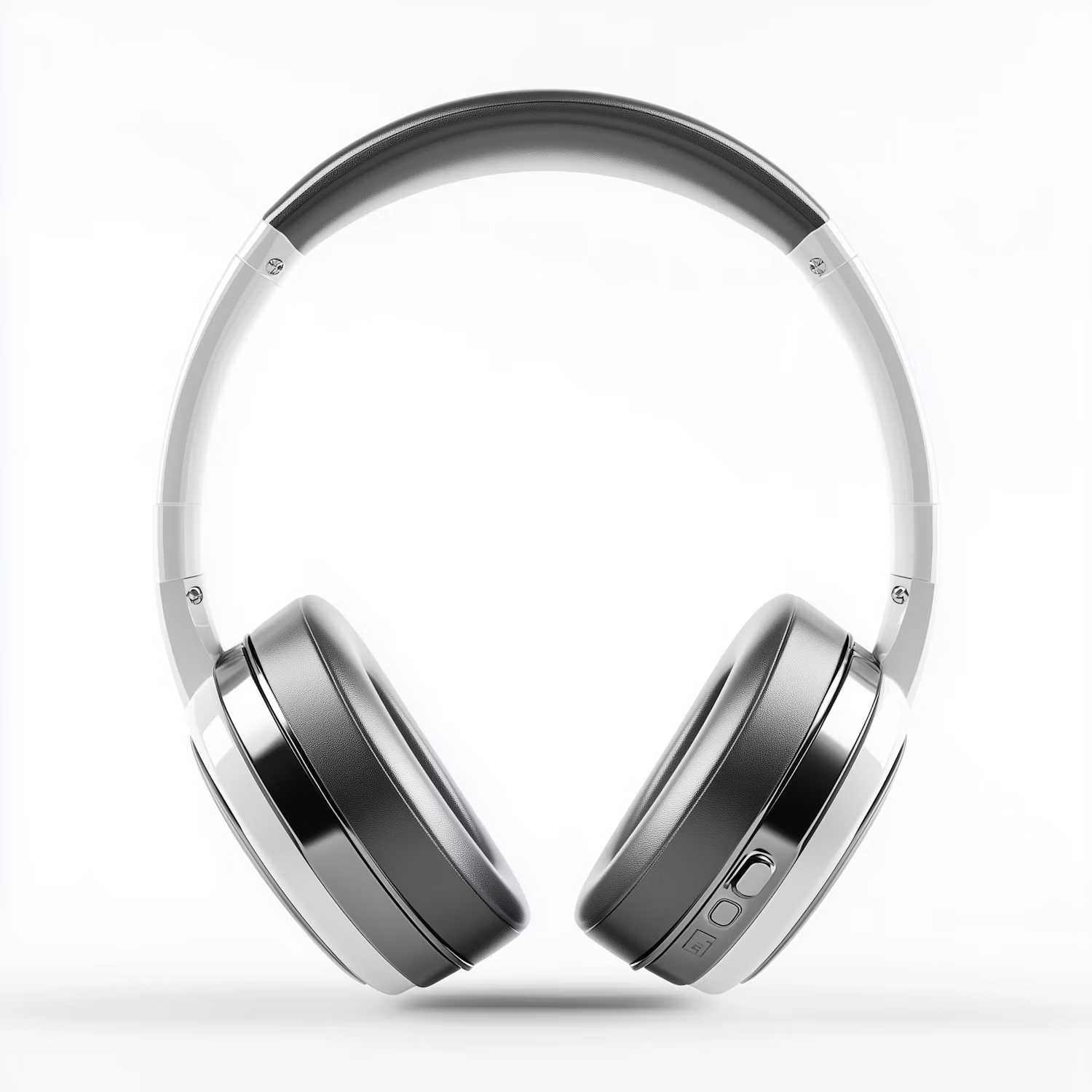

Change the color of Headphone Gray to blue while preserving its original texture, shape, lighting, and details.
Compare Line Styles
Run one reference on several image models and pick the cleanest stencil.
How it works
How to Make a Tattoo Stencil From a Photo
Create professional results in just a few simple steps.
Step 1
Upload Your Reference
Add a photo, sketch, or finished tattoo design.
Choose a file or drag & drop it here.
JPG, PNG, or WEBP, up to 20 MB.
Step 2
Set the Lines
Describe line weight, detail, and shading, then click Make Stencil.
Step 3
Download and Print
Save the stencil and print it on thermal or transfer paper.
Who is it for?
For Tattoo Artists and Their Clients
Tattoo Artists
Speed up stencil prep for custom pieces and walk-ins.
Apprentices
Practice line work from clean stencils of real references.
Tattoo Clients
Bring a clear stencil of your idea to your consultation.
Pet and Memorial Tattoos
Turn a favorite pet or family photo into tattoo-ready lines.
Henna and Body Paint Artists
Create guide outlines for temporary body art.
Illustrators
Turn photos into line art for coloring pages and inking.
FAQ
Frequently Asked Questions
Answers on cost, printing, line weight, file types, and privacy for the Tattoo Stencil Maker.
Yes. You can make stencils on the free plan. Free has usage limits and a lower maximum resolution, and paid plans raise both.
Size the image to the placement first, then print it on a thermal stencil printer or on transfer paper with an inkjet printer. Use pure black lines for the cleanest transfer.
Sharp, well-lit photos with one clear subject and a plain background. Close-ups of faces and pets work better than group shots.
Yes. Ask for it in the instruction, such as "fine line outline, no shading" or "bold outline with simple shading".
A tattoo stencil is an outline transferred onto skin. A cut stencil is cut out of material for spray paint or crafts and needs bridges so the inner parts do not fall out. This tool makes tattoo stencils.
A high-resolution image file, not a vector. Upscale it if you need a larger print.
Yes. Your photos stay in your account and are not used to train models. You control who can see anything you share.
Ready to Explore?
Work Smarter With Multi-Model AI
Make stencils, tattoo designs, and line art with GPT Image, Nano Banana, FLUX, and Seedream in one secure workspace.



