Browser extension for Chrome, Edge, Brave and more
Free AI Sidebar and Tools for Your Browser
Access GPT, Claude, Gemini, Grok, and 50+ other top AI models right from your browser, without switching between tabs or apps. Free, ready-to-use AI tools for content creation, writing, knowledge work, social media, research and more.
50+ AI Models · Free to Use · AI Tools · Private by Default
Features
Core features of the Aymo Browser Extension
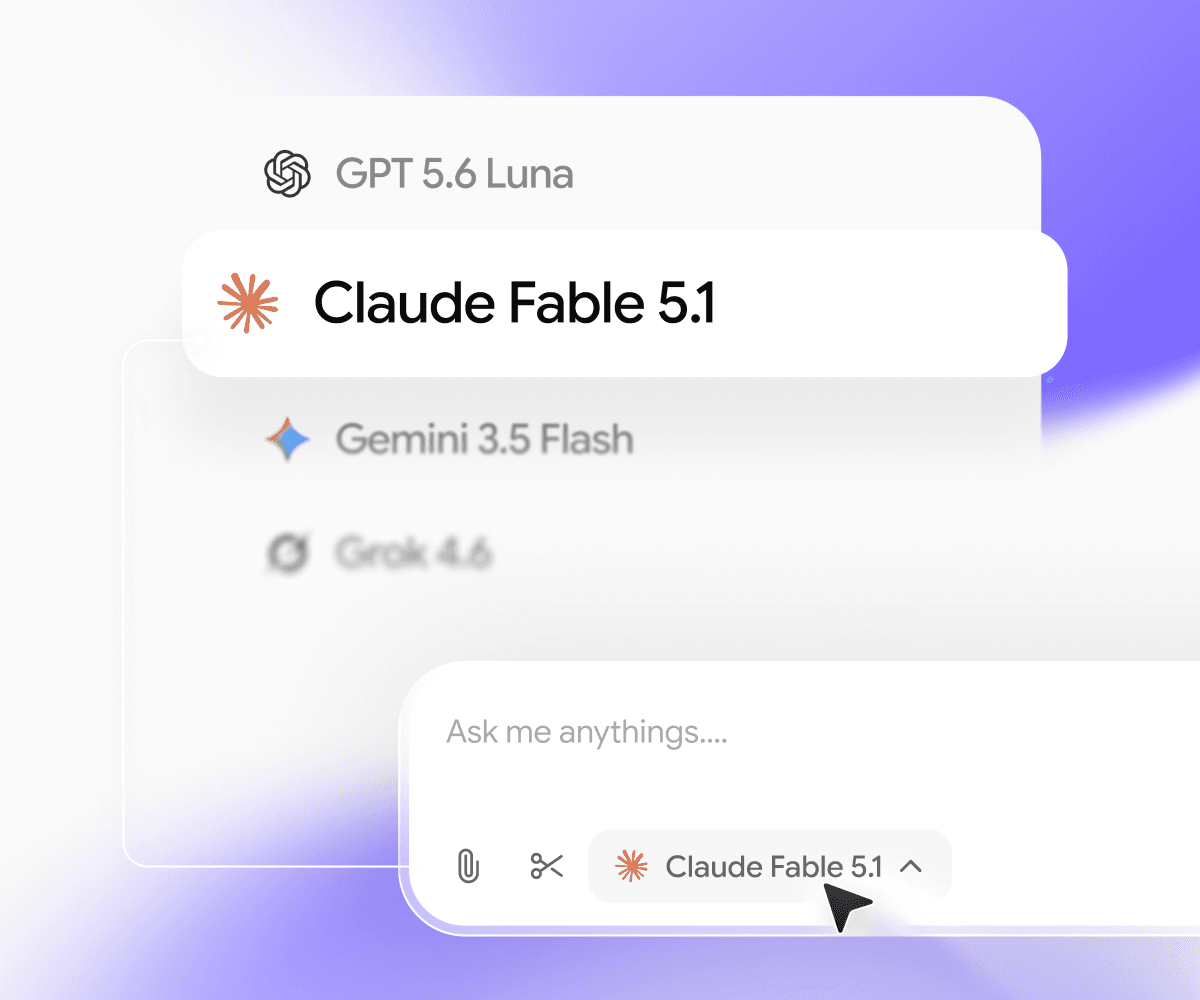
Switch to any AI model
GPT, Claude, Gemini, Grok, DeepSeek, Kimi, GLM and more, all in one sidebar. Use a fast model for quick questions and a stronger one when the answer matters.
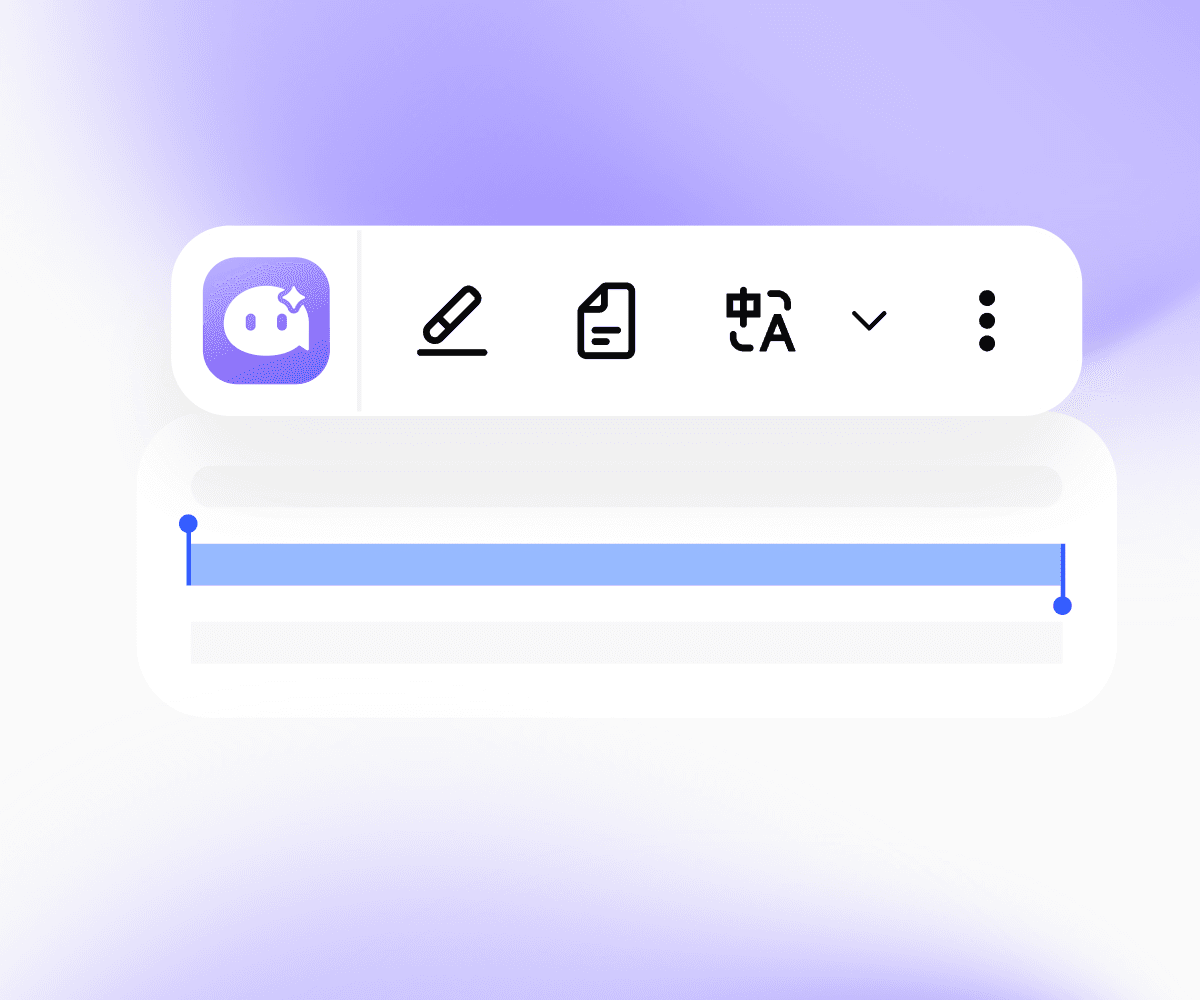
AI quick actions
Select any text and Aymo shows up right there. Summarize, translate, explain, simplify, fix grammar, or rewrite it as Professional, Friendly, Casual, Shorter, or Punchy. Pin the actions you use most.

Screen Capture and Analyze
Grab any part of the screen, like a chart, a dashboard, or an error message, and ask about it.
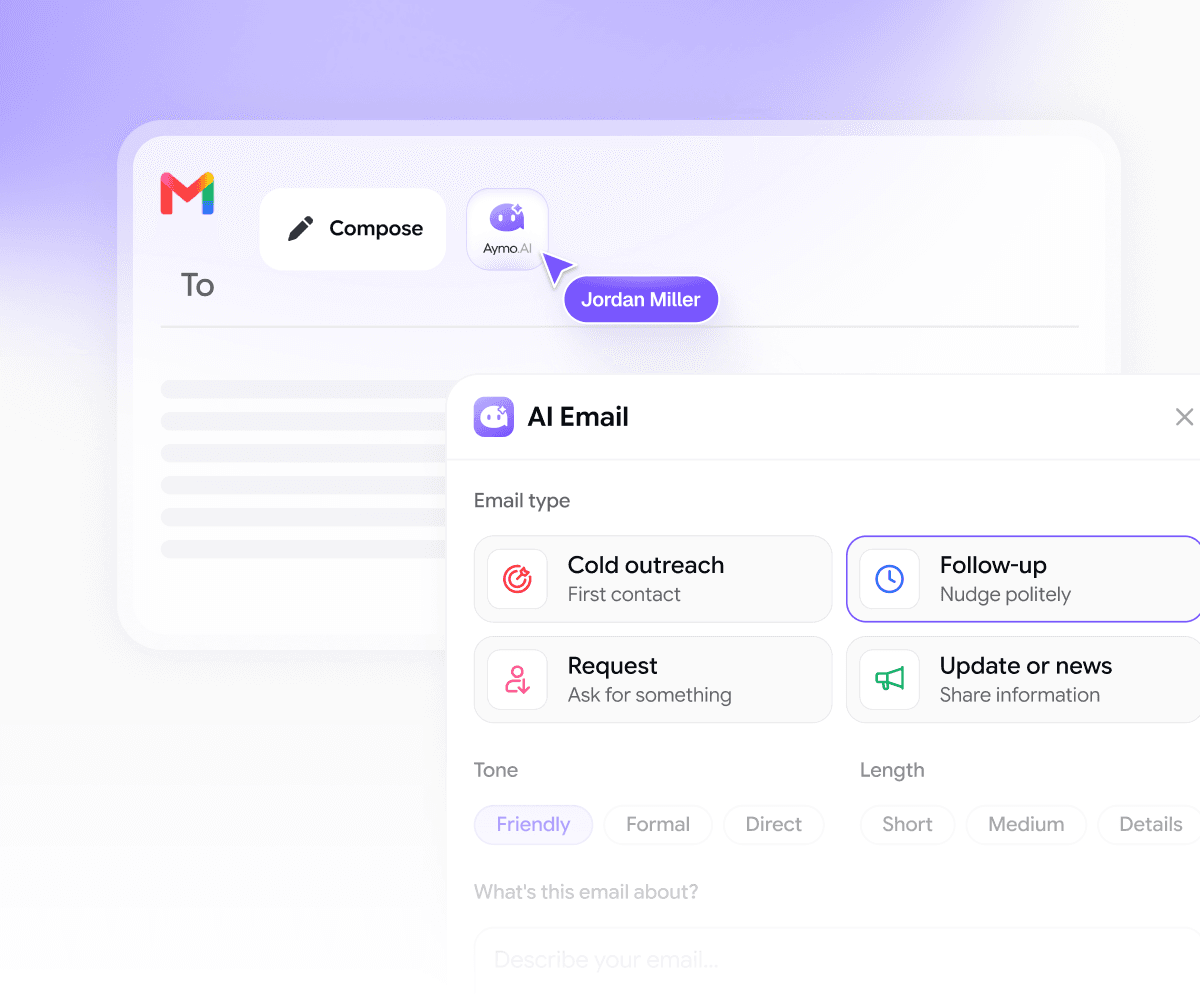
AI Email Assistant
Reply to boring emails without leaving your inbox. Pick a type (cold outreach, follow-up, request, or update), set the tone, and Aymo drafts it in seconds.

YouTube Summaries
Get the key points of any video in the sidebar, without watching the whole thing in full. YouTube summarizer is always available on the sidebar.

Social Media AI assistant
Post and reply with AI on LinkedIn and X without switching tabs. Choose what you're writing and Aymo drafts it in your tone in seconds, right on the page you're already on.
Your whole workspace, in the browser
Everything One Click Away
The extension connects to your Aymo account, so your models, prompts, and chats follow you to every tab.
50+ models, one subscription
GPT, Claude, Gemini, Grok, DeepSeek, Kimi, GLM and more. Pick the right model for each task in the sidebar, without paying for five tools.
Chats that sync
Start a chat on a webpage and pick it up later on aymo.ai. Everything you do in the extension is saved to your workspace.
Your prompt library
Save the prompts you use most and run them on any page in one click. No retyping, no digging through notes.
Projects and workspaces
Keep research, drafts, and chats organized by project. Share workspaces with your team so everyone works from the same context.
Web search and deep research
Ask about something that isn't on the page and get answers from the live web. Use deep research when you need a full breakdown.
Personalization
Tell Aymo about your role, tone, and preferences once. Every answer in the extension uses that context.
Bring your own keys
Connect your own API keys if you'd rather use your own providers.
Private by default
Aymo never trains on your chats or page content. Your data is encrypted and hosted in the US and EU.
Getting Started
Up and running in under 60 seconds.
Install it, pin it, and start using AI on any page you visit.
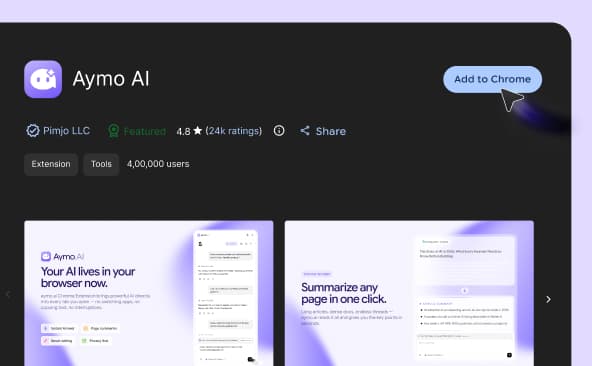
Open the Chrome Web Store and click "Add to Chrome."
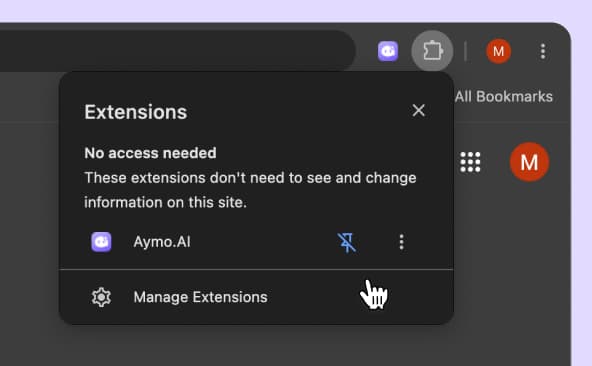
Click the 🧩 puzzle icon in your toolbar, find Aymo AI, and click the pin.
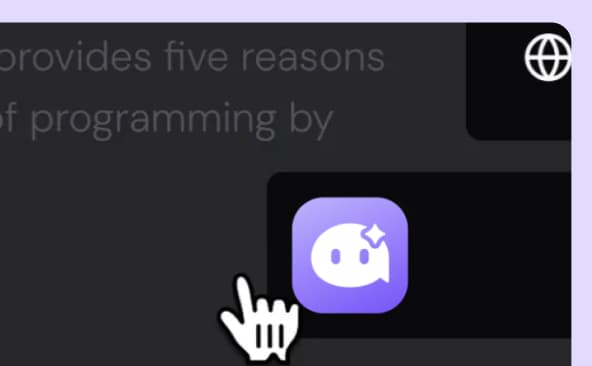
Click the Aymo icon or press Cmd/Ctrl + Shift + Y on any page to summarize, ask, or write.
FAQ
Häufig gestellte Fragen
Alles, was Sie über die Aymo-Erweiterung wissen müssen, von Modellen und Preisen bis hin zum Datenschutz.
Ja. Die Installation und Nutzung der Erweiterung ist kostenlos. Der kostenlose Plan bietet Ihnen die tägliche Nutzung mit ausgewählten Modellen. Bezahlte Pläne schalten alle über 50 Modelle und höhere Limits frei.
Nein. Installieren Sie es und beginnen Sie mit der Nutzung. Sie können später ein Konto verbinden, um Chats mit Ihrem Aymo-Workspace zu synchronisieren und weitere Modelle freizuschalten.
Dieselben Modelle wie auf der Aymo-Plattform: GPT, Claude, Gemini, Grok, DeepSeek, Kimi, GLM und mehr. Insgesamt über 50, und wir fügen neue hinzu, sobald sie auf den Markt kommen.
Ja. Senden Sie eine Eingabeaufforderung an zwei oder drei Modelle und sehen Sie sich die Antworten nebeneinander an.
Ja. In Google Mail können Sie Threads zusammenfassen und Antworten entwerfen. Auf YouTube können Sie jedes Video aus der Seitenleiste zusammenfassen.
Die Erweiterung liest eine Seite nur, wenn Sie sie dazu auffordern. Sie beobachtet Ihr Surfen nicht im Hintergrund. Wir verwenden Ihre Chats oder Seiteninhalte niemals zum Trainieren von Modellen, Ihre Daten sind verschlüsselt und unsere Infrastruktur läuft in den USA und der EU. Details finden Sie in unserer Datenschutzrichtlinie.
Nein. Die Erweiterung bleibt im Leerlauf, bis Sie sie öffnen, sodass sie das Laden der Seite oder den Speicher nicht beeinträchtigt.
Ja. Es funktioniert auf Chromium-Browsern wie Edge, Brave, Arc und Opera. Firefox- und Safari-Versionen stehen auf der Roadmap.
Wir bauen sie gerade. Verfolgen Sie unsere Roadmap für Updates. In der Zwischenzeit funktioniert aymo.ai in jedem mobilen Browser.
Eine ChatGPT-Erweiterung bietet Ihnen einen Anbieter. Aymo bietet Ihnen über 50 Modelle an einem Ort, sodass Sie für jede Aufgabe das richtige auswählen, Antworten vergleichen und jederzeit wechseln können, ohne ein weiteres Abonnement bezahlen zu müssen.
Bereit, es auszuprobieren?
Probieren Sie es auf der nächsten Seite aus, die Sie lesen.
Die Installation erfordert nur einen Klick. Beim nächsten langen Artikel, verwirrenden Dokument oder einer E-Mail, die Sie nicht schreiben möchten, ist Aymo bereits da.