Chrome extension now live
Get Aymo AI wherever you work.
Start with the free Chrome extension — summarize pages, ask questions about what you're reading, and rewrite text without leaving the tab. Mobile and desktop apps are on the way.
Free to install · No account needed · Works on every site · Your data stays private
Platform
Available now and coming soon
Chrome Extension
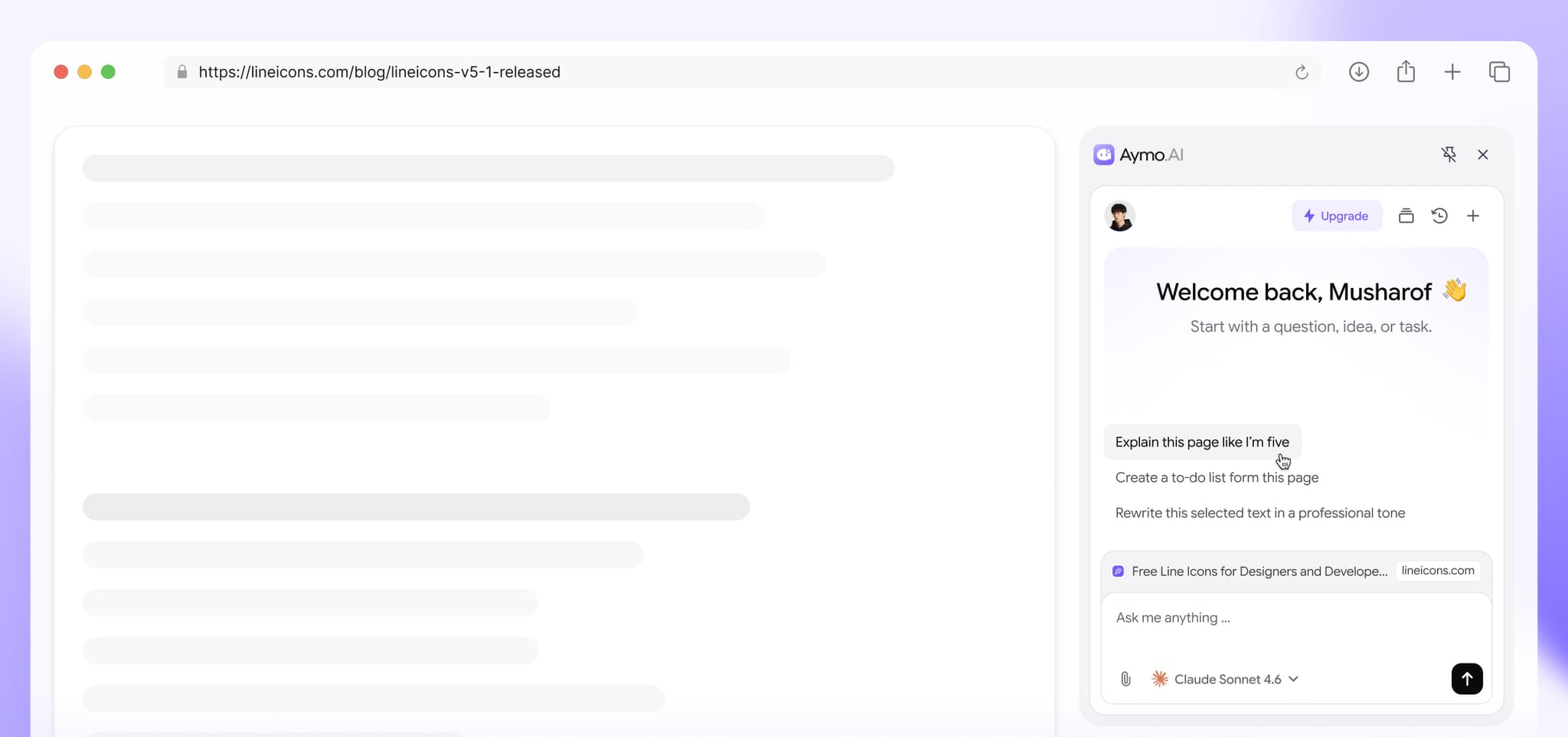
Aymo in your browser sidebar. Summarize any page, ask questions about what's on screen, and rewrite text in place. Works on articles, docs, PDFs, and web apps.
Also works on Edge, Brave, and Arc (any Chromium browser).
Web App (PWA)
Install Aymo directly from your browser on iOS, Android, or desktop. Fast, distraction-free, and always up to date.
Works on iPhone, iPad, Android, Mac, and Windows.
iOS & Android
Native mobile apps for iPhone, iPad, and Android devices. Chat with every model on the go.
Desktop
A native app for Mac and Windows, with a global shortcut to call Aymo from anywhere.
What the extension does?
One extension, most of your daily AI
Summarize anything.
Long article, dense doc, 40-minute read you don't have time for — get the short version without copy-pasting into a chat tab.
Ask about the page you're on.
Aymo reads what's on screen, so you can ask "what does this clause mean?" or "is this pricing better than X?" and get an answer with context.
Write and rewrite in place.
Fix tone, tighten a paragraph, or draft a reply right where you're typing. No switching tabs, no losing your place.
Pick your model.
The same models from your Aymo workspace, in your browser. Use a fast model for quick questions and a heavier one when the answer matters.
Getting Started
Up and running in under 60 seconds.
No account. No configuration. Just install and start using AI everywhere you browse.
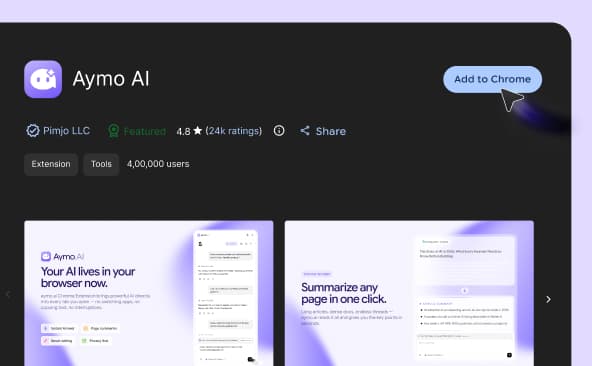
Open the Chrome Web Store and click "Add to Chrome" — it takes just one click.
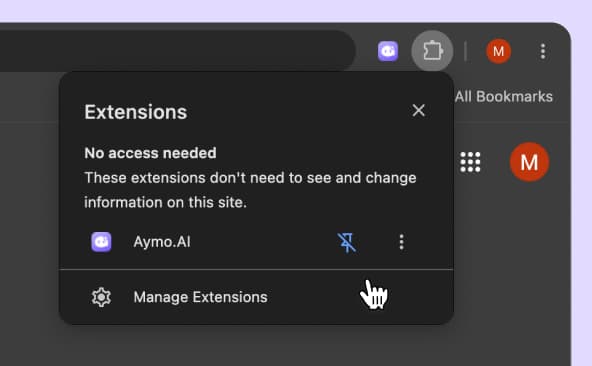
Click the 🧩 puzzle icon in your toolbar, find Aymo AI, and click "Pin" to keep it always visible.
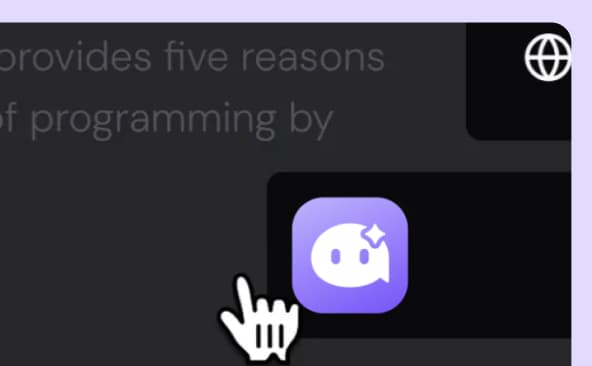
Click the Aymo icon — or press Cmd/Ctrl + Shift + Y — on any page to summarize, ask, or rewrite.
FAQ
Frequently Asked Questions
Everything you need to know about Aymo AI, from models and pricing to collaboration and security.
Yes. Installing and using the extension is free. A free Aymo account gives you daily usage with selected models; paid plans unlock all 65+ models and higher limits.
No. Install it and start using it — you can connect an account later to sync chats with your Aymo workspace and unlock more models.
The extension runs on the same models as the Aymo platform — GPT, Claude, Gemini, DeepSeek, Grok, and 65+ more.
The extension only reads a page when you ask it to — it doesn't monitor your browsing in the background. Your chats and page content are never used to train models. Details are in our privacy policy.
No. The extension stays idle until you open it, so it doesn't affect page load or memory while you browse.
Yes — it installs on any Chromium browser: Edge, Brave, Arc, and Opera. Firefox and Safari versions are on the roadmap.
We're building them now. Join the waitlist above and you'll get an email the day they ship. Meanwhile, aymo.ai works in any mobile browser.
One extension, every major model. Instead of being locked to one provider, you pick the model that fits the task — and switch anytime without new subscriptions or new tools.
Ready to Explore?
Try it on the next page you read.
Install takes one click. The next long article, confusing doc, or email you don't want to write — Aymo's already there.