Install Aymo
Install Aymo on Your Device
Install Aymo as an app on desktop, iPhone, or Android. No app store needed, and it opens in its own window.
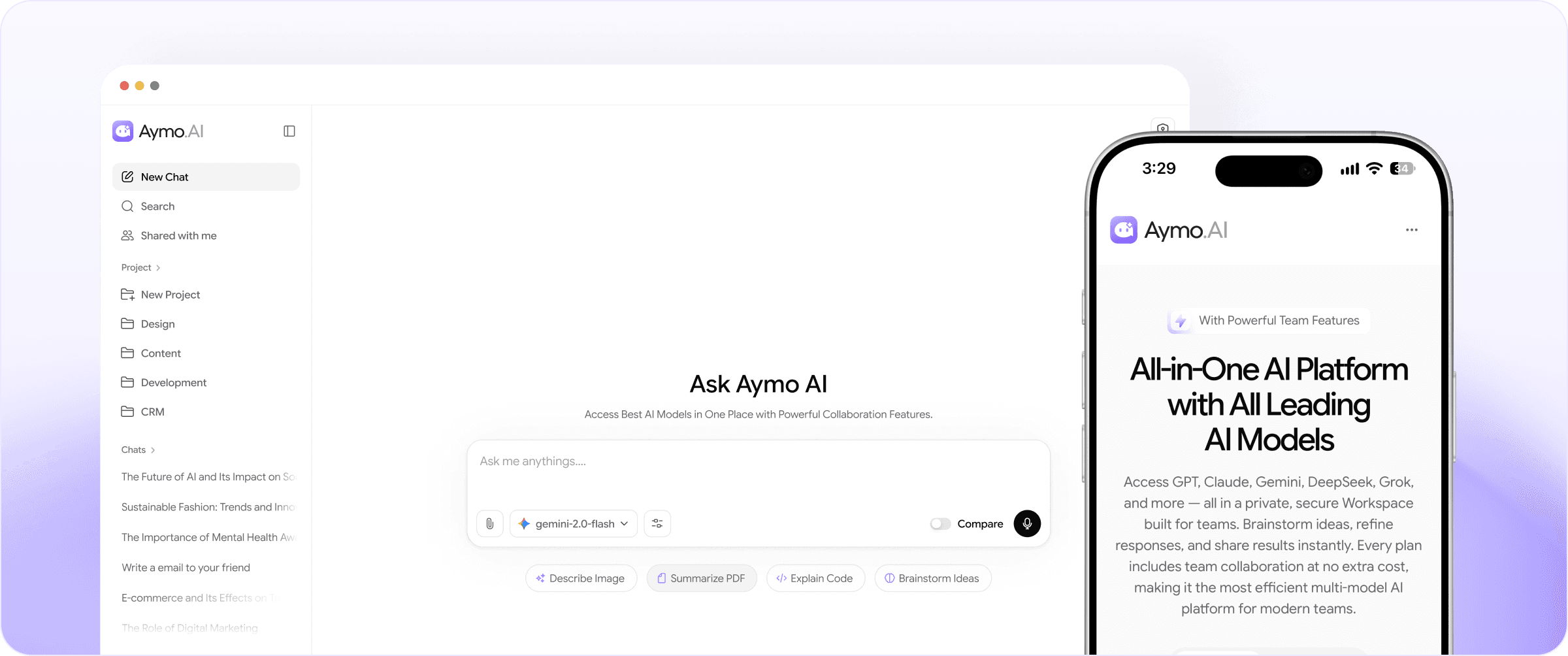
Install Aymo on Desktop
Choose your device and follow the three steps below.
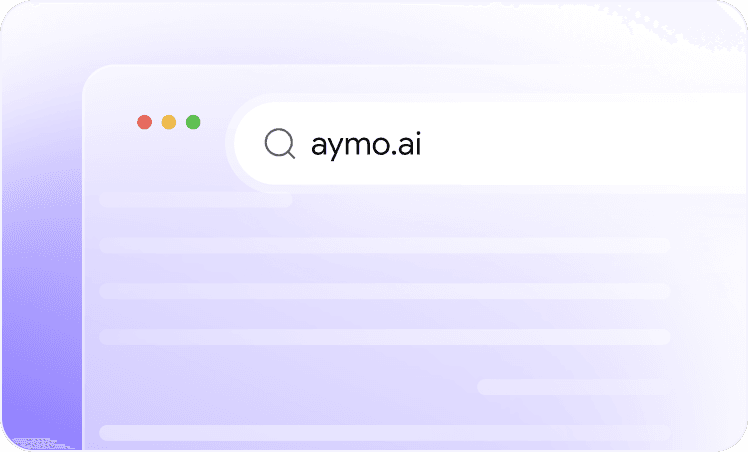
Open Aymo
Open aymo.ai in Chrome, Edge, Brave, or another Chromium browser.

Install
Click the install icon in the address bar, then click Install.

Launch
Launch Aymo from your dock, taskbar, or Start menu.
Safari on Mac: File → Add to Dock. Firefox can't install apps; use Chrome or Edge.
Why Aymo
Why Install Aymo?
Everything you need to keep Aymo one tap away.
Faster Access
Open Aymo from your home screen, dock, or taskbar.
App-like Experience
Use Aymo in its own window, away from browser tabs.
Always Up to Date
Updates arrive automatically. Nothing to download.
Works Everywhere
Your chats, projects, and tools sync across every device.
Built for fast-moving teams
Get Started on Your Device
Install once and keep your AI workspace one click away, without the tab clutter.