Midjourney Prompt Generator

From a rough idea to a prompt Midjourney can work with.
Describe the image you have in mind, then pick a style, lighting, mood and aspect ratio. Aymo AI writes detailed Midjourney prompts with subject, setting, composition and parameters like --ar and --stylize already added. List anything to leave out and it goes into the --no parameter.
What Is a Midjourney Prompt Generator?
Midjourney only knows what you write. A short prompt like "a cat in a city" leaves style, lighting, and colors to chance. Good prompts are specific and visual, and end with parameters that control the image. On Aymo you describe the idea, then choose a style (photorealistic, cinematic, anime, watercolor, and more), lighting, mood, and aspect ratio. You get three or five prompts with --ar, --stylize, and --no for anything you want left out. Copy a prompt into Midjourney, or use it as an image prompt generator for the image models built into Aymo.
Why Choose Us
Why Use Aymo AI for Midjourney Prompts?
Multiple AI Models
Write prompts with GPT, Claude, Gemini, DeepSeek and other models in one workspace. Each describes a scene differently, so you get more angles on the same idea.
Parameters Included
Every prompt ends with --ar for the aspect ratio and a --stylize value that suits the style, plus --no for anything you want left out.
Eight Visual Styles
Photorealistic, cinematic, anime, illustration, oil painting, 3D render, watercolor and minimalist, each with the visual vocabulary that style needs.
A Clear Prompt Order
Subject, action, setting, composition, lighting, colors, style and mood, in the order Midjourney reads them best.
One-Click Copy
Each prompt sits in its own code block, ready to paste into Midjourney.
How it works
How to Write Midjourney Prompts With AI
Describe Your Idea
Write what you want to see in a sentence, in any language.
Set Style and Ratio
Pick the style, lighting, mood and aspect ratio, add exclusions, and click "Generate Prompts".
Paste Into Midjourney
Copy a prompt into Midjourney, compare the results, and refine the prompt in the same chat.
Who is it for?
For Anyone Making Images With AI
Designers
Explore moodboards and concepts before you open your design tool.
Content Creators
Make thumbnails, backgrounds and post visuals in a consistent look.
Marketers
Create campaign imagery in the right format for each channel.
Writers and Game Designers
Visualize characters, creatures and worlds from your notes.
Midjourney Beginners
Learn how good prompts are built by seeing one made from your idea.
Store Owners
Plan lifestyle and product scene images for your shop.
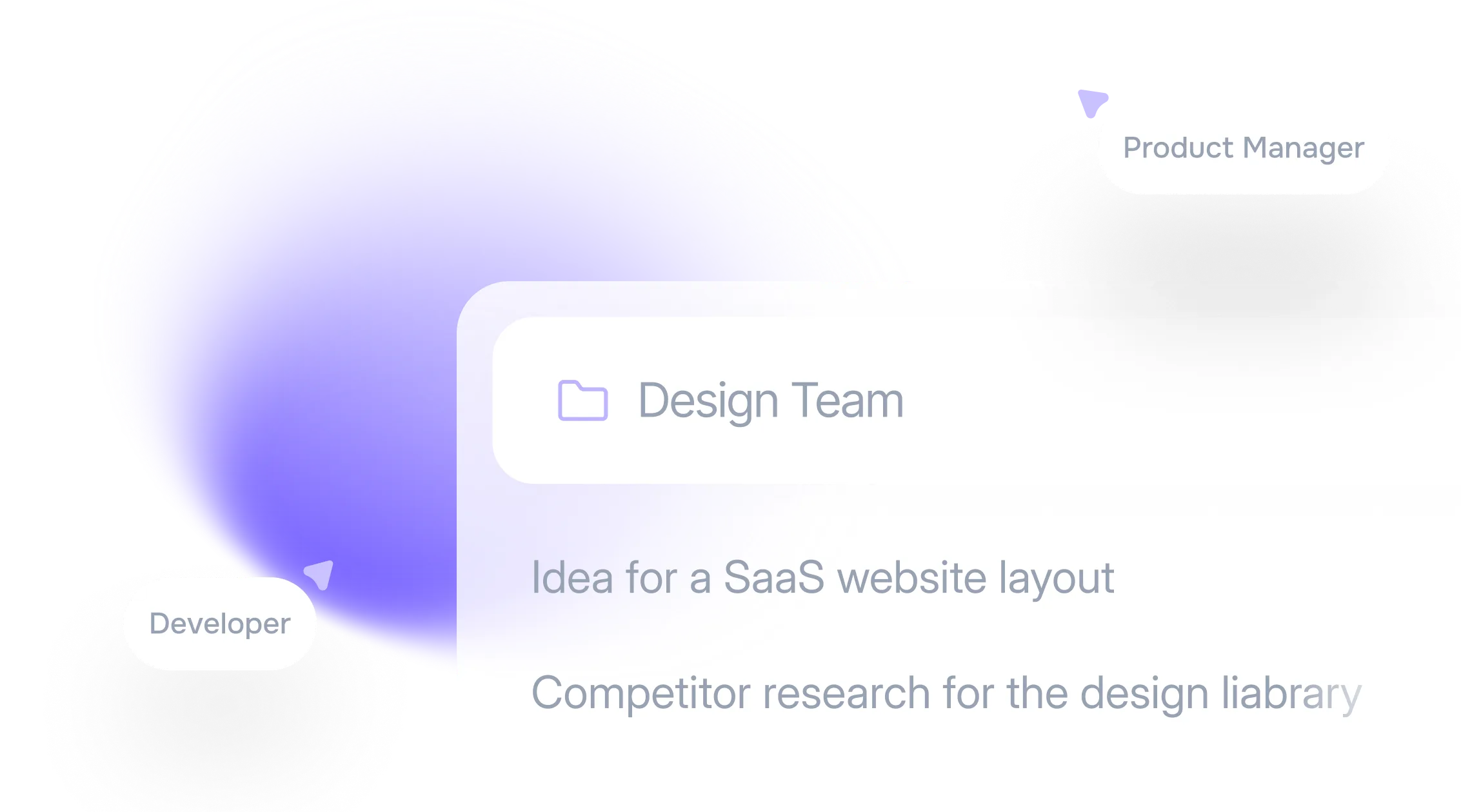
Team Collaboration
A Shared Prompt Board for Your Visual Style
Save the Midjourney prompts that match your brand look in a shared project in your Aymo workspace. Your team can reuse them as a base and keep every image in the same style.
FAQ
Frequently Asked Questions
Answers about cost, parameters, Midjourney access, languages and privacy for the Midjourney Prompt Generator.
Yes. You can generate prompts on the free plan. Free has usage limits, and paid plans raise them. Creating images in Midjourney itself needs a Midjourney subscription.
No. It writes the prompts. Paste them into Midjourney, or use the image models built into Aymo to create images without leaving the workspace.
--ar sets the aspect ratio, such as 16:9. --stylize controls how strongly Midjourney applies its own artistic style. --no tells Midjourney what to leave out of the image.
The descriptive part works with most image models. The parameters at the end are specific to Midjourney, so remove them for other tools.
Yes. Describe the idea in any language. The prompts are written in English, which Midjourney follows most reliably.
The Midjourney Prompt Generator writes image prompts with Midjourney's structure and parameters. The AI Prompt Generator writes text prompts for chat models like GPT, Claude and Gemini.
Yes. Your ideas and prompts stay in your account and are not used to train AI models. You decide who sees anything you share.
Ready to Explore?
Work Smarter With Multi-Model AI
Write image prompts and create visuals with GPT, Claude, Gemini, GLM, DeepSeek and LLaMA in one secure workspace.